About ShopifyConnect
Shopify Connect - Build a Shopify storefront in Framer
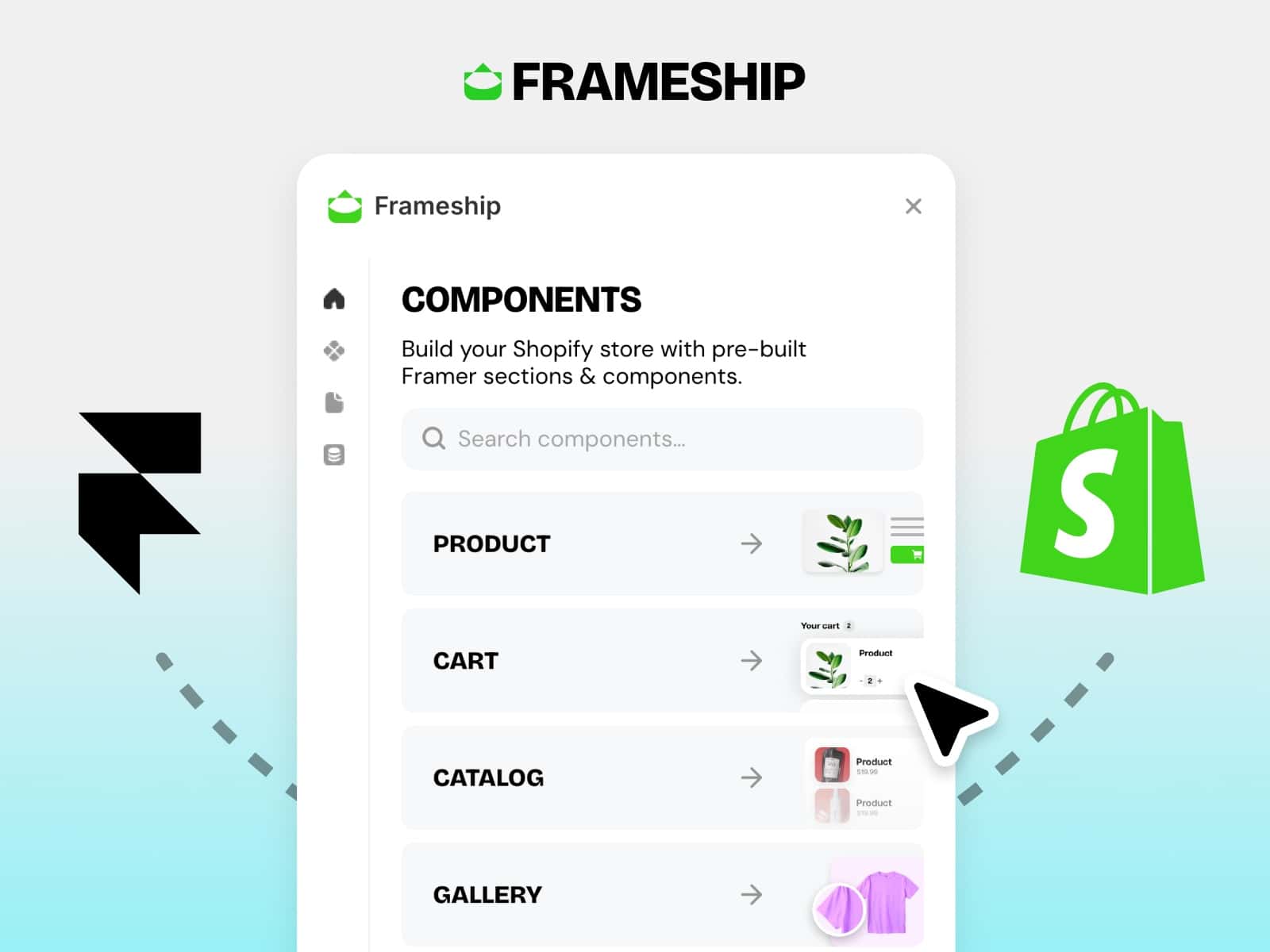
Shopify Connect brings your Shopify store into Framer and lets you build a complete, fully custom storefront without leaving the design tool. Sync your catalog into the Framer CMS in one click, or pull products live via API, then assemble product pages, listings, cart, and checkout with ready-made, drag-and-drop components. No themes, no code. Built on Framer Plugins 3.0 and free to use.
How it works
Connect your store with your shop domain and a Storefront API access token.
Sync products into a Framer CMS collection, or fetch live by handle in API mode.
Drag components onto the canvas. They auto wire to your store and render real data.
Shoppers add to cart and check out through Shopify's secure hosted checkout.
Storefront Components
Product Page, Product Listing (search, sort, pagination), Variant Selector (pills, swatches, image switch), Add to Cart, Buy It Now, Quantity, Cart Drawer, Cart Page, Cart Icon, Mobile Sticky Cart, Price, Price Discount, SKU, Inventory Label and Counter, Tabs, Related Products, Share, and more. Changing a variant updates price, SKU, stock, and image everywhere on the page.
Two data modes
CMS mode syncs products into Framer CMS with no API calls required. API mode fetches live data on demand. Switch anytime.
Designed for designers
Toggleable animations (scroll reveal, tab cross fade, hover zoom), deep styling controls, sale badges, light and dark mode, and full responsiveness across desktop, tablet, and phone.
Secure by design
Your Storefront token is never embedded in your published site. It is stored locally and used server-side through a secure proxy, with PCI handled by Shopify checkout.
Setup requires a Shopify Storefront API access token (public token). In Shopify admin: Sales channels, Headless, Manage API access, Storefront API, Public access token.