About StripeKit
StripeKit - Stripe Checkout Plugin for Framer
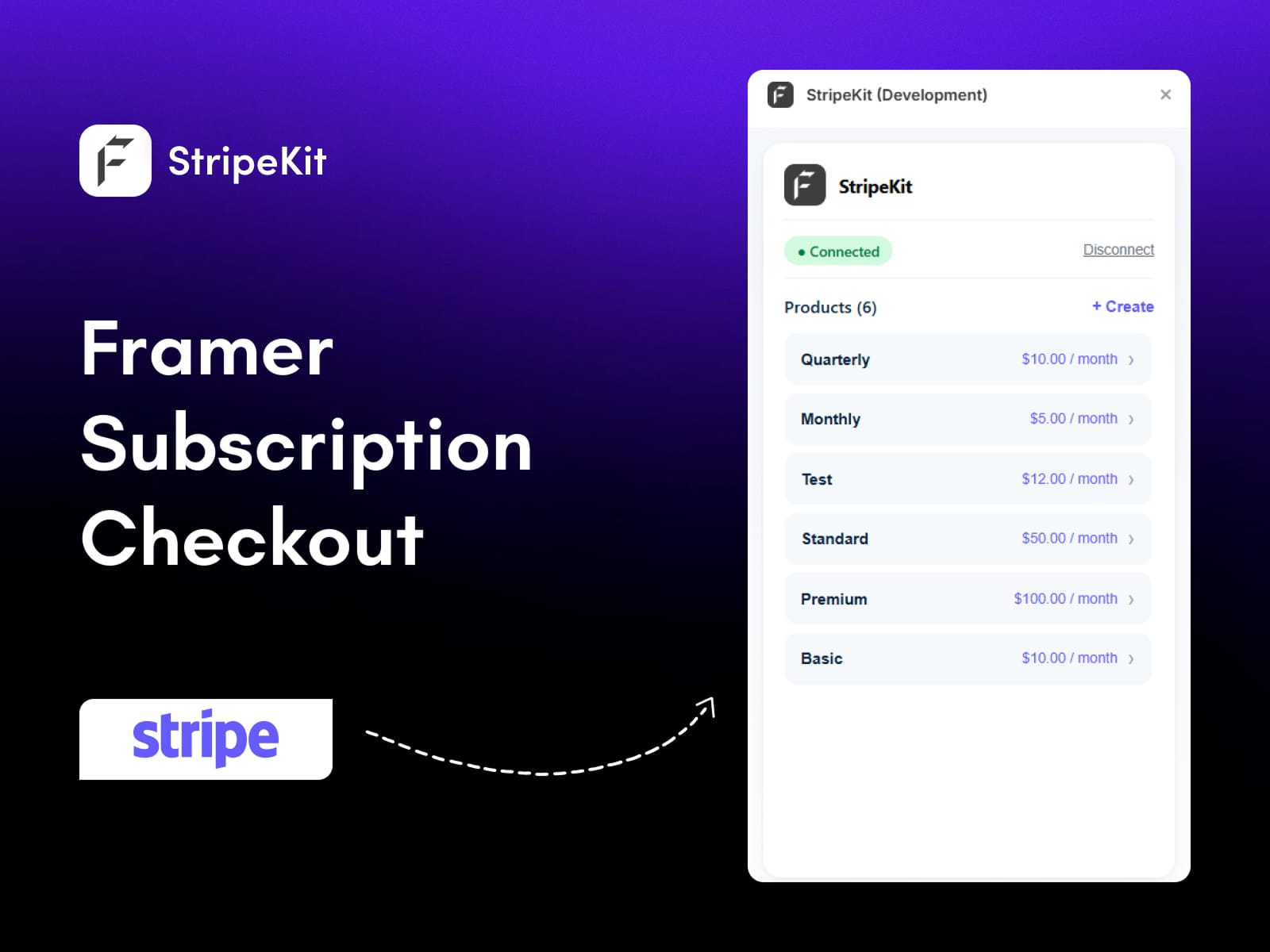
StripeKit is a free Framer Stripe integration that connects your Stripe account and turns your real Stripe products into drag-and-drop checkout components on the Framer canvas. Connect once and your product catalog loads inside Framer with prices and billing intervals already mapped, so you can add Stripe checkout to a Framer site with no code, no backend, and no OAuth.
Framer is a fast-growing no-code website builder, but it has no native Stripe integration and no built-in ecommerce. StripeKit is the Framer ecommerce plugin that closes that gap and takes you from products in Stripe to a Framer site that accepts payments.
How to add Stripe checkout to Framer
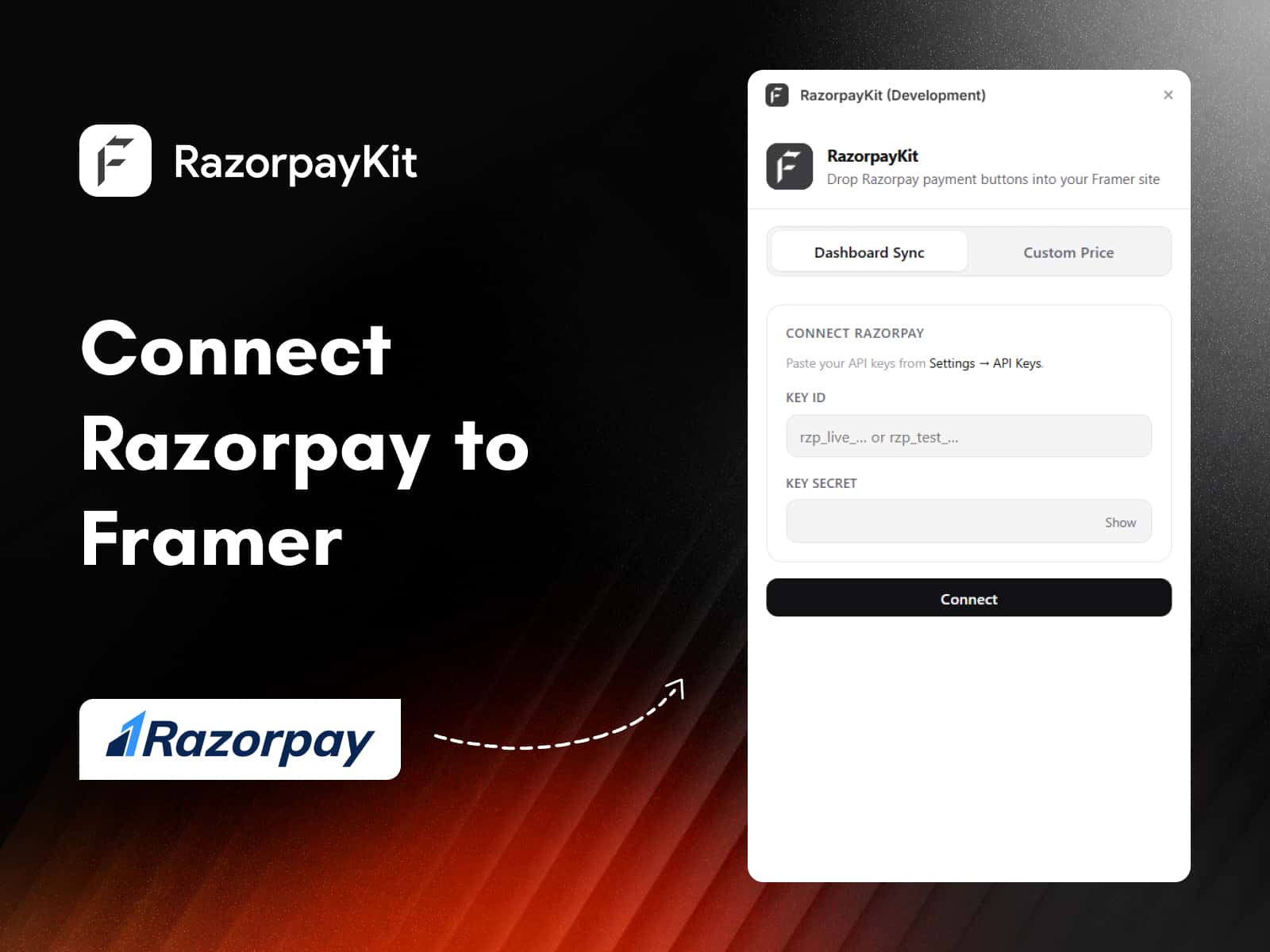
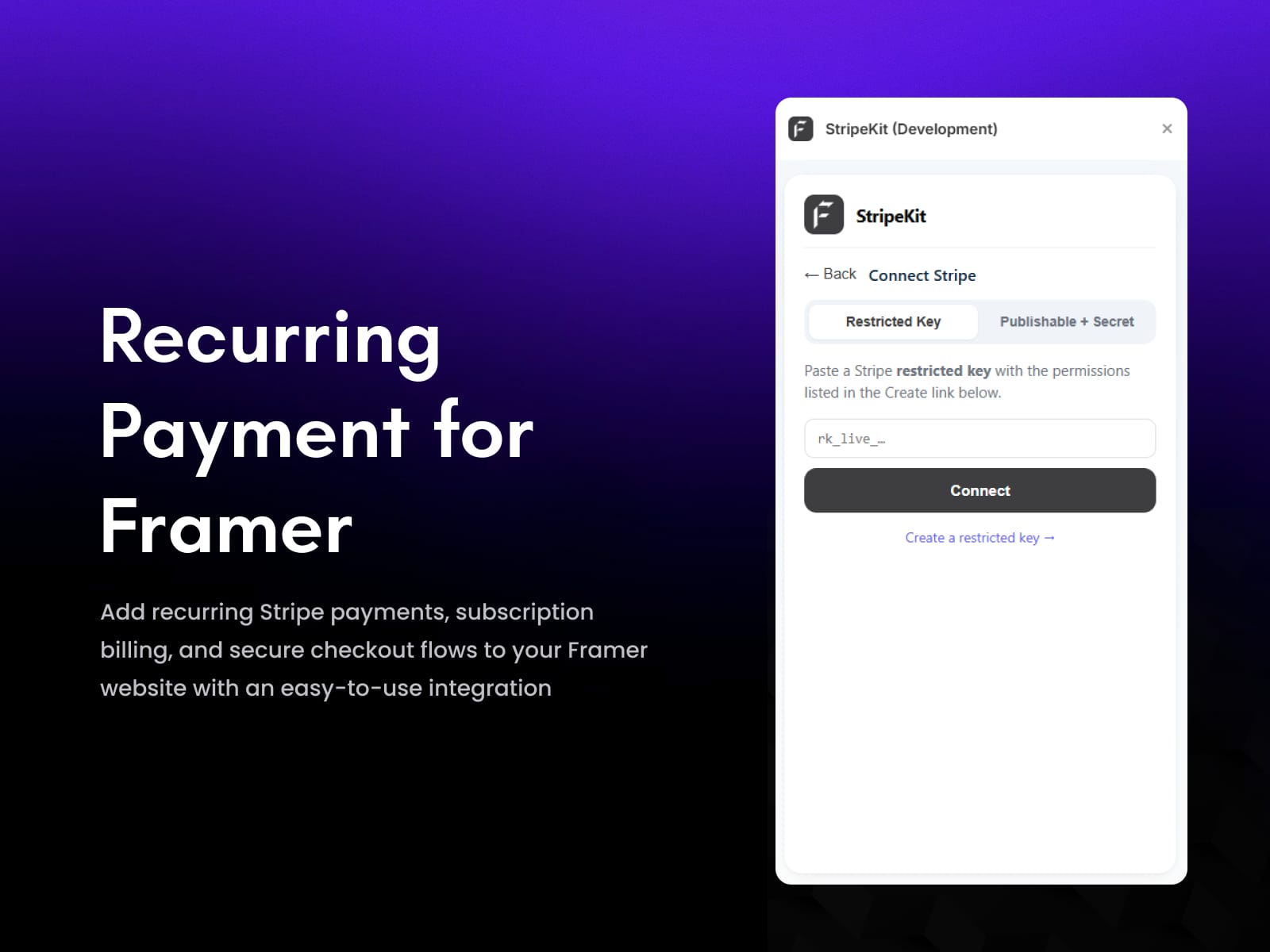
Connect Stripe with a restricted API key (rk_…) or publishable + secret keys. The plugin validates live so you can confirm the connection instantly.
Sync and drag. Your Stripe products load automatically. Drag any product onto the canvas as an editable Buy Now button with the Stripe checkout link wired in.
Style and publish. Match your brand with property controls, then ship. Checkout works the moment your site goes live.
Key features
Stripe connection with live API key validation, no OAuth or server setup
Instant product sync: names, prices, and subscription billing intervals
Drag-and-drop Buy Now buttons with the Stripe payment URL attached
Auto-generated Stripe Payment Links, cached for faster workflows
Create new Stripe products directly inside Framer
Fully editable native Framer components: labels, colours, radius, spacing
Why use StripeKit
Build payment-ready Framer websites in minutes and sell digital products, subscriptions, and one-time purchases without code. Ideal for creators, SaaS founders, and Framer agencies. Free plugin; standard Stripe fees apply.
Support
Let's create something amazing together. Get in touch with us:
Mail: connect@fecommerce.co