Search
Framer AI designs and builds your site with you

Canvas
Site
·
main
12



Invite
Publish
Pages
Layers
Assets
Search…
Pages
Home
/research
Research Pages
/commitments
/learn
/support
/news
/legal
/privacy
/terms
/try-bloom
News Pages
100%
Desktop
1200



Agent
Style
Vertical Hero Layout
Change the hero to a vertical stack layout, then replace the hero image with the image attached.

GPT 6 Sol
Create with AI. Stay in control from canvas to publish.
Desktop
1200


How Framer’s AI website builder works
Describe the website, page, or update you need. Framer’s AI agent creates editable pages, sections, copy, and visuals directly in your project. Keep refining in the conversation, or take over on the canvas at any point.
Desktop
1200
How Framer’s AI website builder works
Describe the website, page, or update you need. Framer’s AI agent creates editable pages, sections, copy, and visuals directly in your project. Keep refining in the conversation, or take over on the canvas at any point.
Desktop
1200

How Framer’s AI website builder works
Describe the website, page, or update you need. Framer’s AI agent creates editable pages, sections, copy, and visuals directly in your project. Keep refining in the conversation, or take over on the canvas at any point.
Featured models

Petal 3.1
Builds and ships

Ember 4.7
Fast and efficient

Horizon 2.1
For complex work
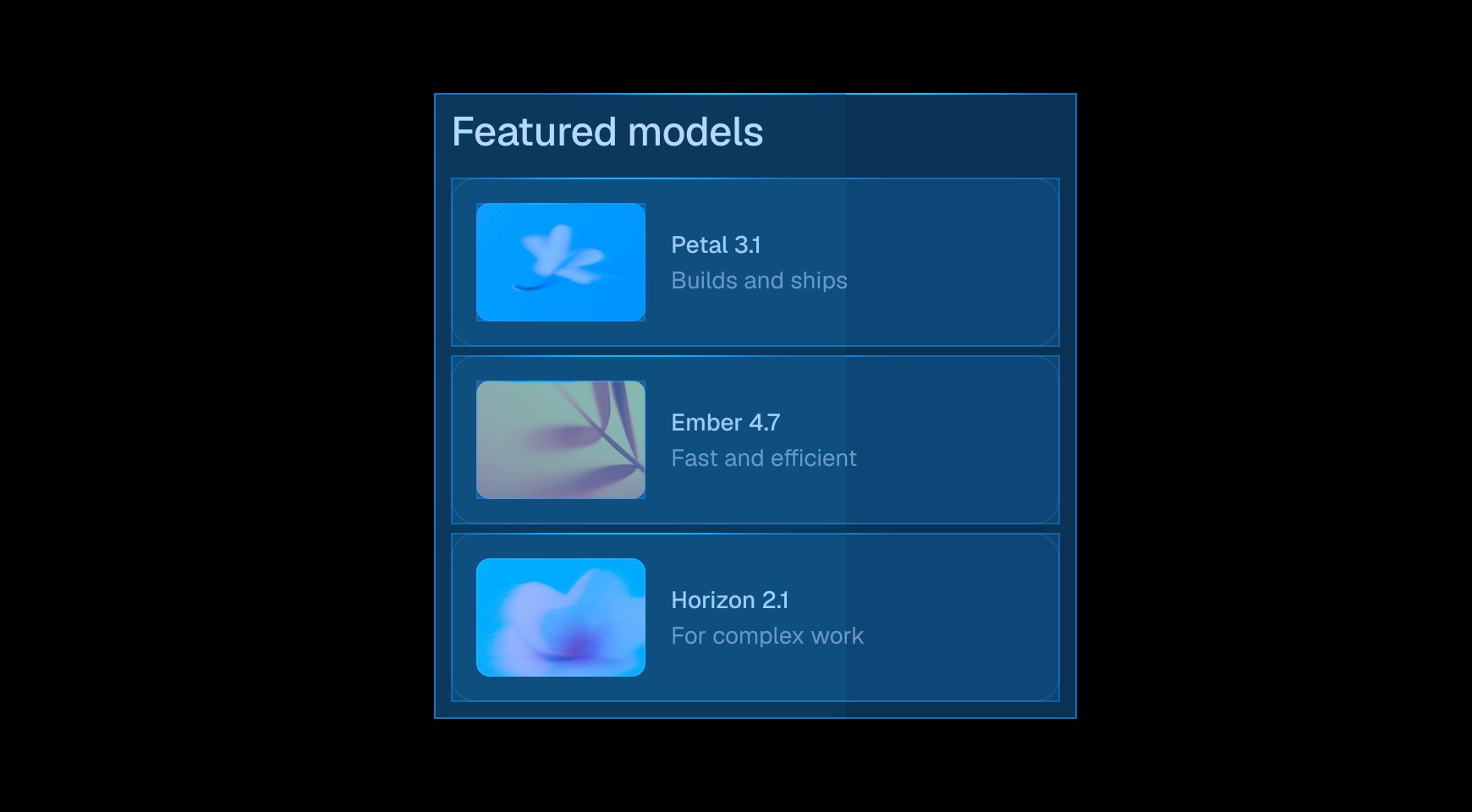
Design responsive websites with AI and full control
Start from a prompt and use the Framer canvas to refine layouts, typography, components, breakpoints, spacing, color, and effects. AI helps you move faster while you make the final design decisions.
Featured models
Petal 3.1
Builds and ships
Ember 4.7
Fast and efficient
Horizon 2.1
For complex work
Design responsive websites with AI and full control
Start from a prompt and use the Framer canvas to refine layouts, typography, components, breakpoints, spacing, color, and effects. AI helps you move faster while you make the final design decisions.
CMS
Site
·
main

Invite
Publish
Collections
Fields
Plugins
Careers
Documentation
Articles
0
0
Learn
Models
News
Research
Add...
Title
Image
Category
Introduction
Quickstart guide

Guide
In this
Choosing a model

Tutorial
Motion
Data and privacy

Systems
In this
Cost optimization

Tips
We
Connect your data

Tutorial
Testing
Tokens explained

Guide
In this












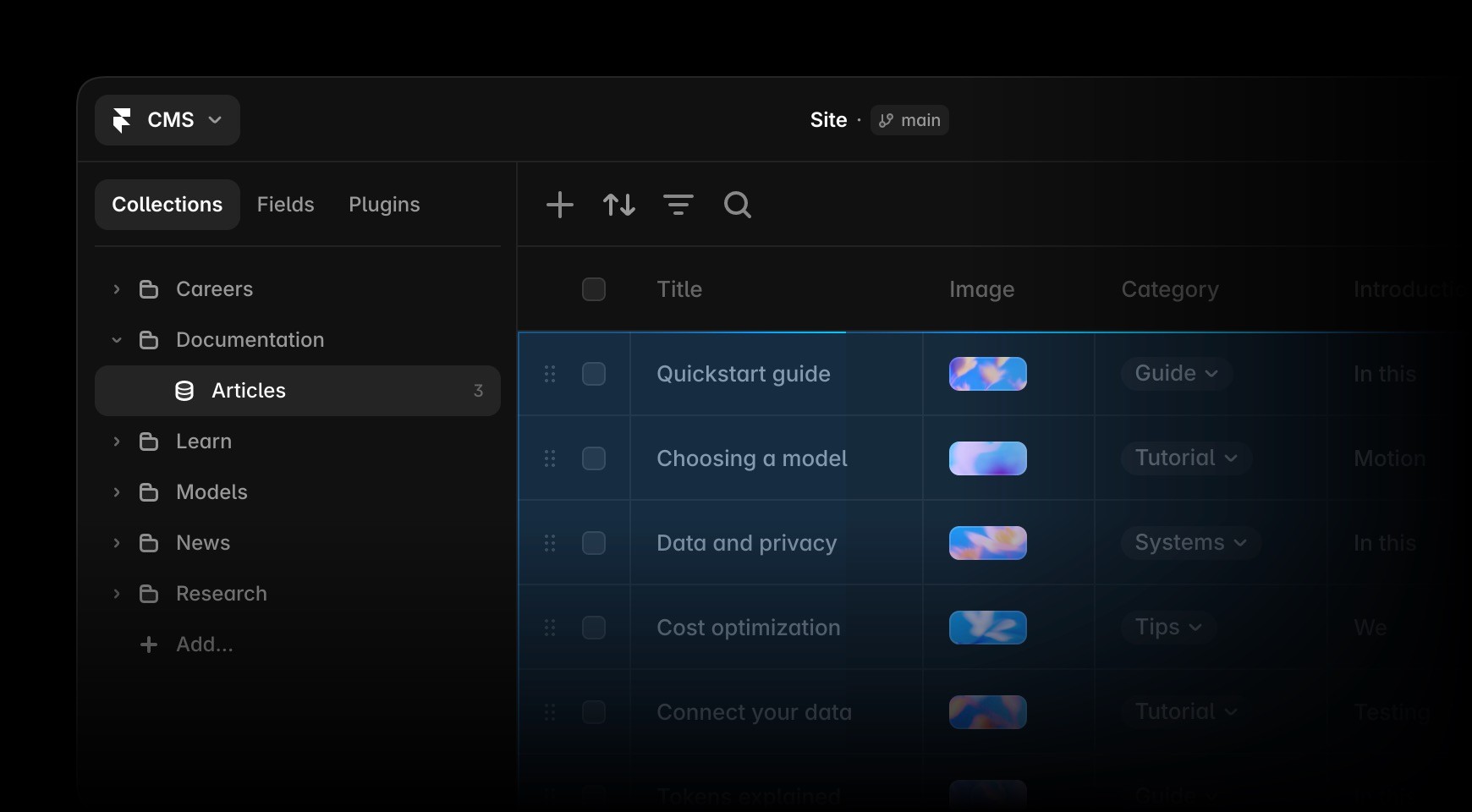
Manage website content with AI agents
Create collections, populate CMS content, and keep your site organized. Framer’s AI agent works directly with your CMS and canvas, so content, design, and publishing workflows stay connected.
CMS
Site
·
main
Invite
Publish
Collections
Fields
Plugins
Careers
Documentation
Articles
0
0
Learn
Models
News
Research
Add...
Title
Image
Category
Introduction
Quickstart guide
Guide
In this
Choosing a model
Tutorial
Motion
Data and privacy
Systems
In this
Cost optimization
Tips
We
Connect your data
Tutorial
Testing
Tokens explained
Guide
In this
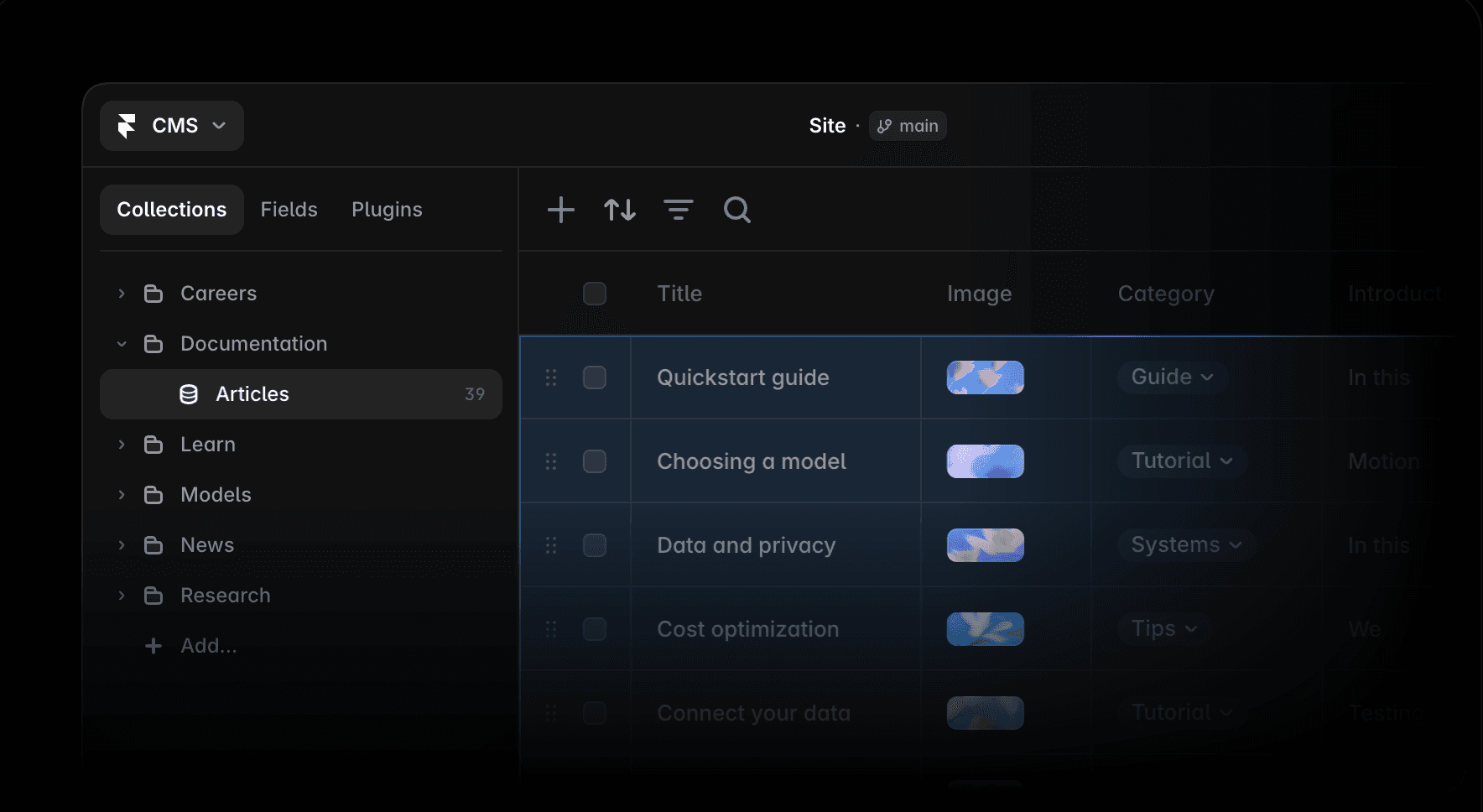
Manage website content with AI agents
Create collections, populate CMS content, and keep your site organized. Framer’s AI agent works directly with your CMS and canvas, so content, design, and publishing workflows stay connected.
ImageSlider



Build custom code with an AI agent
Describe the interaction or live feature you need, and the AI agent can build a code component for your site. Review the result, refine it in Framer, and keep it connected to your design system.
ImageSlider
Build custom code with an AI agent
Describe the interaction or live feature you need, and the AI agent can build a code component for your site. Review the result, refine it in Framer, and keep it connected to your design system.
Desktop
1200
News
/
Announcement
Introducing Bloom Horizon 2.1
Bloom Horizon 2.1 is here. Our latest forcasting model helps teams antitcipate risks across public health, education, and support, so decisions come earlier and with more confidance.
Olivia Lindqvist
•
Research Lead
Bloom®
Research
Commitments
Learn
News
Try Bloom ↗

Review and improve your website with AI
Ask the AI agent to review your site before publishing. It can identify contrast issues, typos, missing alt text, SEO gaps, and inconsistent styles, then help you fix them in the same project.
Desktop
1200
News
/
Announcement
Introducing Bloom Horizon 2.1
Bloom Horizon 2.1 is here. Our latest forcasting model helps teams antitcipate risks across public health, education, and support, so decisions come earlier and with more confidance.
Olivia Lindqvist
•
Research Lead
Bloom®
Research
Commitments
Learn
News
Try Bloom ↗

Review and improve your website with AI
Ask the AI agent to review your site before publishing. It can identify contrast issues, typos, missing alt text, SEO gaps, and inconsistent styles, then help you fix them in the same project.
Desktop
1200
Bloom®
Research
Commitments
Learn
News
Try Bloom ↗
Simple pricing based on your needs
Monthly
Yearly
Starter
$29/month
For solo builders getting started
Professional
$49/month
For growing teams that ship fast
Enterprise
$119/month
For organizations running analysis at scale

Use AI analytics to improve your website
Ask the AI agent to analyze traffic and turn it into practical next steps. Review top pages, drop-offs, search intent, and conversion gaps, then refine the site directly in Framer.
Desktop
1200
Bloom®
Research
Commitments
Learn
News
Try Bloom ↗
Simple pricing based on your needs
Monthly
Yearly
Starter
$29/month
For solo builders getting started
Professional
$49/month
For growing teams that ship fast
Enterprise
$119/month
For organizations running analysis at scale
Use AI analytics to improve your website
Ask the AI agent to analyze traffic and turn it into practical next steps. Review top pages, drop-offs, search intent, and conversion gaps, then refine the site directly in Framer.
Desktop
1200
Bloom®
Research
Commitments
Learn
News
Try Bloom ↗
Simple pricing based on your needs
Monthly
Yearly
Starter
$29/month
For solo builders getting started
Professional
$49/month
For growing teams that ship fast
Enterprise
$119/month
For organizations running analysis at scale

Use AI analytics to improve your website
Ask the AI agent to analyze traffic and turn it into practical next steps. Review top pages, drop-offs, search intent, and conversion gaps, then refine the site directly in Framer.
GPT 6.1 Sol
Generate a homepage
for Bloom, an AI research organization for human wellbeing. Make it minimalistic and dark, with releases, research themes, public trust, and CTAs.
Thinking...
Thinking...
Created a design plan
2s
Dark minimal opening with Bloom identity, research statement, CTAs, and trust signals.
Releases section with publication style cards.
Research themes and public trust sections.
Closing CTA and homepage metadata.
Created the Bloom homepage on Home.
Would you like me to add tablet and phone breakpoints next?
Connect Claude Code, Cursor, Codex Code and more to Framer
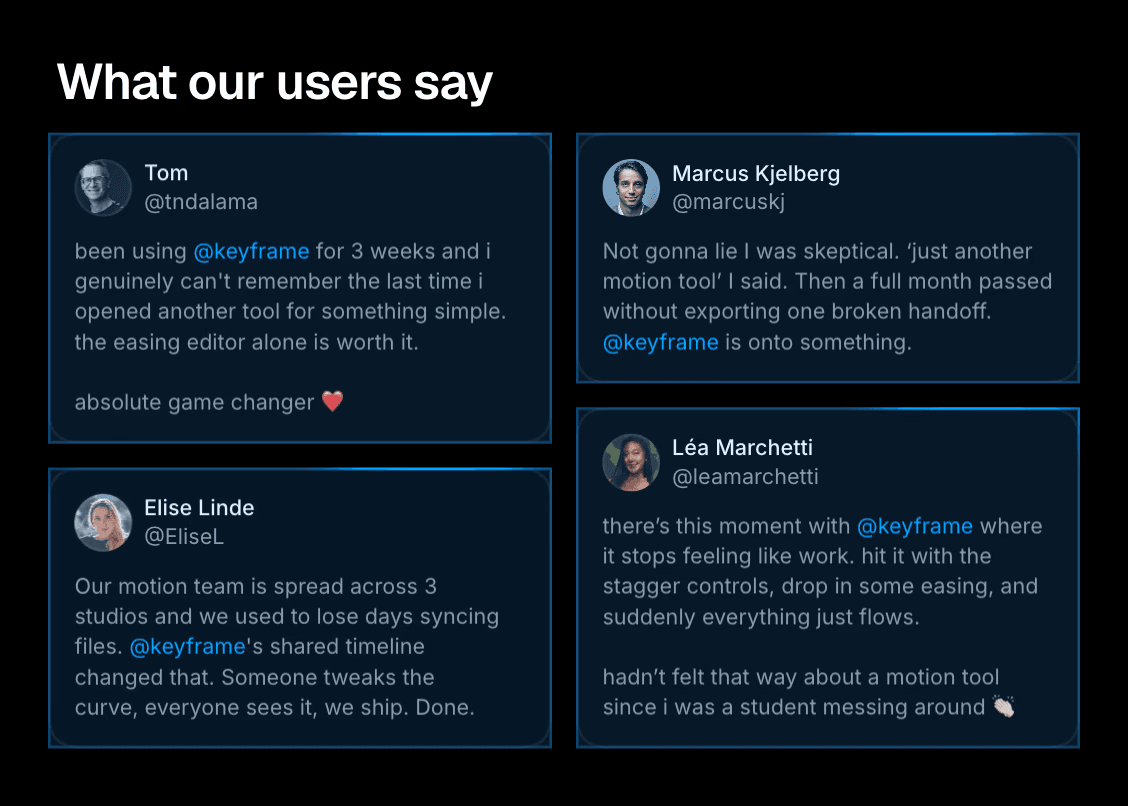
Pull in live data
Run scripts and workers that refresh site content from live APIs.
What our users say
Name Sample
@NameSample
Our team went from spending half our Monday on manual updates to having everything ready before we even sit down. That kind of time back is priceless when you’re a small team wearing a lot of hats.

Name Sample
@NameSample
Our team went from spending half our Monday on manual updates to having everything ready before we even sit down. That kind of time back is priceless when you’re a small team wearing a lot of hats.
Name Sample
@NameSample
Our team went from spending half our Monday on manual updates to having everything ready before we even sit down. That kind of time back is priceless when you’re a small team wearing a lot of hats.
Name Sample
@NameSample
Our team went from spending half our Monday on manual updates to having everything ready before we even sit down. That kind of time back is priceless when you’re a small team wearing a lot of hats.
Initializing Agent environment...
└ Node.js detected · twitter-api-v2 loaded.
Skill(check-auth-status)
└ Authenticated with X API.
Bash(GET /2/tweets/search/recent --query "@keyframe -is:retweet" --max 100)
└ 187 returned · 27 passed like_count ≥ 100.
Bash(GET /2/users/:id × 6)
└ name, handle, avatar resolved.
27 posts live · refreshes every 5 min.
Pull in live data
Run scripts and workers that refresh site content from live APIs.
Migrate and import
Import from sources like Notion, WordPress, or other APIs into your CMS.
Import local files
Pull local files from your machine to fill in CMS content.
What our users say
Name Sample
@NameSample
Our team went from spending half our Monday on manual updates to having everything ready before we even sit down. That kind of time back is priceless when you’re a small team wearing a lot of hats.
Name Sample
@NameSample
Our team went from spending half our Monday on manual updates to having everything ready before we even sit down. That kind of time back is priceless when you’re a small team wearing a lot of hats.
Initializing Agent environment...
└ Node.js detected.
└ twitter-api-v2 loaded.
Skill(check-auth-status)
└ Authenticated with X API.
└ Authenticated with Framer API.
Bash(GET /2/tweets/search/recent --query "@keyframe -is:retweet" --max 100)
└ 187 returned · 27 passed like_count ≥ 100.
Bash(GET /2/users/:id × 6)
└ name, handle, avatar resolved.
27 posts live · refreshes every 5 min.
Pull in live data
Run scripts and workers that refresh site content from live APIs.
Migrate and import
Import from sources like Notion, WordPress, or other APIs into your CMS.
Import local files
Pull local files from your machine to fill in CMS content.
Explore more ways to boost your productivity with AI agents in Framer
All the control you need, right where you work
design-system
Use components, styles, spacing, and layouts to create new pages.
cms-content
When writing content, consider the following…
remove-ai-writing
Deletes commonly used AI filler writing, vague claims, repetition,
seo-check
Review and improve page SEO, such as metadata, social previews, image alt text, and other essential SEO settings.

Skills. Turn the way you work into reusable instructions for agents.
Agents
Agents
Sonnet 4.6
Agents
GPT 6.1 Sol

Contexts. Select layers on the canvas and add them as context to your chat.

Chats. Start a new one for each task to keep the agent focused.

Models. Choose GPT, Sonnet, Opus, or Fable depending on the task.
Skills
/cms
Write content
/component
With variants
/code
Custom component
GPT 6.1 Sol

Mentions. Type @ to reference pages, CMS collections, styles, or assets.
DESIGN.md
Update the padding,
buttons, and icons on my site to match this file.
GPT 6.1 Sol

blog.csv

DESIGN.md

shader.mp4

data.json

component.tsx

screenshot.png
blog.csv
DESIGN.md

shader.mp4
data.json
component.tsx
screenshot.png
blog.csv

References. Upload images, files, or URLs to guide AI toward the exact result you want.

Branches. Iterate safely by moving AI agent edits to a branch.
Create, manage, and publish your website in Framer
Frequently asked questions
What is Framer AI?
Framer AI is the set of AI agents built into Framer. Start with a prompt or an existing site, then ask an agent to create pages, refine layouts, update CMS content, or review SEO. Everything stays editable on the canvas, so you can adjust the design and publish with Framer’s hosting.
How do Framer Agents work?
Framer Agents work inside the editor on your actual project. Ask an agent to design a page, revise copy, update CMS items, or fix SEO issues, and it makes the changes directly. You review and refine them on the canvas before anything goes live.
What can I build with Framer AI?
You can build full websites, landing pages, portfolios, and multi-page sites with CMS content. Framer AI handles the first draft and the busywork. You keep full control over layout, typography, components, and responsive breakpoints.
You can build full websites, landing pages, portfolios, and multi-page sites with CMS content. Framer AI handles the first draft and the busywork. You keep full control over layout, typography, components, and responsive breakpoints.
Can I edit what Framer AI creates?
Yes. Framer AI creates real, editable layers, not a fixed image or locked template. You can change layout, styles, effects, copy, images, and CMS content directly, and keep working with the agent while you do.
Yes. Framer AI creates real, editable layers, not a fixed image or locked template. You can change layout, styles, effects, copy, images, and CMS content directly, and keep working with the agent while you do.
Can Framer AI update an existing website?
Yes. Open any Framer project and ask an agent to change a page, adjust a layout, update CMS content, or fix an SEO issue. You don’t need to regenerate the site. Review the edits on the canvas and publish when they’re ready.
Can I publish and manage my site with Framer AI?
Yes. Framer AI works alongside Framer’s CMS, branching and review workflows, hosting, SEO settings, redirects, and analytics. Teams can create or update a site with agents, review the work, and publish approved changes from one place.
Yes. Framer AI works alongside Framer’s CMS, branching and review workflows, hosting, SEO settings, redirects, and analytics. Teams can create or update a site with agents, review the work, and publish approved changes from one place.
Do I stay in control of the design?
Always. Agents suggest and make changes, but nothing is locked. Every edit shows up on the canvas where you can tweak it, undo it, or take over by hand. Framer AI speeds up production work while you keep control of the site.
Your next idea starts here
Create personal portfolio
Build startup site
Launch landing page
Start company blog
