Built-in SEO tools with AI assistance

Framer SEO Settings UI

Page Settings

Save

Title

Otto - {{Title}}

URL

/resources/:slug/

en

Description

{{Seo Description}}

Plain text values from the CMS can be used for the title & description. For example, a field named “Title” can be referenced as {{Title}} to display unique content per page.

CMS Variables: Title, SEO Description, Intro, Slug, Quote

Page Images

Social Preview

1200 × 630 pixels

Upload

Social preview card mockup for an SEO page.

Automatic Locale

Auto-redirect site visitors to their preferred locale based on their browser language settings if a matching locale exists. Only active on optimized sites and the custom domain if it is set.

Preview

www.ottoinvest.com

Otto - Investing on Agent Autopilot

Put your investing on autopilot. Otto’s AI agents research, monitor, and act on your portfolio, while you stay in control of the rules.

Core Web Vitals

GOOD

LCP

1.1s

INP

95ms

CLS

0.01

Files

Upload well-known files like robots.txt, security.txt, or llms.txt, or serve any static file on a fixed URL. Learn more

File

Path

llms.txt

/llms.txt

robots.txt

/robots.txt

security.txt

/.well-known/security.txt

Accessibility

Fill

Decorative star graphic

Resolution

Auto

Type

Fill

Position

Center

Alt Text

Illustration of a stack

Crop

Plugins

Optimize every page with agents

Desktop

1200

Otto

Invest

How it works

Learn

Support

Contact sales

Investing on Agent Autopilot

Meet Otto. A team of AI agents that research, monitor, and act on your portfolio. You set the rules.

Get started

Audit SEO with agents

Audit SEO with agents

Ask an agent to scan your page, prioritize SEO fixes, and apply approved updates to metadata, headings, alt text, and internal links.
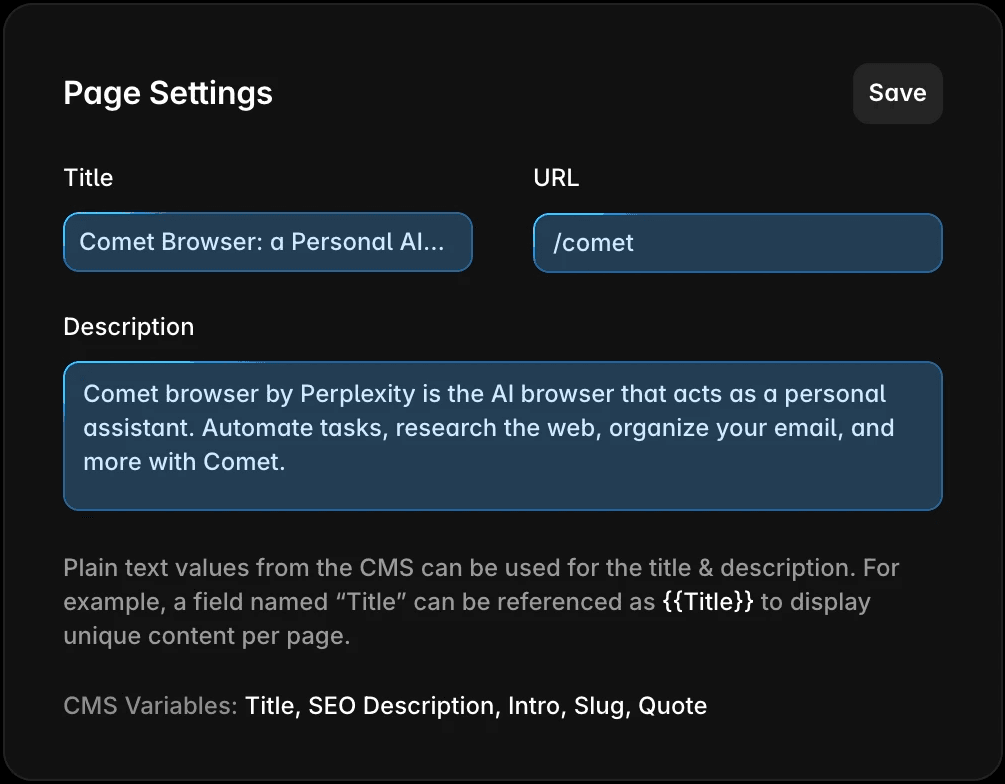
Generate metadata copy with AI

Page Settings

Save

Title

Otto - Investing on Agent Autopilot

URL

Description

Put your investing on autopilot. Otto’s AI agents research, monitor, and act on your portfolio, while you stay in control of the rules.

Plain text values from the CMS can be used for the title & description. For example, a field named “Title” can be referenced as {{Title}} to display unique content per page.

CMS Variables: Title, SEO Description, Intro, Slug, Quote

Generate metadata and copy with AI

Ask the agent to improve your title, description, headings, and key copy so the page is clearer, more specific, and easier to discover.

Generate metadata copy with AI

Page Settings

Save

Title

Otto - Investing on Agent Autopilot

URL

Description

Put your investing on autopilot. Otto’s AI agents research, monitor, and act on your portfolio, while you stay in control of the rules.

Plain text values from the CMS can be used for the title & description. For example, a field named “Title” can be referenced as {{Title}} to display unique content per page.

CMS Variables: Title, SEO Description, Intro, Slug, Quote

Generate metadata and copy with AI

Ask the agent to improve your title, description, headings, and key copy so the page is clearer, more specific, and easier to discover.

Home

Scan this page for

SEO issues and turn them into a prioritized list I can act on.

Thinking...

I’ll inspect the current page’s structure, metadata, text hierarchy, links, and media so the list is grounded in what’s actually on the page.

Explored 25 layers 13s

Here’s the prioritized SEO checklist for the current /home/ page.

1.

Improve heading structure.
Keep the H1, but make key section titles real H2/H3 headings.

2.

Tighten metadata and page copy.
Align the title, description, H1, and intro around one SEO message.

3.

Align metadata, H1, and on-page copy more tightly.

4.

Add a clearer crawlable intro paragraph near the top of the page.

GPT 5.5

Built-in SEO essentials

Page Images

Social Preview

1200 × 630 pixels

Upload

Social preview card mockup for Open Graph image settings.
Open Graph Image UI

Open Graph images. Set the share image for perfect previews.

WebP image optimization comparison showing smaller file size for faster SEO performance.

WebP: 94kb

PNG: 492KB

saved

81%

Image optimalization

Image optimization & CDN. Serve WebP images through a global CDN for fast, SEO-friendly performance.

Home

Features

AI

Design

SEO

Blog

Blog Article

Sitemap Schema

Sitemaps & robots.txt. Auto-generated for easier crawling.

Search

Search Engines

Tell search engines to index and show this page in their search results.

Site Search

Show this page in your site search results.

Indexing control modal

Indexing controls. Choose which pages appear in search.

Pages

Layers

Assets

Search…

Pages

Home

/about

/

guides|

Videos

Categories

/how-it-works

/invest

1

/learn

/legal

Terms and Conditions

Privacy

/performance

2

/portfolio

1

/pricing

/research

/resources

4

/security

/support

Custom URLs and slugs
Custom URLs and Slugs

Custom URLs and slugs. Create clear, SEO-friendly paths.

Page Settings

Save

Title

Otto - {{Title}}

URL

/resources/:slug/

Description

{{Seo Description}}

Plain text values from the CMS can be used for the title & description. For example, a field named “Title” can be referenced as {{Title}} to display unique content per page.

CMS Variables: Title, SEO Description, Intro, Slug, Quote

Meta data modal

Dynamic metadata. Use variables like {{Title}} and {{Description}} to render unique SEO strings per CMS entry.

Default

https://www.ottoinvest.com

Multi Site

Set the canonical URL for this site when used as a rewrite target

Canonical URL modal

Canonical URLs. Set the preferred version search engines should index.

Technical SEO, built into your site

Otto

Invest

How it works

Get started

Accessibility

Semantic mark-up example

Structure your site with semantic HTML tags like <header>, <nav>, and <article> to enhance accessibility and search engine comprehension.

Redirect UI

Redirects

Redirect existing URLs to new ones to maintain search engine ranking. The order of the items defines the priority. Learn more

Search…

From

To

/about

www.framer.com

/articles/

/article/:1

/product

/what-is-framer

/404

/page-not-found

/tutorials

/academy

/company

www.framer.com/jobs

Maintain page ranking and traffic when moving or renaming pages. Framer automatically handles 301 redirects between old and new URLs.

Structured Data UI

Custom Code

Name

Performance

Placement

Start of <head>

Page

All

Run

Once

Code

1

<!-- Schema Markup -->

2

<script type=”application/ld+json”>

3

{

4

“@context”: “https://schema.org”,

5

“@type”: “Organization”,

6

“name”: “Framer”,

7

“url”: “https://framer.com”,

8

“image”: “https://framerusercontent.com/images/b2hliN8q6RI1alDDMojdsEiXDU.png”,

9

“description”: “The web builder for stunning sites. Design and publish modern sites at any scale.”,

10

“description”: “The web builder for stunning sites. Design and publish modern sites at any scale.”,

Implement structured data using JSON-LD for articles, products, and events to enable rich results and improved crawl understanding. 

Lazy loading image preview.

Lazy Load Images

Lazy Load Example

Improve Core Web Vitals with CDN caching, lazy loading, asset compression, and responsive rendering for faster LCP, CLS, and INP performance.

Google Analytics

Save

Directly integrate Google Analytics into your Framer site. Please note that as a site owner, you are responsible for making sure that your site is handling data in a way that is in line with privacy laws, such as the GDPR. Learn more

G-XXXXXXXXXXXX

Integrations modal
Integrations modal

Integrate Google Analytics or Tag Manager and track performance in Semrush or Ahrefs. No plugins needed, just paste your measurement ID or script and go.

Well known files modal

Add root-level and /.well-known/ files for search, security, and AI discovery. Support standards like robots.txt, security.txt, and llms.txt directly in Framer.

Scan your site for AI visibility

Test your site with the AEO scanner

Scan in seconds to see what AI engines can find, understand, and cite, plus what needs work.

AI answers are replacing search clicks

As searches end without clicks, AI visibility helps users discover your site first.

Structure and trust signals matter more than ever

AI favors clear metadata and trusted structure. Framer’s SEO and CMS keep those signals clean.

Most sites miss AI signals. Yours can stand out

The scanner highlights crawlability, structure, and trust gaps so you know what to fix first.

Get started with Framer

Get started with Framer

Get started with Framer

Framer UI showing Pages, Layers and Assets panels titles