

Benjamin
3:23
Add time, date, and other creative elements in Framer
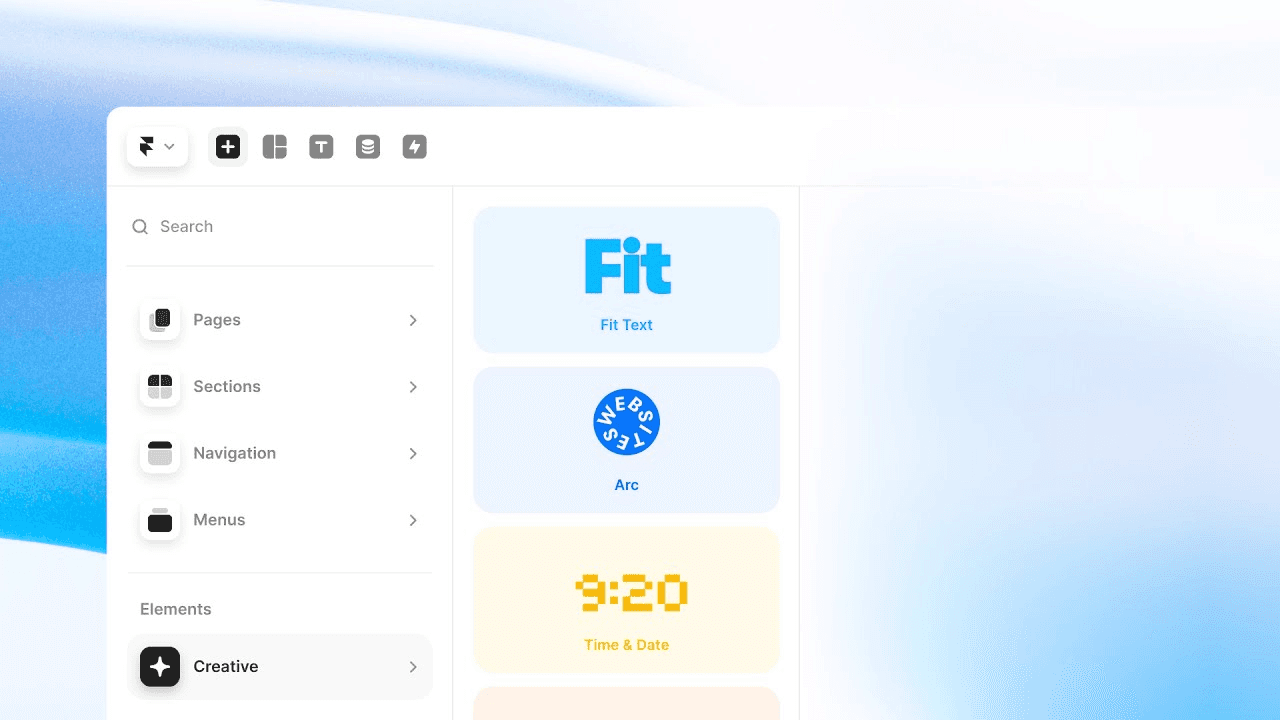
Learn how to add time, date, and other creative elements in Framer. The Creative Section to the Insert Panel, with fun Components and presets that you can use to bring your sites to life. You might recognize a few of these from framer.supply,you have redesigned and reimplemented these.
Lesson details
Insert dynamic or creative elements such as time and date displays, then configure their format, source, and visual properties from the panel. Place them inside a responsive layout so changing content does not collide with nearby text or controls.
Test the element with different dates, locales, and time zones when those values affect the output. Keep a useful fallback for visitors whose browser or connection cannot load the dynamic behavior.
Build the technique inside the existing layout system instead of treating it as an isolated canvas trick. The result will respond more predictably when copy, viewport size, or surrounding content changes.
Frequently asked questions
How do I add time, date, and other creative elements in Framer?
Learn how to add time, date, and other creative elements in Framer. The Creative Section to the Insert Panel, with fun Components and presets that you can use to bring your sites to life. You might recognize a few of these from framer.supply,you have redesigned and reimplemented these.
What does this lesson cover?
The lesson covers the settings and steps used to add time, date, and other creative elements in Framer. See Creative Section. Follow the demonstrated order in your project and review each change on the canvas before moving to the next step.
How should I test this layout across breakpoints?
Preview the page at wide, medium, and narrow widths, then resize between those points. Check wrapping, alignment, sizing, and reading order instead of testing only preset device widths. Adjust the Frames, Stacks, grid settings, or text controls covered in the lesson when the layout starts to break.
Can I use this layout workflow across breakpoints?
Yes. Preview the page at wide, medium, and narrow widths, then resize between those points. Check wrapping, alignment, sizing, and reading order instead of testing only preset device widths. Adjust the Frames, Stacks, grid settings, or text controls covered in the lesson when the layout starts to break.
What should I review after I add time, date, and other creative elements in Framer?
Review the exact pages and elements changed by the workflow. Confirm that copy, links, accessibility, responsive behavior, and interaction states still work as intended. Use preview for the final check and keep publishing separate from editing so you can fix problems before visitors see the update.