" height="17.00000031426395px" id="oU8r5WWcz" transform="translate(3 2)" width="13.8125px"/></svg>)
Framer vs Astro: Visual website builder or code-first framework?
Framer is a visual website builder with CMS, SEO controls, and managed hosting. Astro is a code-first framework that gives developers control over code and deployment. Compare editing workflows before moving from Framer to Astro.












Framer vs Astro: compare the website workflow
Feature | Framer | Astro | What this means for you |
|---|---|---|---|
Build | Visual canvas with editable pages | Code-first web framework | Choose the workflow your team can maintain. |
Who edits | Teams edit pages visually | Developers code; editors can use a CMS | Consider who makes routine changes. |
Content | Built-in CMS in the site workspace | Content collections or a headless CMS | Astro offers CMS choice; Framer has one workspace. |
SEO controls | Metadata, sitemaps, redirects, CMS SEO | SEO in code, content, and integrations | Both can support sound SEO work. |
Speed | Site speed varies by page | Little client-side JavaScript by default | Measure real pages before deciding. |
AI workflow | MCP agents can edit a Framer project | Coding agents can edit Astro code | Review and publish agent changes. |
Hosting | Hosted and published through Framer | Deploy to a chosen provider | Astro offers hosting choice; Framer hosts for you. |
Source code | No self-hostable HTML export | Source code and build setup in a repo | Astro suits teams that require code ownership. |
Migration | Keep visual editing and site structure | Rebuild site and migrate content | Budget for redirects, metadata, and QA. |
Framer vs Astro pricing: compare the full cost
Cost area | Framer | Astro | Plan for |
|---|---|---|---|
Software | Free and paid site plans | Open-source framework | Compare needed features, not just entry price. |
Hosting | Included with Framer site plans | Provider and plan of your choice | Traffic, bandwidth, deployment, and support. |
CMS | Built-in; limits vary by plan | Content collections or a separate CMS | CMS subscription and integration work, if needed. |
Team | Editor access and features vary by plan | Git and your chosen CMS or team tools | Who can make and approve changes. |
Upkeep | Platform manages hosting and publishing | Your team maintains code and dependencies | Ongoing developer time and operational ownership. |
Migration | No rebuild when staying on Framer | A Framer site needs to be recreated in Astro | Design, content, redirects, metadata, and testing. |
Choose Framer when your team wants to edit and publish visually


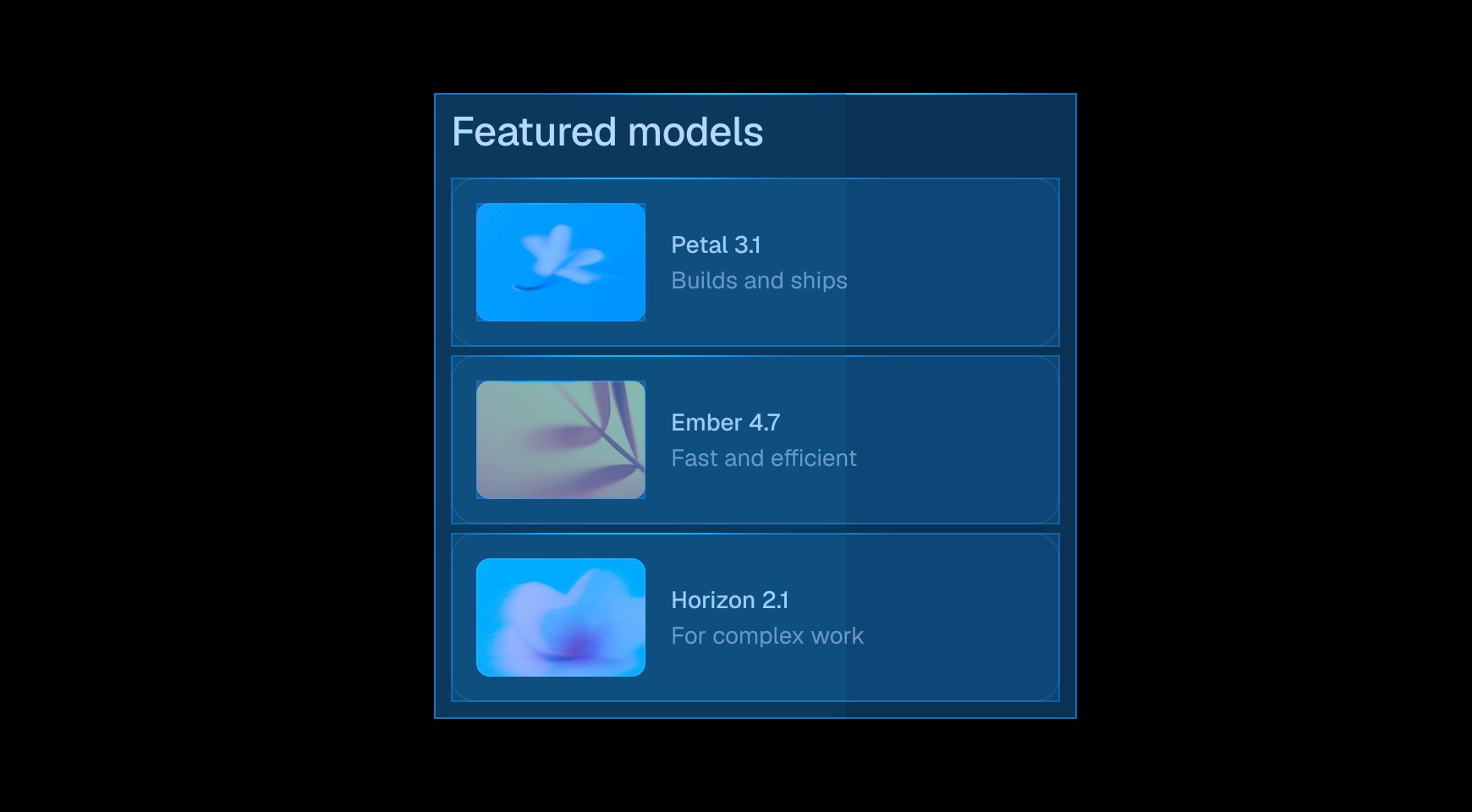

Use Framer’s AI agents to build and refine pages on an editable visual canvas. Review the result before publishing; Astro gives developers direct control in code.




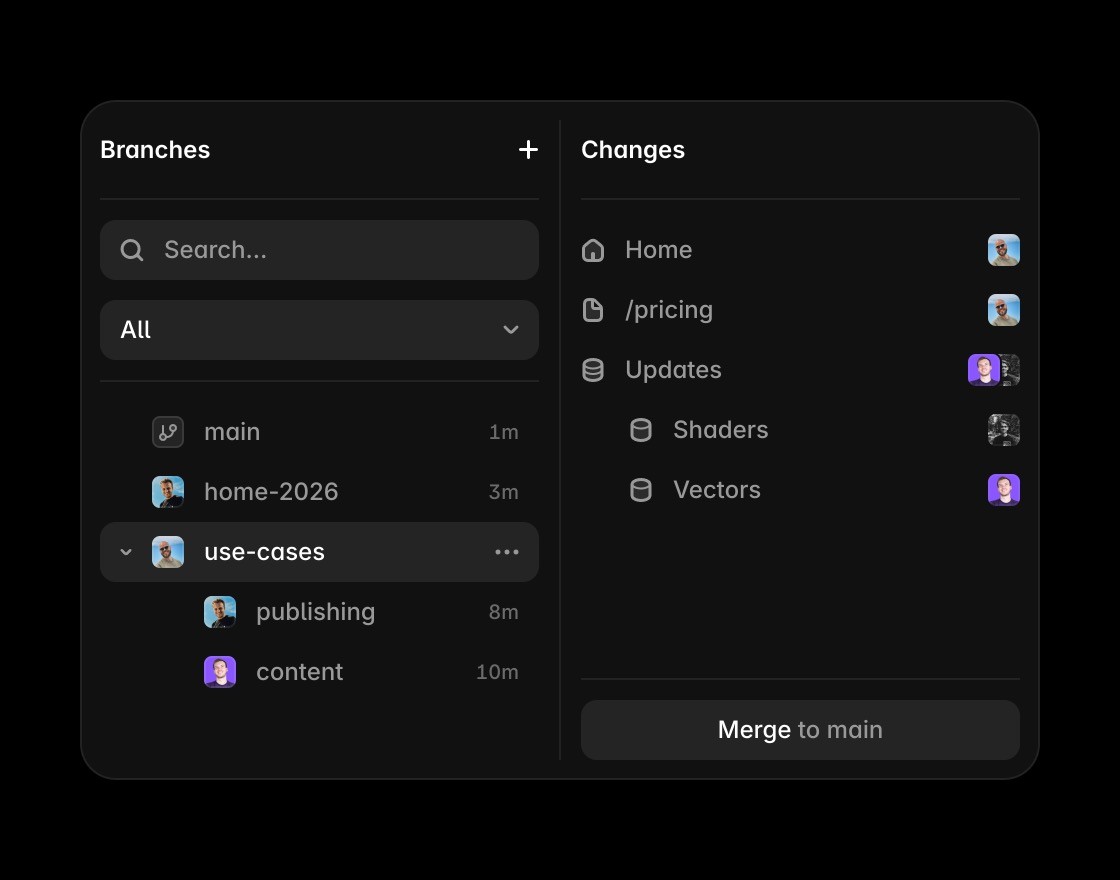
Design, edit content, and publish from one Framer workspace so teams can review changes together. Astro supports collaboration through code and a chosen CMS.

Edit layouts and CMS content in one visual workspace. Astro can use a CMS, while page design changes are made in code.


Reuse responsive components and interactions across pages on Framer’s canvas. Astro gives developers direct control over coded components and deployment.
Explore Framer’s website workflow
Create and update responsive pages on a visual canvas, with layout and content in one workspace.
Manage structured content alongside the pages your team designs, edits, and publishes.
Set page metadata, redirects, and other search essentials alongside the content they support.
Publish a site without choosing your own deployment stack.
Work with AI agents on an editable Framer project, then review and publish the changes.
See how Framer compares with other website tools.
Framer or Astro: the short answer




Compare Framer with other tools















Frequently asked questions
Is Astro better than Framer for SEO?
Neither platform guarantees better search rankings. Framer provides built-in metadata, sitemaps, redirects, and CMS page controls. Astro lets developers implement SEO in code and choose their own integrations. Content quality, crawlability, and the finished site matter more than the platform name.
Is Astro faster than Framer?
Astro sends little client-side JavaScript by default, which can help a well-built site load quickly. That does not mean every Astro site will be faster than every Framer site. Images, scripts, hosting, and page implementation all affect the result; test comparable pages before deciding.
Can I move a Framer website to Astro?
Yes, but plan for a rebuild. Framer does not provide a self-hostable HTML export. You can recreate layouts and interactions in Astro, move content, and preserve important URLs, metadata, and redirects. The effort depends on your site and its integrations.
Does Astro have a CMS?
Astro has content collections for structured content and can connect to headless CMS products. It does not include Framer’s visual CMS and page editor as one built-in workspace. Choose the content editing workflow your team can maintain.
Can AI agents edit Framer and Astro sites?
Yes, through different workflows. Framer MCP lets supported agents edit the canvas, CMS, and site settings in an editable Framer project. Coding agents can work on an Astro codebase, with the usual review and deployment workflow for that repository.
When should a team choose Astro over Framer?
Choose Astro when developers need direct source-code control, custom integrations, or a deployment setup they own. Choose Framer when designers and marketers need to make frequent visual and content changes and publish in one managed platform.
