About 14 Iceberg Diagram
■ What it does
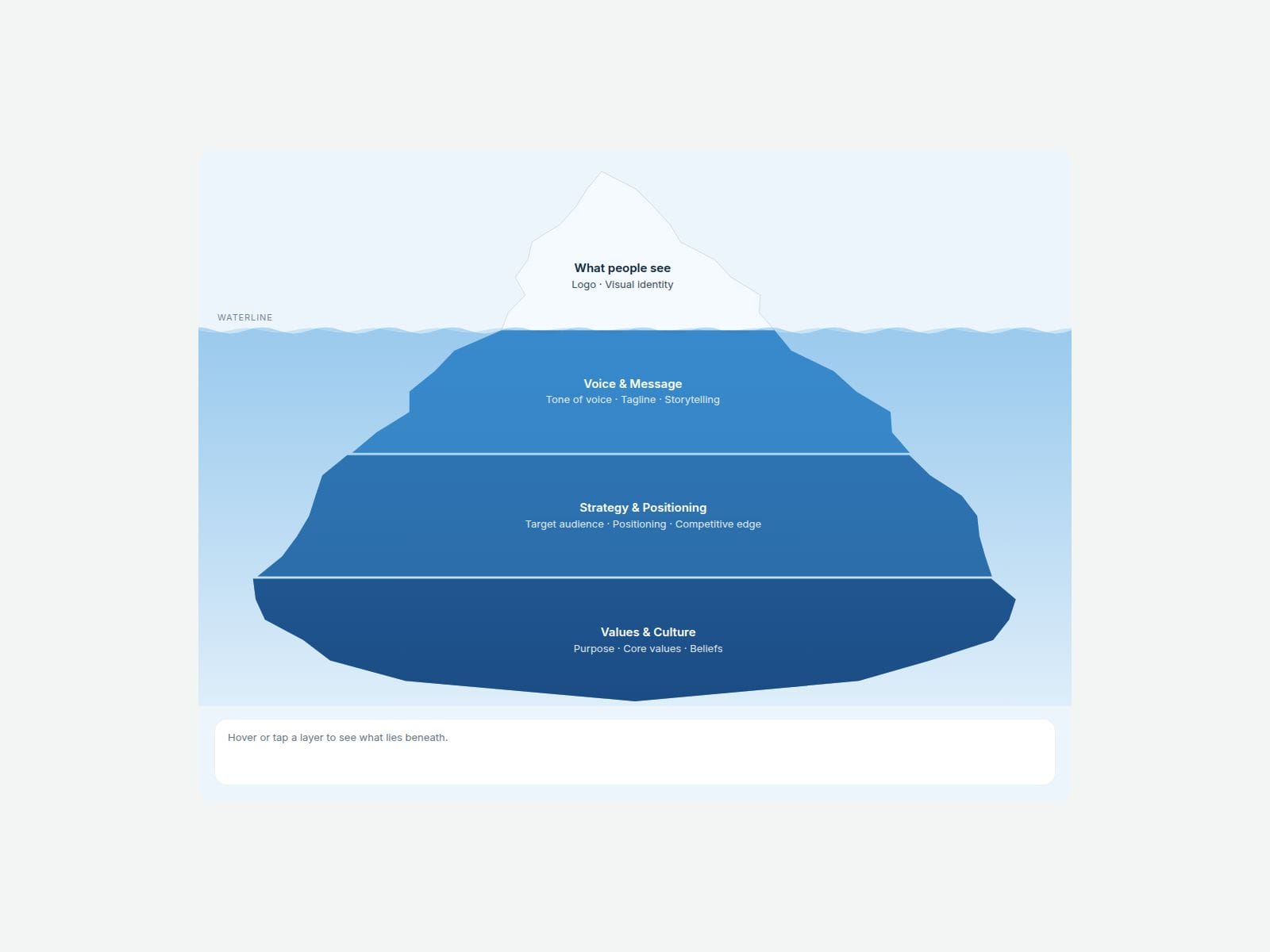
Type what people see above the waterline, then add the hidden layers below it. Iceberg Diagram draws the whole iceberg for you: it splits itself to fit the number of layers, with a small peak on top and wider layers as you go deeper. The edges are naturally uneven, and every layer gets its own shade of your base color automatically.
Hover or tap any layer and it lights up, while a detail panel shows its name, items and a short explanation. Labels can sit inside the iceberg or on either side with dotted leader lines. Add gentle waves on the waterline if you like.
Great for brand icebergs, "iceberg of success" stories, culture models, customer-journey service blueprints, pricing and cost breakdowns, and any "visible vs hidden" explainer.
■ Customizable properties
- Above Items — what's visible above the water
- Levels — title, items (one per line) and a note for every layer below
- Labels — Inside, Side-left or Side-right
- Above Water — how much of the height sits above the waterline
- Roughness and Shape Seed — jagged or smooth edges, plus a new random shape with one click
- Gap — spacing between layers
- Base Color, Deep Color and Depth Shade — deeper layers darken automatically
- Water color, wave height and optional wave animation
- Interactive on/off, Detail Panel on/off, and Open Layer (pre-select a layer)
- Stack Below — on narrow screens the labels move into a tappable layer list
- Colors, radius, padding, spacing and fonts
■ Need help?
Reach out anytime at hello@brandingupstudio.com — we usually reply within 72 hours.
Custom edits are available from $75/hr.
■ More resources
Explore more components at BrandingUp → https://brandingupstudio.com
Built with code but fully customizable via property controls — no coding needed.
Unlink is not provided so we can keep delivering updates. When an update is available, just click the Update button on the component.