About 23 Compare Table
What it does
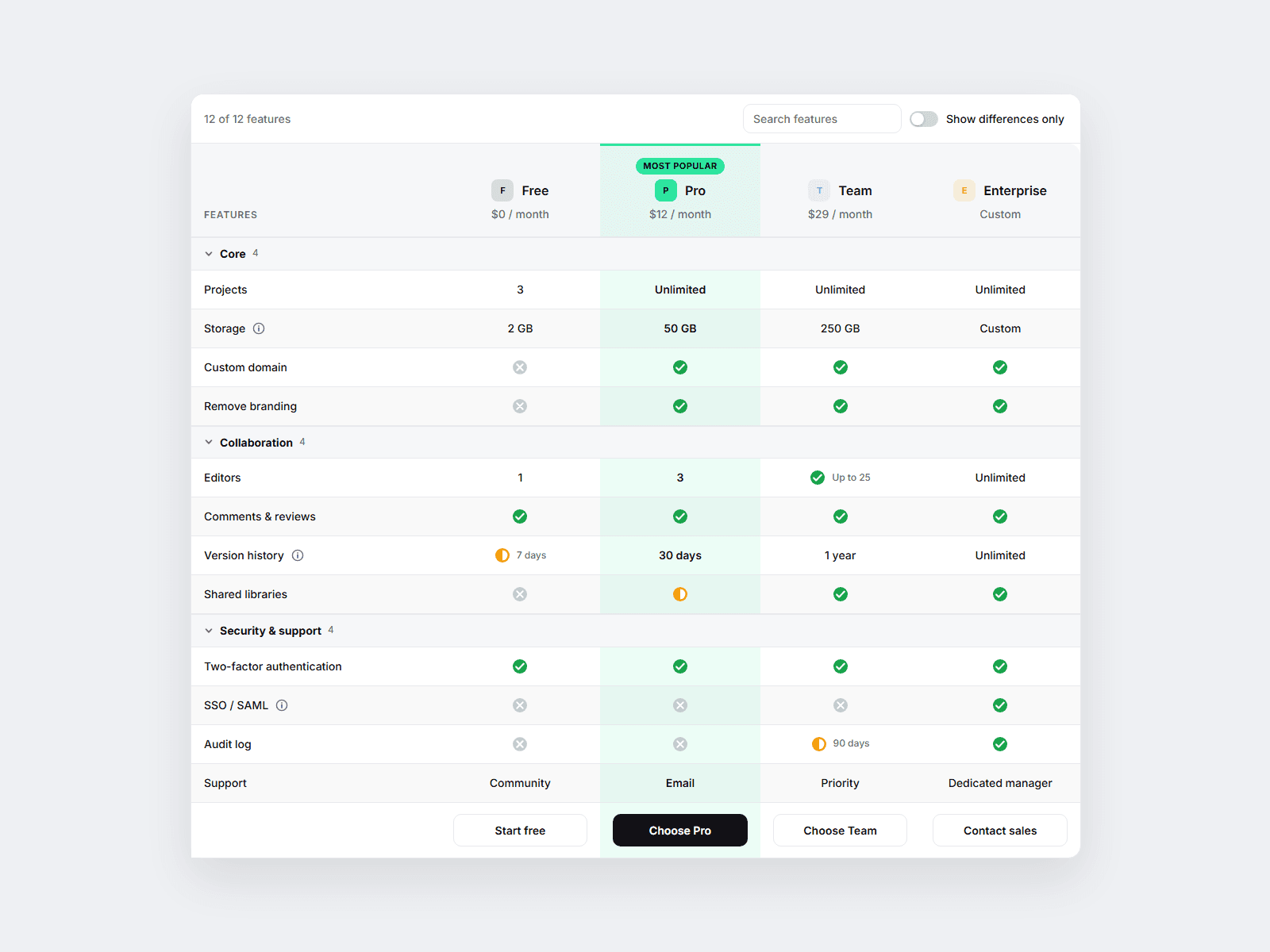
Type your columns (plans or competitors) and your feature rows — the table lays itself out. Cells understand "yes", "no", "partial" and plain text ("50 GB", "Unlimited"), so you never place a checkmark by hand. Highlight one column as recommended with a badge, a price line and a CTA.
Visitors get a "Show differences only" switch that hides rows where all columns match, a search box, folding feature groups and an info tooltip per row. No CMS, no images required.
Customizable properties
• Columns — name, subtitle/price, logo, highlight, badge, CTA text + link (up to 5)
• Rows — feature, group, note and one value per column: yes / no / partial / text, or "yes: Up to 5 seats"
• Differences toggle (+ start-on), search, collapsible groups (Start Folded)
• Sticky header with offset, sticky first column, scroll-inside-box option
• Mobile — Picker (two columns side by side), Cards or Scroll, with your breakpoint
• Density, icon style, zebra rows, CTA row, footnote, every label
• Style — background, header, text, lines, accent, yes/no/partial colors, radius, border, fonts
Why this component
• A comparison table with a "differences only" switch.
• Header and first column stay pinned, so long tables stay readable on phones.
• Picker mode: compare any two plans side by side instead of a cramped grid.
• Real <table> markup, keyboard-friendly toggles and tooltips.
Need help?
hello@brandingupstudio.com — we usually reply within 72 hours. Custom edits from $75/hr. More components: https://brandingupstudio.com
Built with code but fully customizable via property controls — no coding needed. Unlink is not provided so we can keep delivering updates.