About 3D Button CTA
Button Features & Details
1. Interactive States (with Animation):
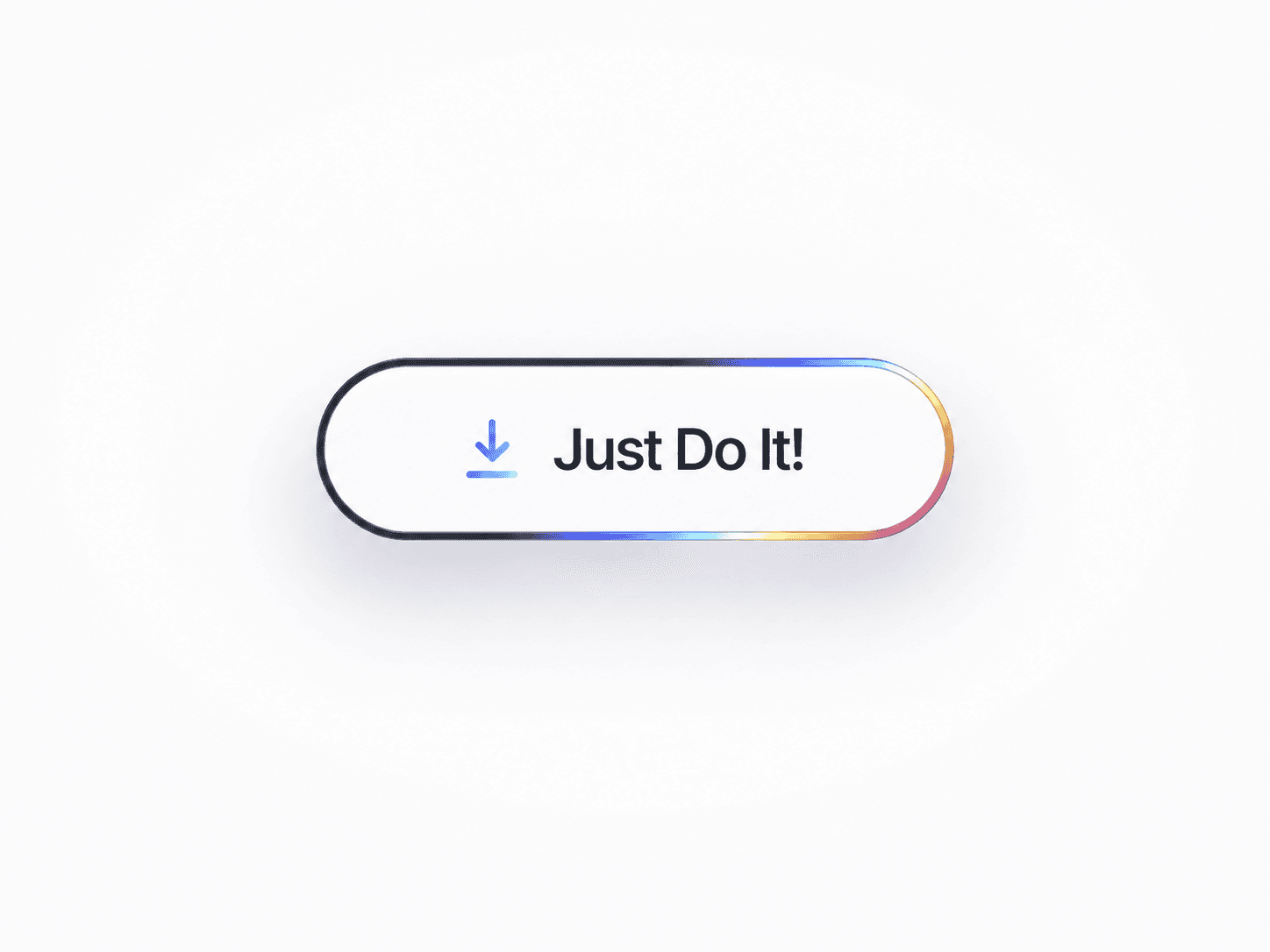
Default / Primary: Clean, elevated look with a soft shadow and bold text.
Hover: Subtle lift with a glowing blue dot animation to signal interactivity.
Pressed: Dynamic 3D tilt effect and shadow compression for tactile feedback.
2. Fully Editable in Framer:
Change text, font, colors, corner radius, and padding via property controls.
Update or disable the hover glow or press tilt animation.
Customize the animation timing and easing using built-in Framer transitions.
3. Responsive & Scalable:
Auto-resizes based on content length.
Works across desktop, tablet, and mobile layouts.
4. Design Details:
Rounded pill shape for modern UI.
Smooth shadows and depth for a floating appearance.
Typography optimized for contrast and clarity.
5. Ideal Use Cases:
Landing pages
Hero sections
Signup/Onboarding prompts
Product CTAs