About Animated Button
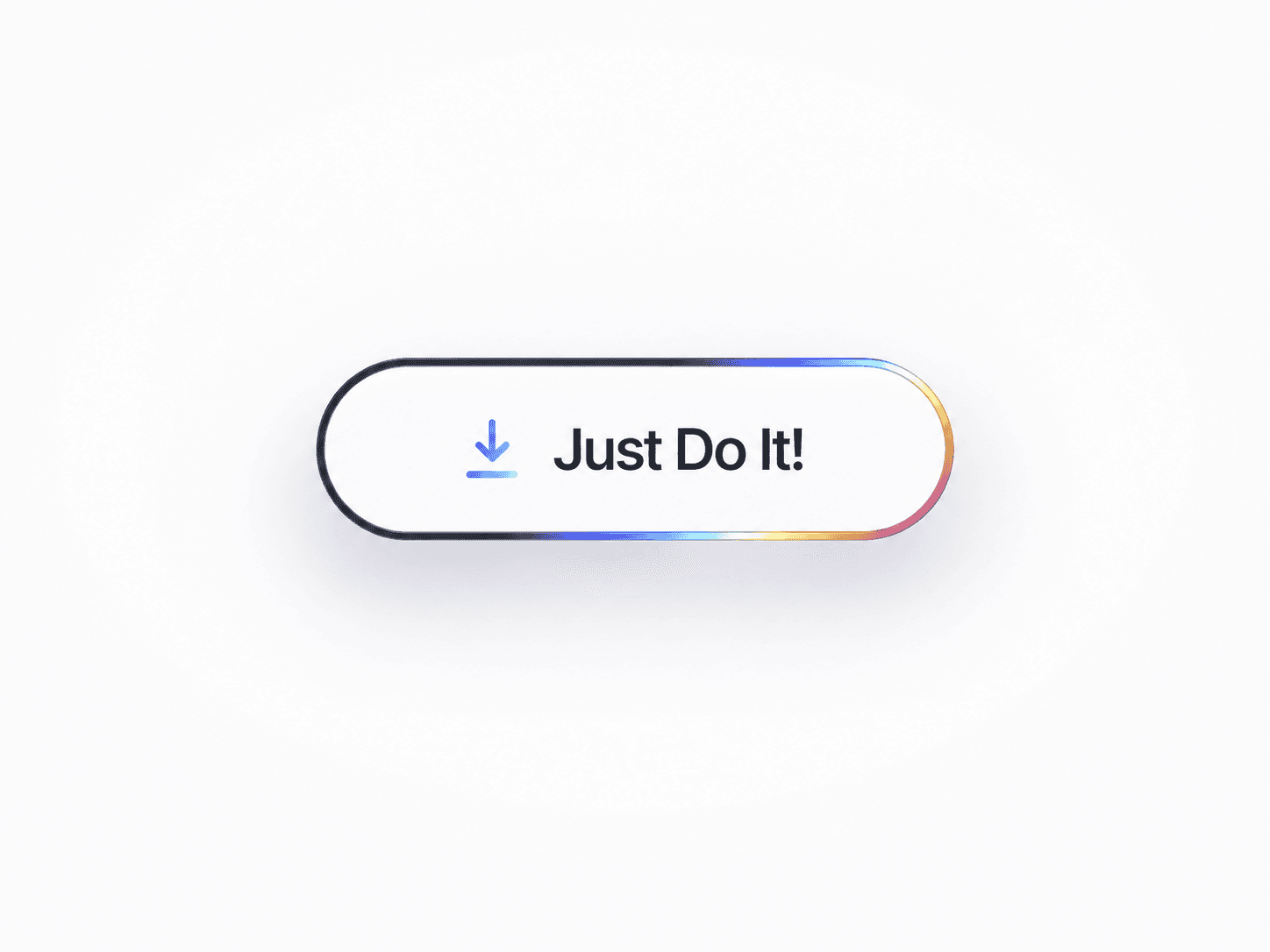
The Smart Animated Button is designed to give your projects a professional and interactive touch. Built with Framer’s latest features, it’s simple to customize — from color and font to hover animations and icons.Whether you’re designing a minimal website or a bold landing page, this button fits right in.
Features:
Fully customizable (text, colors, size, shadows, etc.)
Smooth hover and tap animations
Works perfectly with both light and dark themes
Easy to integrate — just drag, drop, and edit
Responsive design for all screen sizes
How to Use:
Add the component to your project.
Update the label, link, and styles from the right panel.
Adjust hover effects and animations to match your design.
Preview and publish — done!
Category:
Buttons / UI Components
Tags:
Button, Animated, UI, Framer, Interactive, Minimal, Component
Support:
📩 For any questions or customization help, feel free to reach out at itssumit360@gmail.com