About 3D Stack Gallery
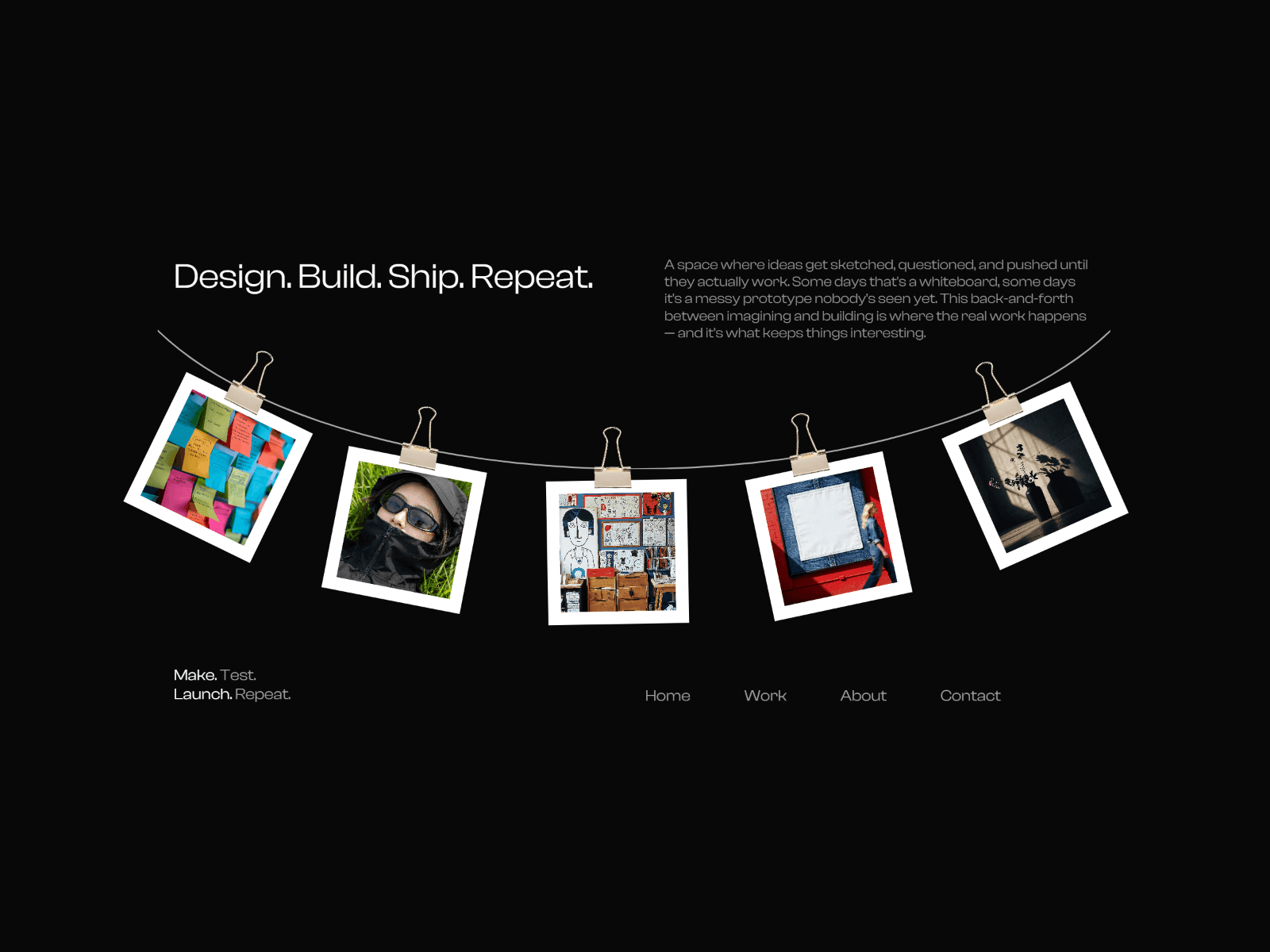
Each card elegantly cycles to the back of the stack while the next one takes the spotlight, creating an endless loop of motion and perspective.
Perfect for hero sections, portfolios, product showcases, or storytelling.
This component is fully responsive, lightweight, and highly customizable
Demo
What Makes It Stand Out
Realistic 3D depth and perspective animations
Endless auto-switching card transitions
Supports both images and videos
Smooth performance & lightweight build
Fully responsive across all devices
Beautiful stack motion with scaling and fading
Video playback control (play all or only active card)
Perfect for hero sections, portfolios, sliders & product highlights
Highly flexible for creative animations
Customisations
Add unlimited cards (image or video content)
Card options (Switch interval, offset, 3D depth, radius, fading, shadow, 3D rotation, and border thickness and colour)
Transition effect
Active card scale
Video playback: All vs Active
Stack 3D rotation
Set up
Copy and paste the component into your Framer project.
Resize the component to fit your layout.
In the properties panel, open 'Cards' to add/remove cards and set image/video content.
Adjust the settings to match your style.
Done! Your unique 3D Stack Gallery is ready to impress.
After completing your purchase, you will receive a link to the component.
Copy the URL and paste it into your Framer project to import it.