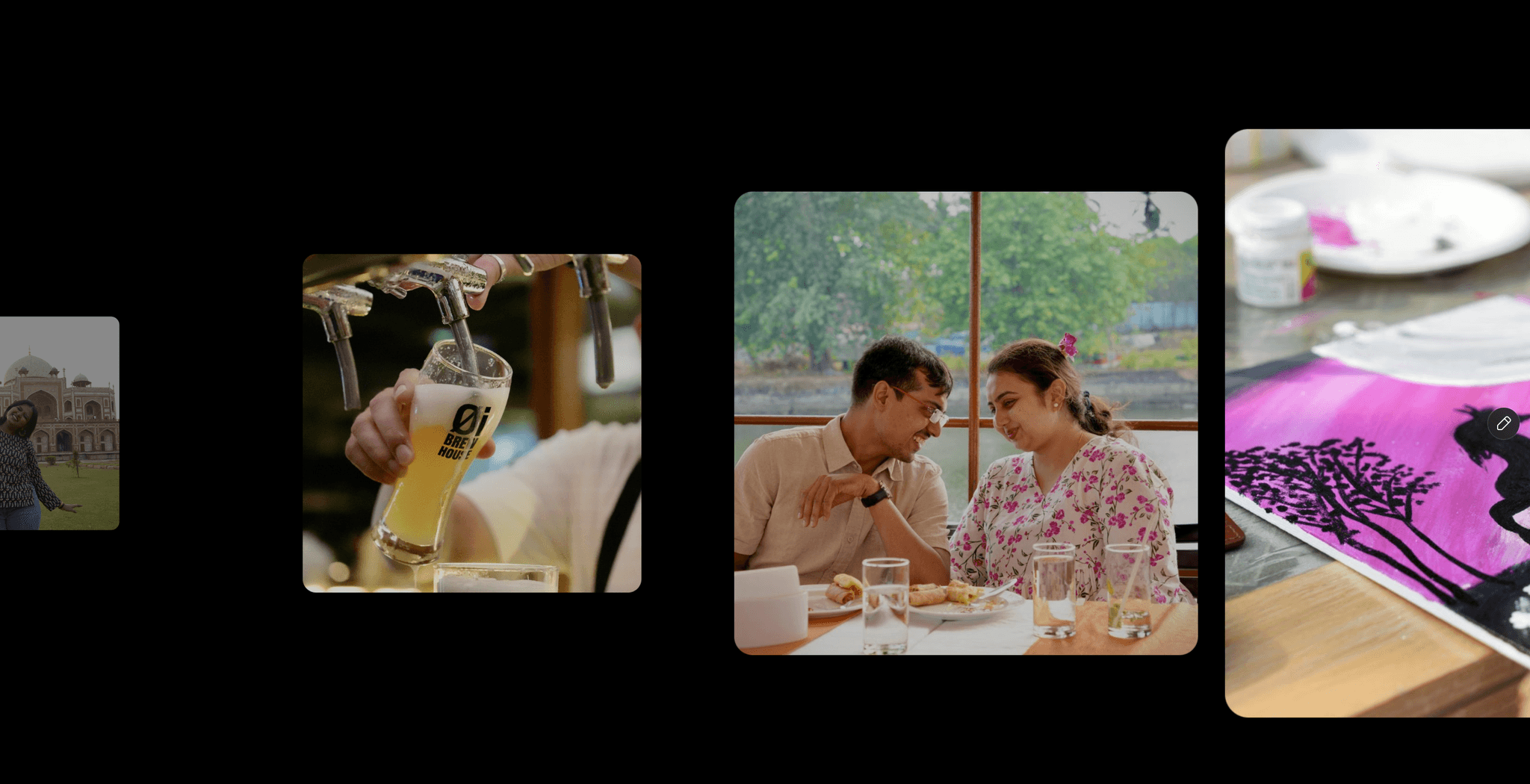
About Grid Motion Gallery
Perfect for hero sections, showcases, and highlights.
It adds depth and interactivity without redesigning your layout.
The animation engine is GPU-optimised and mobile-responsive.
Demo
Update v1.1 Changelog
⚡Now you can add videos too!
⚡Added support for background colour with transparency mode.
⚡Added a new property — Damping, to control the softness of the mouse interactivity.
⚡Fixed the inconsistencies in some properties.
⚡Fixed the gallery not taking up the full width.
Why designers use it
Instantly turns static visuals into scroll-stopping motion
Works with any layout — background, hero, banner, or section block
Looks premium without distracting from content
Perfect for portfolio grids, product spreads, photography, and UI displays
Customization Categories
Grid layout — rows, columns, spacing, rotation
Motion settings — mouse tracking, damping, movement distance
Images/Videos — upload or replace with your own content
Styling — padding and background
Quick Setup
Drop the component into your canvas.
Add images/videos.
Tune grid + motion to match your layout.
Publish.
After completing your purchase, you will receive a link to the component.
Copy the URL and paste it into your Framer project to import it.