About Glyph Scramble
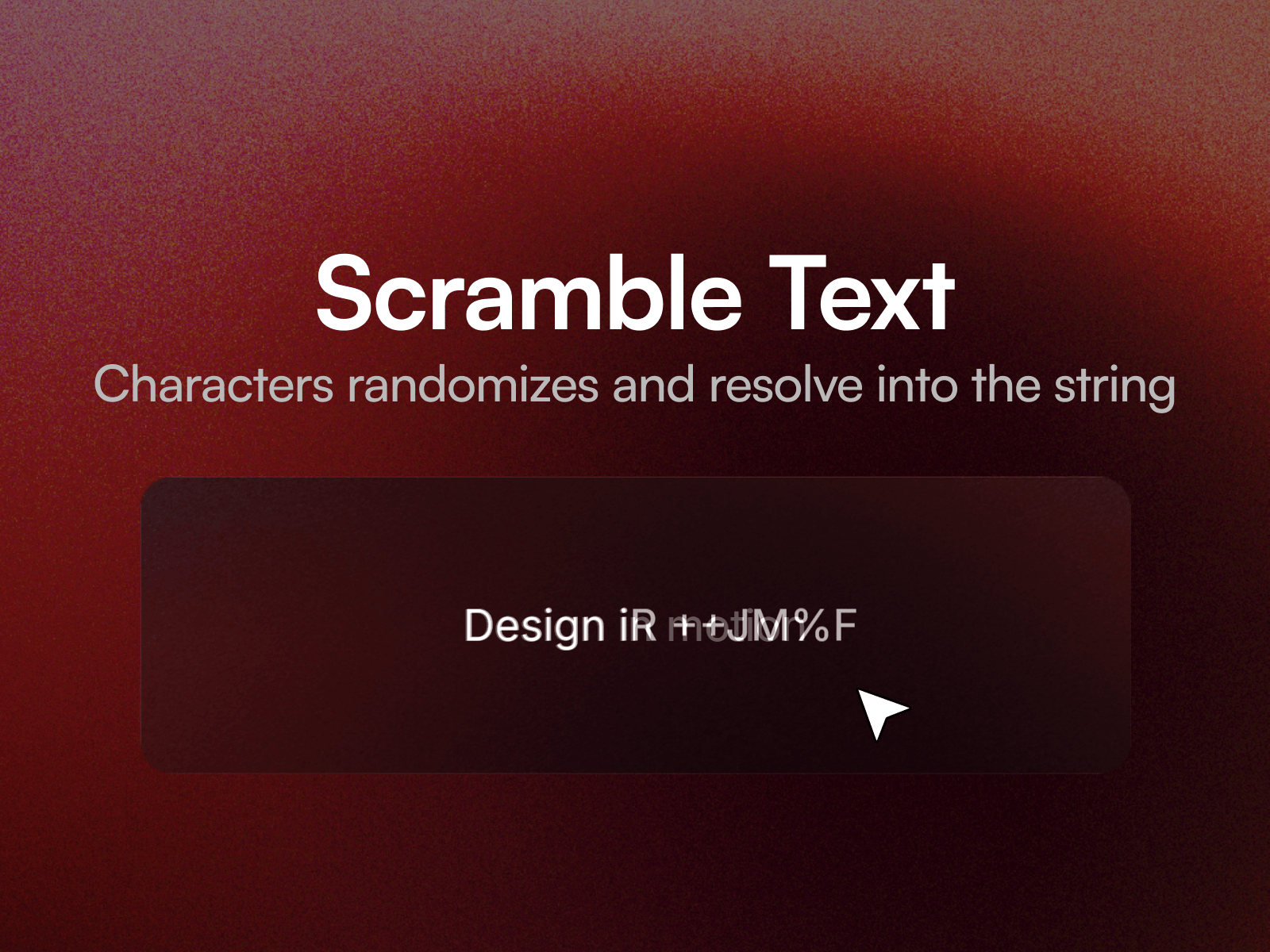
Glyph Scramble makes text churn through random characters and resolve into the real words, left to right. It can play when it scrolls into view, when hovered, or on a loop.
The real text stays in the page the whole time, so search engines and screen readers read the actual words, not the scramble. The space the text takes up is reserved in advance, so nothing around it shifts while it runs, and the line never jumps onto a second line mid scramble.
Eleven property controls cover the text, font, colour, trigger, duration, how staggered the letters resolve, how fast they churn, which characters it scrambles through, the pause between loops, line wrapping, and replay on scroll.
Setting up
Paste the component link into your Framer project's Insert panel. Nothing to install. Type your text and pick a trigger.
Good to know
No Wrap is on by default and keeps the effect on one line. On a phone a long headline will run off the edge instead of wrapping, so shorten it, or turn No Wrap off for text meant to flow over several lines.
The scramble plays on published sites and in preview. On the canvas the text shows as normal so it stays easy to edit.