About Particle Flow
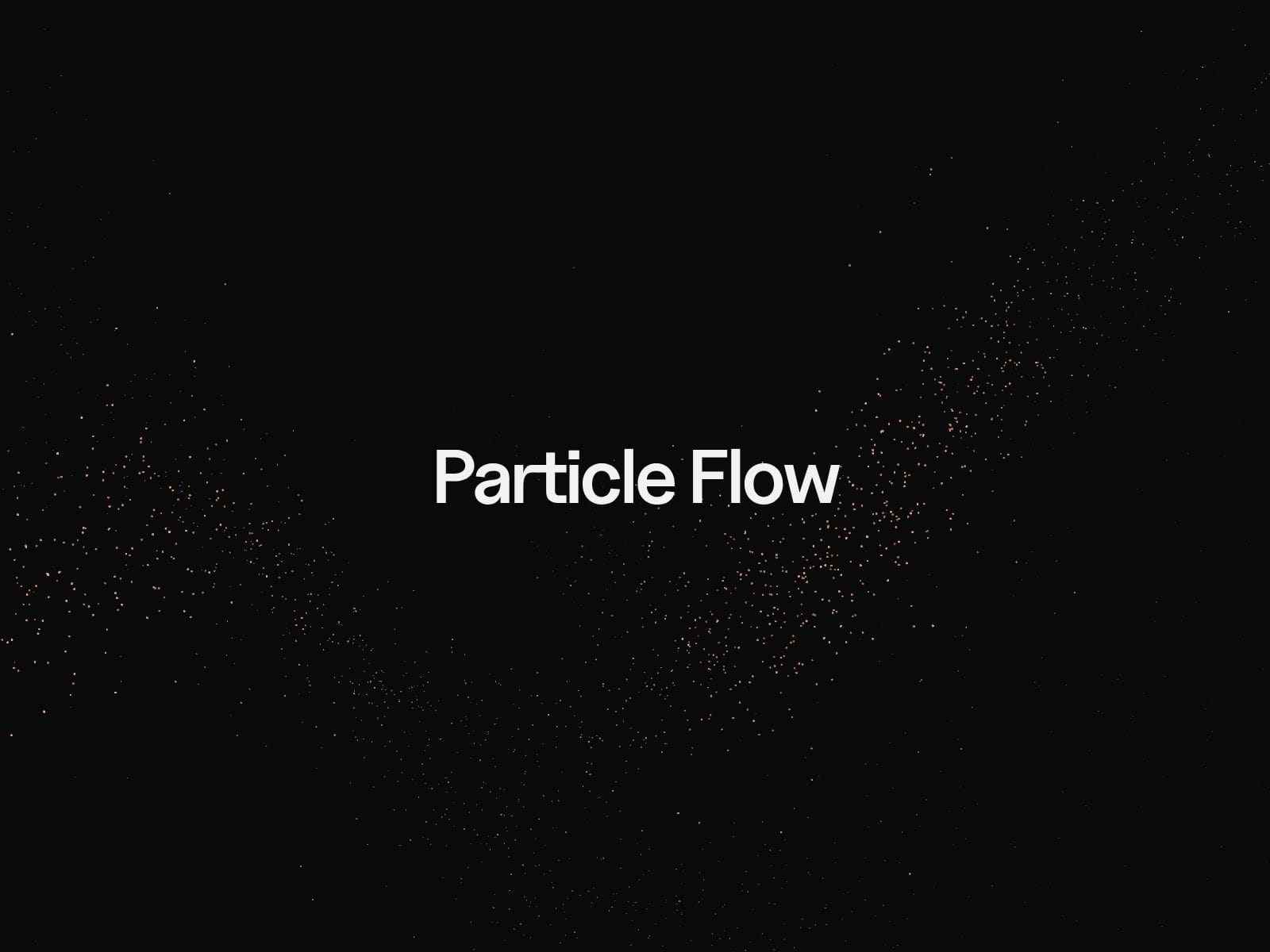
A stream of particles that sweeps across your section, scatters into a trail and parts around the cursor. Four colour modes. Zero code.
Particle Flow is a WebGL component that launches up to three staggered streams across any section, flares them at the head and disperses them into a lingering tail. Drop it in as a background layer, pick a colour mode and a trigger, and it runs.
Key Features
Four colour modes: Solid for one flat colour, Path for a gradient across the section, Tail for a bright head that fades into a second colour, and Multi, where every particle in the trail picks its own colour from your palette.
Three triggers: Loop it with your own sweep time and pause, play one sweep when the section scrolls into view, or hand it to the scroll position so it travels and rewinds as you scroll.
Cursor interaction: Move through the stream and the particles bend around your pointer, then flow back together. Radius and force are yours to set, and it switches off on touch screens.
Up to three streams: They fan out and launch on a stagger rather than all at once — the difference between a flock and a firework.
Follows your theme: Primary and secondary accept your Framer colour styles, so the effect changes with the rest of your site.
Stays cheap: 300 to 4,000 particles, fewer drawn automatically on small screens, and drawing stops entirely while the section is off-screen.
Honest about motion: Visitors who prefer reduced motion get a still frame.
Layers behind anything: Transparent background with pointer events off, so it sits under your copy without intercepting a click.
Fourteen settings, and the ones that don't apply to your choices stay hidden.
Best For
Hero sections that need to move without a video file
Landing pages that want a signature moment on load or on scroll
Scroll-driven storytelling where the background travels with the reader
Agency and portfolio sites
Any page where an animated background has to stay light on mobile