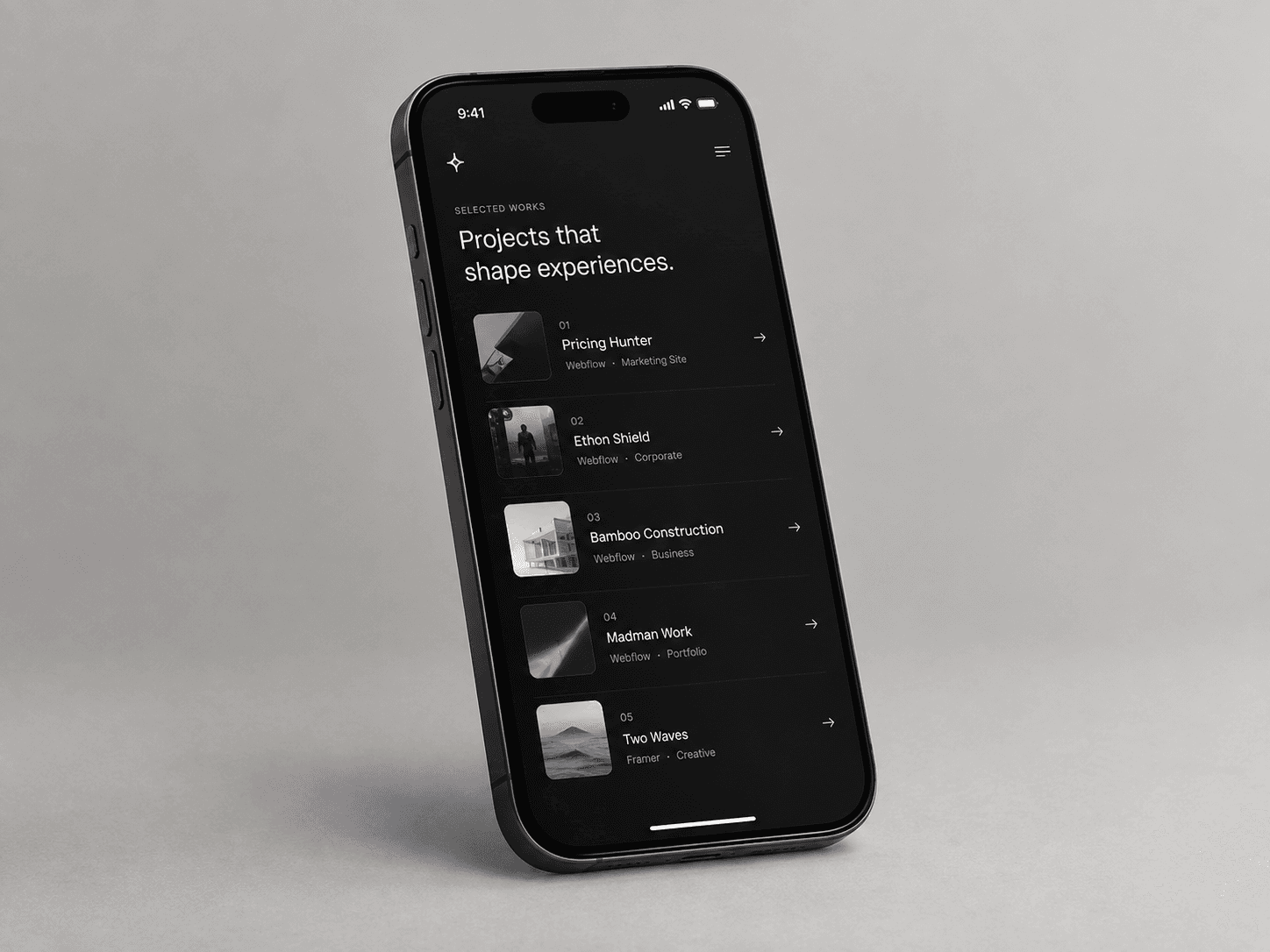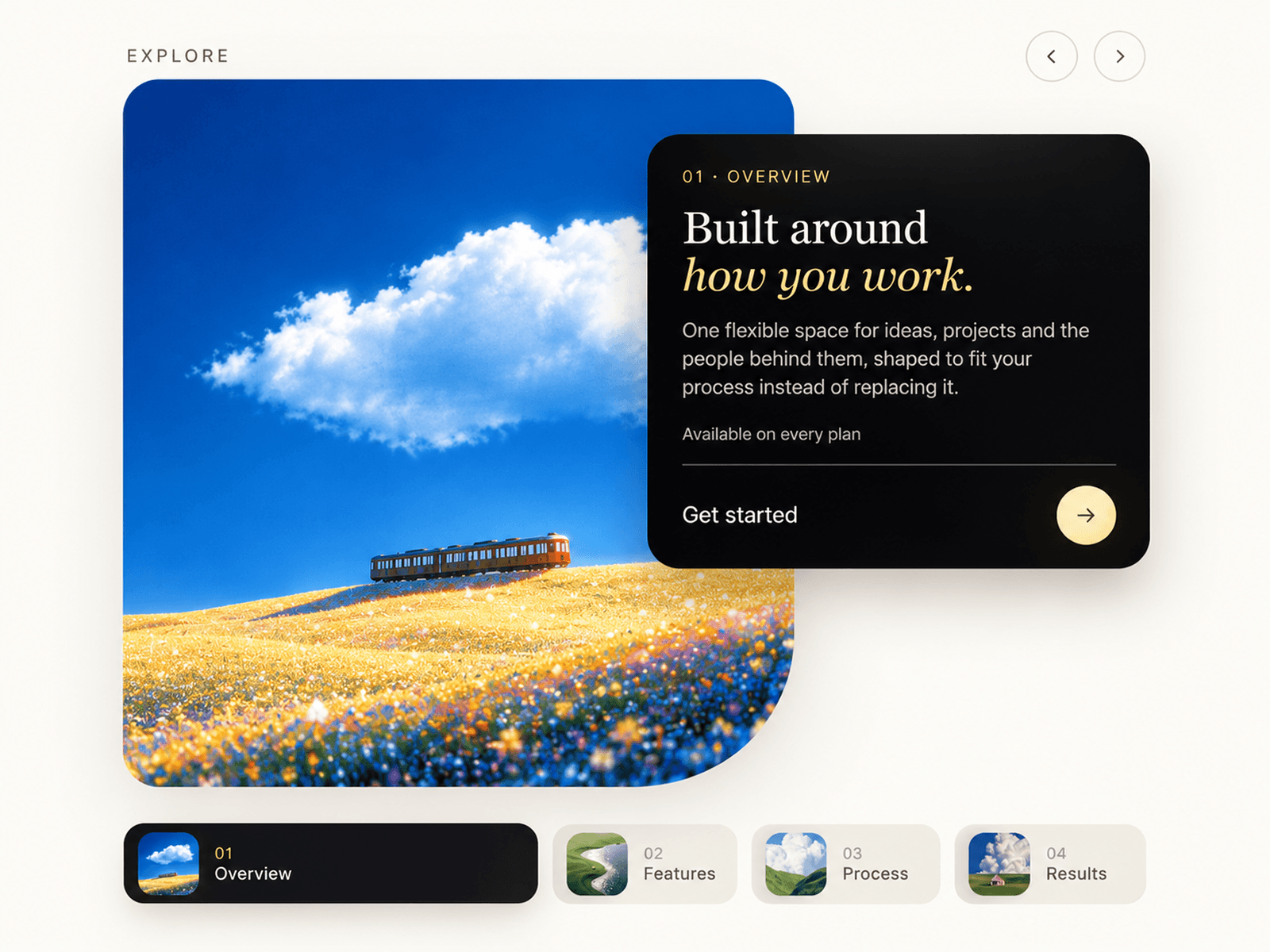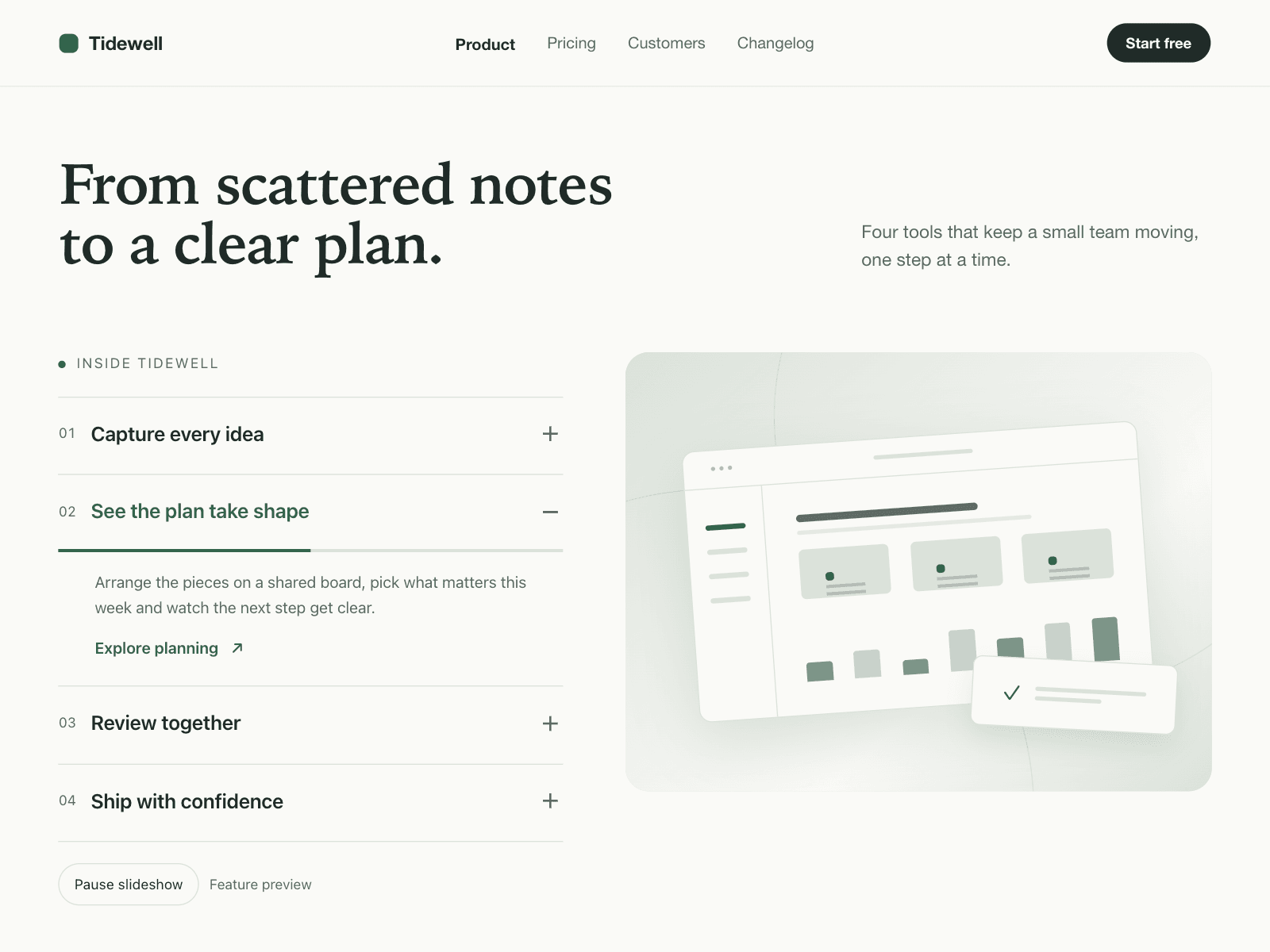
About Aisol Feature Fold
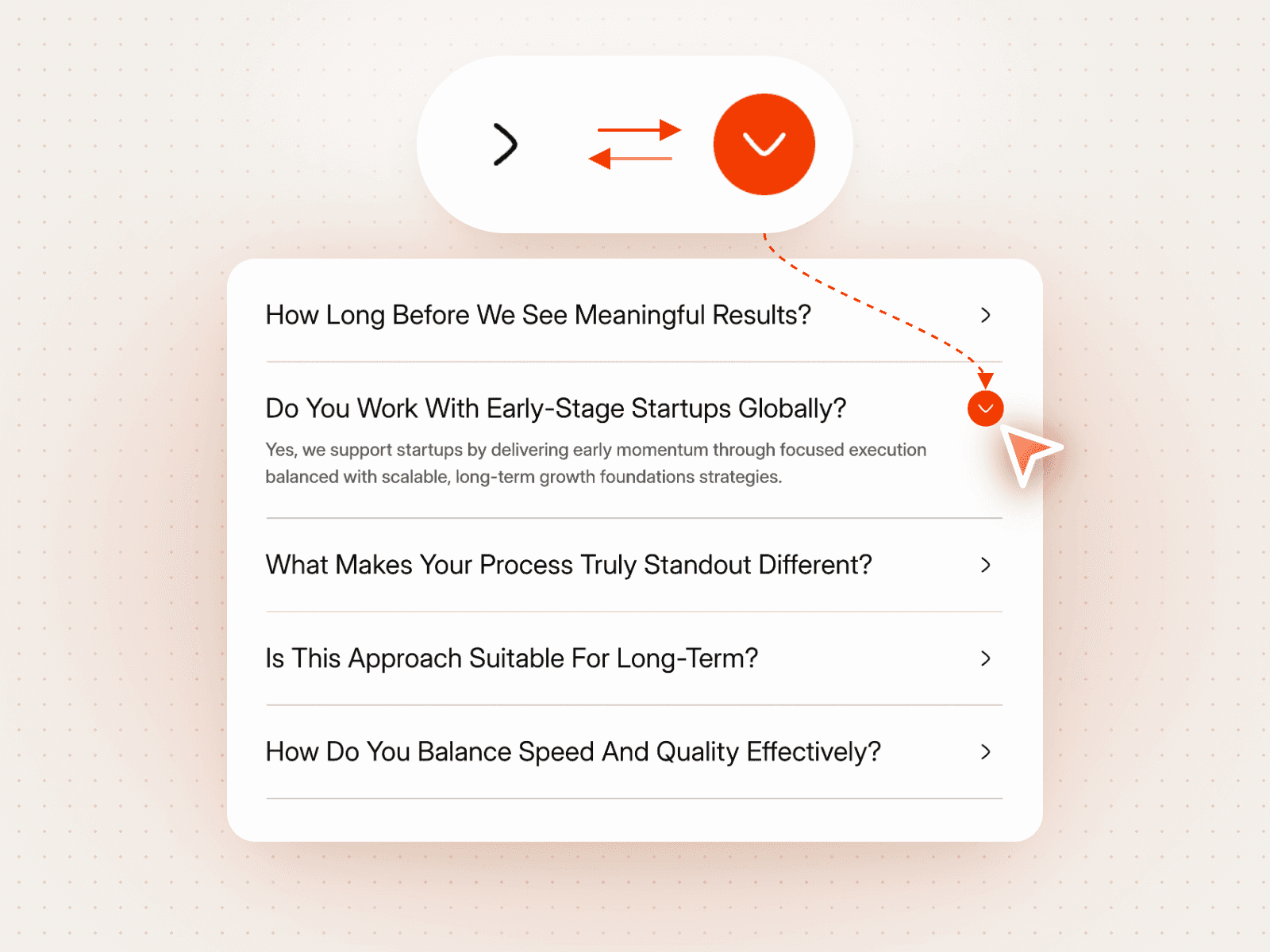
Aisol Feature Fold is a feature section where opening an item in the list swaps the image or video in the panel beside it.
Items can advance on their own with a progress bar that pauses on hover and focus, or wait for a click, and they come from the panel or a Collection List.
It is a real accordion for keyboards and screen readers, stacks the media under each item on phones, and stays still for reduced motion and the canvas.
- Image or MP4 per item; videos play only while their item is open and on screen.
- Without media every item draws a tidy placeholder card, so it looks complete on drop.
- Media panel left or right, sticky while the list scrolls on tall sections.
What you control
• Items from the panel or a Collection List (title, text, image or video, link), plus an optional label above them
• Auto advance on or off and its duration
• Panel side, ratio and radius
• Font, text size and five colours
Limits: videos must be MP4 files you upload or link; autoplaying video is muted; turn off the Collection List's pagination.