About Blur Slides
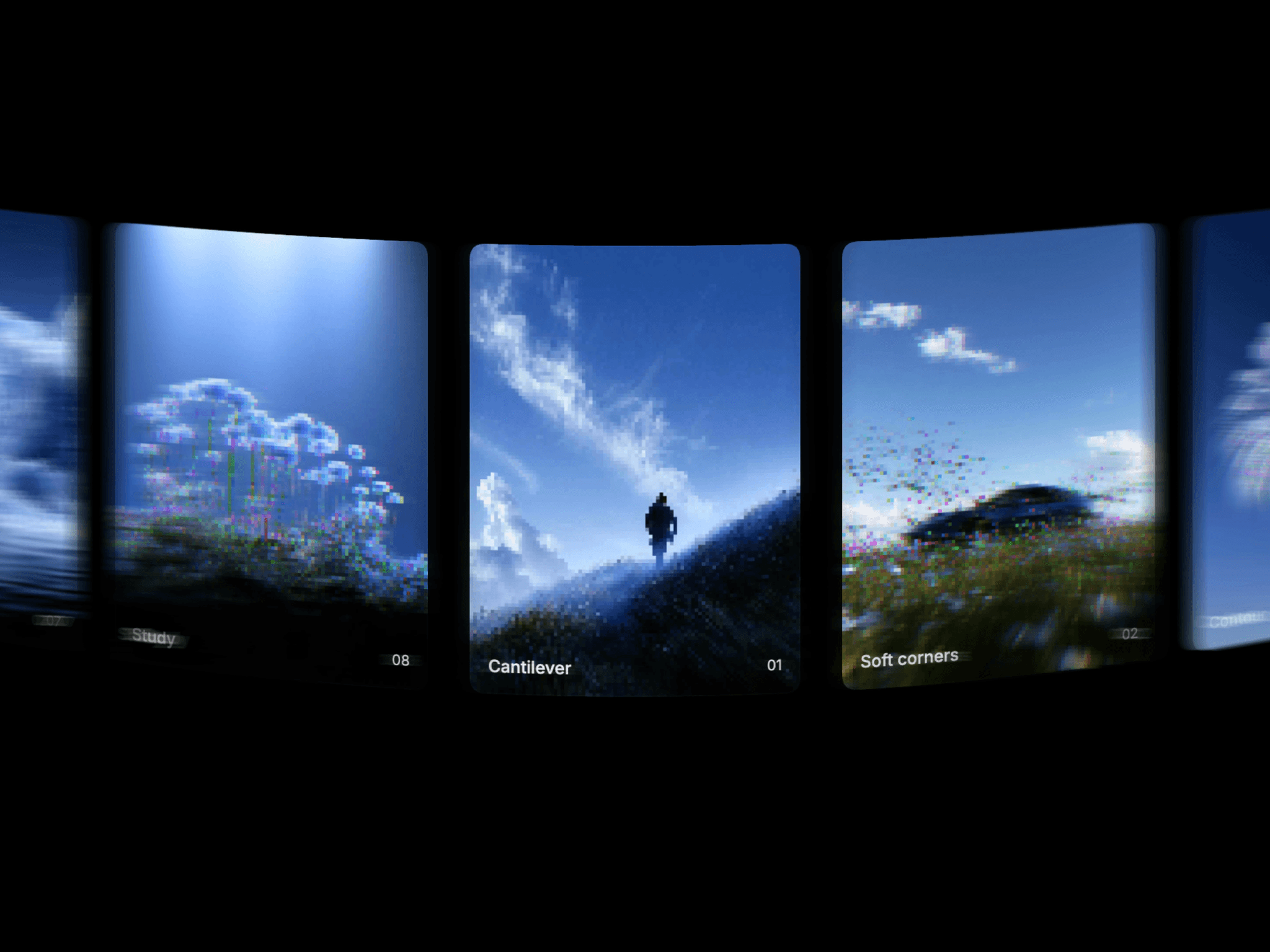
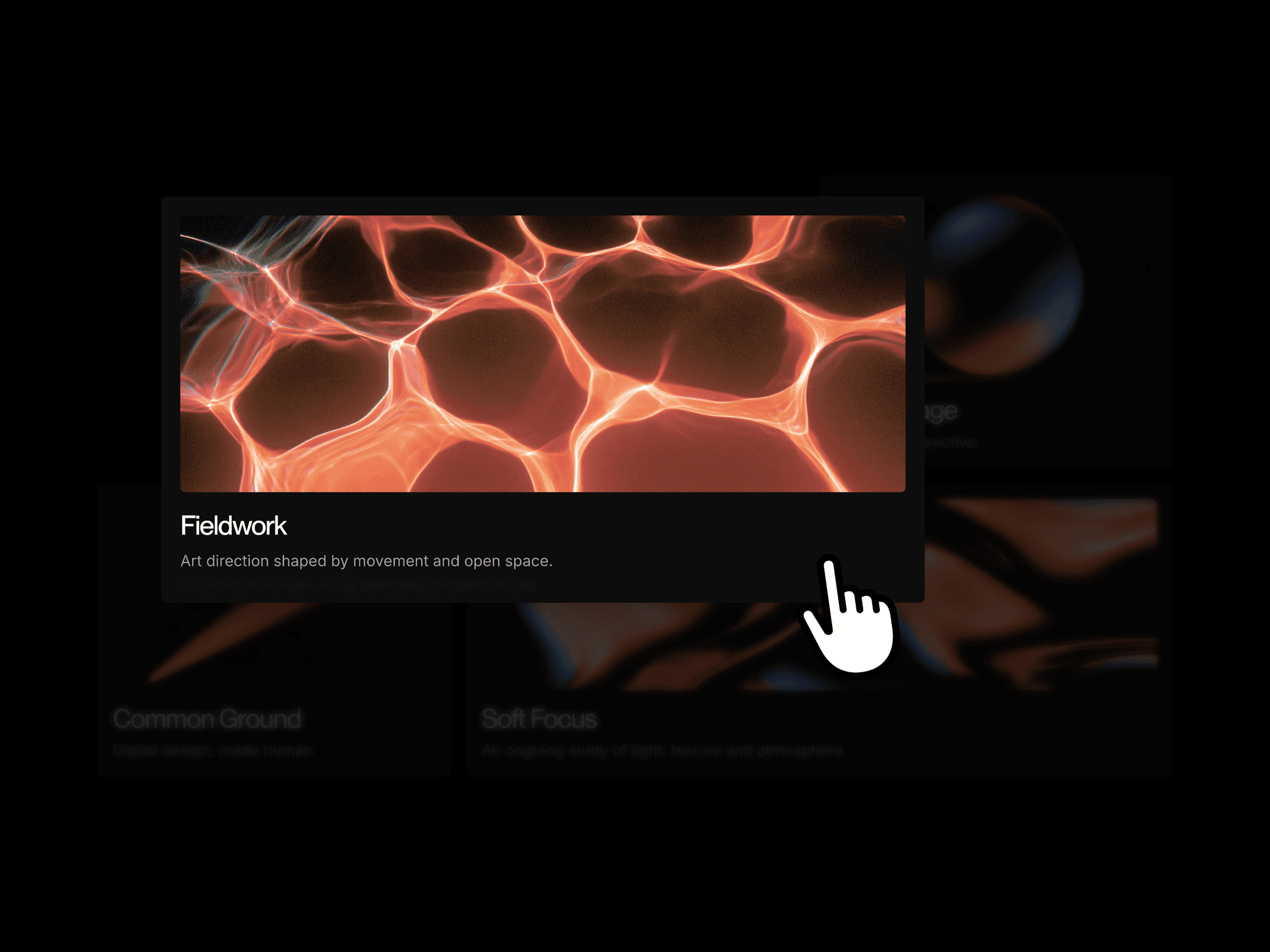
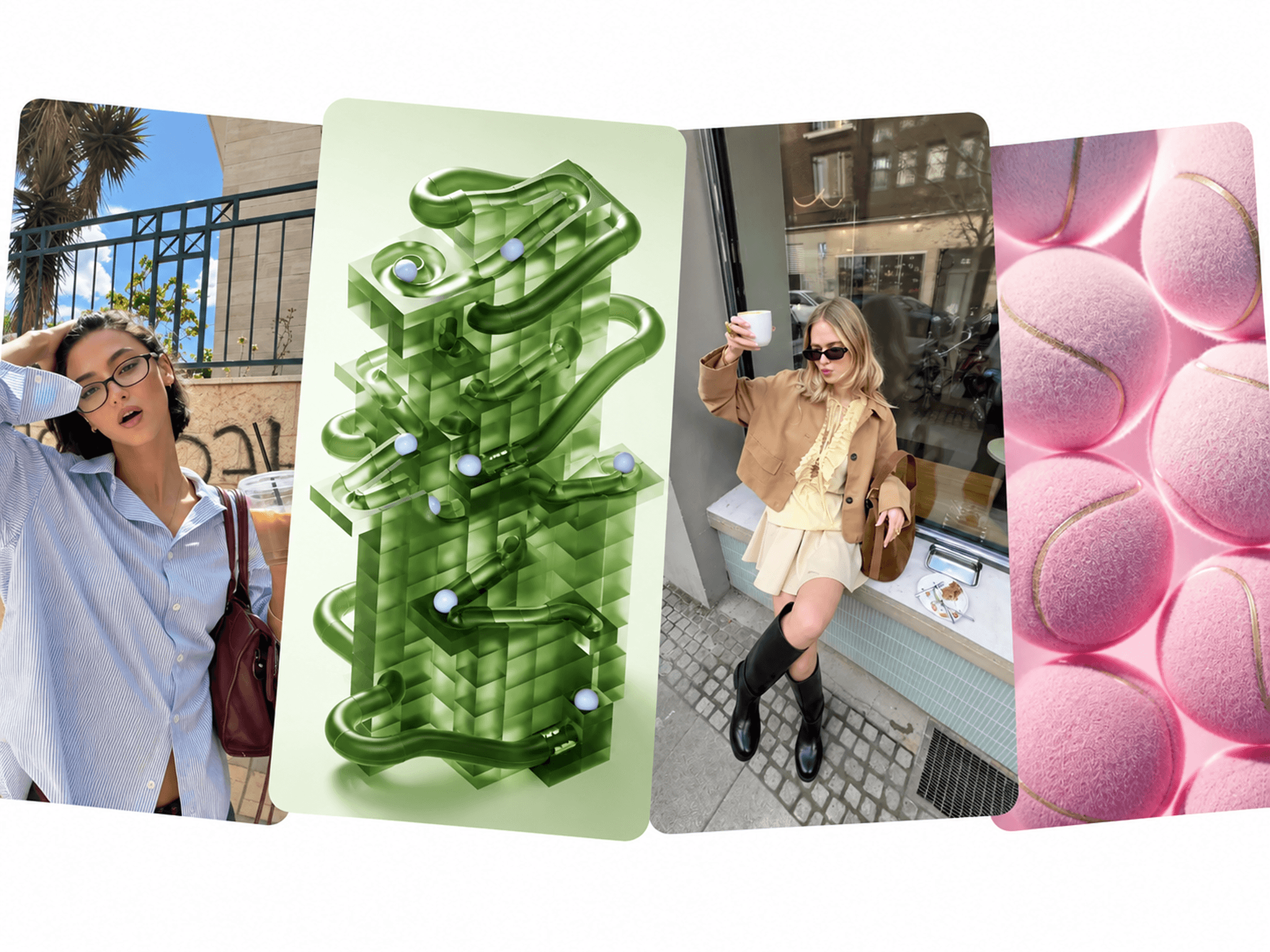
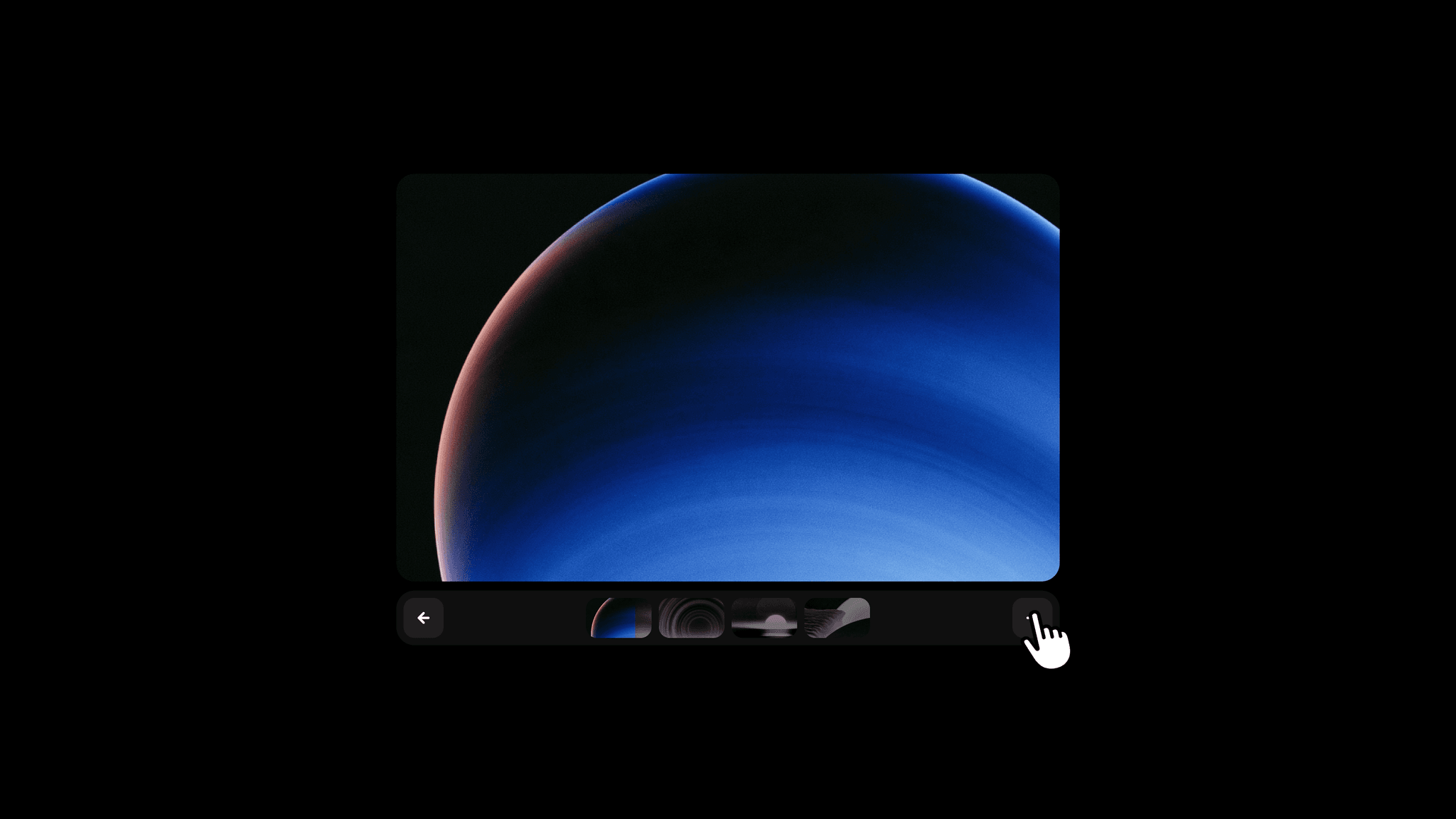
Blur Slides presents four images with a blur transition between slides. Visitors can browse the collection while each image moves into focus. Built with native Framer layers and variants, the gallery’s layout and transitions can be edited directly on the canvas.
What you can customize
Replace the four card images from the property panel. Choose the initial variant and customize the background, panel, button, and icon colors.
Open Edit Component to refine the card layout, spacing, styling, and transitions between variants.
How to use
Copy the component from the Marketplace and paste it onto the canvas
Replace the images for Card 1–4 in the property panel
Choose the starting variant and set Background, Panel, Button, and Icon colors
Open Edit Component to adjust the layout and variant transitions
Preview the page to browse the images and check the blur effect
Great for
Showcasing selected project images
Browsing a photography collection
Presenting product details from different views
Adding a compact gallery to a case study