About Booking Scheduler
This component is Part of the Essential Components plugin. Browse and insert 60+ components directly in Framer. Start for free
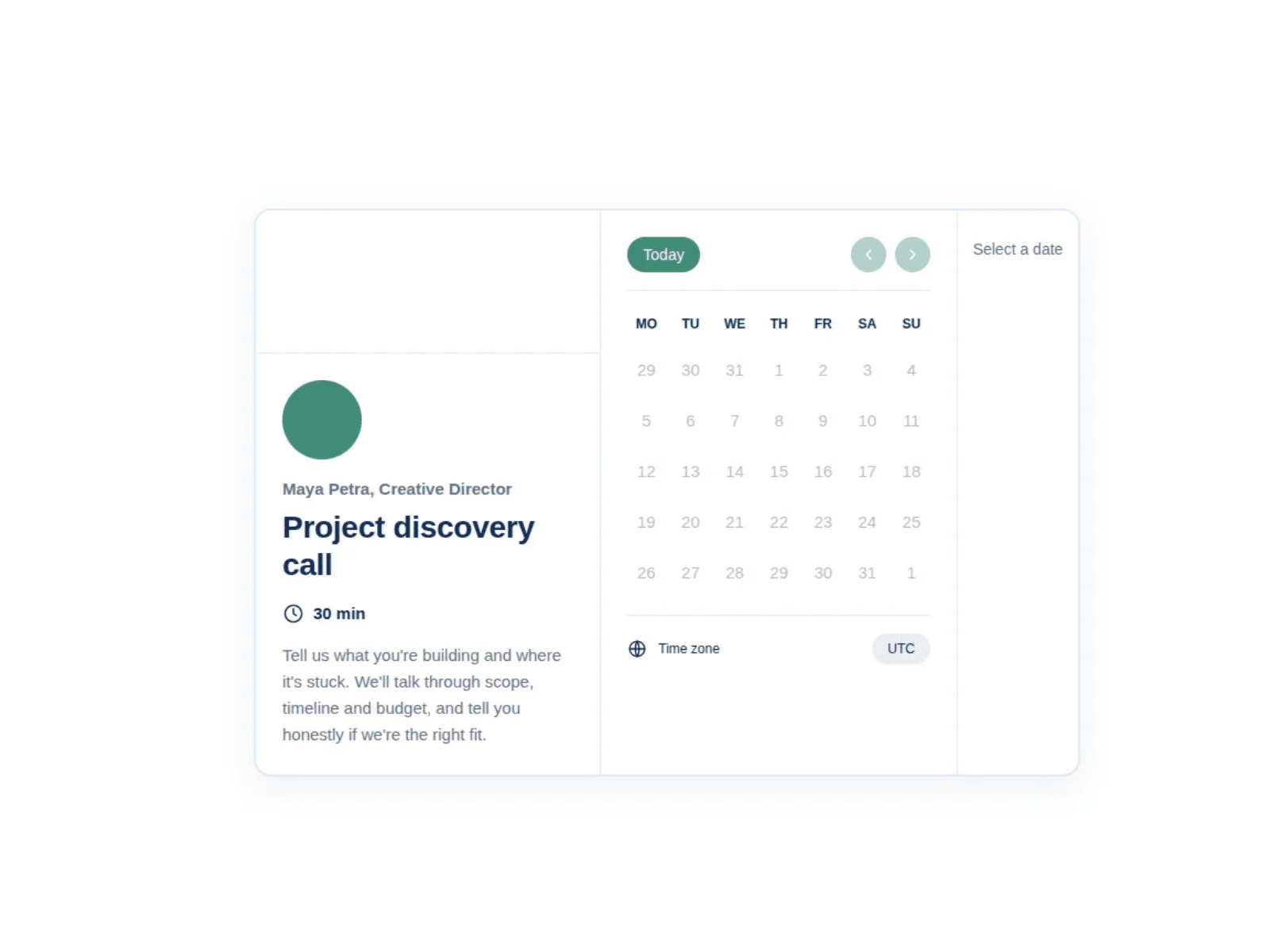
Let visitors pick a date and time, then confirm their booking with your own native Framer Form.
Features
Connects to your native Framer Form, so submissions go to your set backend.
Booking date, time, time zone, and exact start time are added to each submission.
Shows each visitor’s own time zone automatically, with no API needed
Set open days, hours, slot length, breaks, notice, and blocked dates
How to use
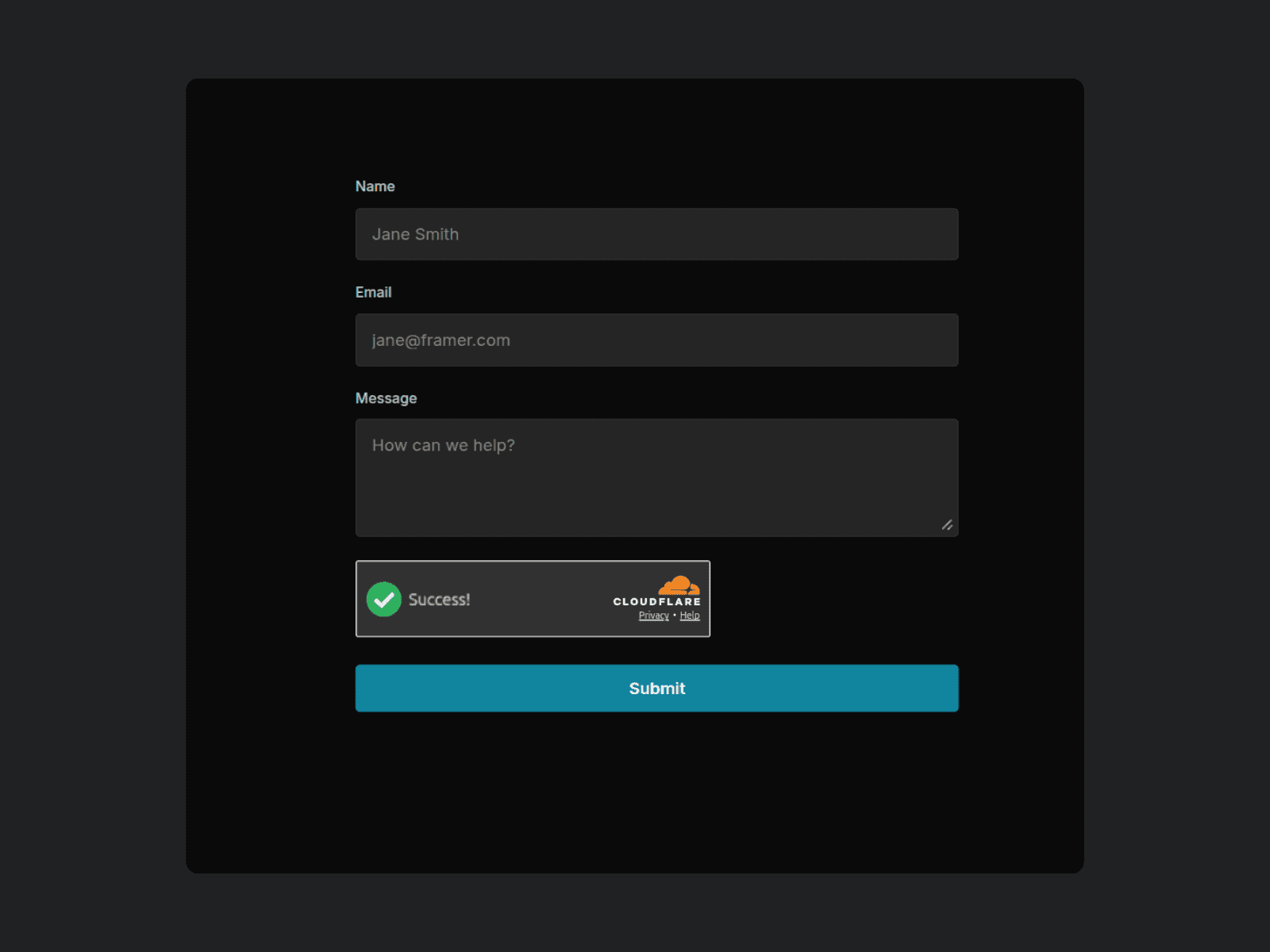
Build your form (name, email, message) with Framer’s native Form.
Connect the form with the Booking Scheduler component.
Set your hours and slot length under Schedule.
Edit the host image, title, description, and confirmation message.
Publish your Booking Scheduler