About PayPal Donation Form
This component is Part of the Essential Components plugin. Browse and insert 30+ components directly in Framer. Start for free
Accept donations directly on your Framer site ,no backend, no code. This component integrates PayPal's secure payment flow with a fully customizable form, allowing you to collect donor details and process payments directly within your design tool.
What you get
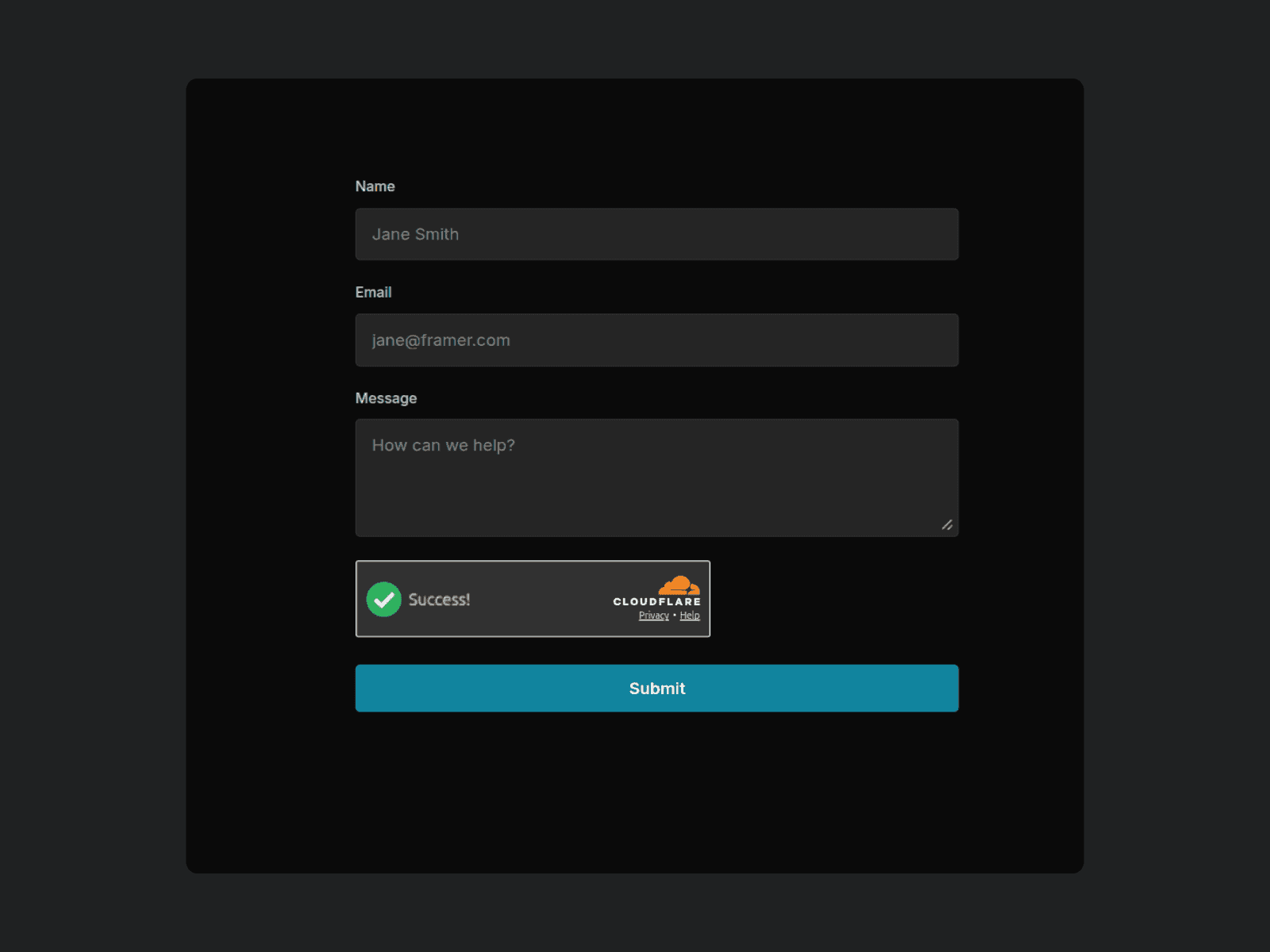
Collects donor name, email, and a personal message before payment
Preset donation amounts with a custom amount option.
Full typography, color, border, and spacing controls from the property panel
A success screen to confirm the donation
Works on any Framer site , no server or third-party tools required
Requirements
Go to developer.paypal.com
Create an app under My Apps & Credentials.
Choose the Merchant option
Copy your Client ID : use the Sandbox ID for testing, Live ID for production.
Paste it into the Client ID field in the property panel.
How to use
Add the component to your page.
Paste your PayPal Client ID in the property panel.
Set your currency and preset donation amounts.
Customize fonts, colors, and button styles to match your brand.
Publish and test using a PayPal Sandbox account before going live.
Tips
Use Gold as the PayPal button style , PayPal's recommended option and converts best.
Test end-to-end in preview mode before publishing.
Set the Success UI text to match your brand voice.
A PayPal Business account is required to collect real payments.