About Bottom Nav Bar
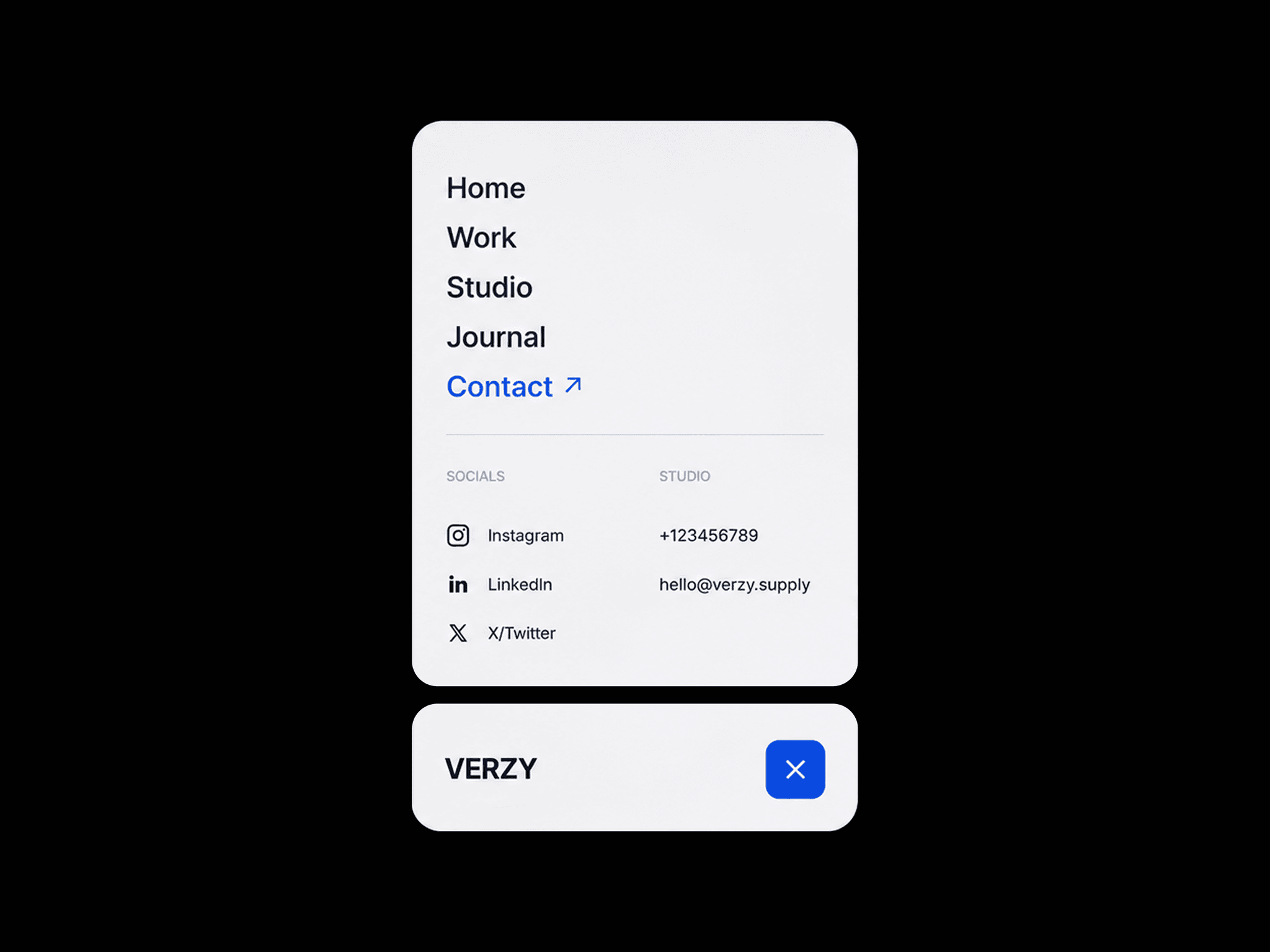
A modern expandable bottom navigation component for Framer that combines a clean dock-style layout with a beautifully animated full-screen menu. With a single click, the compact navigation expands into a customizable menu where visitors can browse pages, open social profiles, copy contact information, or close the menu with a smooth transition.
Designed for:
Portfolios, agencies, startups, freelancers, and modern landing pages, DockMenu helps keep navigation accessible without taking over the interface.
Everything is controlled through Framer's native property panel—no code required.
Interaction Flow
The experience is simple and intuitive.
Collapsed State
Displays a compact dock with your logo and menu button.
Expanded State
Smoothly expands into a full navigation panel.
Menu icon transforms into a close icon.
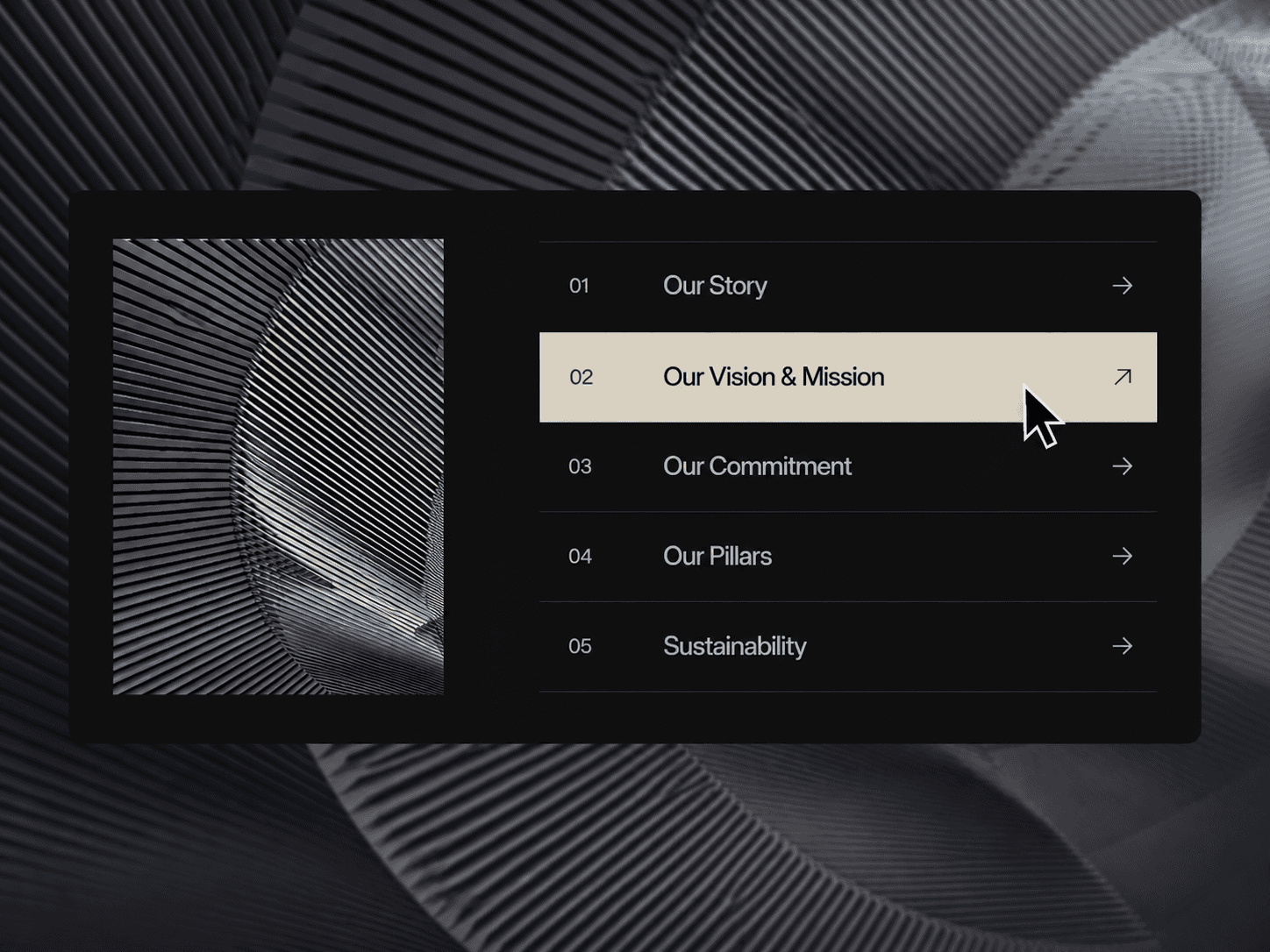
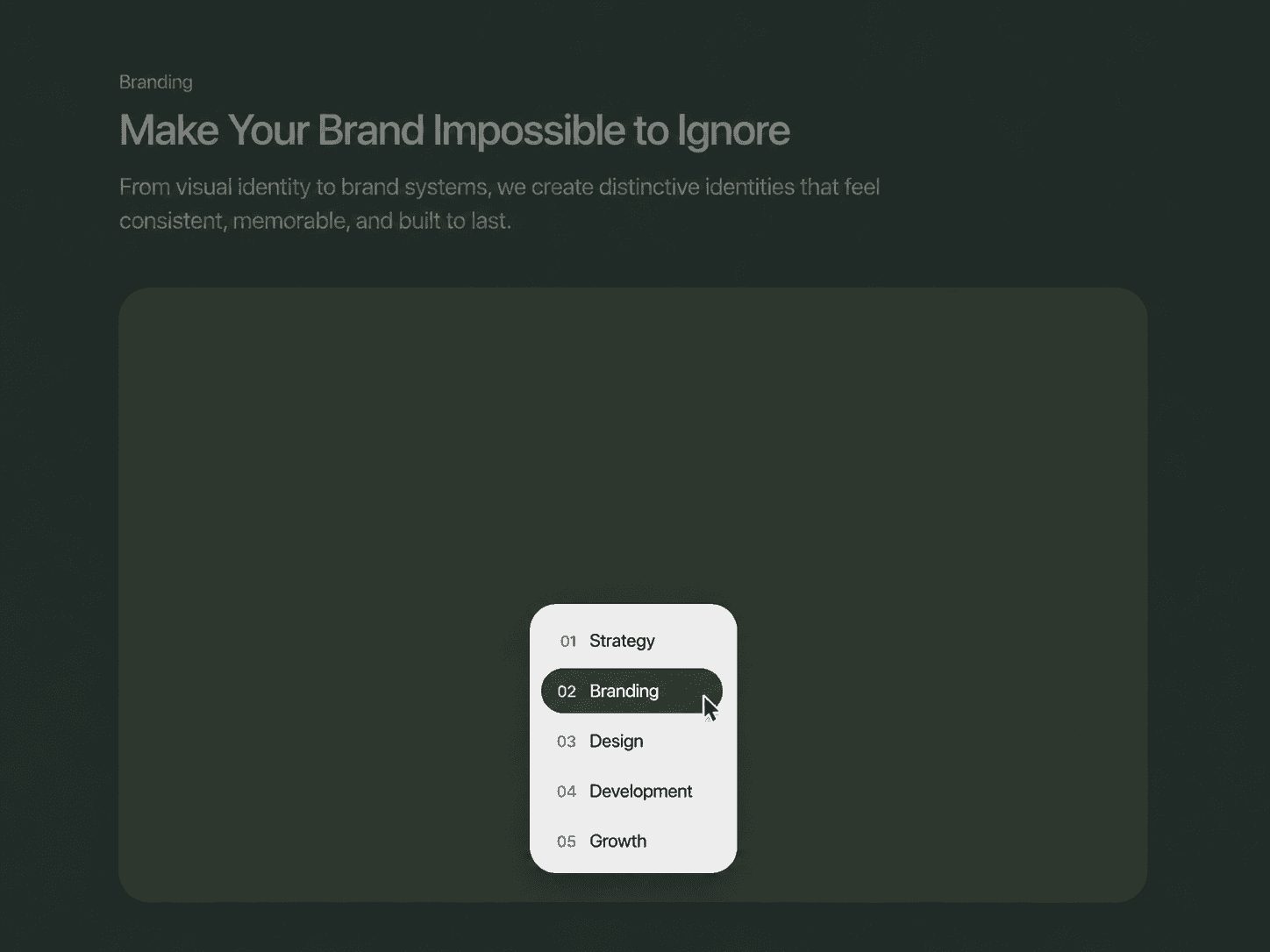
Navigation links become visible.
Social links appear.
Phone number and email are displayed.
Navigation
Every menu item can redirect to its own page or external URL.
Social Links
Each social profile supports its own custom destination.
Copy Actions
Phone number copies with one click.
Email address copies with one click.
Close
Tap the close button to return to the compact dock.
Perfect For
Personal portfolios
Creative agencies
Design studios
Freelancers
SaaS websites
Product pages
Startup landing pages
Photography portfolios
Architecture websites
Personal brands
Fully Customizable
Every part of the component can be customized directly from Framer.
Branding
Logo text
Logo size
Logo typography
Logo color
Navigation
Add or remove menu items
Navigation labels
Individual page links
Typography
Active colors
Spacing
Contact
Phone number
Email address
Copyable values
Labels
Layout
Dock width
Dock height
Expanded panel size
Padding
Spacing
Corner radius
Simply:
Drop the component onto your page.
Add your navigation links.
Connect your social profiles.
Enter your contact details.
Customize the layout and colors.
Publish.