About Wipe Gallery Menu
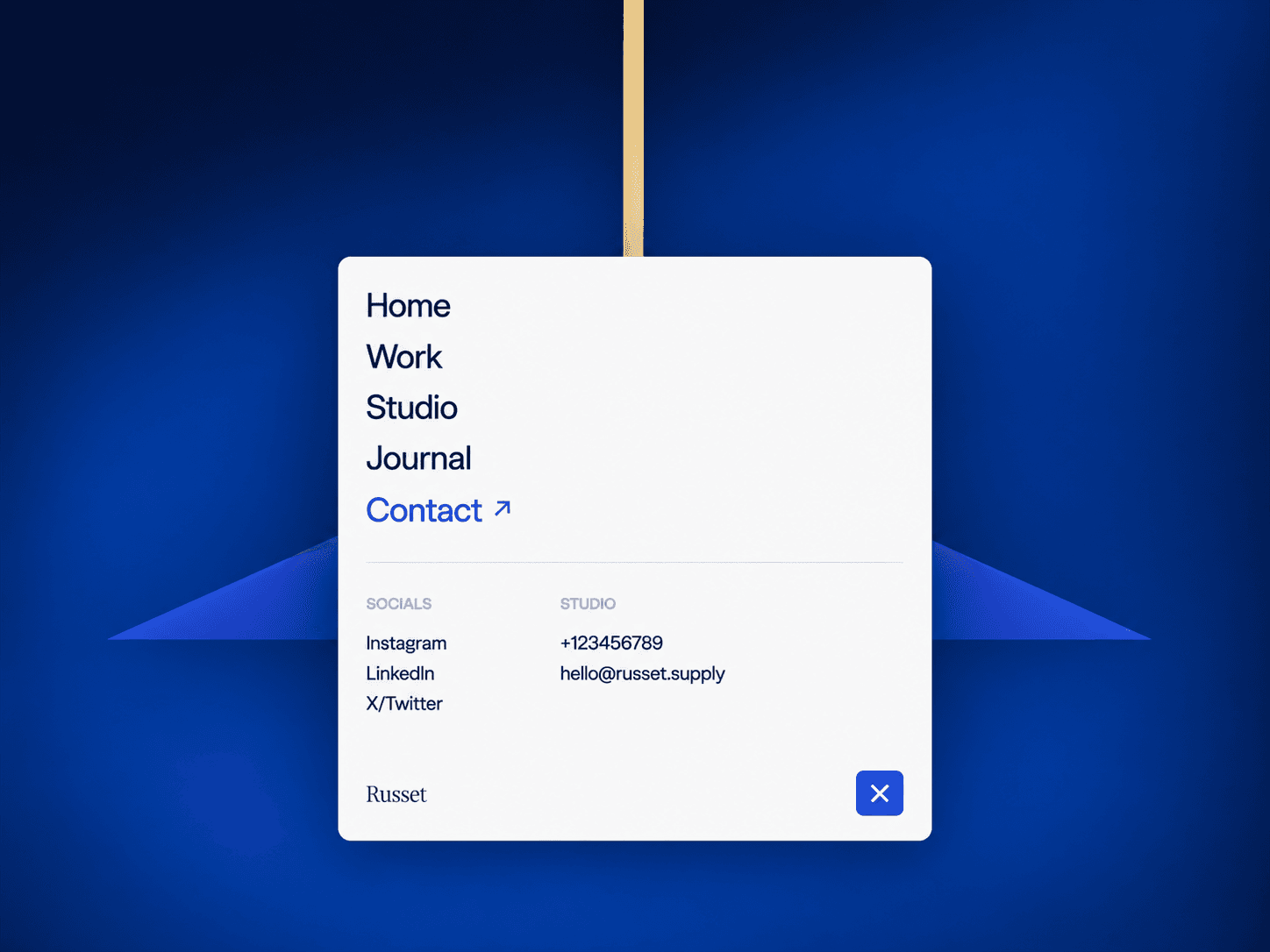
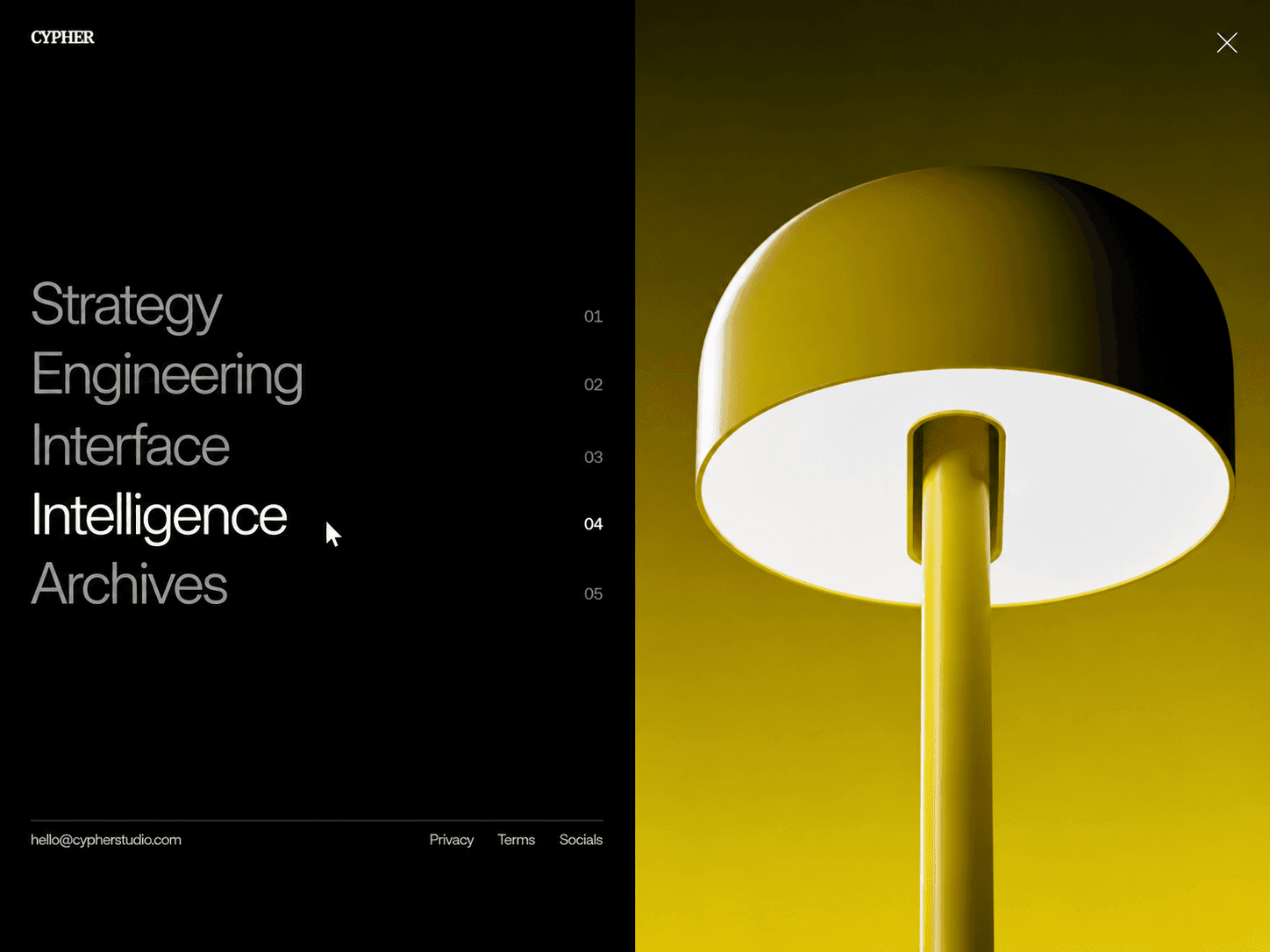
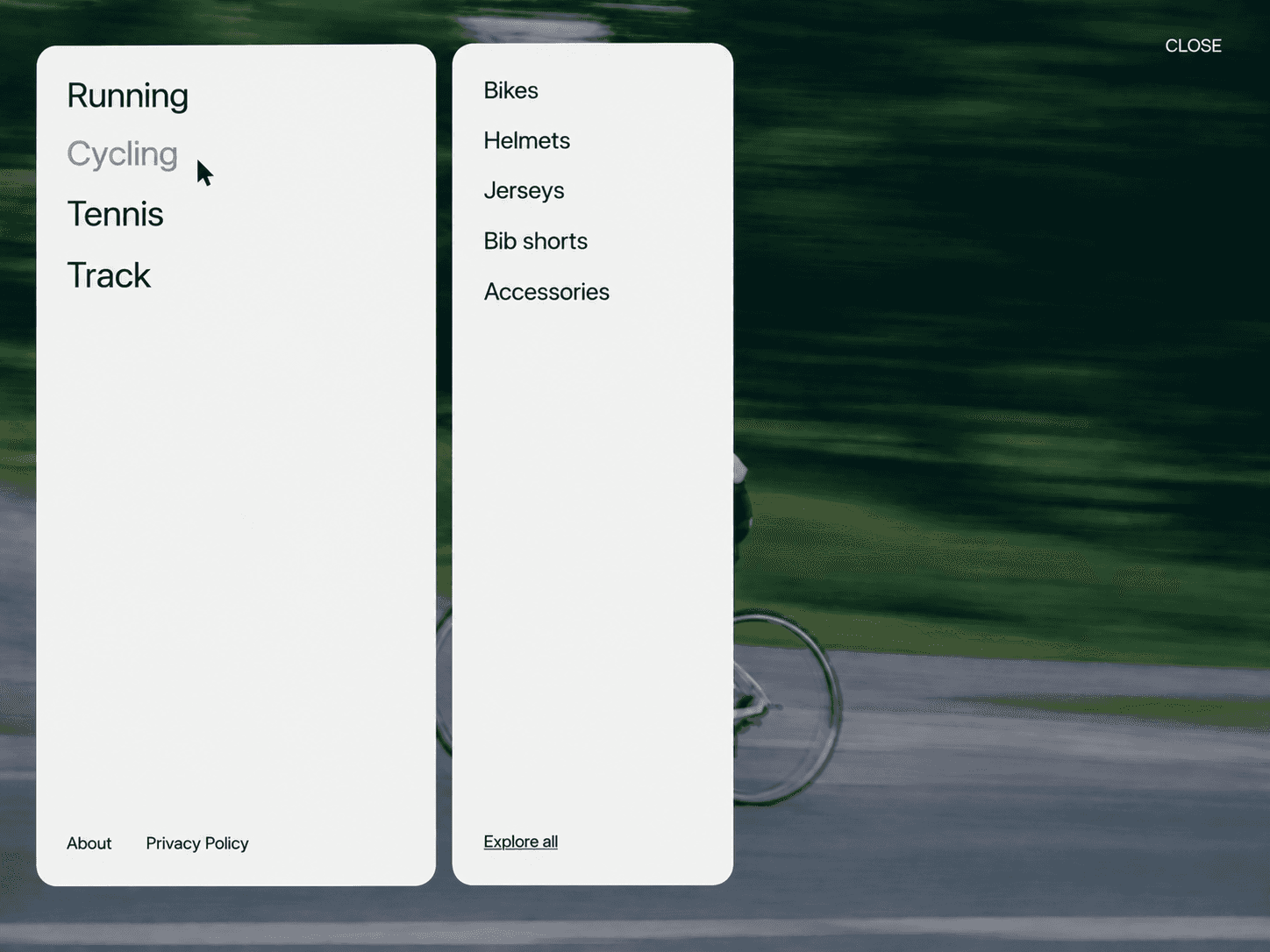
Cinematic Wipe Menu is an immersive full-screen navigation component that reveals a different background image as users interact with each menu item. Each transition combines a directional wipe with a subtle zoom effect for a cinematic, polished experience.
Features
Full-bleed background images for every menu item
Smooth directional wipe transitions
Subtle image zoom effect during transitions
Hover or click interaction
Left, center, or right horizontal alignment
Top, center, or bottom vertical alignment
Customizable item spacing and padding
Optional links for every item
Optional item counter
Separate active and inactive colors
Adjustable inactive opacity
Fully responsive Framer component
Fully Customizable
Built entirely for Framer with flexible property controls, so you can adapt the menu to match your website without touching the code.
Customize
Add, remove, and reorder menu items
Set a custom image for every item
Add an optional link to each item
Choose left, center, or right alignment
Choose top, center, or bottom positioning
Adjust typography, colors, opacity, spacing, and padding
Customize the transition and animation timing
Show or hide the item counter
Adjust the background and overlay opacity
How It Works
Hover over an item on desktop to instantly reveal its corresponding image with a directional wipe and subtle zoom. For touch devices, use click interaction so users can tap an item to change the active image. Each item can also have its own optional link, making the menu work as both a visual navigation and project showcase. The interaction mode can be switched between Hover and Click from the property panel.