About Bump Tags
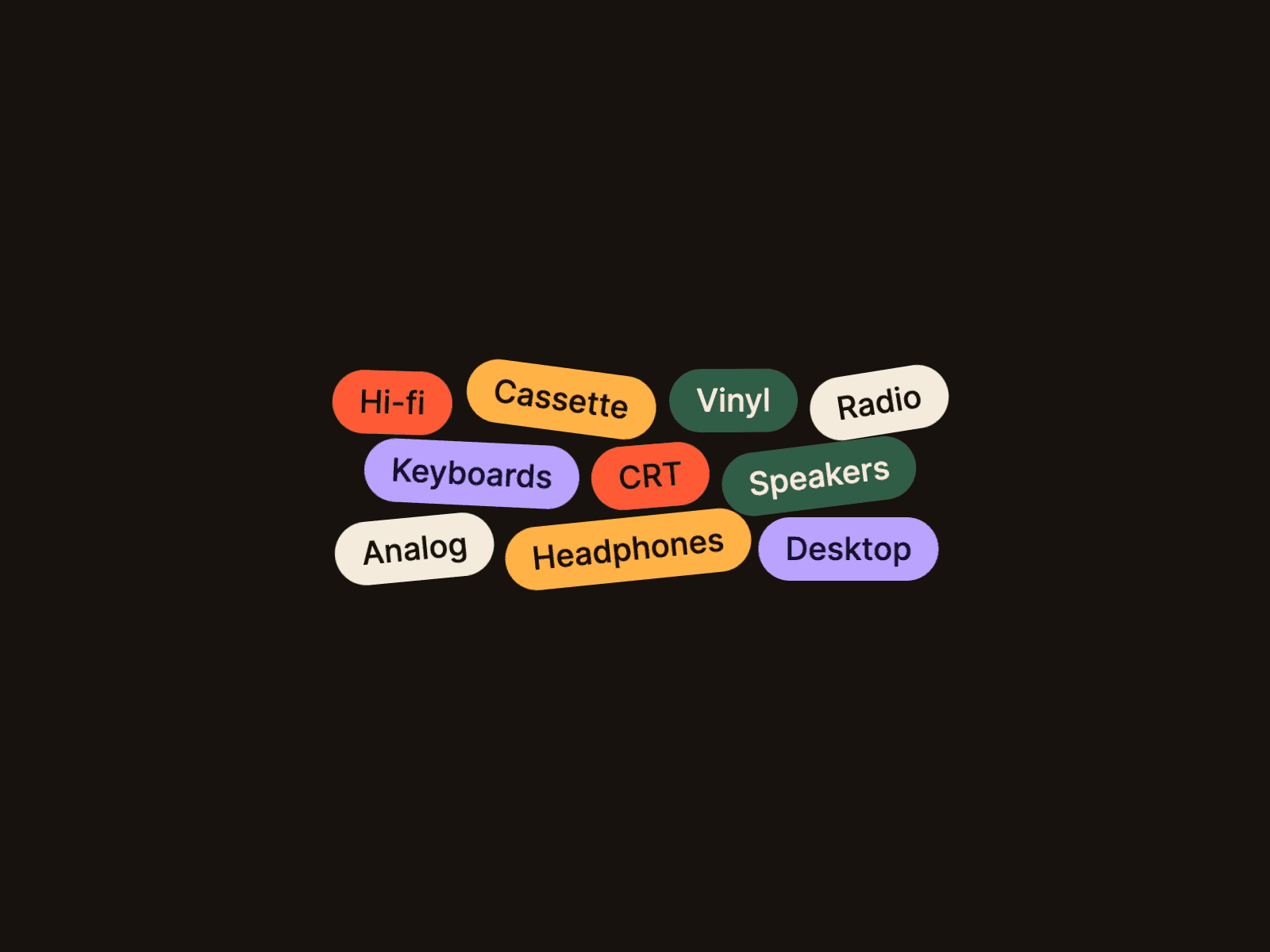
Bump Tags turns a list of categories, skills or services into something people want to touch. Tags sit in a tidy wrapped layout. Sweep the cursor through them and they scatter, harder the faster you move, colliding and tilting before a magnet pulls each one back to its own spot. You can also grab a tag and throw it. There is no gravity and no pile: the cloud always tidies itself up.
It's built for skill lists, service and category tags, about pages, team interests, product features and playful hero sections.
Features
Tags: label, fill colour, text colour and an optional link per tag (up to 40).
Look: full font controls, horizontal and vertical padding, radius (pill by default), gap, cloud width, alignment and an optional border.
Physics: push strength, reach, magnet strength, damping, tilt, collisions on or off, and drag & throw.
Always tidy: tags return home every time, and collisions run only during the action, so tags never get stuck.
Links: linked tags are real links. Throwing a tag never follows its link.
Accessibility: tags are a real list with real text. Reduced-motion preferences keep the cloud still.
Performance: transforms only, with no libraries. The loop sleeps when everything is home.
Editable code: the source is open and documented, with a built-in guide for editing it with AI coding agents.
How to use
Add Bump Tags to your page and give it some room. The frame is the area where the cursor pushes tags.
Edit Tags: labels, colours and optional links.
Style them in Look and tune the Physics.
Preview and sweep the cursor through the cloud. The canvas shows the tidy layout.