About Carosola
Stacked Image Carousel – Interactive Image & Video Slider
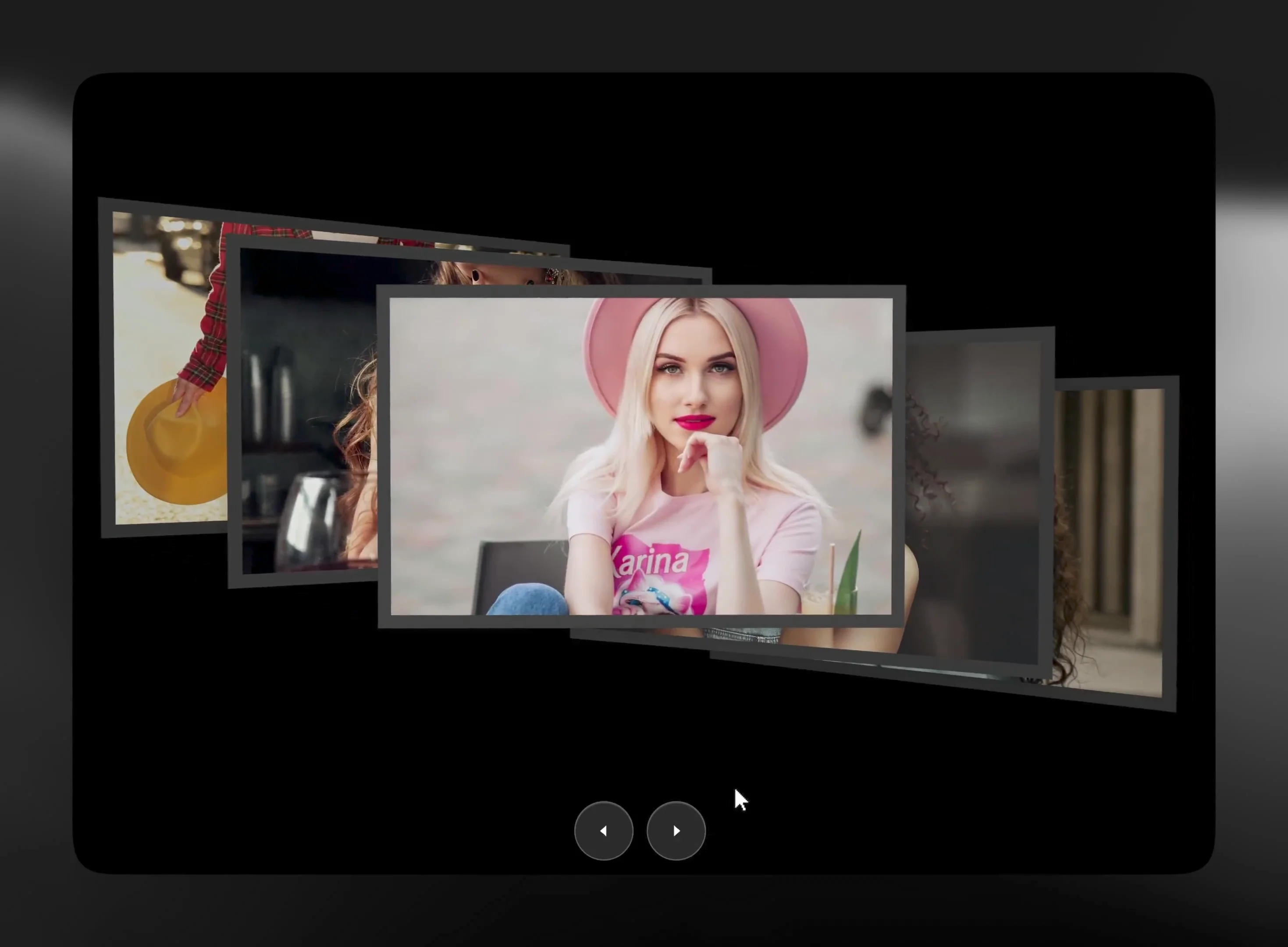
Create stunning, layered image galleries with Stacked Image Carousel, a customizable Framer component designed to showcase images and videos with a unique overlapping card effect.
Key Features
Image & Video Support: Add images or videos to individual cards, with images serving as video posters.
Custom Card Content: Add unique titles, images, and custom links to every card.
Layered Cascade Effect: Create overlapping layouts with adjustable card positions and dimensions.
Parallax Effects: Add depth and motion with customizable parallax settings.
Intro Animations: Choose engaging entrance animations, including Fan Out.
Custom Navigation: Configure navigation controls and arrow styles.
Autoplay Controls: Set up automatic carousel playback.
Custom Background: Adjust the component background to fit your website.
Fully Customizable: Control card layouts, cascade settings, navigation, and animations through the Framer property panel.
How to Use
Add the Component: Insert Stacked Image Carousel into your Framer project from the Assets panel.
Add Your Cards: Open the property panel and add cards to the Cards section.
Upload Media: Add an image or video to each card. Images will serve as video posters.
Customize Content: Set titles and custom links for individual cards.
Adjust Layout: Customize card dimensions, spacing, and cascade settings.
Configure Navigation: Customize navigation controls, arrow styles, and starting card position.
Enable Autoplay: Adjust settings for automatic playback.
Customize Animations: Choose an intro animation and fine-tune parallax effects.
Style Your Carousel: Customize captions and background settings.
Preview & Publish: Preview your carousel and publish your website.
Perfect For
Creative Agency Websites
Photography & Portfolio Websites
Personal Portfolios
Fashion & Lifestyle Brands
Visual Storytelling
Product Showcases
Creative Landing Pages