About Chapters Timeline
About Chapters Timeline
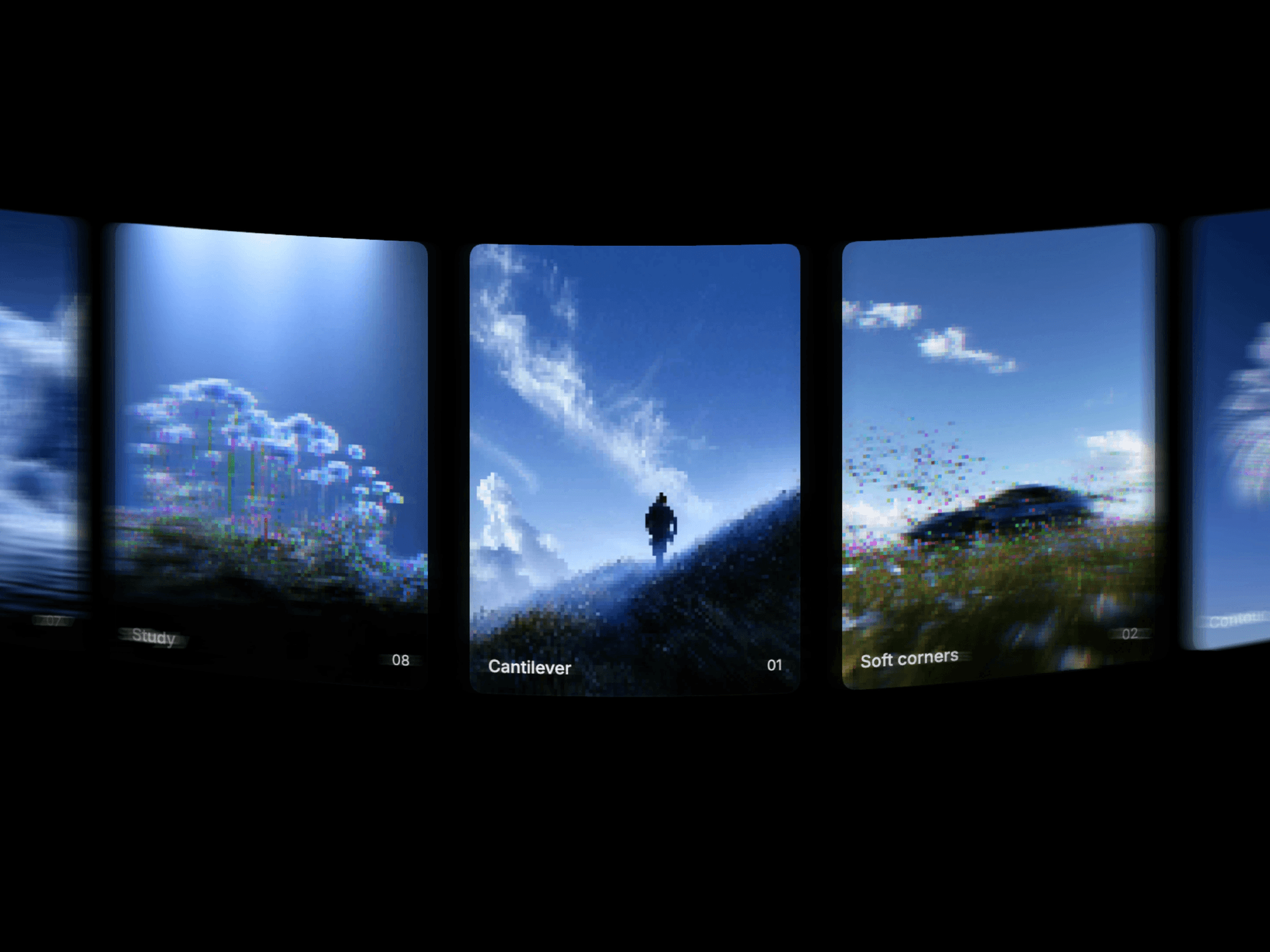
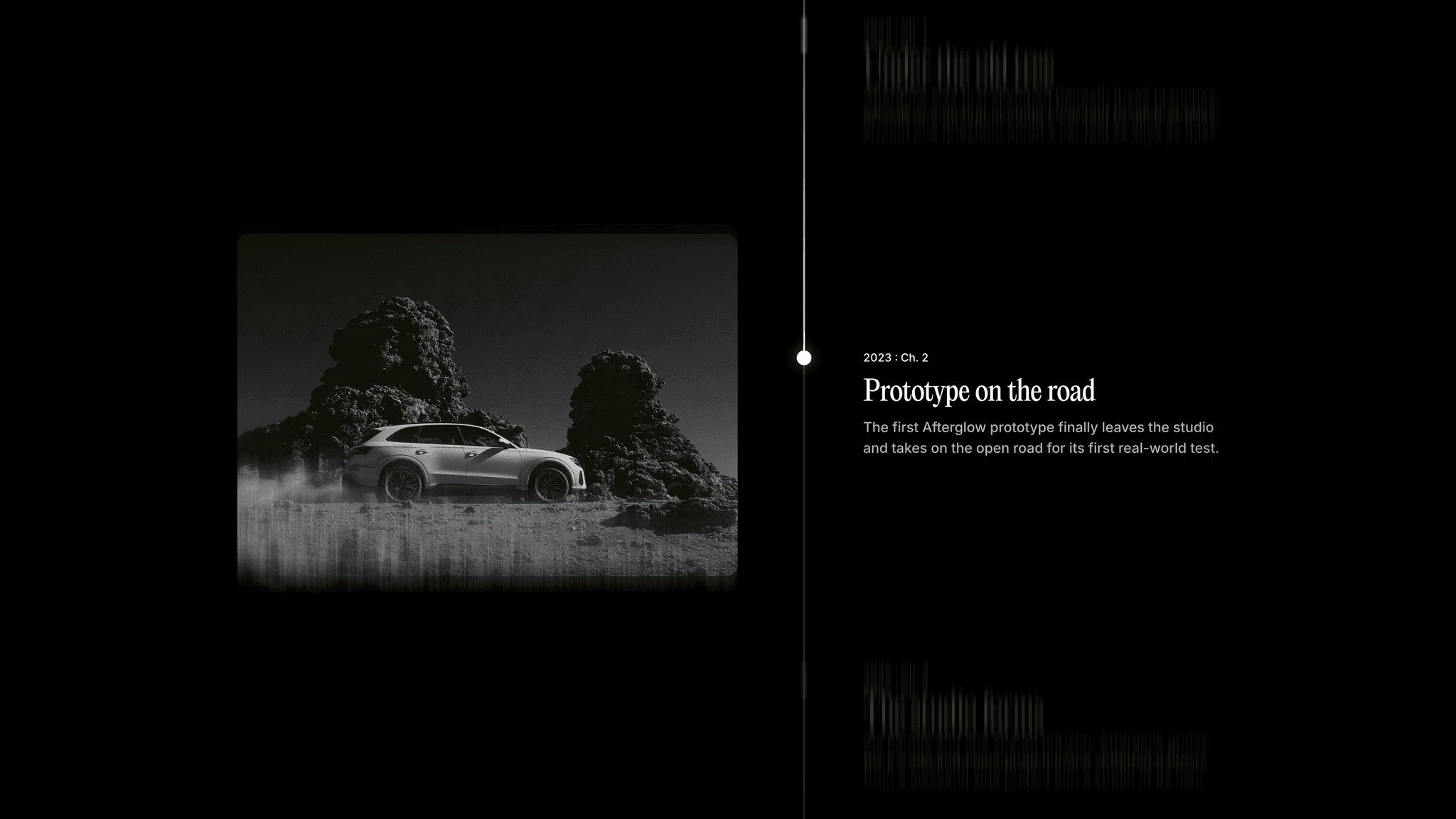
Chapters Timeline presents a sequence of milestones as visitors scroll through the page. Each step pairs an image with a label, title, and description, making it easy to tell a story through dates, chapters, or stages. Choose a dot matrix or blur effect for the image transitions.
What you can customize
Add up to 12 milestones and edit the label, title, description, and image for each. Set the image height, the scroll height of each step, and whether images appear on the left or right.
Choose Dot Matrix or Blur for the image effect, adjust the dot size when using Dot Matrix, and customize the transition. Set the background, panel, surface, text, and marker colors, with separate fonts for titles, descriptions, and labels. Use Preview Step to inspect a milestone on the canvas.
How to use
Copy the component from the Marketplace and paste it onto the canvas
Open Milestones to add your steps and replace their content
Set Image Side, Image Height, and Step Height
Choose an Image Effect and adjust Dot Size when using Dot Matrix
Customize Colors, Typography, and Transition
Use Preview Step to inspect individual milestones on the canvas
Preview the page and scroll through the full sequence
Great for
Company histories and milestones
Project journeys and case studies
Processes and step-by-step explanations
Product development stories