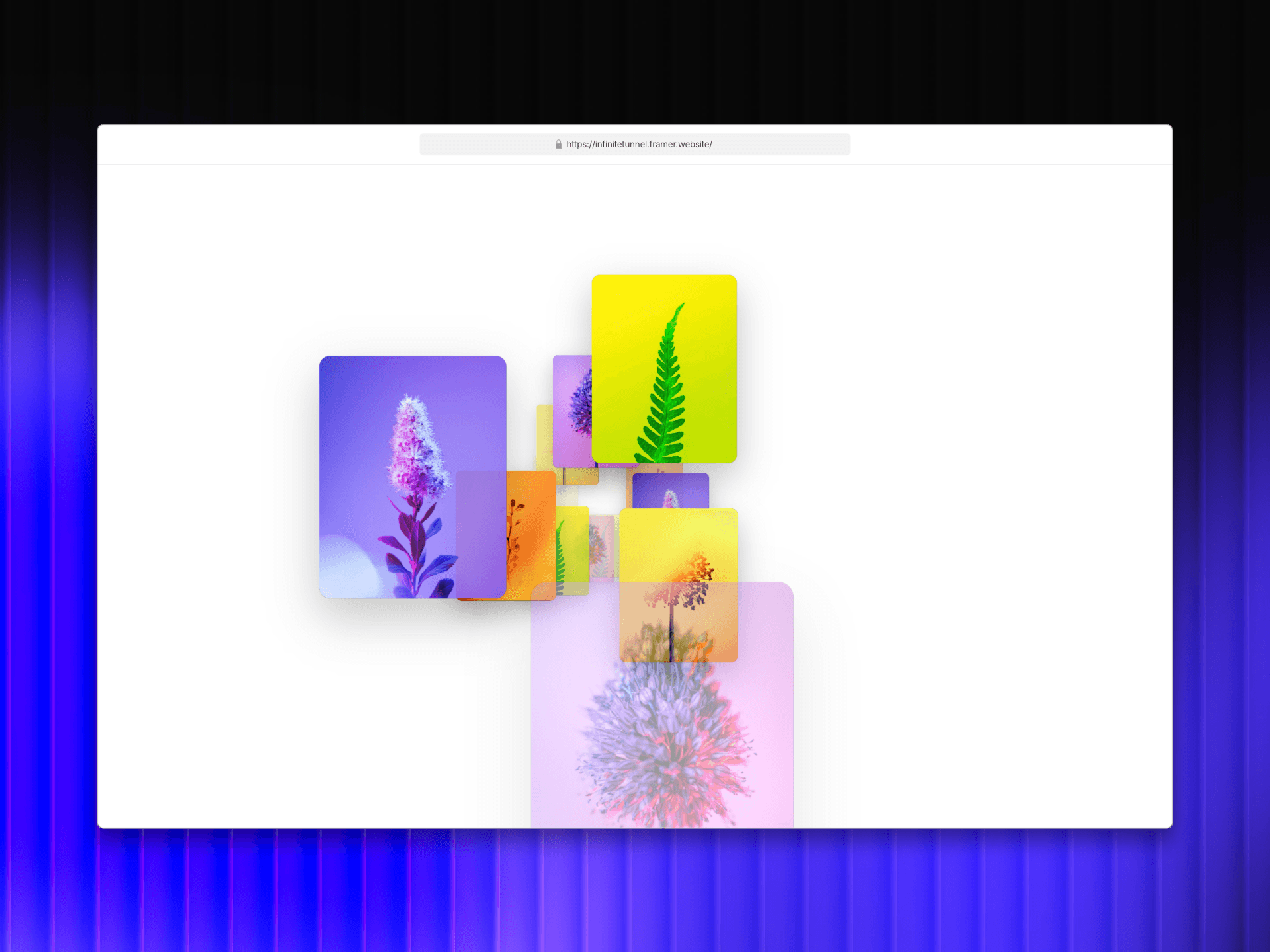
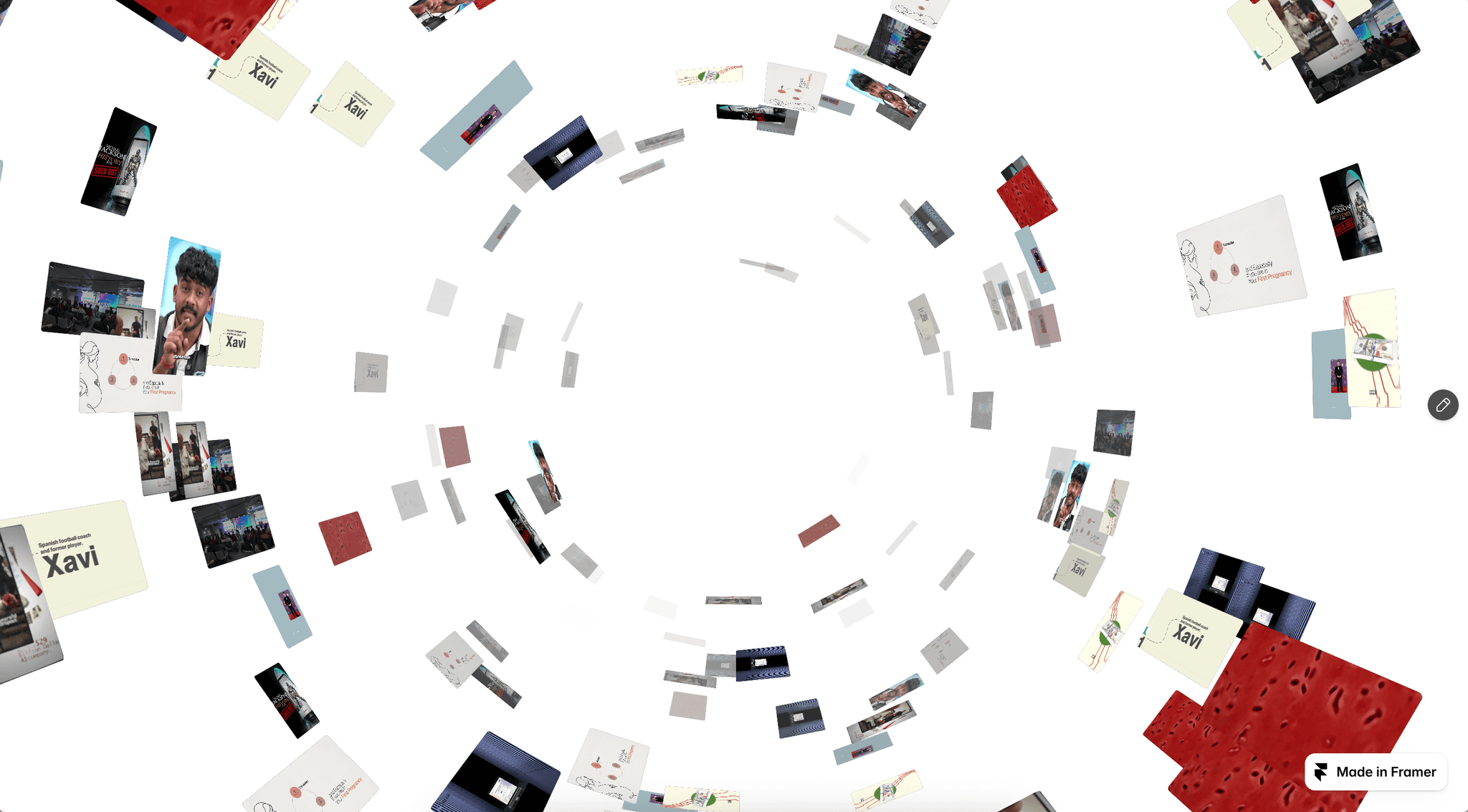
Parallax Gallery is a horizontal image and video gallery for Framer with two distinct modes built into the same component. Pinned mode pins the gallery to the viewport and scrubs through it as the visitor scrolls down the page. Infinite Loop mode turns the strip into a seamless never-ending marquee that rolls forever in either direction. The same content can be switched between the two modes from a single dropdown, with no rebuild and no second component.
The signature is the inner image parallax. Every frame holds a slightly oversized image that drifts counter to the frame's own motion. The closer a frame sits to the screen center, the more the image inside it settles into place. The further out, the more it slides. The effect reads like a slow camera move through a row of windows.
The Source dropdown switches the gallery between Pinned and Infinite Loop without any code edits or layout changes.
Pinned mode is the default. The component takes its parent frame's height as the scroll runway, so a taller frame produces a slower scrub. Inside, a sticky stage pins the gallery to the viewport while the visitor scrolls through it. The browser's native scroll drives the horizontal travel, so the rest of the page never feels trapped or hijacked.
The scroll-to-horizontal mapping is eased, so the strip glides rather than jumps. A thin progress bar at the bottom of the stage tracks how far the visitor has moved through the strip.
This mode is best for editorial features, photo essays, case study openers, and any section where a horizontal beat earns the visitor's full attention.
Infinite Loop mode removes the runway and turns the gallery into a seamless marquee. The strip duplicates itself enough times to fill the stage, wraps by one exact set-span so the join is invisible, and rolls forever in the direction you pick.
Three drivers can move the strip, and they all layer together. Auto Speed drifts the strip at a constant rate. Drag lets the visitor scrub by hand, with momentum and friction tuned to feel weighted. Scroll to Move captures vertical wheel input and converts it into horizontal travel for an active marquee that responds to scroll without taking the page with it.
This mode is best for press walls, client logos, ambient hero strips, and any section where the gallery is part of the atmosphere rather than the headline.
The parallax effect is the same in both modes. Every image is rendered slightly wider than its frame, with the overshoot split evenly to the left and right. As the strip moves, each image translates counter to that motion in proportion to how far the frame sits from the screen center.
The result is a soft, continuous depth that does not depend on a 3D engine. Frames near the center settle, frames toward the edge drift, and the eye tracks the entire row as if it were filmed by a slow dolly.
The overshoot and the parallax amount are both tunable. The overshoot is clamped so the frame edges never reveal, no matter how aggressive the parallax is set.
A Source dropdown switches the component between hand-curated and CMS-driven content.
An Items array exposes every image, caption, and link. Each row is a single piece of media with its own caption text and an optional click-through link. The order of the array sets the order of the strip.
A Collection Slot accepts a Framer Collection List. Drop the list into the slot, configure it for any collection that contains images or videos, and the gallery reads every row at once and tiles them in a single strip. The collection edits live, captions inherit from image alt text, and the gallery refreshes with the collection.
Both modes share the same layout, motion, effect, and style controls, so the visual settings carry across the switch without rework.
Four effects layer on top of the parallax. Each is exposed as its own slider, and they all stack. Every effect is driven by the same normalized distance from the screen center that the parallax uses, so they stay in sync with the strip.
Frames scale up as they approach the center of the screen and ease back down as they leave. The effect is gentle by default and reads as quiet emphasis. Best for portfolios and editorial layouts where one frame at a time should be the subject.
The strip arcs vertically. A positive curve lifts the frames toward the edges and dips the center, like a smile. A negative curve does the inverse, like a frown. Best for hero strips that should feel composed rather than linear.
The whole strip skews horizontally in proportion to the scroll velocity, then springs back to flat when the scroll settles. Best for energetic sections where the motion should feel like the gallery is being yanked along.
Saturation falls off with distance from the center. Frames at the screen center stay in full color, frames toward the edges fade toward grayscale. Best for editorial features where the focal frame should always read as the subject.
Every item can be a video instead of an image. Videos render muted, looping, and autoplaying, with an optional poster image while they load. In Manual mode, each row picks Image or Video. In CMS mode, the slot reads both image and video sources from the Collection List automatically.
Autoplay is suppressed during canvas, export, and thumbnail rendering, so the editor stays calm and quiet.
Every frame can carry a link. In Manual mode, each item exposes a Link control and the frame becomes a real anchor. In CMS mode, frames inherit the link from the row's own anchor, so dynamic routes like /blog/:slug resolve correctly in Framer Preview, in the popout window, and on the live site.
Controls are grouped into popable Object panels for clarity.
The top-level array of media used in Manual mode. Each row holds the image or video, the caption, and the optional link.
Media height as a percentage of the stage. Width mode (From Aspect or Custom). Aspect ratio (3:2, 4:3, 16:9, 1:1, 3:4, 9:16) when From Aspect is selected. Media width in viewport units when Custom is selected. Gap between frames. Four-side padding (top, bottom, start, end). Stage height as a percentage of the viewport.
Ease, parallax percent, and overscan percent. Tune the lerp smoothing and the parallax depth without touching code.
Center focus, curve, velocity skew, and desaturate. Each effect is a single slider.
Only used in Infinite Loop mode. Auto Speed in pixels per second. Direction (left or right). Scroll to Move toggle.
Background color, media radius, captions toggle and color, progress bar toggle and color.
Every control carries its own one-line description, so the panel reads as a guided setup rather than a dump of sliders.
There are no npm dependencies under the hood. There is no GSAP, no Three.js, no scroll library. The horizontal scrub is computed by hand against the parent frame's scroll rect, the loop wraps with a measured set-span, and a single requestAnimationFrame loop drives both the strip motion and the inner parallax. The React tree renders once, and per-frame work is imperative DOM mutation, not React re-renders. The bundle stays small and the runtime stays predictable.
The component reads useIsStaticRenderer from Framer and switches to a quiet static preview during canvas, export, and thumbnail rendering. The strip sits flat at progress zero, videos do not autoplay, and the layer panel stays fast even with the component dropped in. The full effect only runs in Preview and on the live site.
A single Framer code component, ready to drop on the canvas. Two distinct modes (Pinned and Infinite Loop) in one purchase. Manual and CMS source modes. Full image and video support. Click-through navigation that respects dynamic CMS routes. Four scroll-driven effects. A grouped property panel covering items, layout, motion, effect, loop, and style. No npm dependencies. A calm static preview. Free updates as the component evolves.