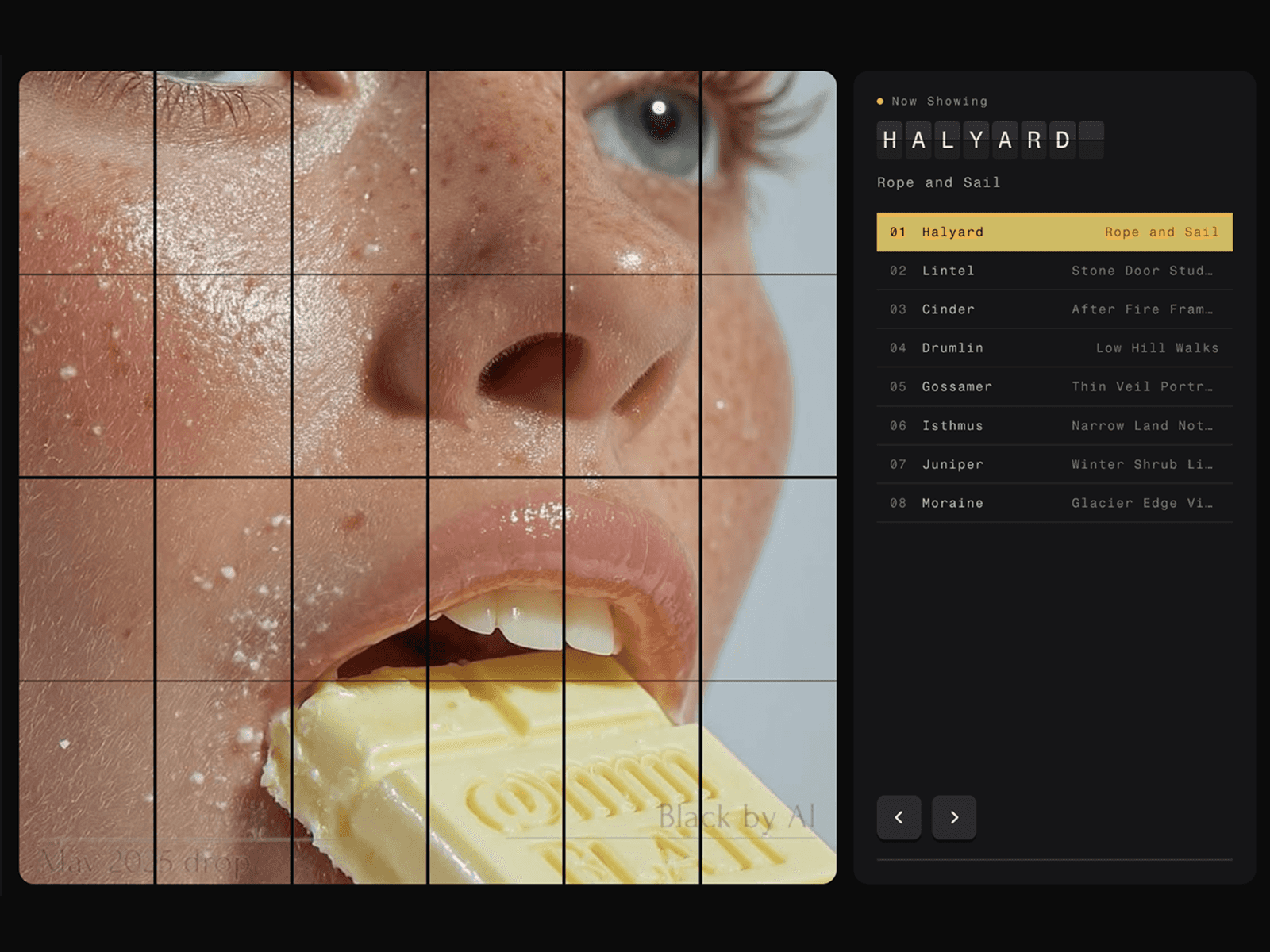
About CMS Gallery
Preview Link: https://cmsinfinitegallery.framer.website/
CMS Gallery is a powerful CMS-powered gallery component for Framer that automatically displays images and videos from your CMS collections. With responsive layouts, built-in filtering, lightbox support, hover effects, and extensive customization, it's the perfect way to showcase dynamic content without manually updating your gallery.
HOW TO USE
Add CMS Gallery to your Framer page
Map your image, video, title, and category fields
Customize the gallery layout and columns
Enable category filtering (optional)
Choose your preferred hover effect
Customize colors, spacing, typography, and borders
Enable the lightbox for fullscreen viewing
KEY FEATURES
Fully compatible with Framer CMS
Link CMS Page
Supports images and videos
Responsive grid and masonry layouts
Category-based filtering
Smooth animations and transitions
Multiple hover effects
Fullscreen lightbox
Image zoom support
Video playback support
Custom captions and category labels
CMS page and external links
Adjustable spacing and corner radius
Responsive desktop, tablet, and mobile layouts
Fully customizable colors and typography
No-code setup inside Framer
WHY CMS GALLERY?
Perfect for portfolios, blogs, agencies, photography websites, case studies, product showcases, real estate listings, and content-rich websites. CMS Gallery lets you build beautiful, dynamic galleries that update automatically from your Framer CMS, saving time while keeping your content organized and always up to date.