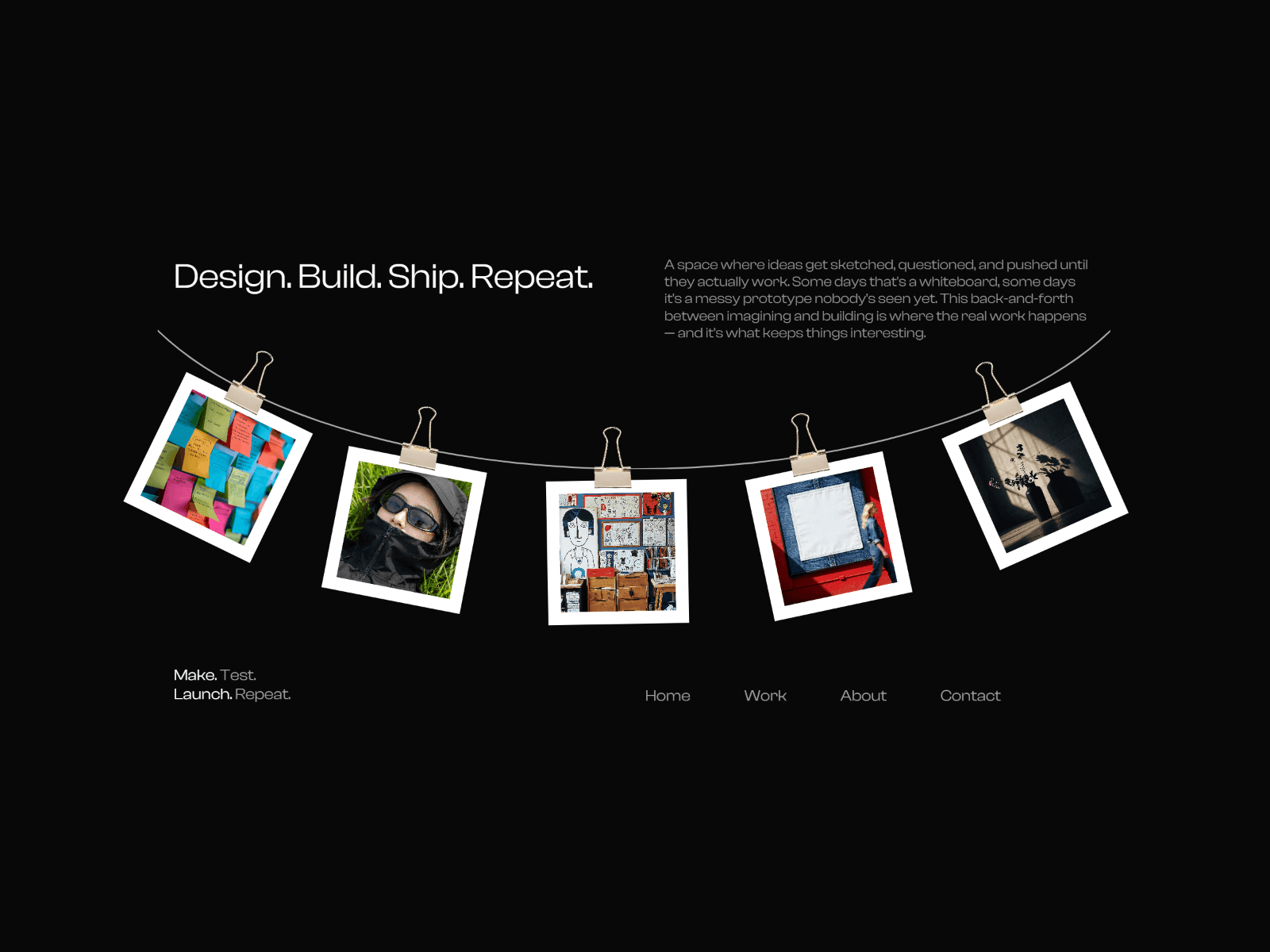
About CMS Masonry Lightbox
Transform your Framer CMS collections and Gallery fields into stunning visual galleries with this high-performance masonry grid component, featuring an elegant lightbox viewer, component and image linking, parallax effect and extensive customization options.
🎯 Purpose & Objective
Create beautiful, Pinterest-style masonry layouts directly from your CMS collections. This component automatically arranges images in an optimal grid pattern with varying heights, creating visual interest while maintaining perfect alignment. Ideal for portfolios, photo galleries, product showcases, and any visual-heavy content.
🚀 High-Performance CMS Integration
Seamlessly connects to any Framer CMS Collection List
Works for both CMS collection lists and Gallery fields
Connects with image elements and custom components
Automatic data extraction from collection items
Smart image preloading for instant loading times
Optimized rendering with minimal re-renders
Handles large collections efficiently
🎨 Ultra-Customizable Masonry Grid
Choose between responsive or fixed column layouts
Parallax Effect
Adjustable gaps between images (0-100px)
Variable height options for dynamic visual rhythm
Keep original image aspect ratios or set custom heights
Customizable image corner radius
Multiple object-fit options (cover, contain, fill, scale-down)
Hover scale effects for interactive feedback
💡 Beautifully Designed Responsive Lightbox
Smooth, elegant lightbox overlay with customizable background
Navigation arrows for browsing through images
Keyboard support (arrow keys and ESC)
Customizable border radius for lightbox images
Pre-loading for seamless image transitions
Loading indicators for better user experience
Click-outside-to-close functionality
⚙️ How to Set It Up
Drop the component into your Framer project
Connect your CMS Collection List or Gallery collection to the component
Configure layout preferences (responsive vs fixed columns)
Adjust visual settings (gaps, heights, radius)
Enable/disable lightbox features as needed
Customize animation timings and hover effects⚠️ Note that in preview mode, the lightbox might close automatically on first launch and you'll have to reclick on it. However it does not appear on live version so no worries 😊.
📱 Responsive Design Features
Automatically adjusts columns based on screen size
Mobile-optimized with 2-column layout
Tablet view with 3 columns
Desktop view with 4+ columns
Maintains perfect alignment across all breakpoints
⚡ Performance Optimizations
Smart image lazy loading by default
Optional eager loading for above-the-fold content
Efficient DOM updates using ResizeObserver
Memoized calculations to prevent unnecessary re-renders
Optimized event handlers with proper cleanup
🎭 Interactive Features
Smooth hover animations with customizable scale
Click-to-open lightbox functionality
Keyboard navigation support
Touch-friendly on mobile devices
Customizable transition durations
💼 Perfect Use Cases
Photography portfolios
Product galleries
Team member showcases
Real estate listings
Art exhibitions
Social media feeds
Blog post galleries
Event photo collections
This component combines the power of Framer's CMS with modern web design patterns to create engaging, professional galleries that load fast and look beautiful on any device.⚠️ Commercial use restrictions :* - Sharing with third parties who haven't bought the component on Framer Marketplace, nor on LemonSqueezy's Framer Master's account is PROHIBITED
* - Use of this component in templates, direct resell or shared link without payment is strictly PROHIBITEDRefund policy : Because this is a digital product, all sales are considered final. Once you complete your purchase, you'll get instant access to the Framer component. Since digital items can't be returned, we're not able to offer refunds, exchanges, or cancellations. Refunds are only issued in cases of duplicate charges.Please make sure to review the features and preview materials before buying. If you're unsure or have any questions, feel free to reach out — we're happy to help before you commit.
By completing your purchase, you're confirming you understand and accept these terms.