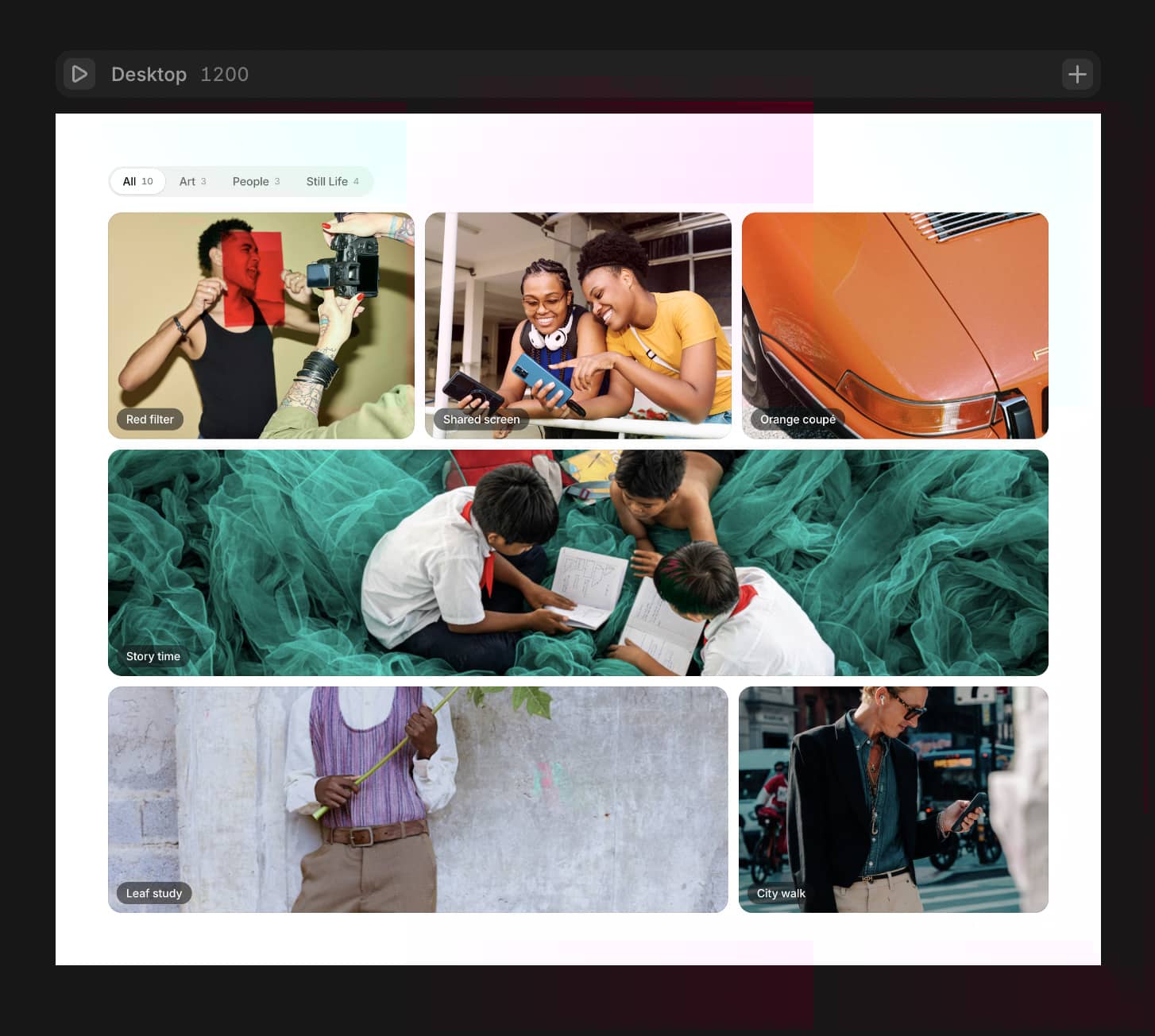
About CMS Ultimate Infinit
🚀 High-Performance CMS Integration
Connects to single or multiple Collection Lists simultaneously
Supports Gallery fields and Static Items
Works with Images, Videos, and Custom Components (cards, frames, Vimeo/YouTube embeds, etc.)
Smart image preloading for instant loading times
Optimized rendering with minimal re-renders using ref-based animations
Handles large collections efficiently with 3x3 seamless tiling
⚙️ How to Set It Up
Choose your Content Mode: Images/Videos or Components
Select your Data Source: Collection List(s), Gallery, or Static Items
Connect one or multiple Collection Lists to the component
Customize appearance, animations, and interactions
Enable lightbox and hover effects as needed
✨ Key Features
Infinite Drag Navigation: Seamless scrolling in all directions with momentum physics
8 Autoscroll Directions: Left, Right, Up, Down, and 4 Diagonal options
Powerful Lightbox: Full-screen viewing with internal/external controls, custom icons, video autoplay, and keyboard navigation
Hover Effects: Scale animations with customizable zoom amount and color effects (B&W, Sepia, Blur)
Touch & Swipe Support: Mobile and tablet optimized with adjustable drag strength
Fade-In Animations: Smooth entry animations with customizable duration and staggered delays
Random Offsets: Add organic randomness to item positions for natural layouts
🎛️ Full Customization
Grid parameters (item width, height, gaps, radius)
Background colors and item styling
Drag strength and scroll sensitivity (1-10 scale)
Autoscroll speed and direction
Lightbox styling (background, radius, button sizes, blur effects, z-index)
Custom arrow and close button icons
Hover scale amount and transition duration
Sort order (Default, Random, Reverse)
🎬 Video & Lightbox Control
Video autoplay in lightbox with optional controls
Navigate through all items with arrows or keyboard
Portal mode to display lightbox above all elements
Internal or external control button positioning
💡 Best Practices
Optimize images for web performance
Use consistent aspect ratios for cleaner grids
Test drag behavior on mobile devices
Enable preloading for smoother user experience
⚠️ Commercial Use Restrictions
Sharing with third parties who haven't purchased the component on Framer Marketplace or Polar.sh FramerMaster's account is PROHIBITED
Use of this component in templates, direct resell, or shared link without payment is strictly PROHIBITED
📜 Refund Policy
Because this is a digital product, all sales are considered final. Once you complete your purchase, you'll get instant access to the Framer component. Since digital items can't be returned, we're not able to offer refunds, exchanges, or cancellations. Refunds are only issued in cases of duplicate charges.
Please make sure to review the features and preview materials before buying. If you're unsure or have any questions, feel free to reach out — we're happy to help before you commit.
By completing your purchase, you're confirming you understand and accept these terms.