About CMS Page Flip
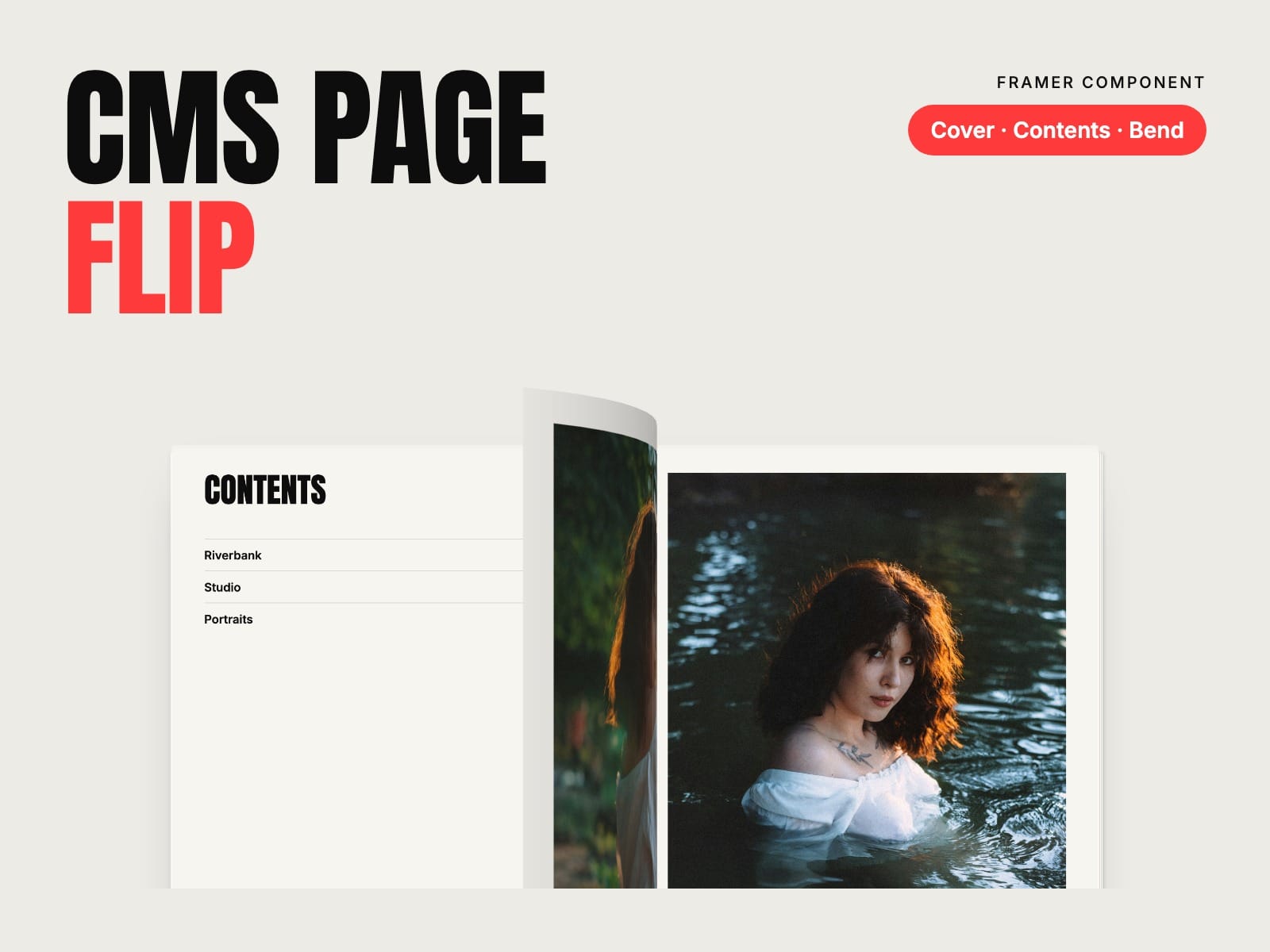
Your CMS as a magazine. A cover, contents, an opener for each chapter and a page for each project, with paper that bends as it turns. Launch week: 30% off with the code FLIP30, until 11 November.
How to use
Paste CMS Page Flip and its Page Item into your Framer project
Connect a Gallery field on a CMS page, or put a Page Item in your Collection List and connect image, title, caption, chapter and link
Shape the book: cover, contents, page shape, fonts and colours
Key features
Pages from a Gallery field, a Collection List or the panel
Automatic cover, contents, chapter openers and back cover
Paper that bends and shades as it turns, corner lift and page edges
Two pages on desktop, one on phones; drag, tap, arrows and keys
Full screen button and a link to any page (#p-7)
3:4, 4:5 or A4, photos with margin or full bleed
Reduced motion and screen reader friendly, no network requests of its own
Full documentation: miguelrecio-components.framer.website/cms-page-flip/docs
One-time payment. Single-Use licence: one website or project per licence. Questions: info@miguelrecio.es.