About CMS Folder Gallery
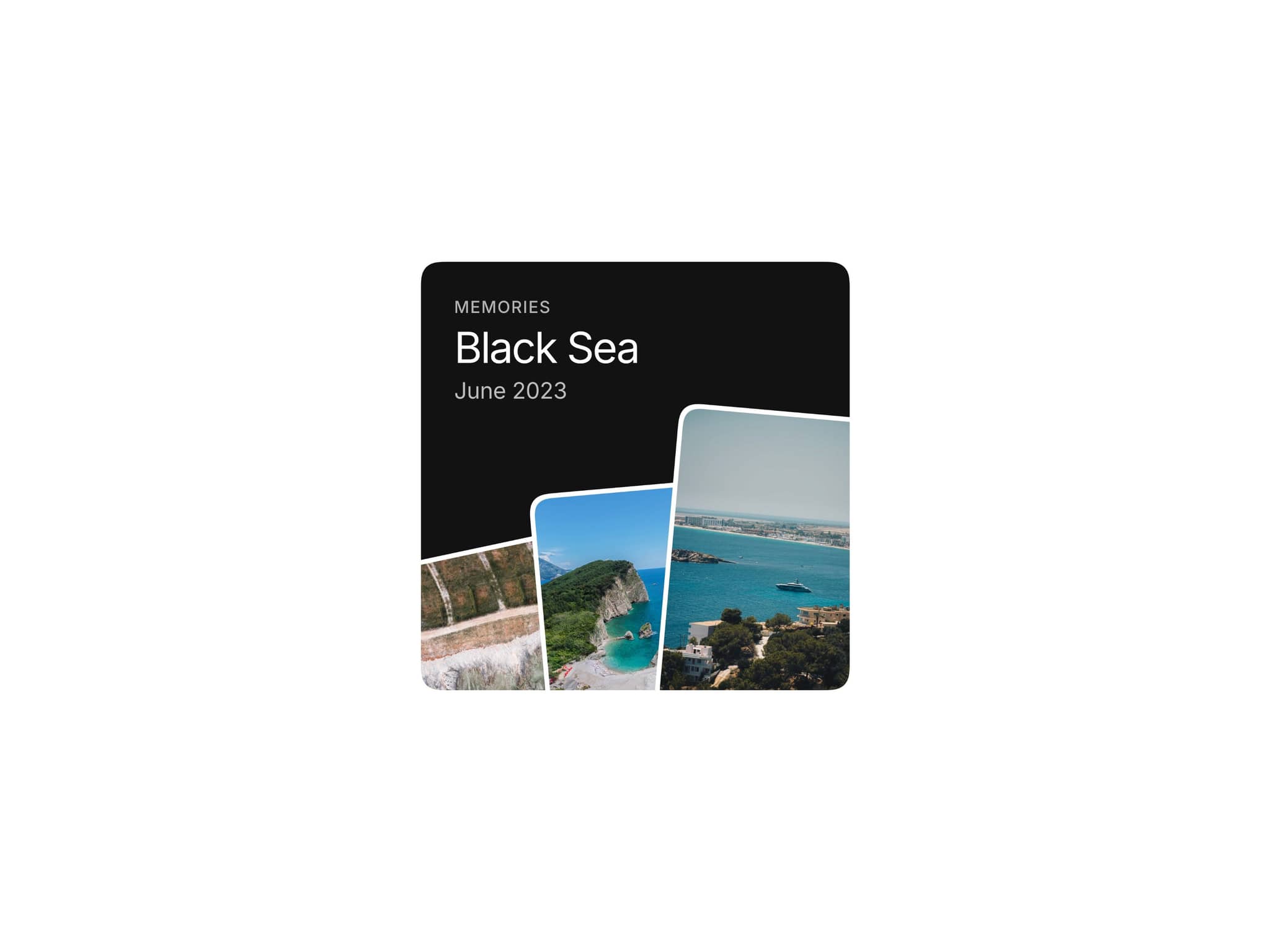
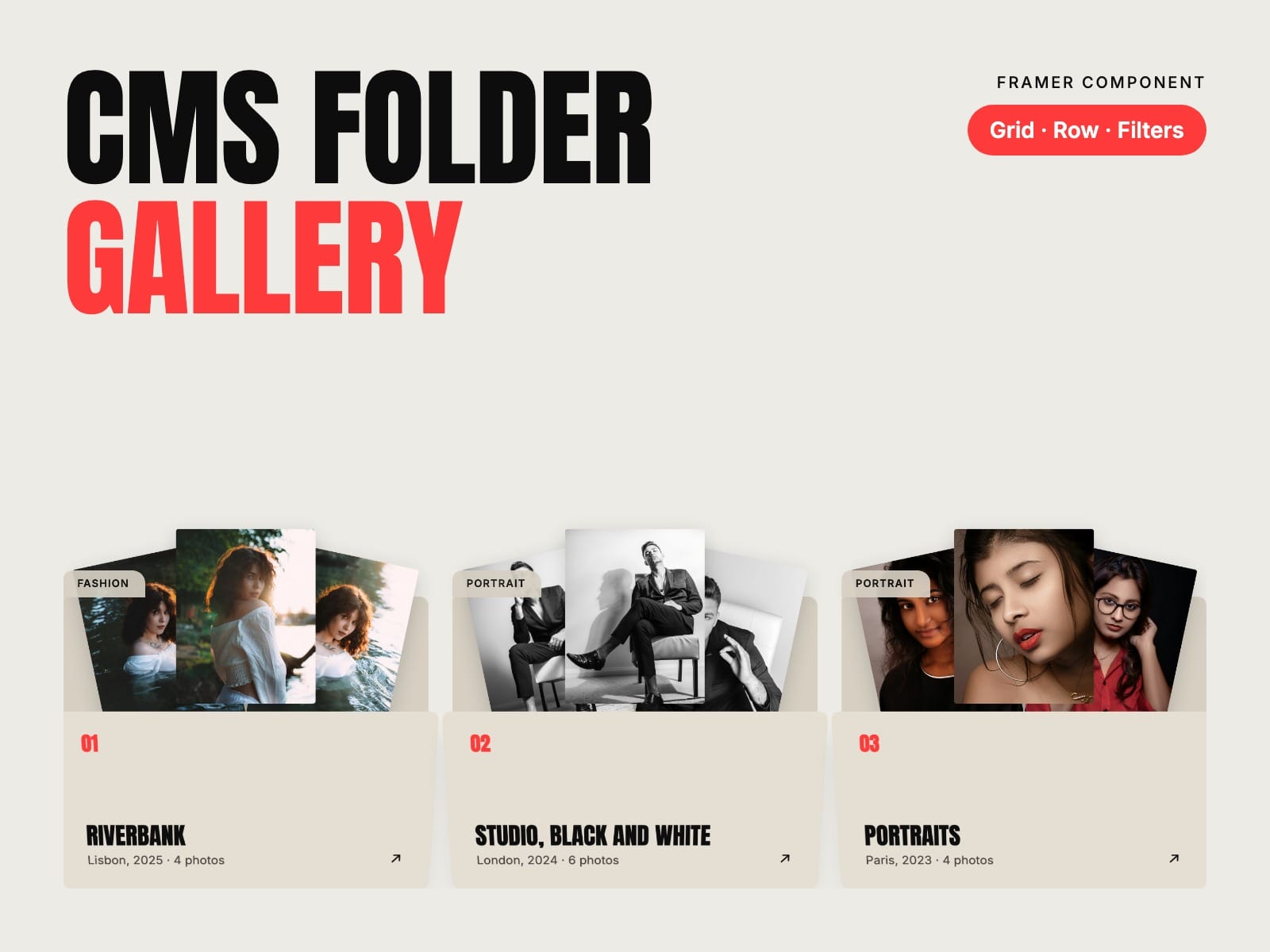
Your CMS projects as folders. Each item of a collection becomes a folder: hover it and the photos of its Gallery field fan out, click and you're on the project. Launch week: 30% off with the code FOLDERS30, until 7 November.
How to use
Paste CMS Folder Gallery and its Folder Item into your Framer project
Put a Folder Item inside your Collection List and connect title, tab, detail, link and your Gallery field
Pick Grid or Row, a look and your fonts
Key features
Reads a CMS Gallery field: the first photos fan out of each folder
Opens on hover, on tap on phones and on keyboard focus
Grid, or a sideways row that snaps
Paper, Ink and Accent looks, or your own colours, one per folder
Filter buttons with counts, and Framer's own Collection List filters
Tab, number and photo count, 1 to 3 photos, three fan sizes
Uppercase titles for condensed display fonts
Reduced motion and screen reader friendly, no network requests of its own
Full documentation: miguelrecio-components.framer.website/cms-folder-gallery/docs
One-time payment. Single-Use licence: one website or project per licence. Questions: info@miguelrecio.es.