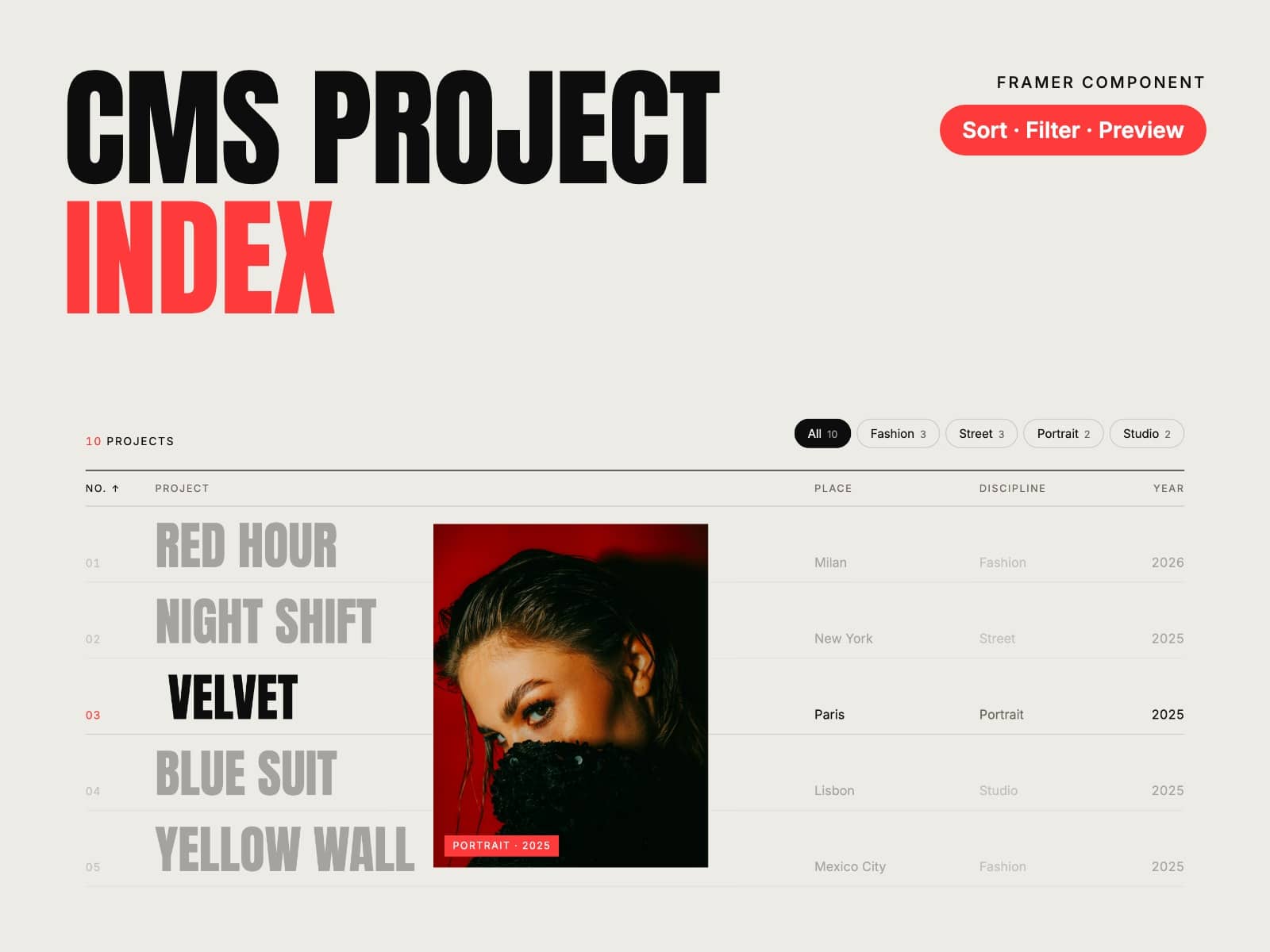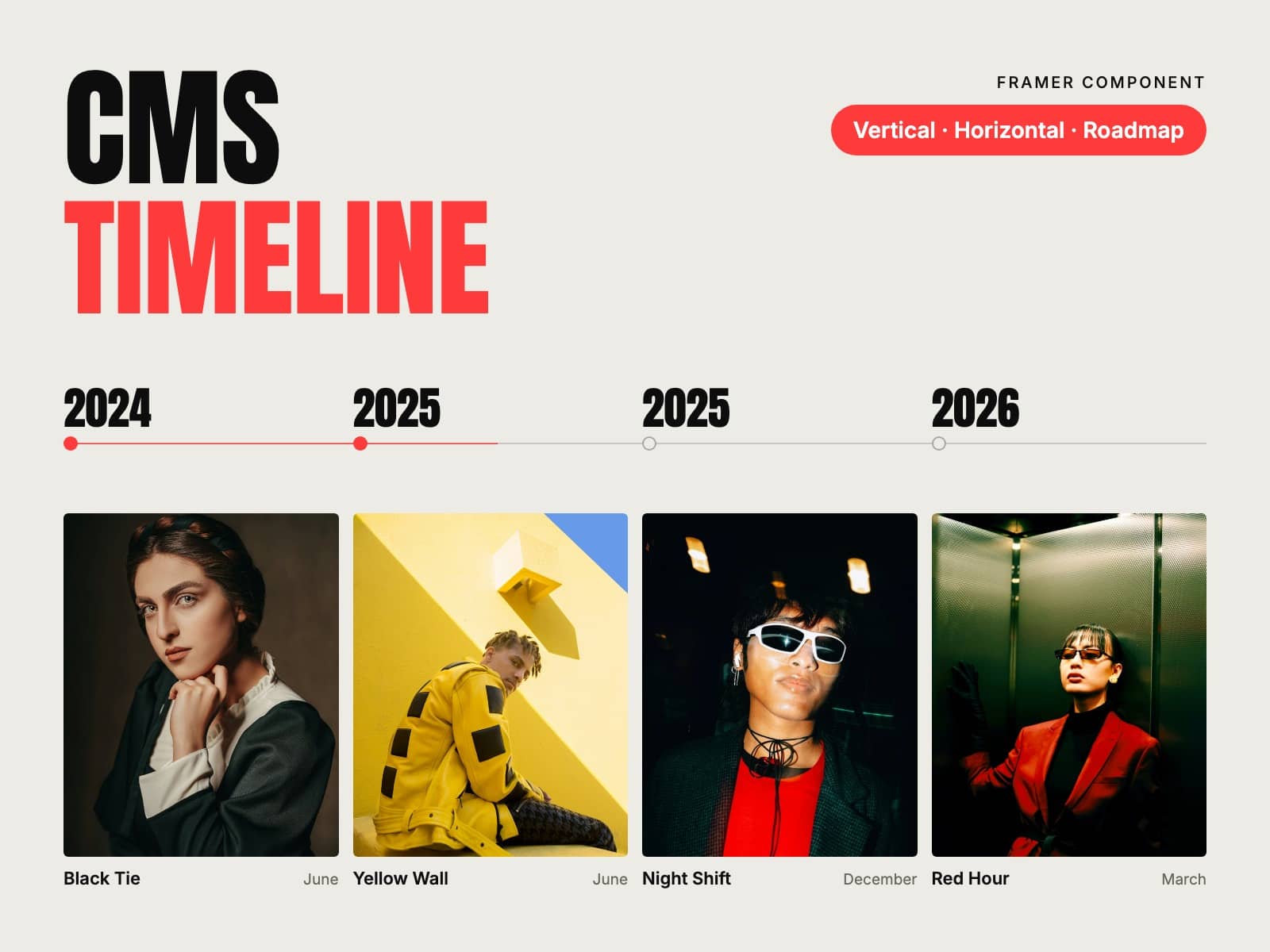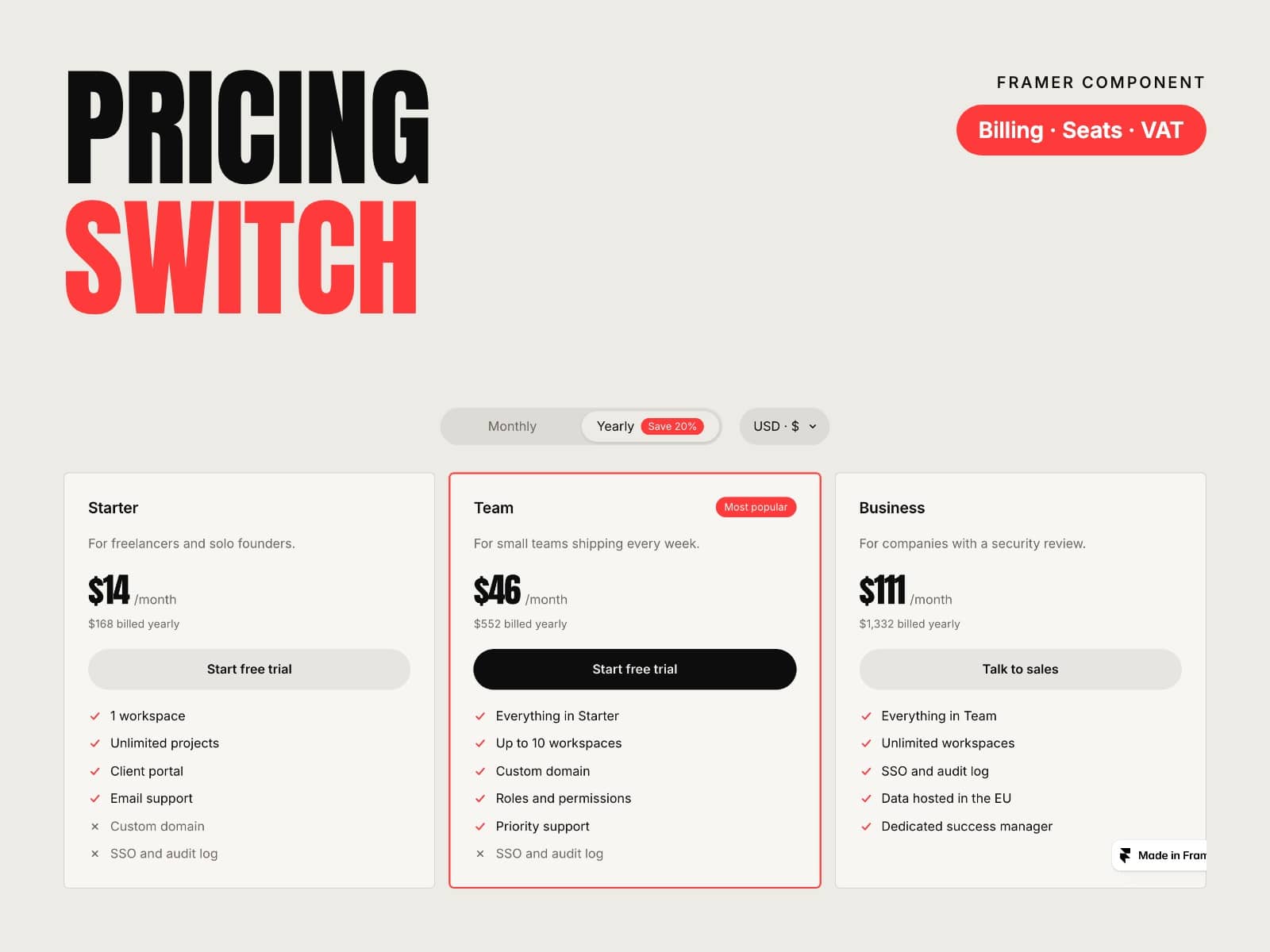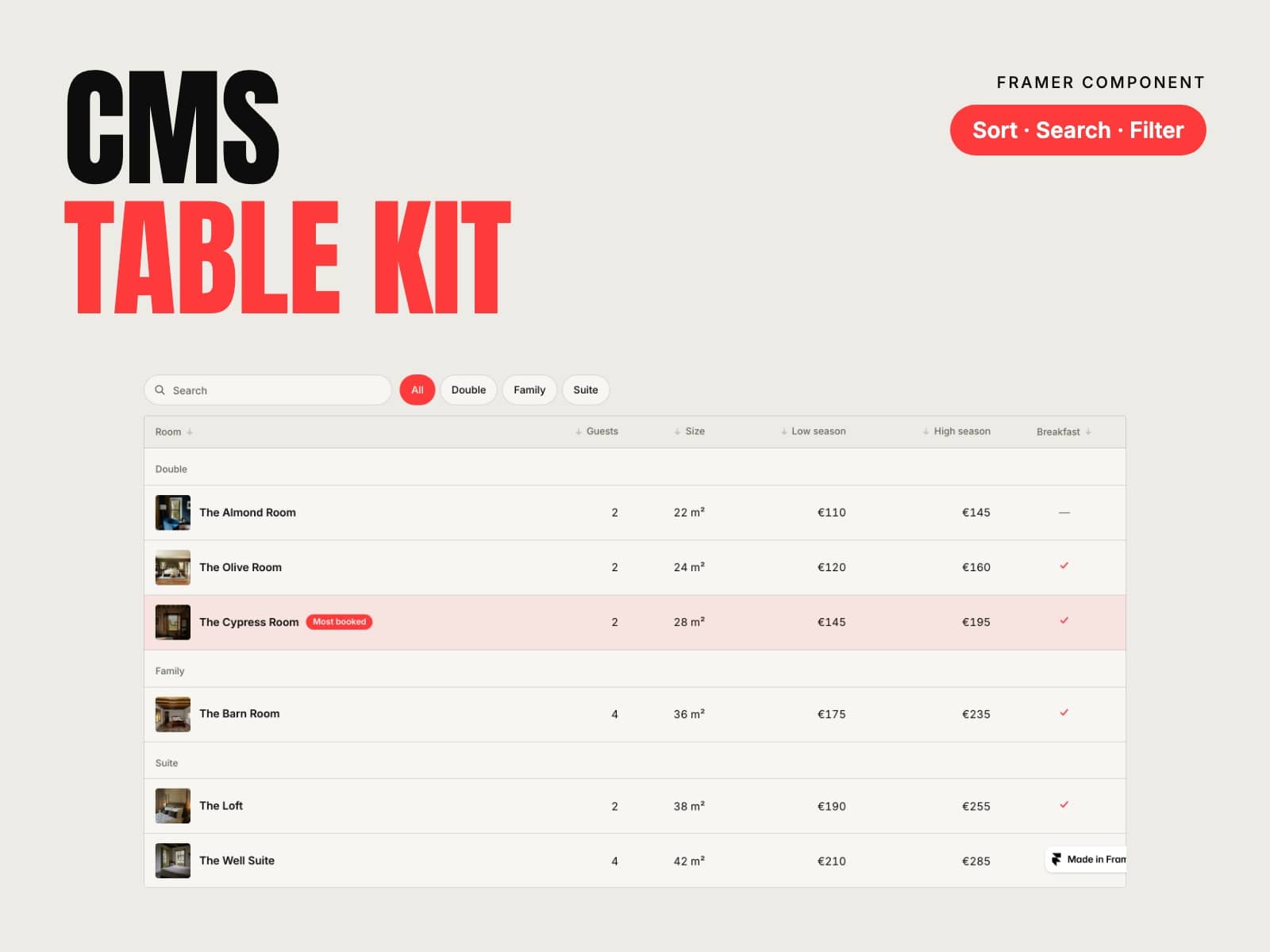
About CMS Team Kit
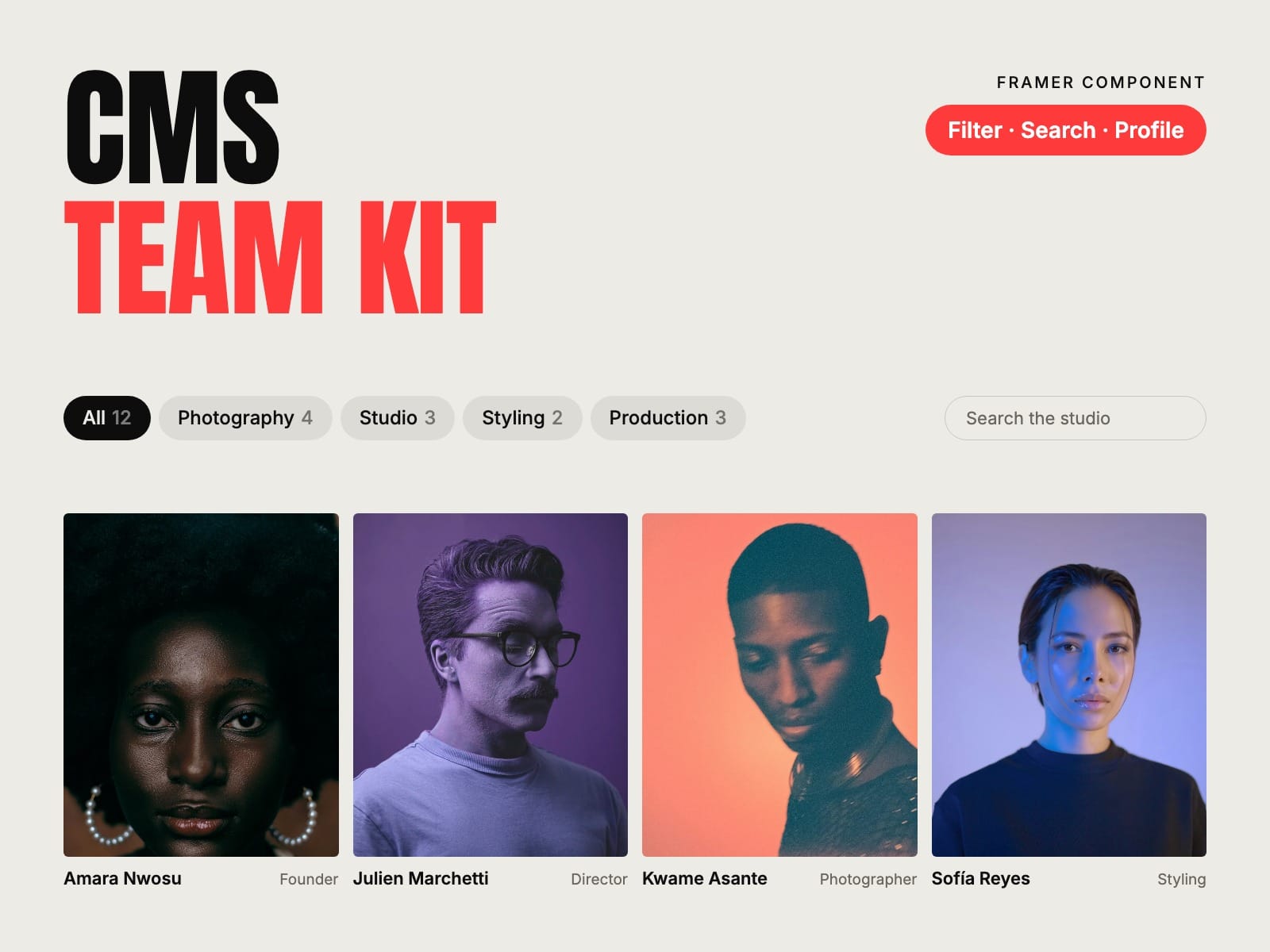
Your team page, from the CMS. Put a Team Member in a Collection List and the kit shows everyone, with department filters, search and a profile panel that slides in. Add a person in the CMS and they appear in the right place.
How to use
Paste CMS Team Kit into your Framer project
Add a Collection List of your Team collection and put a Team Member inside its item
Connect the photo, name, role and department, plus bio, email, phone and social links if you have them
Pick Grid, Cards, List or Carousel, style it and publish
Key features
Reads your Team collection: add a person and they appear
Department filters with counts, kept in the address (#team=design)
Search by name, role or city, and A–Z
Grid, Cards, a directory List and a Carousel
Group by department with headings
Black and white portraits, in colour on hover, and a second photo on hover
Profile panel with the full bio, every contact link and a link to the person's page
Email, phone, LinkedIn, X and Instagram icons; initials when there's no photo
Responsive images, keyboard and screen reader friendly, no network requests
Full documentation: miguelrecio-components.framer.website/cms-team-kit/docs
One-time payment. Single-Use licence: one website or project per licence. Questions: info@miguelrecio.es.