About Copier
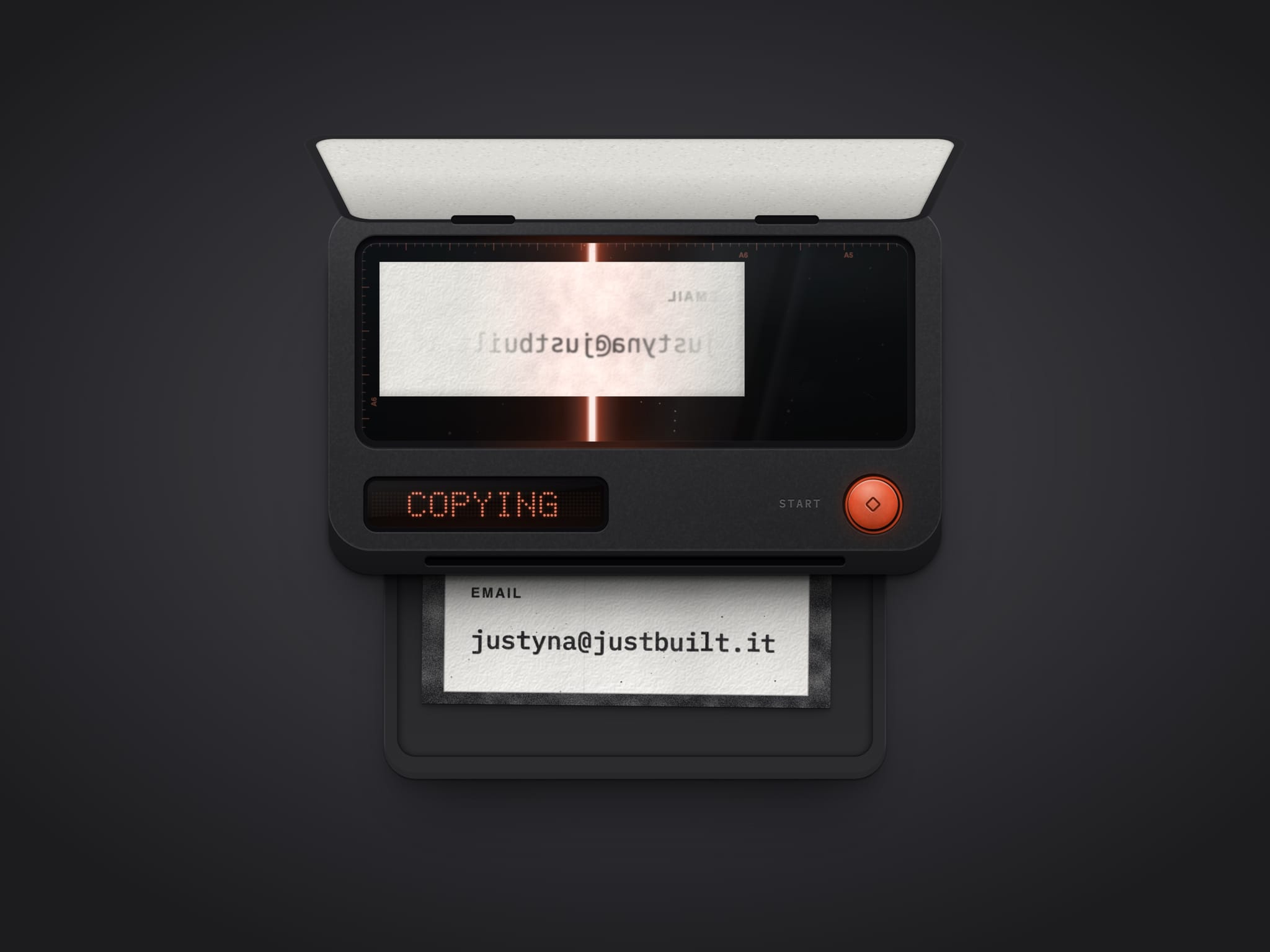
A copy to clipboard button for your email, built as a desktop photocopier. Visitors put the slip with your address on the glass, the copier scans it, and pulling the copy out of the tray puts the address on their clipboard, ready to paste into any mail app. The display confirms with COPIED.
How it copies
Load it: drag the slip onto the glass, click it, or press Start. The lid lifts and the sheet turns face down
A real scan: the lamp sweeps through the paper and shows the type mirrored from behind
Take the copy: pull it out of the tray, or click it, and the value is copied. Press Start for more copies
What you can set
Content: label, the value that gets copied and the text on the lid
Fonts: one for the value, one for the label. Long values condense to fit
Look: Dark, Light or Auto, with body, tray, accent, paper, ink and shadow for each theme
Behaviour: sound, haptics, copies that stay or clear, and what the canvas shows
Event: On copy, to run your own interaction after copying
Built to behave well
Paper, toner and dust are drawn in code, so it stays crisp on any screen
Works with touch, mouse and keyboard, and tells screen readers when the value is copied
The sound is synthesized, no audio files, and the display sleeps when it's off screen
Respects reduced motion and scales down to fit a phone
Getting started
Drop Copier on your page
Type your email, or any value, in Value
Pick a theme and colours