About Count Up In View
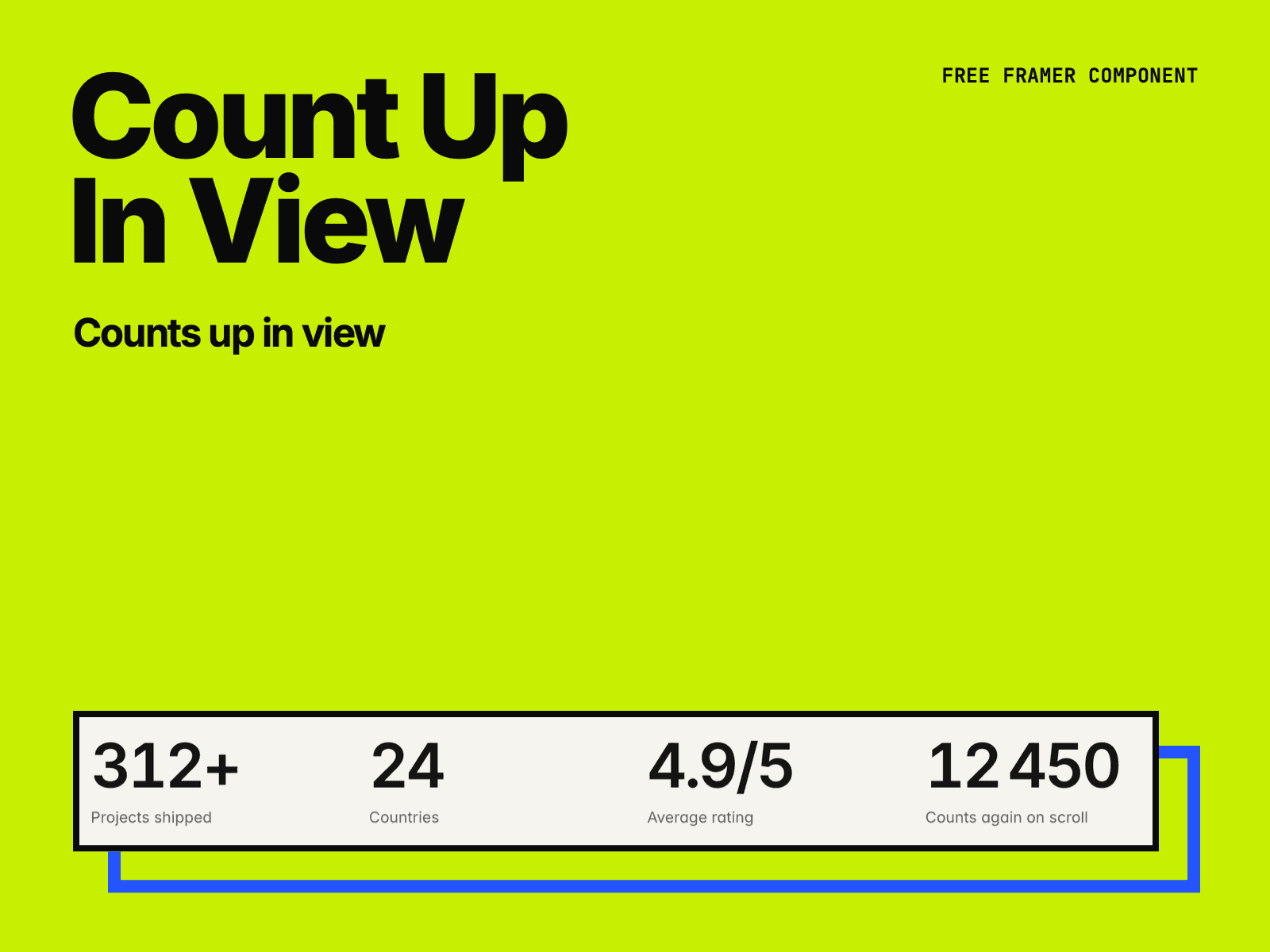
Count Up In View shows a number that counts from one value to another when it scrolls into view, or when the page loads. Use it in stats rows, pricing tables and about pages.
Set the start and end values, the decimals, a prefix and a suffix.
Group thousands your way: 1,000.5 · 1.000,5 · 1 000.5 · 1’000.5 · 1000.5.
Start in view or on load. Turn on Replay to count again each time it comes back into view.
Choose the duration, the delay and one of three easing curves.
The box keeps the width of the final number, so the text next to it does not move while it counts.
The final number is in the page from the start, so search engines and screen readers read it.
Visitors who turn on Reduce motion see the final number right away.
Made by H SHIFT WORKS. Our Framer templates: https://www.framer.com/@hshiftworks/