About Slide To Compare
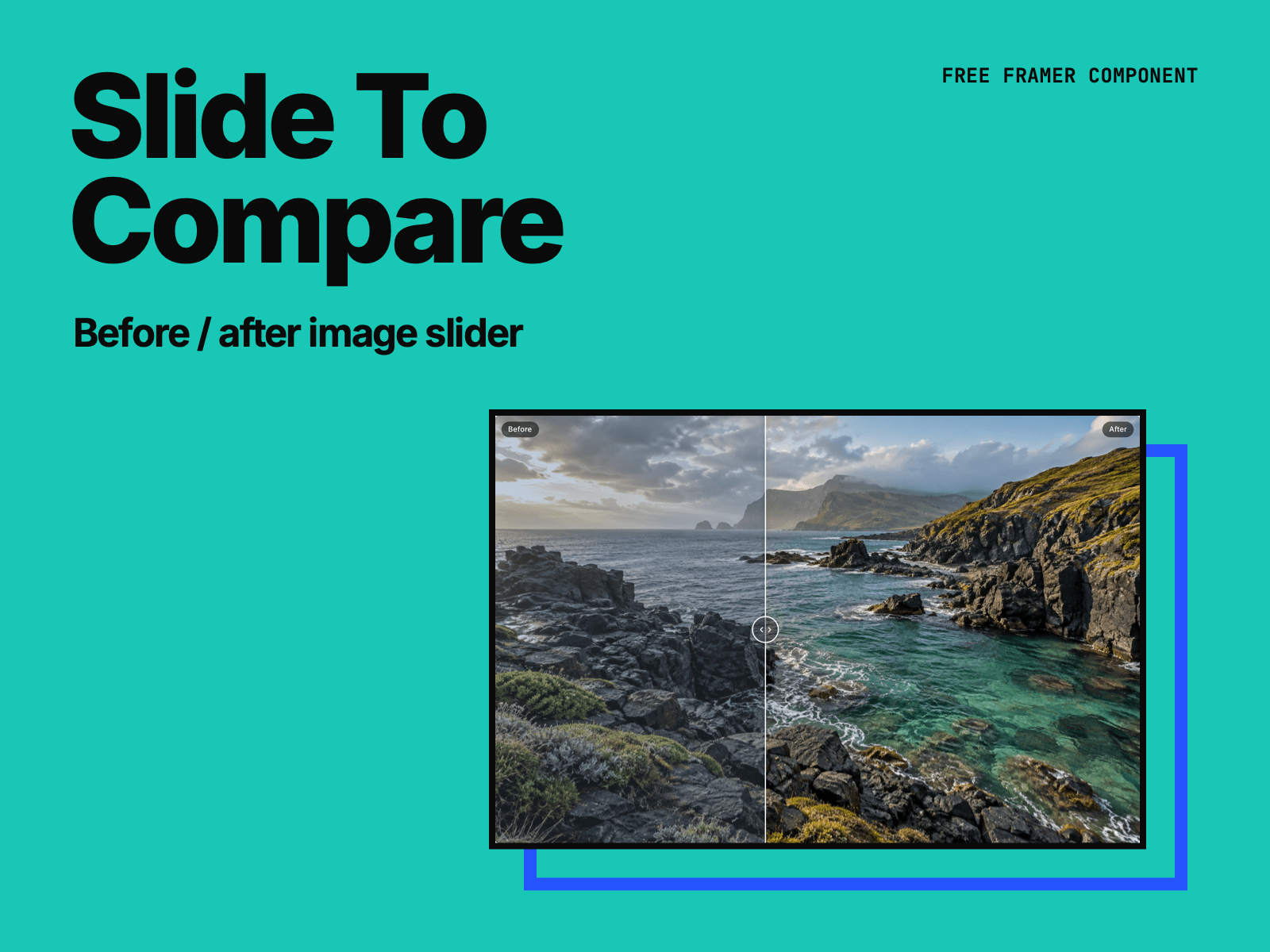
Slide To Compare puts two images on top of each other with a handle to compare them. Use it for photo edits, renovations, sketches and finished work, or day and night.
Drag the handle, click anywhere to jump, or let it follow the mouse.
Horizontal or vertical.
On phones, swiping up and down over the slider still scrolls the page.
Arrow keys move it, and Home and End jump to the ends. Screen readers announce it as a slider.
It nudges once when it comes into view, so visitors see that it moves. Visitors who turn off motion don’t see the nudge.
Pick a ratio such as 3:2 and set the height to Fit, and the height follows the width.
Choose the handle (arrows, circle, ring or line only), the labels, the font and the colors.
Made by H SHIFT WORKS. Our Framer templates: https://www.framer.com/@hshiftworks/