About Ink Marks
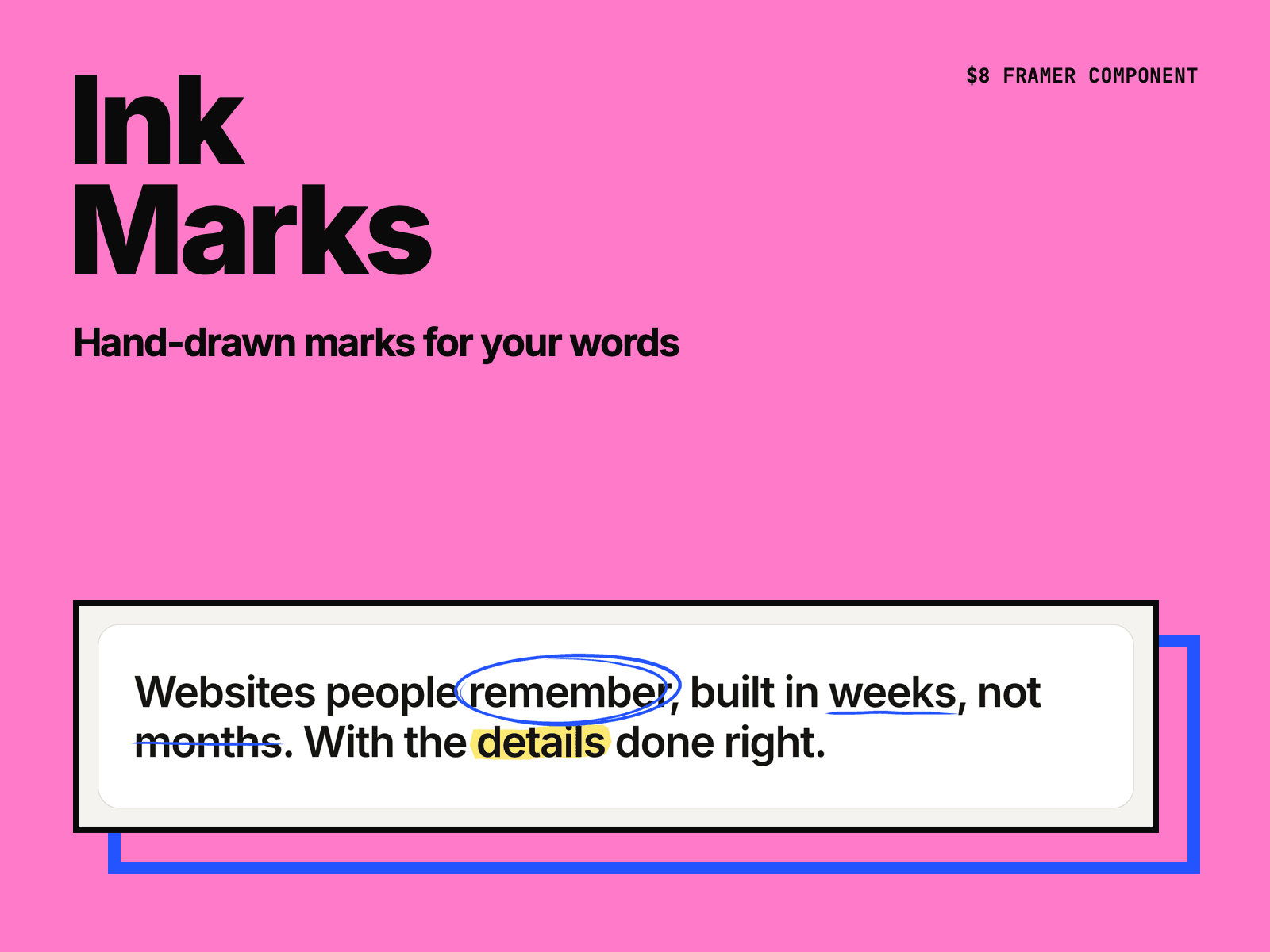
Ink Marks puts hand-drawn marks on the words that matter. Type your text, put the words to mark in [brackets], and a pen circles, underlines, highlights or crosses them out when the text comes into view.
Five marks: circle, underline, double underline, highlighter and strike-through. Use one mark for every word, or give a word its own: [word|underline].
Each line is drawn like a pen stroke. It gets thicker and thinner and tapers at the ends. Change Seed for a different drawing.
Marks stay on their words at every screen width. When a marked phrase wraps onto two lines, each line gets its own mark.
The text stays real text, so search engines and screen readers can read it.
Set the font, the tag (H1, H2, H3 or paragraph) and the colors of the text, the ink and the highlighter.
The pen starts when the text comes into view or after the page loads, once or every time. Visitors who turn off motion see the marks already drawn.
After you buy, you get the component link on the Polar receipt page and by email. Paste it into your Framer project (⌘V).
Made by H SHIFT WORKS. Our Framer templates: https://www.framer.com/@hshiftworks/