About Stage Curtain
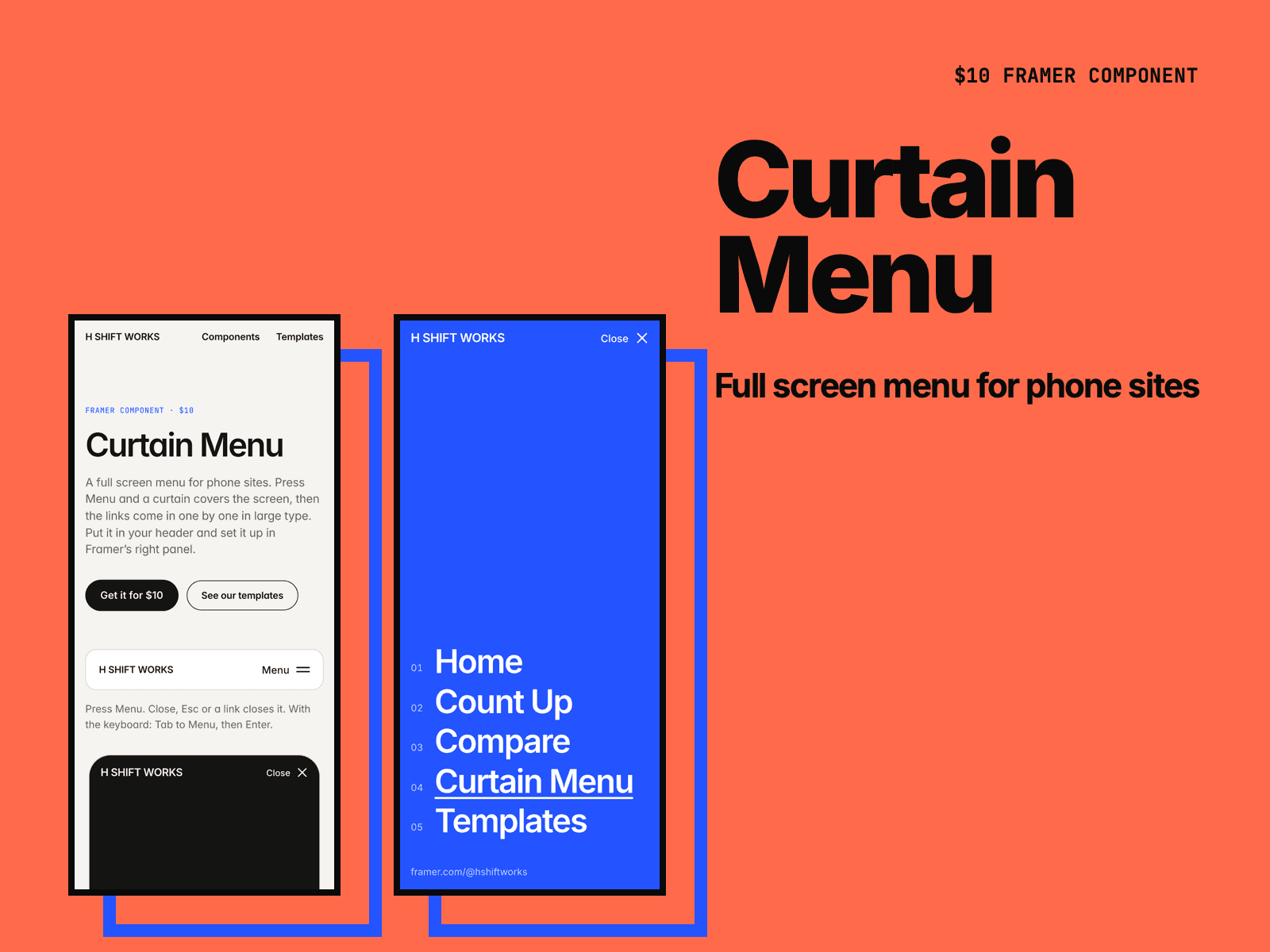
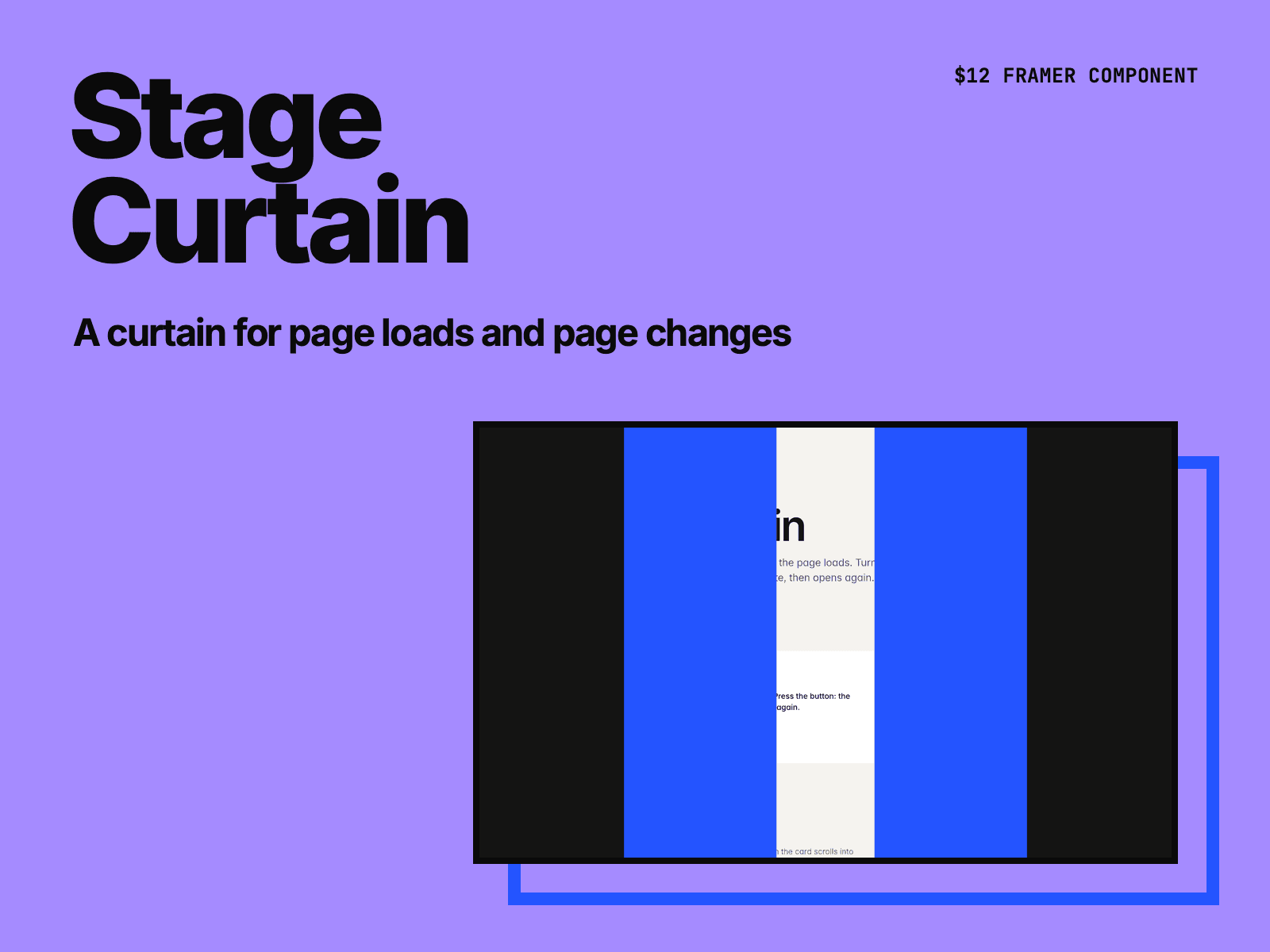
Stage Curtain covers the screen when a page of your Framer site loads, then opens. Turn on page transitions, and it also closes before the next page of your site opens behind it.
Eight ways to open: up, down, left, right, split, panels, circle or fade. A page transition closes the curtain the same way, so the motion keeps going.
Add a second color that trails the first, and your site name in the middle of the closed curtain.
The opening is plain CSS, so the curtain is there from the first paint, before the page's JavaScript loads.
Links that open in a new tab, downloads, # links, email links and links to other sites work as usual.
Set Covers to This box to put a curtain over an image or a section. It opens when the box scrolls into view, once or every time.
Turn on Show on canvas to see the closed curtain while you set the colors and the label. Visitors who turn off motion get no curtain.
After you buy, you get the component link on the Polar receipt page and by email. Paste it into your Framer project (⌘V).
Made by H SHIFT WORKS. Our Framer templates: https://www.framer.com/@hshiftworks/