About Elastic Accordion
About This Component
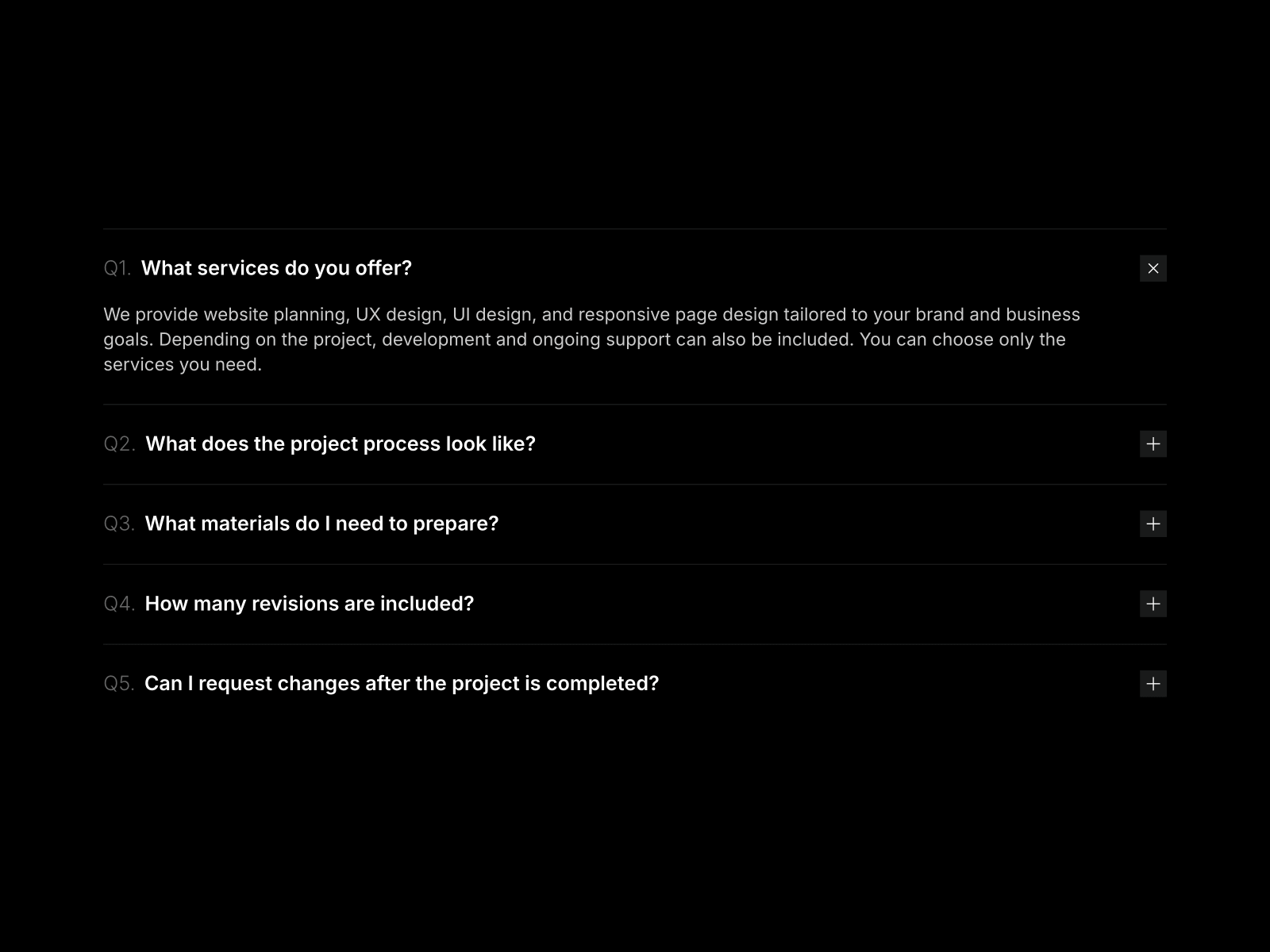
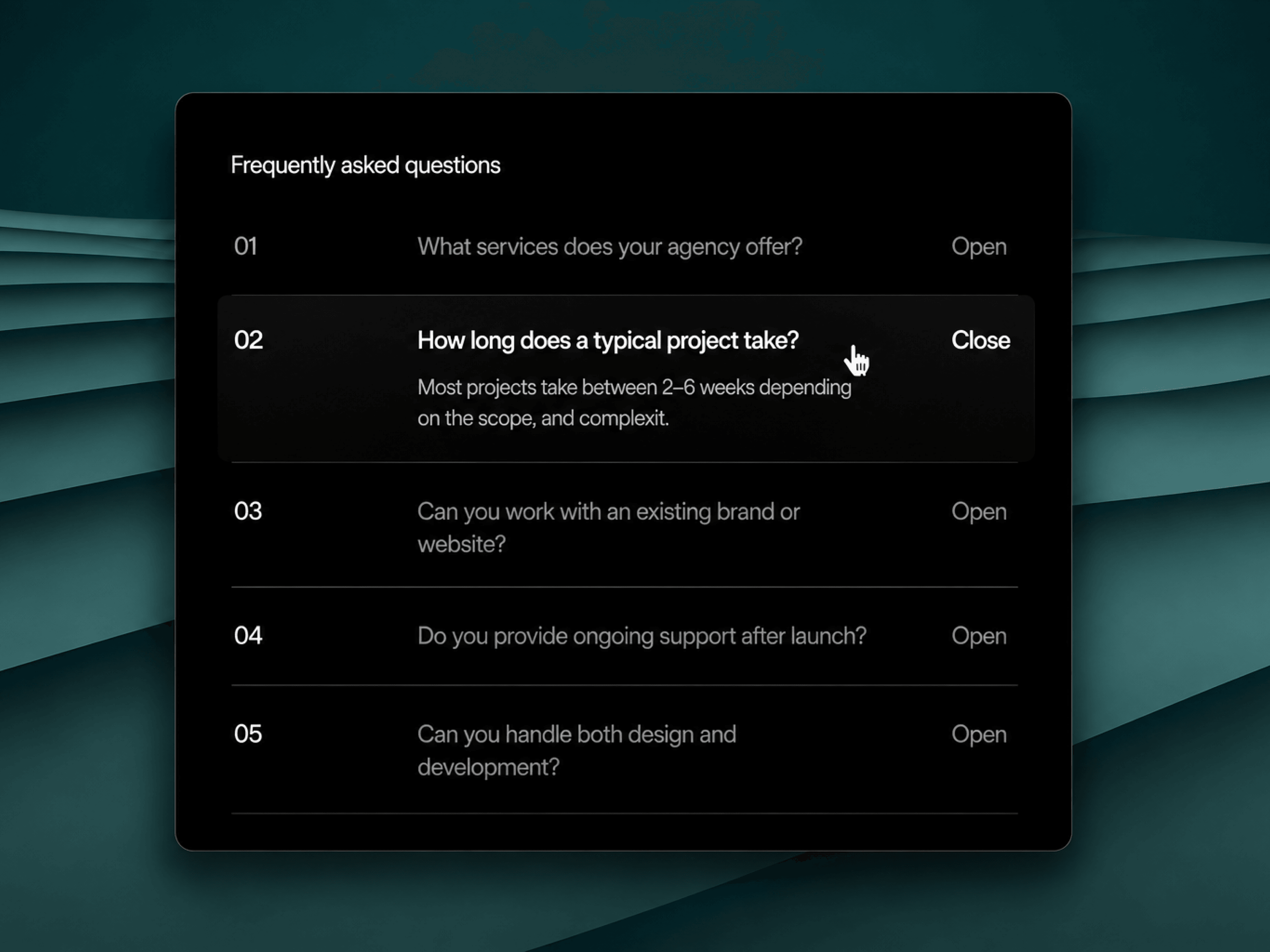
Elastic Accordion lets you create dynamic image layouts where items expand and collapse with a smooth, spring-based animation.
Each image can include a title and subtitle, with precise control over its focal point using object positioning. The component adapts to both horizontal and vertical layouts, making it flexible for a wide range of use cases.
With adjustable motion settings, you can fine-tune how fast and how “bouncy” the interaction feels, creating a more engaging and modern experience than traditional accordions.
Usage Tip
For the best visual result, use landscape images in horizontal layouts and portrait images in vertical layouts. This ensures each item fills the space naturally and keeps the composition balanced.
Horizontal demo - Vertical demo
Key Features
Content
Add multiple images with optional title and subtitle
Control image focal point (left, center, right, top, bottom)
Define which item is open by default
Option to allow deselect (close active item)
Layout & Interaction
Switch between horizontal and vertical orientation
Control expanded width of the active item
Adjust gap between items
Customize border radius
Add subtle hover scale interaction
Animation
Create smooth elastic transitions between items
Speed controls the overall animation duration
Rebound controls the strength of the spring effect
Caption
Optional caption overlay for each item
Show captions always or only on the active item
Customize title and subtitle fonts
Set colors for both title and subtitle
Adjust inset and padding
Customize background fill and blur
Control border radius of the caption
Choose position (left, center, right)
How to Set Up
Drag Elastic Accordion onto your canvas
Add your images
Choose orientation (horizontal or vertical)
Customize layout and captions
Publish
Refund Policy
All sales of digital products are final and non-refundable.
If you have any questions about the product, please contact me at hellonostromostudio@gmail.com before completing your purchase. I’m happy to help.
Enjoy!