About Expanding Side Menu
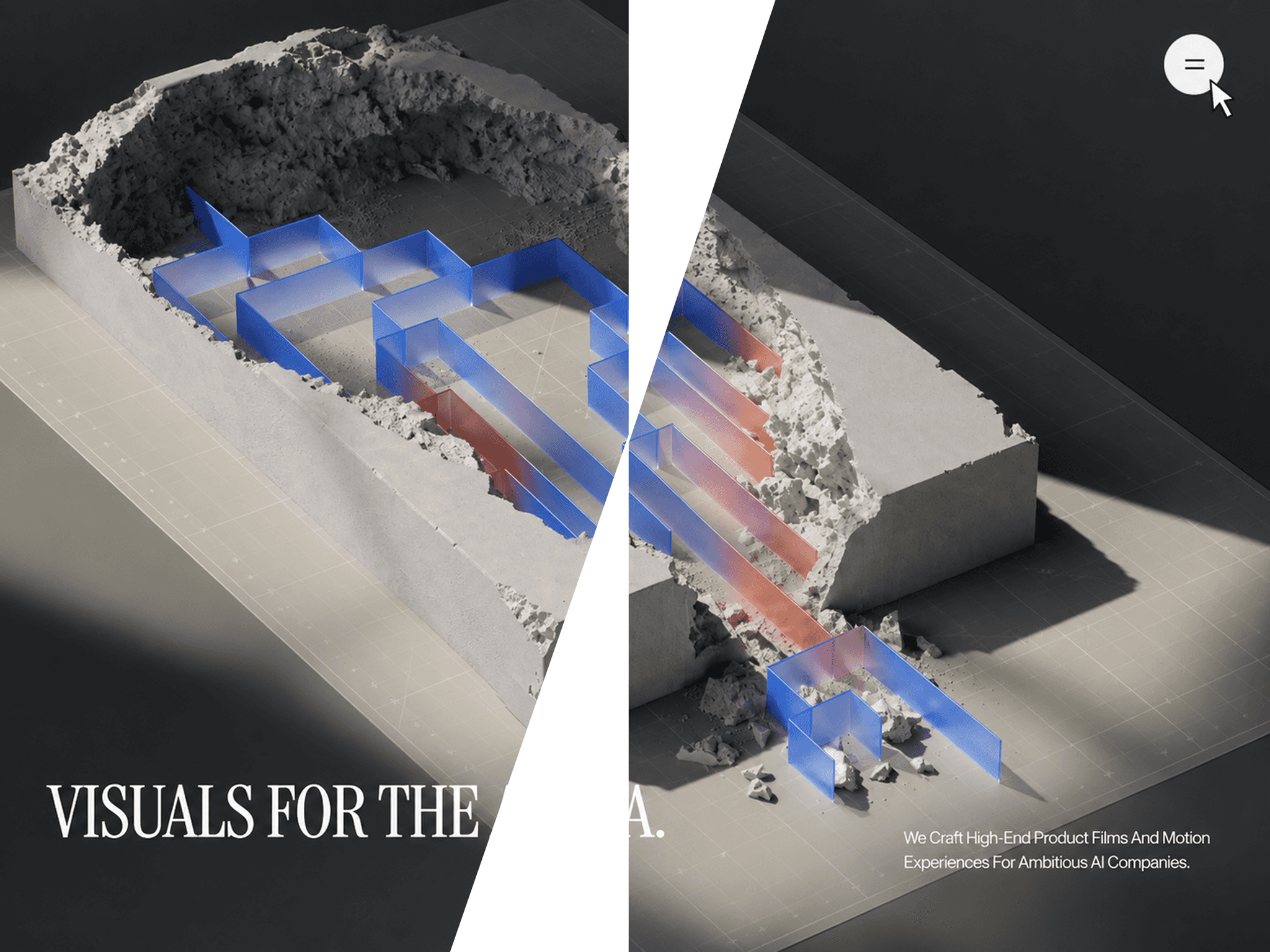
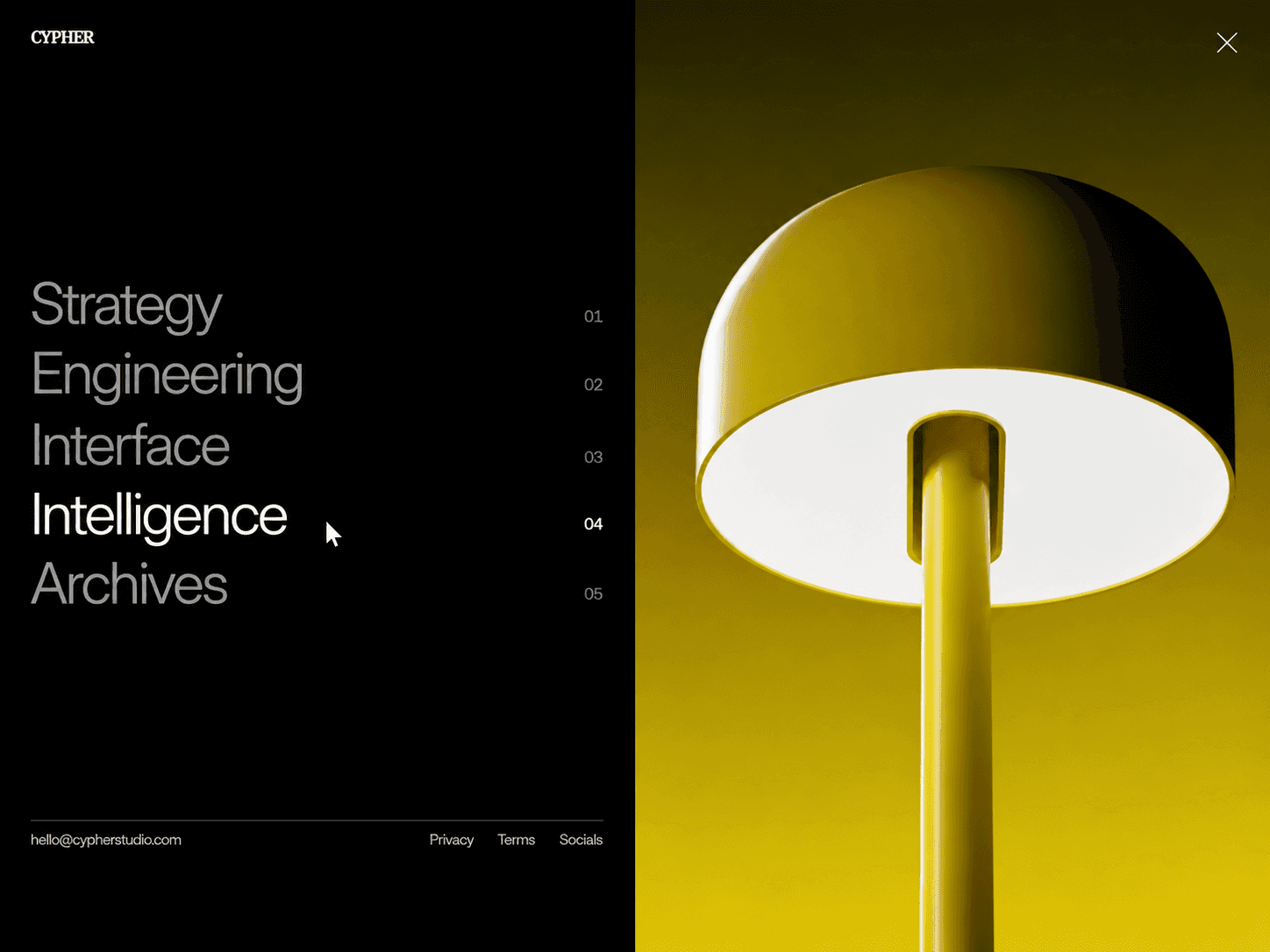
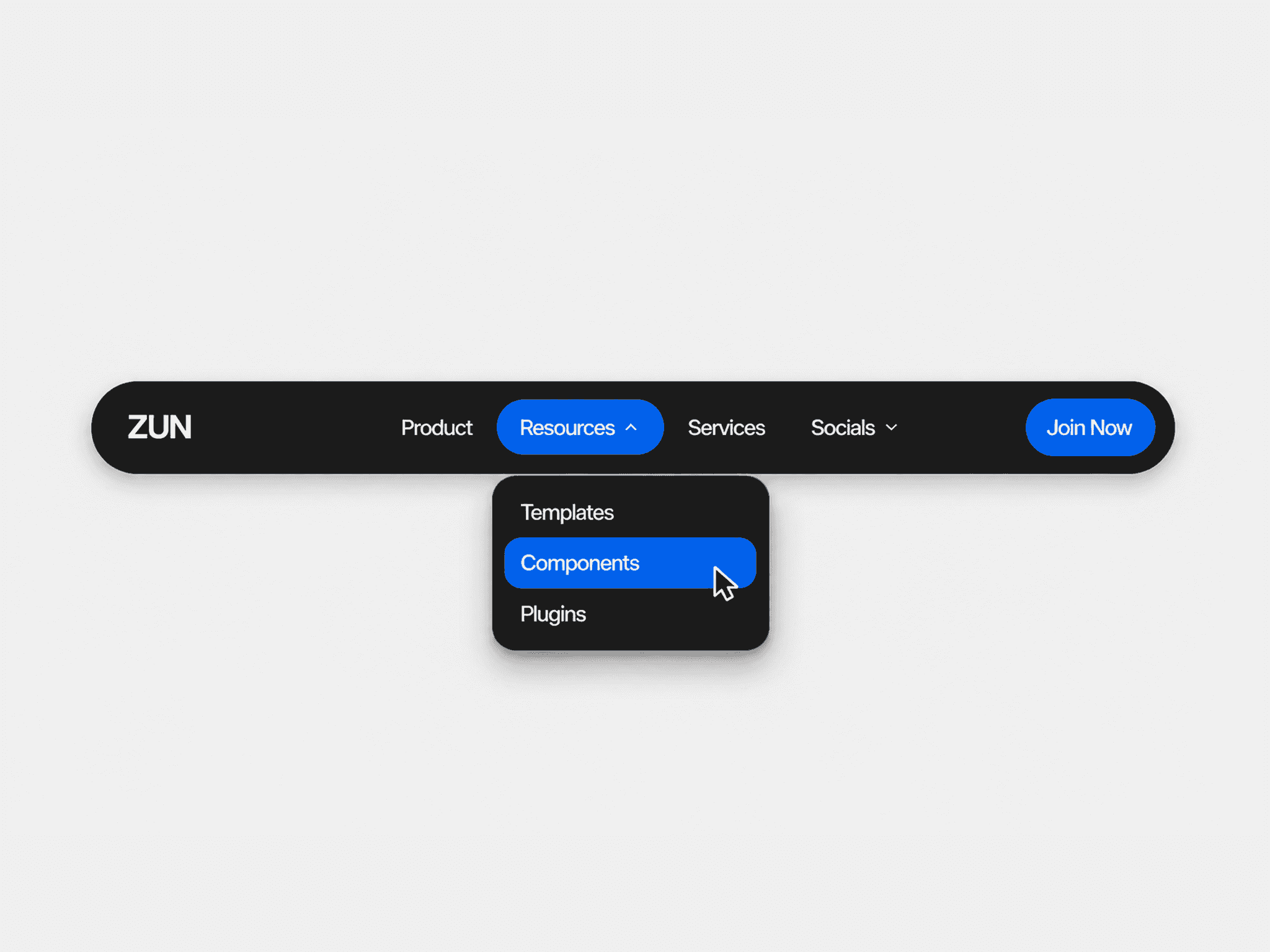
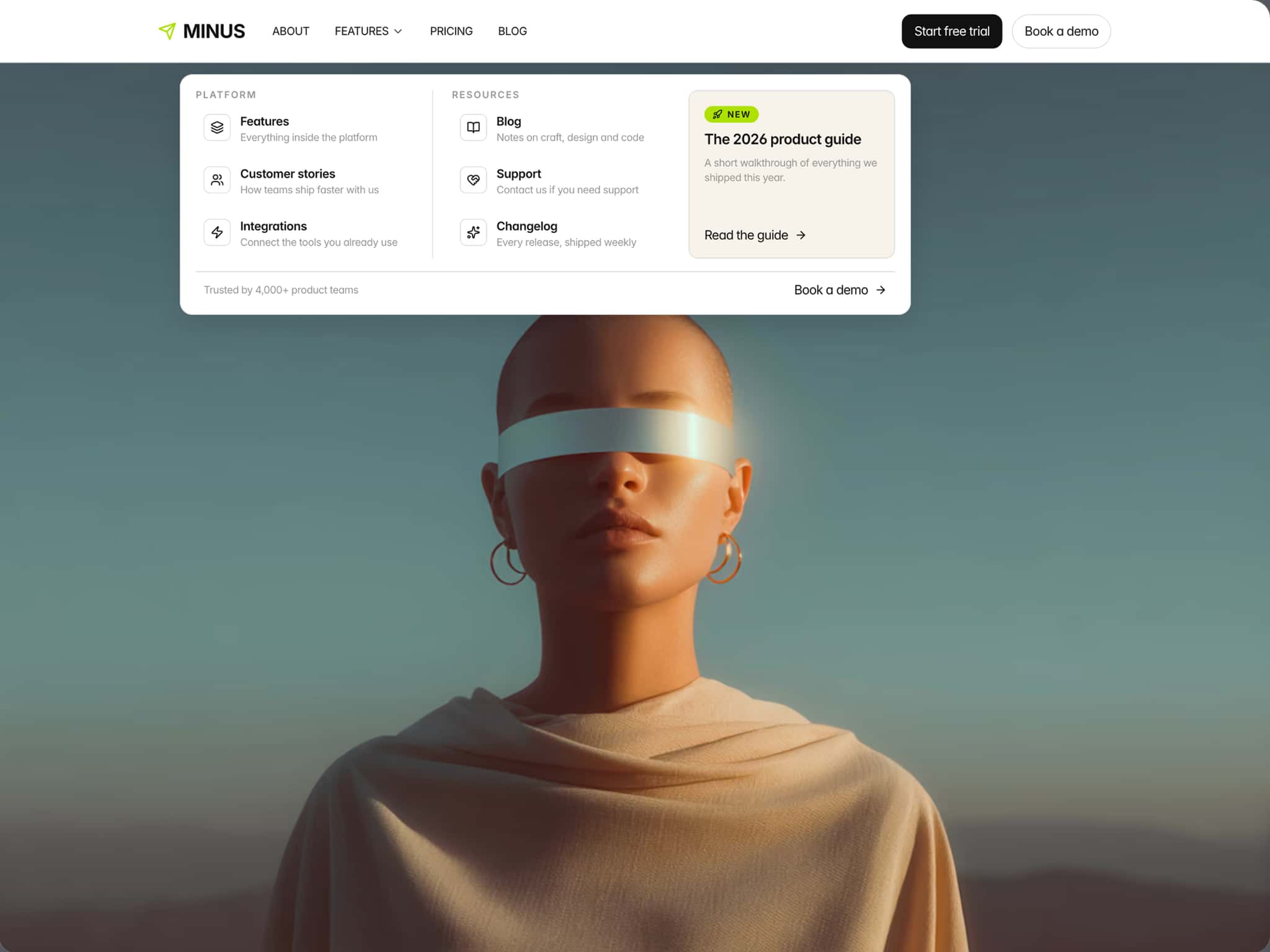
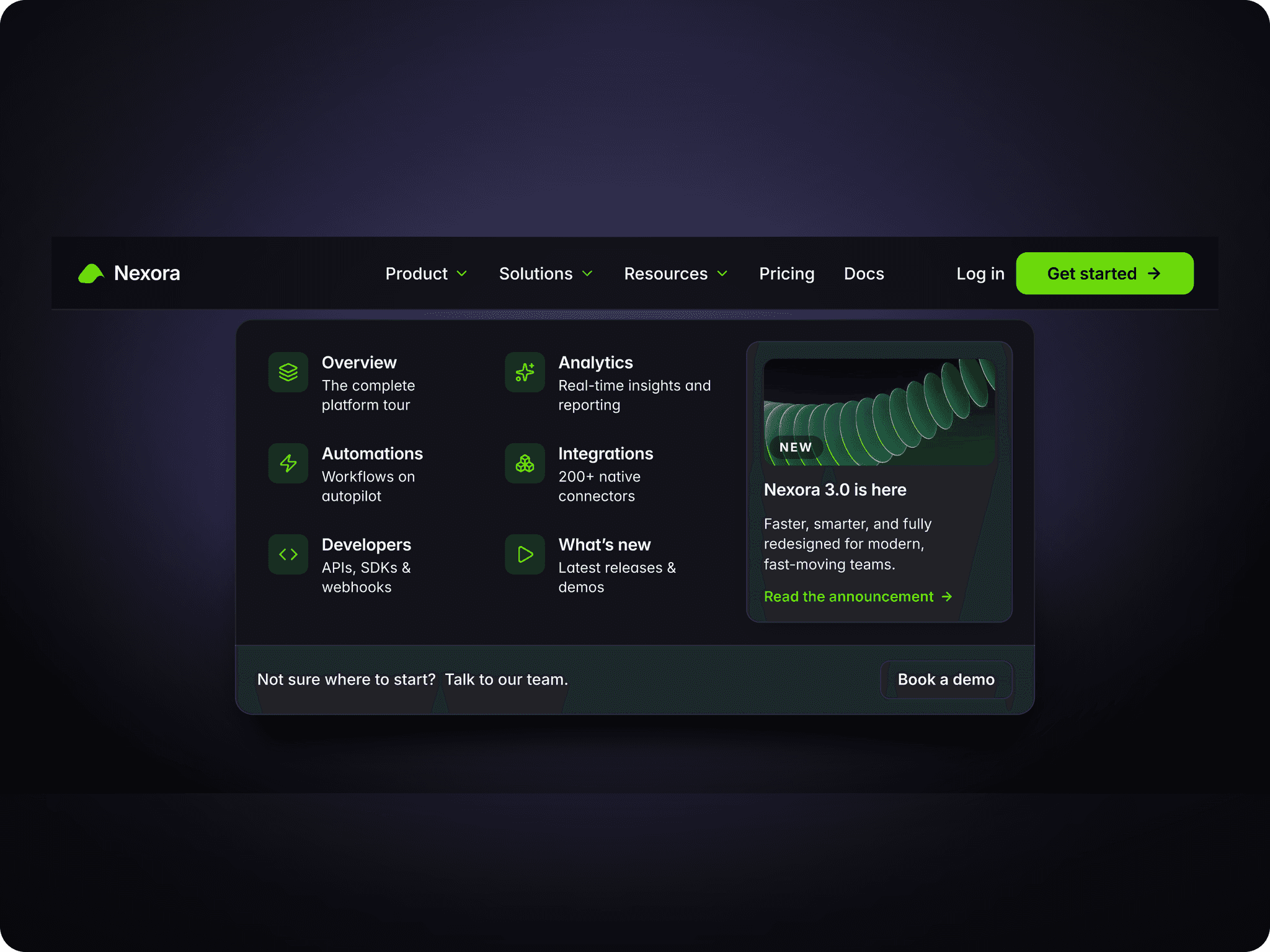
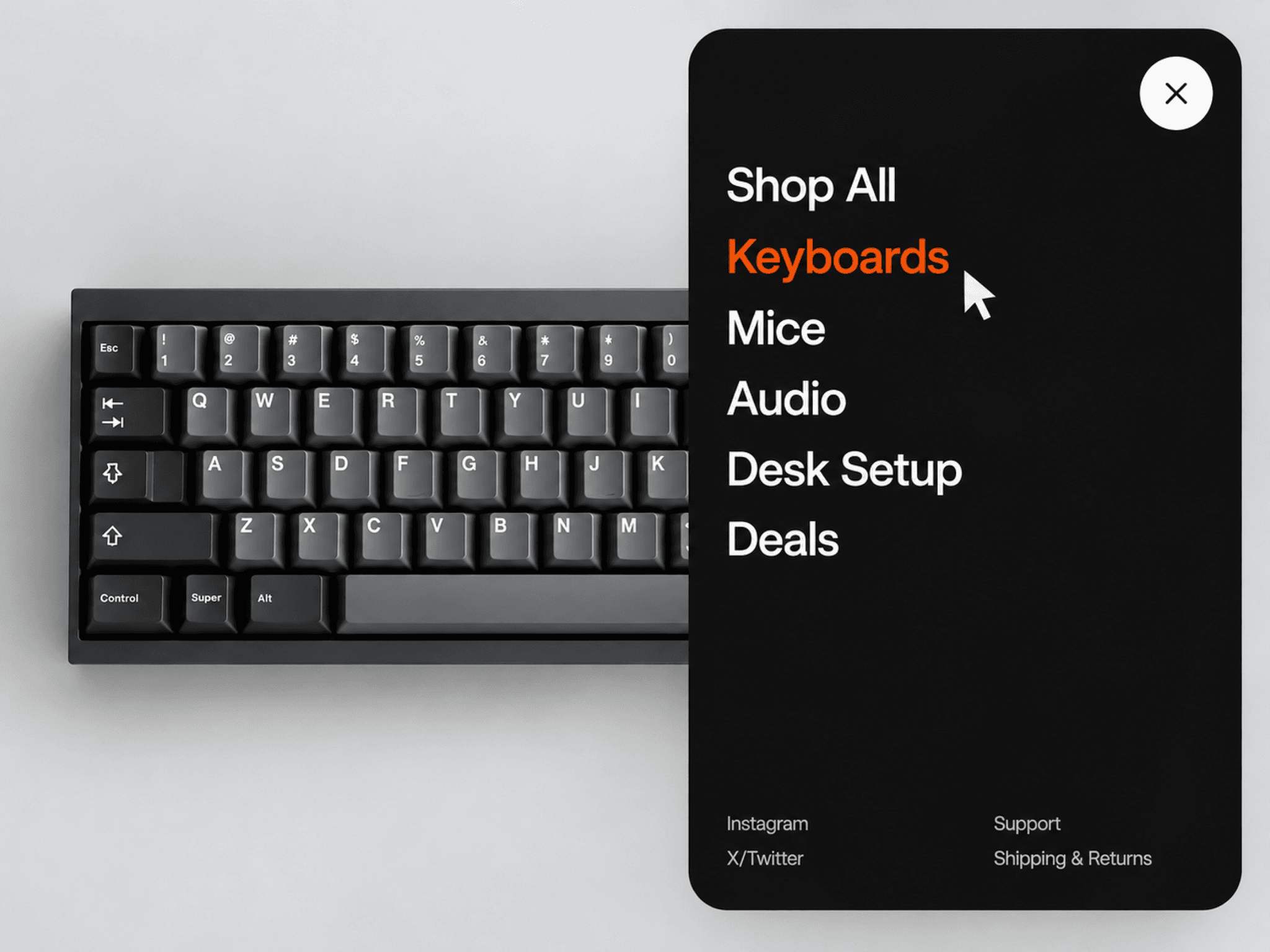
A compact menu button that expands into a large, polished navigation panel with smooth motion, animated links, and customizable footer links — fully responsive and customizable.
Features
Smooth expanding panel animation
Menu icon morphs into an X
Animated navigation link reveal
3D-style link entrance motion
Custom navigation and footer links
Optional new-tab links
Custom panel size, radius, and spacing
Custom typography and text transform
Separate open/closed button and icon colors
Adjustable animation duration, stagger, delay, and easing
Responsive sizing based on the available space
Static-render optimized for Framer
Fully Customizable
Everything can be adjusted directly from Framer’s property panel, from the menu button and panel layout to navigation, footer links, typography, colors, spacing, and animation behavior.
Customize
Menu icon size, padding, radius, and panel dimensions
Panel and button colors
Navigation and footer links
Typography, case, and spacing
Link hover colors
Panel animation timing
Link reveal movement, rotation, perspective, and stagger
Footer reveal timing and easing
How It Works
Click the menu button to expand the panel. The button moves into position while the icon transforms into an X, followed by the navigation links revealing with a smooth 3D motion. Footer links then appear underneath. Clicking outside or pressing Escape closes the menu with the reverse animation.
Need help setting it up?
If you’re not sure how to use the component or want us to set it up directly in your Framer project, contact us at support@russetsupply.com
Explore More
Russet Supply is a growing collection of ready-to-use Framer components and templates trusted by 500+ users.