About Multi Level Menu
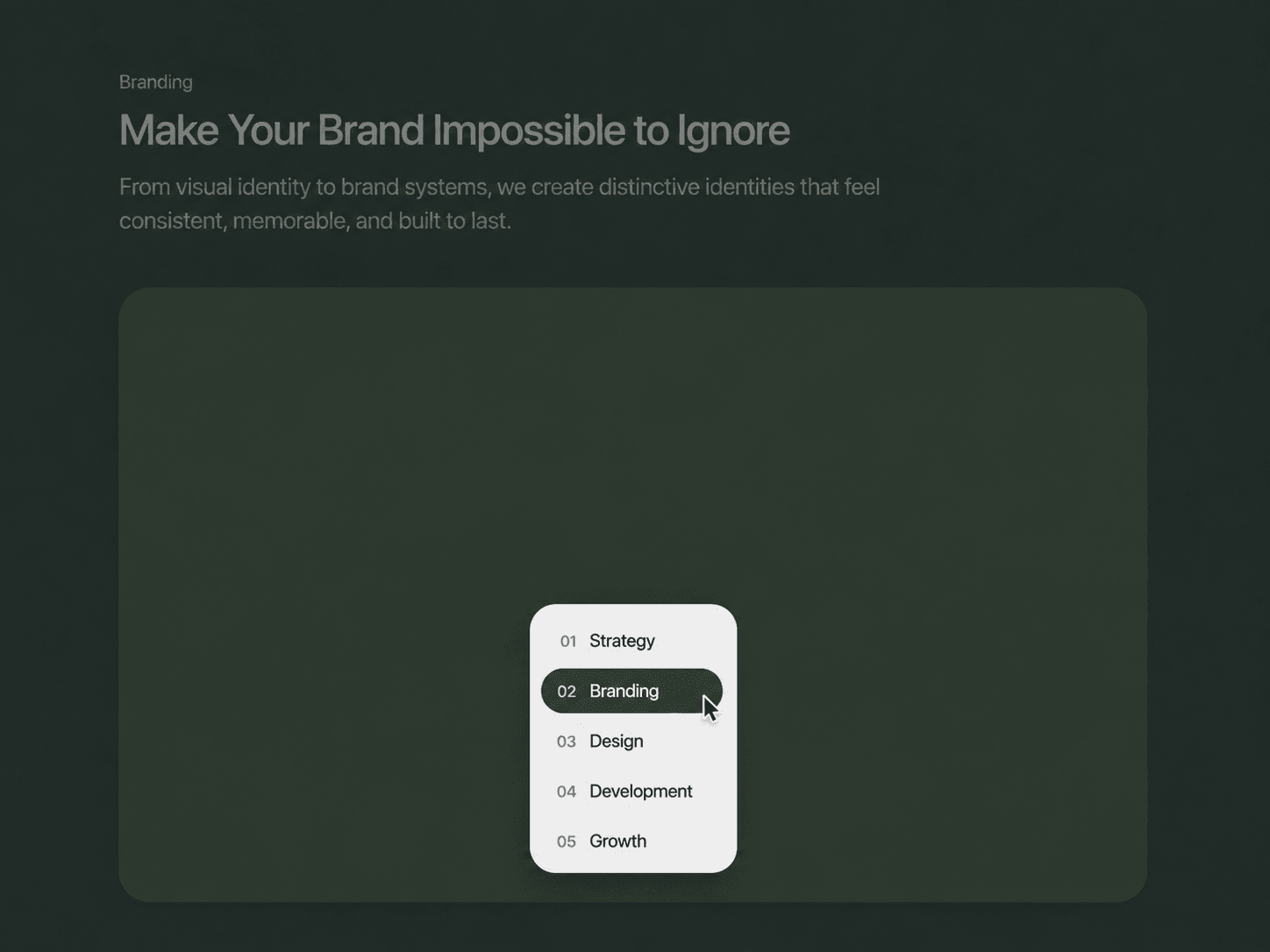
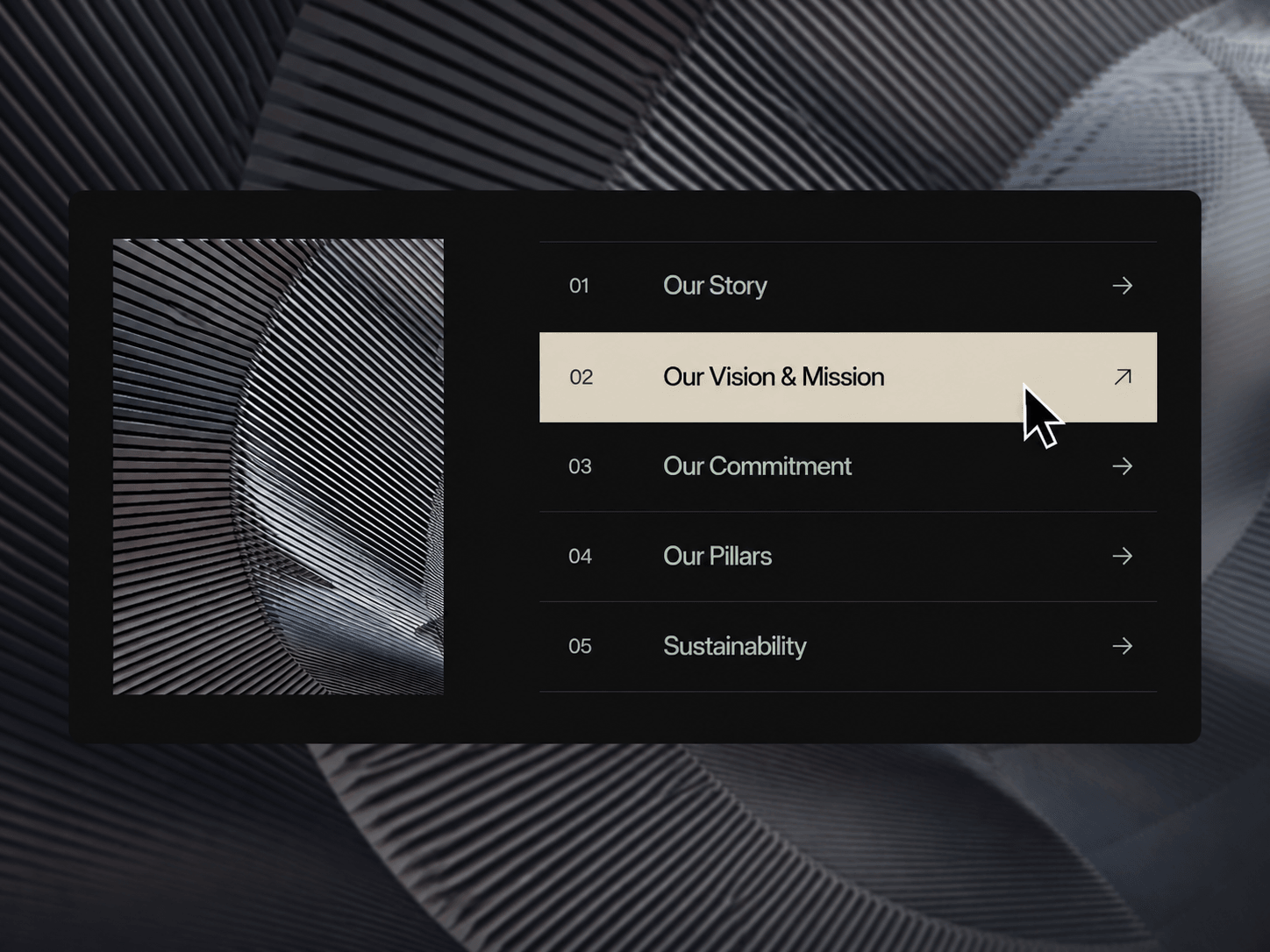
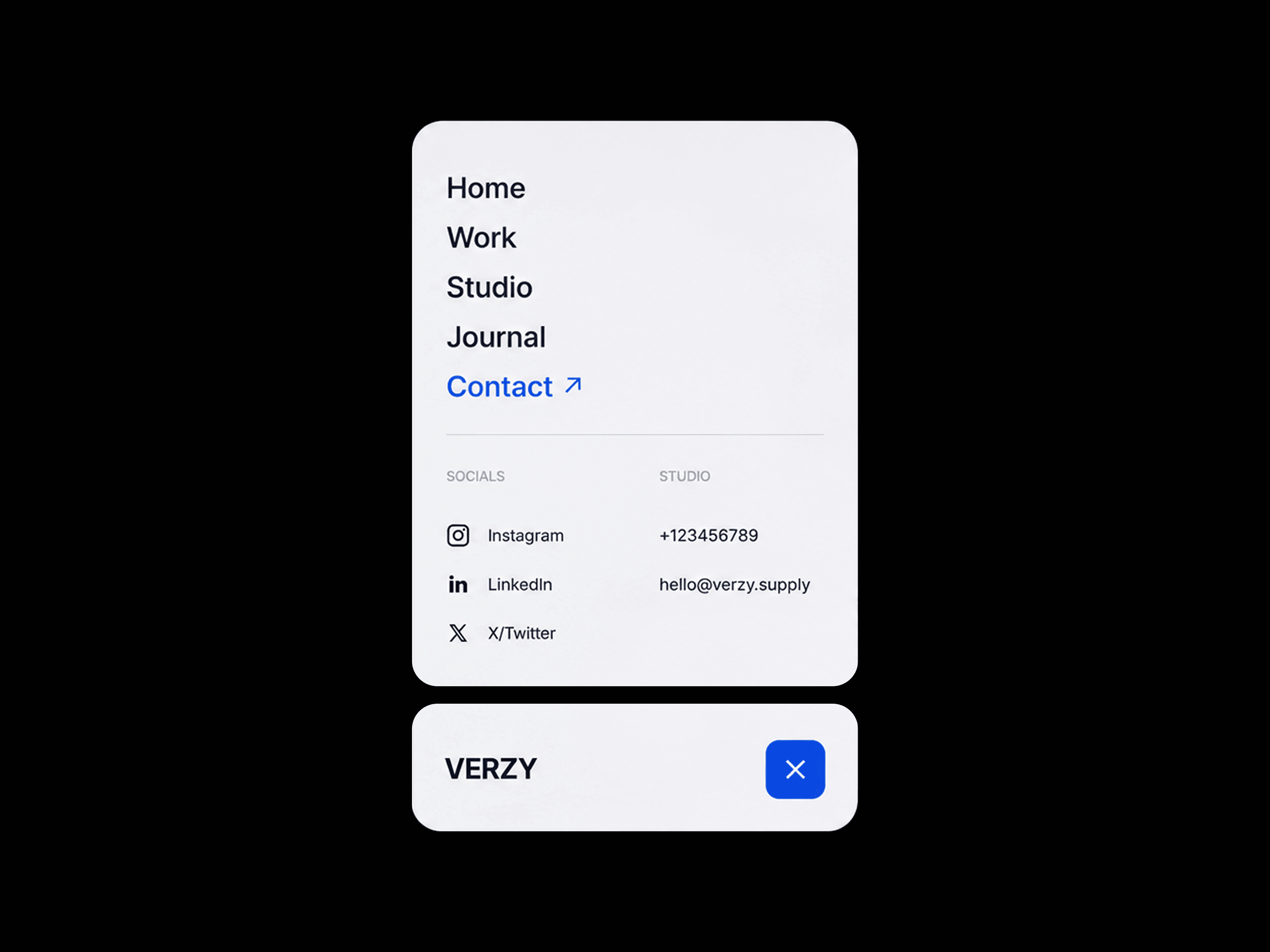
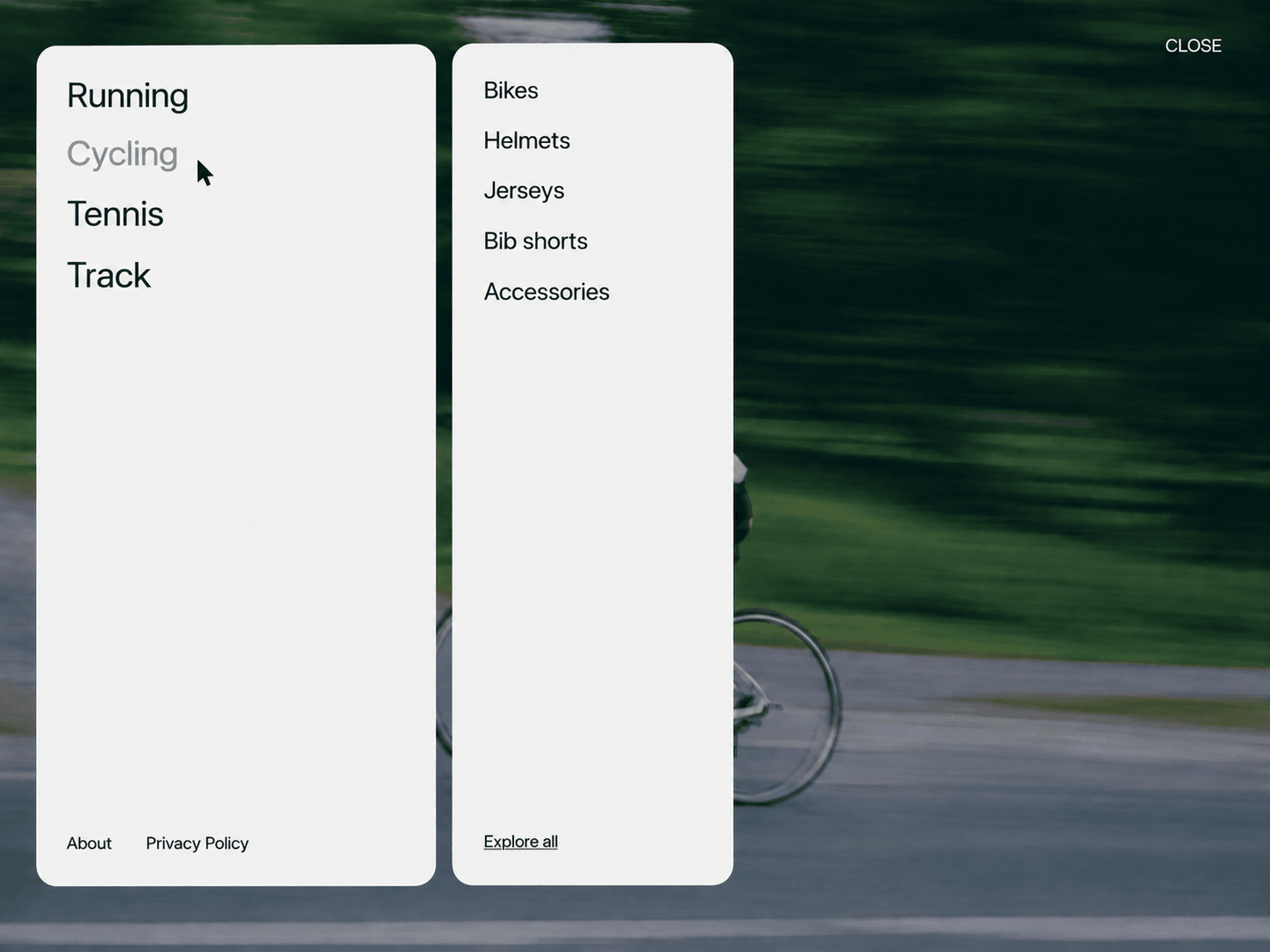
Multi-Level Drawer Menu is a clean, animated navigation system built for websites with multiple categories and subpages. Open the menu to reveal your main navigation, then hover or click a category to smoothly reveal its related sublinks in a second panel. On mobile, the menu switches to a simple stacked navigation with a back button.
Features
Multi-level navigation with primary and secondary panels
Desktop hover interactions
Mobile click-based navigation
Smooth panel and link animations
Up to 8 main categories
Up to 6 sublinks per category
Custom links with new-tab support
Responsive mobile layout
Optional footer links
Static-render optimized
Fully Customizable
Everything can be adjusted directly from Framer’s property panel, so you can match the menu to your website without editing the code.
Customize
Main categories and sublinks
URLs and new-tab behavior
Menu and close labels
Panel background and radius
Panel width, spacing and padding
Text and hover colors
Primary and secondary typography
Footer links and typography
Animation duration and easing
How It Works
Click the menu button to open the main drawer. On desktop, hovering over a category with sublinks reveals the secondary panel. Switching between categories smoothly replaces the displayed sublinks. On mobile, categories can be opened with a tap and the secondary panel includes a back button for navigation.