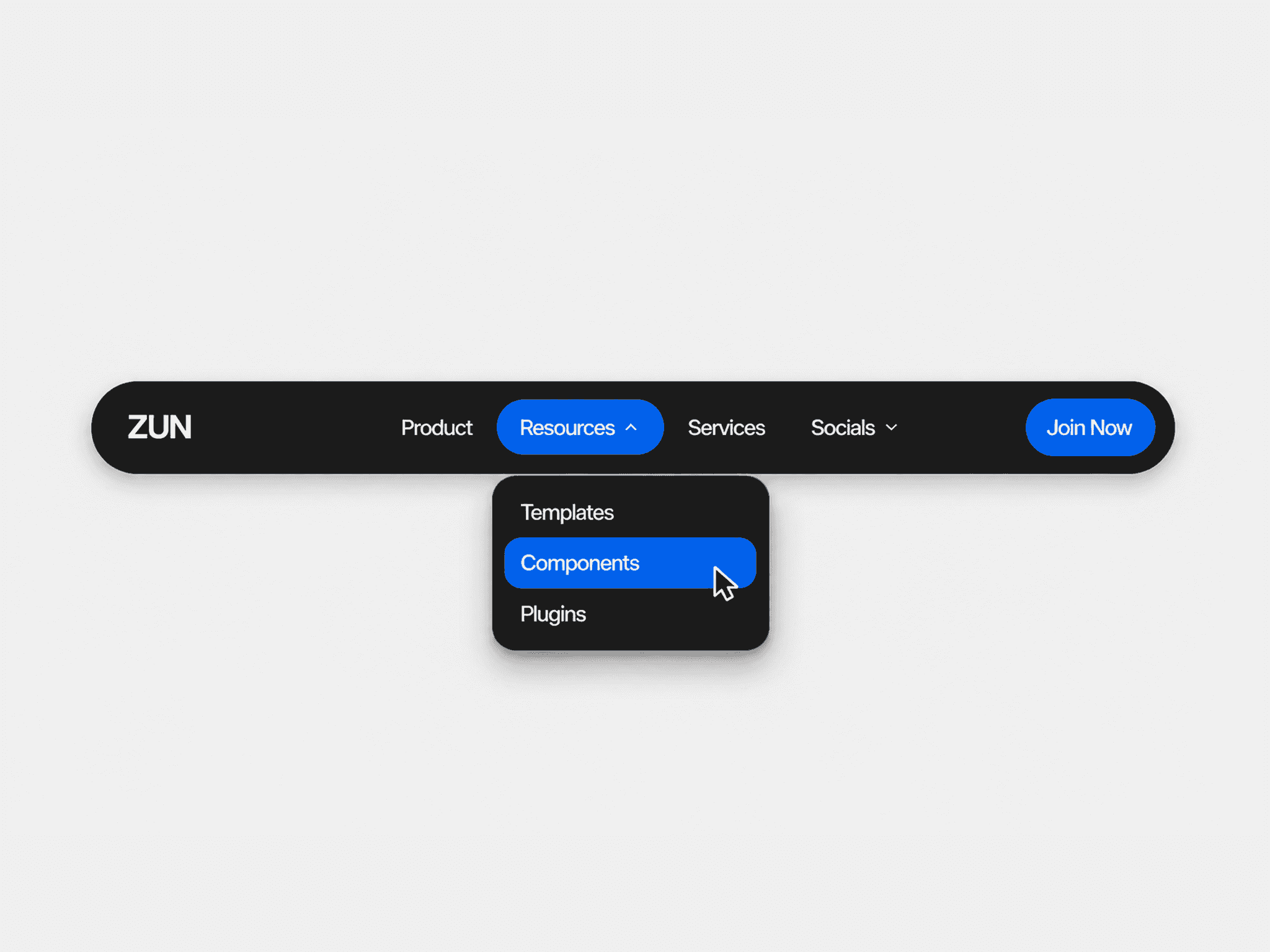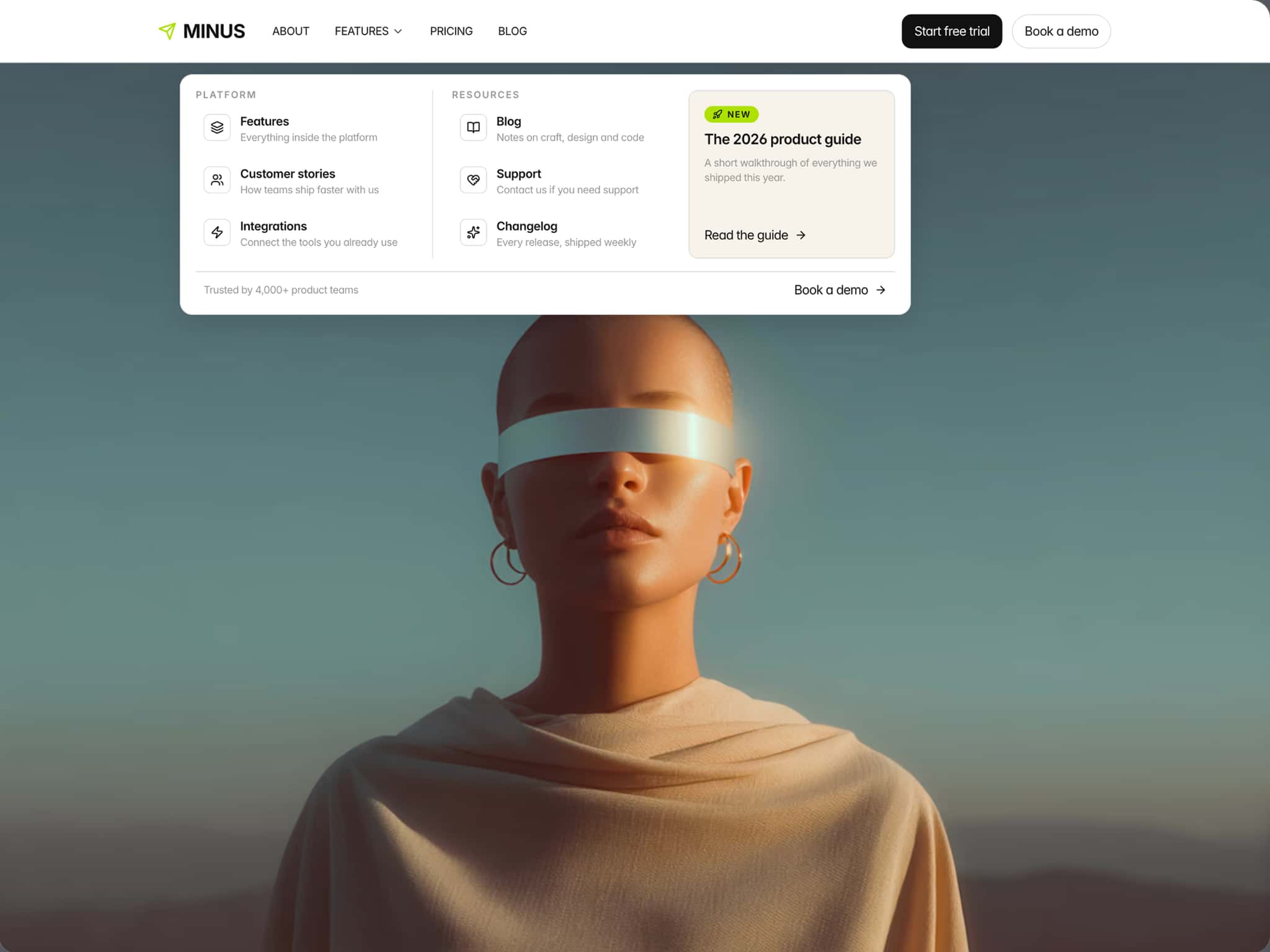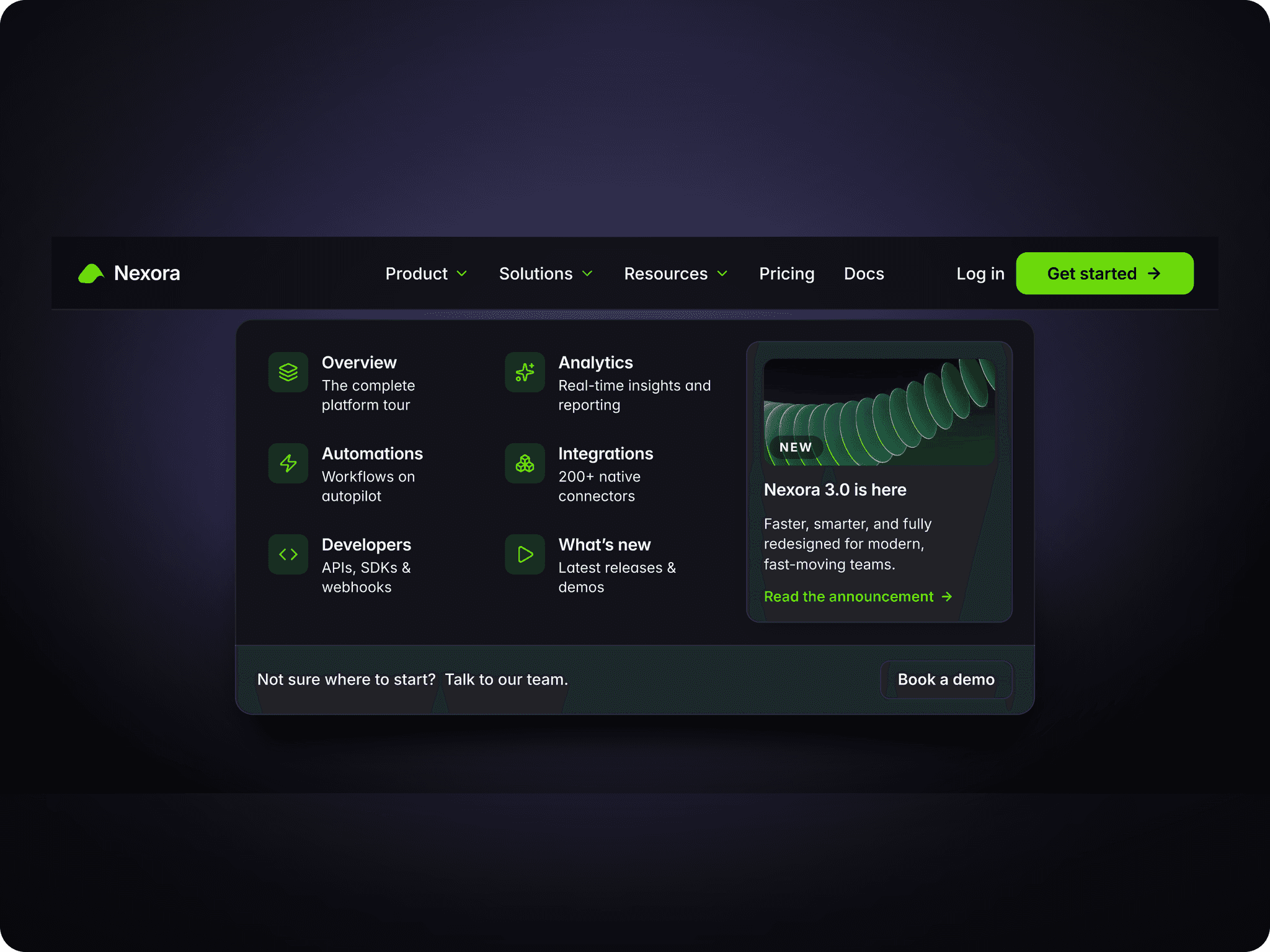
About Split Shift Menu
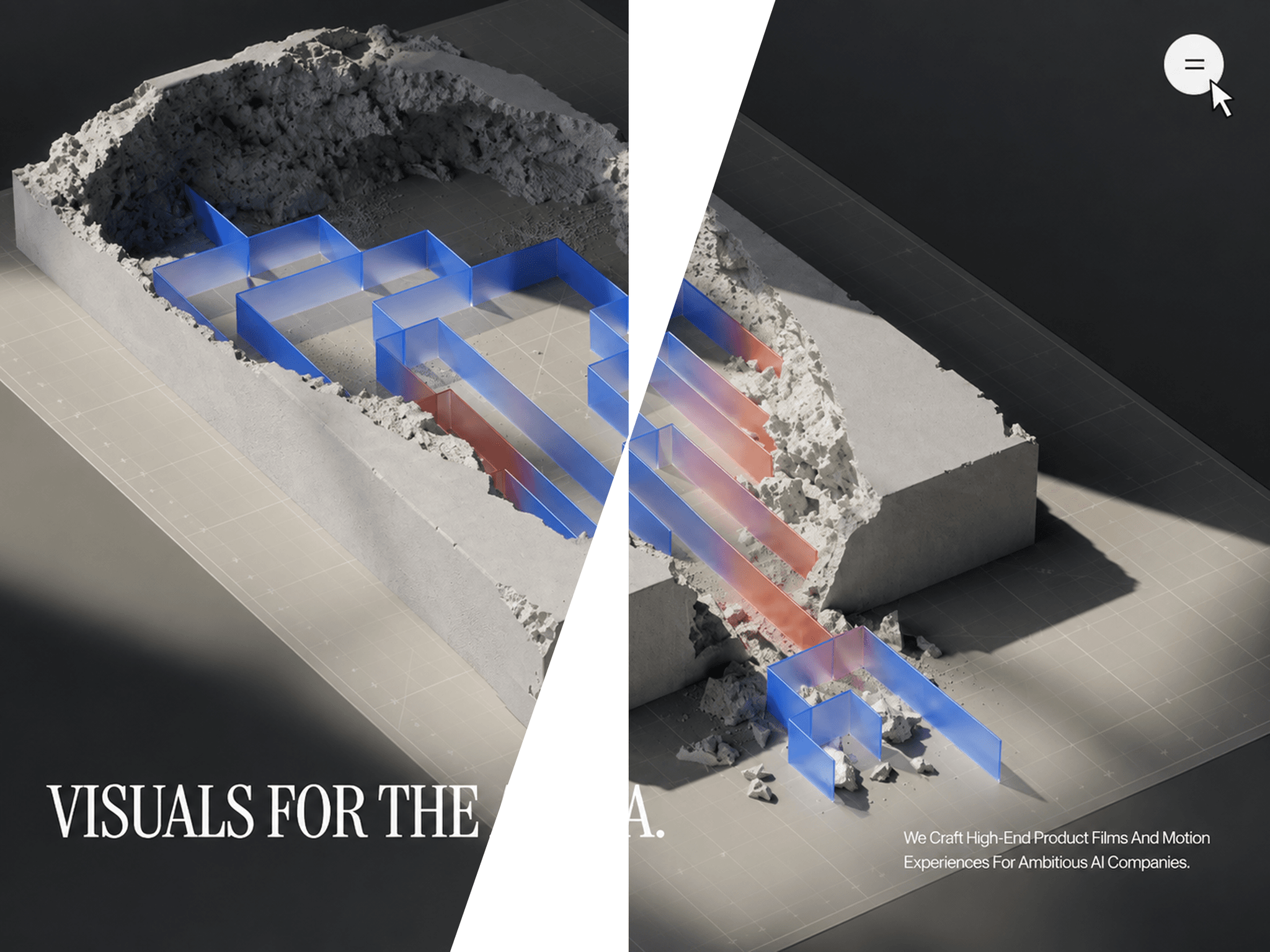
A cinematic full-screen navigation that tears open from the center with two rotating panels, masked link reveals, and a responsive layout
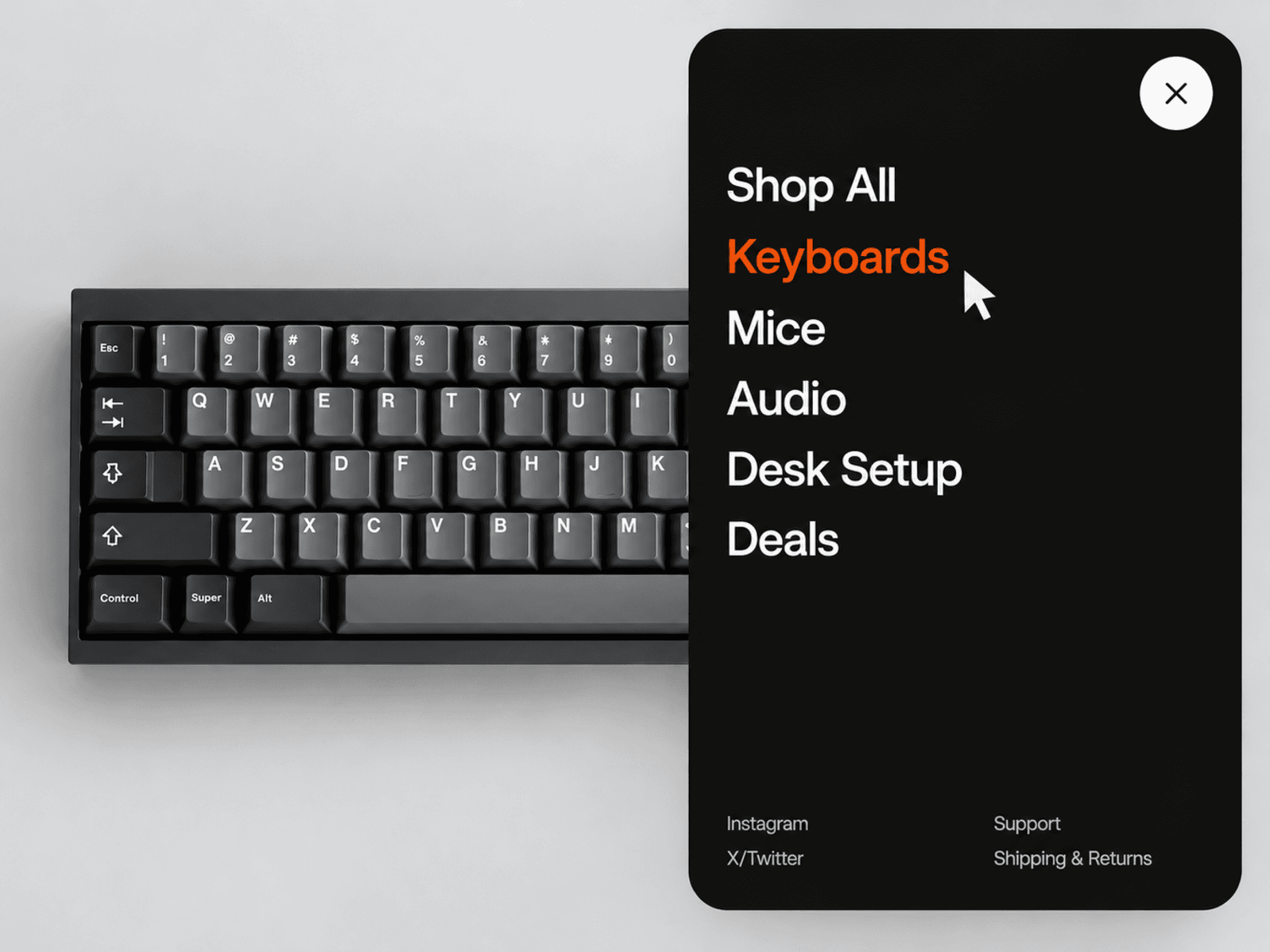
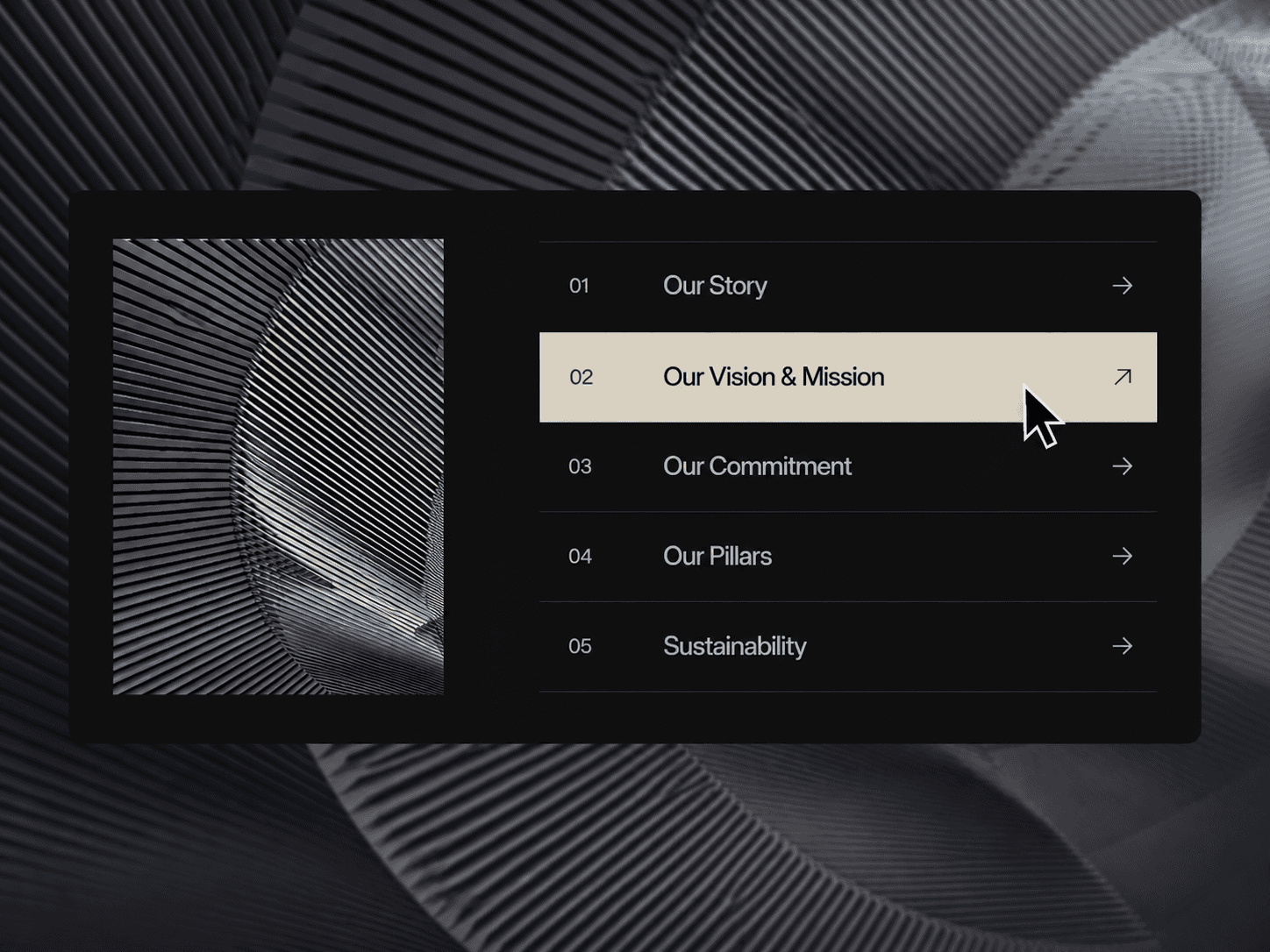
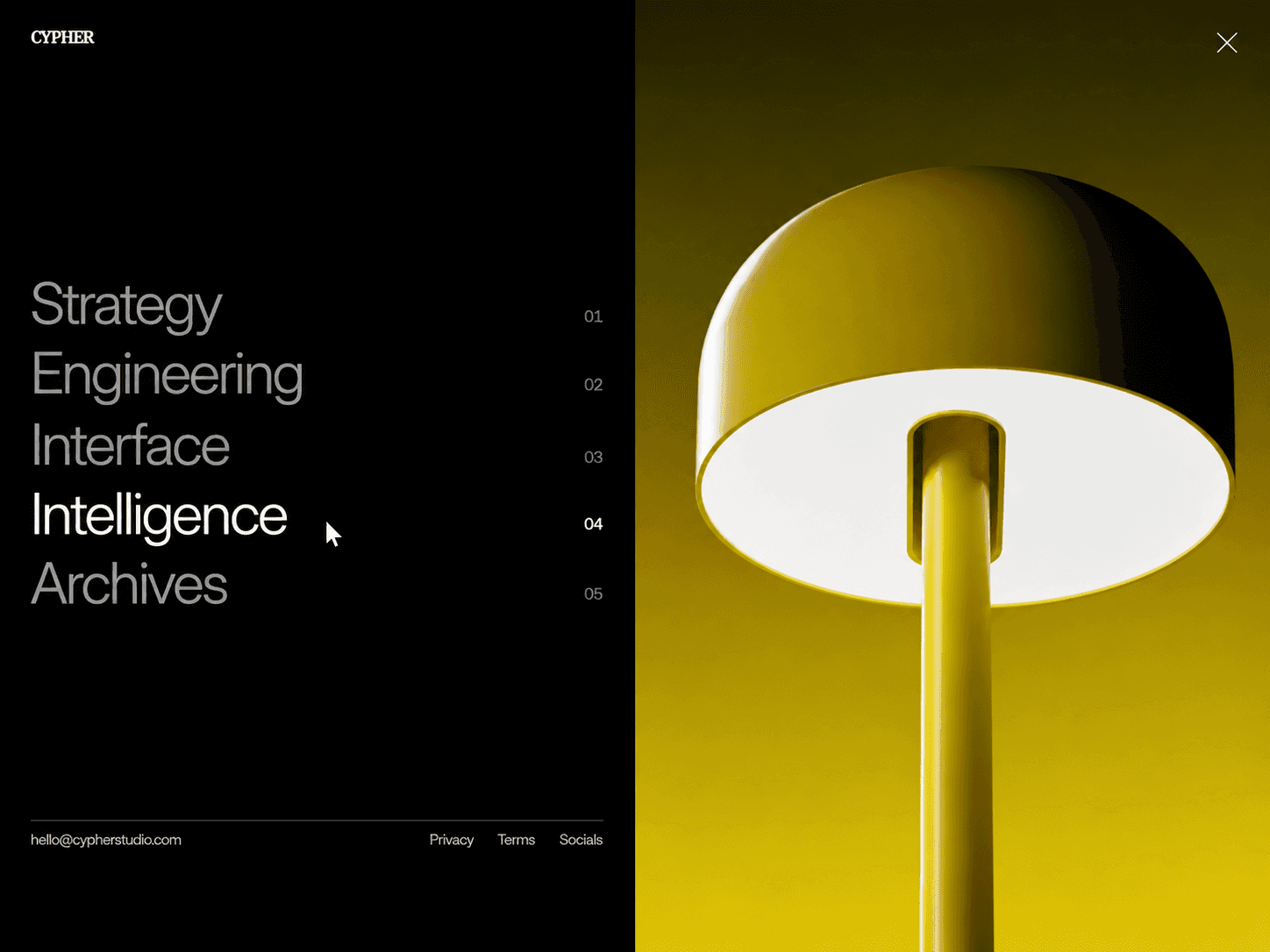
Split Shift Menu turns a simple menu into a full-screen transition. Open the menu and two panels rotate into place from the center, revealing your navigation with a smooth, symmetric motion.
The menu can sit directly over your existing Framer background, with optional blend modes that keep the logo and menu icon readable across changing backgrounds.
No code required. Everything is controlled directly through Framer's property panel.
Features
Full-screen navigation overlay
Center-out split panel animation
Rotating left and right panels
Masked link reveal animation
Rolling text hover effect
Animated menu-to-close icon
1–3 navigation columns
Custom navigation links
Optional new-tab links
Text or image logo
Background-aware logo blending
Custom menu button
Responsive mobile layout
Static renderer support
Customize
Logo text or image
Logo font and size
Logo color
Background blending
Logo link
Menu icon size and colors
Button padding
Button background
Border and radius
Navigation links
Link columns
Column and row spacing
Link typography
Text transformation
Menu background
Link and hover colors
Panel rotation
Panel scale
Panel animation duration
Text reveal duration
Stagger and delay
Hover animation speed
Responsive breakpoint
How It Works
Add your navigation items, logo, and styling through the Framer property panel. When visitors open the menu, the two panels rotate into place from opposite sides of the screen, creating a symmetrical center-out reveal.
Need help setting it up?
If you’re not sure how to use the component or want us to set it up directly in your Framer project, contact us at support@russetsupply.com
Explore More
Russet Supply is a growing collection of ready-to-use Framer components and templates trusted by 500+ users.