About Venom buttton
Venom Button — An Interactive Framer Component (WebGL enable)
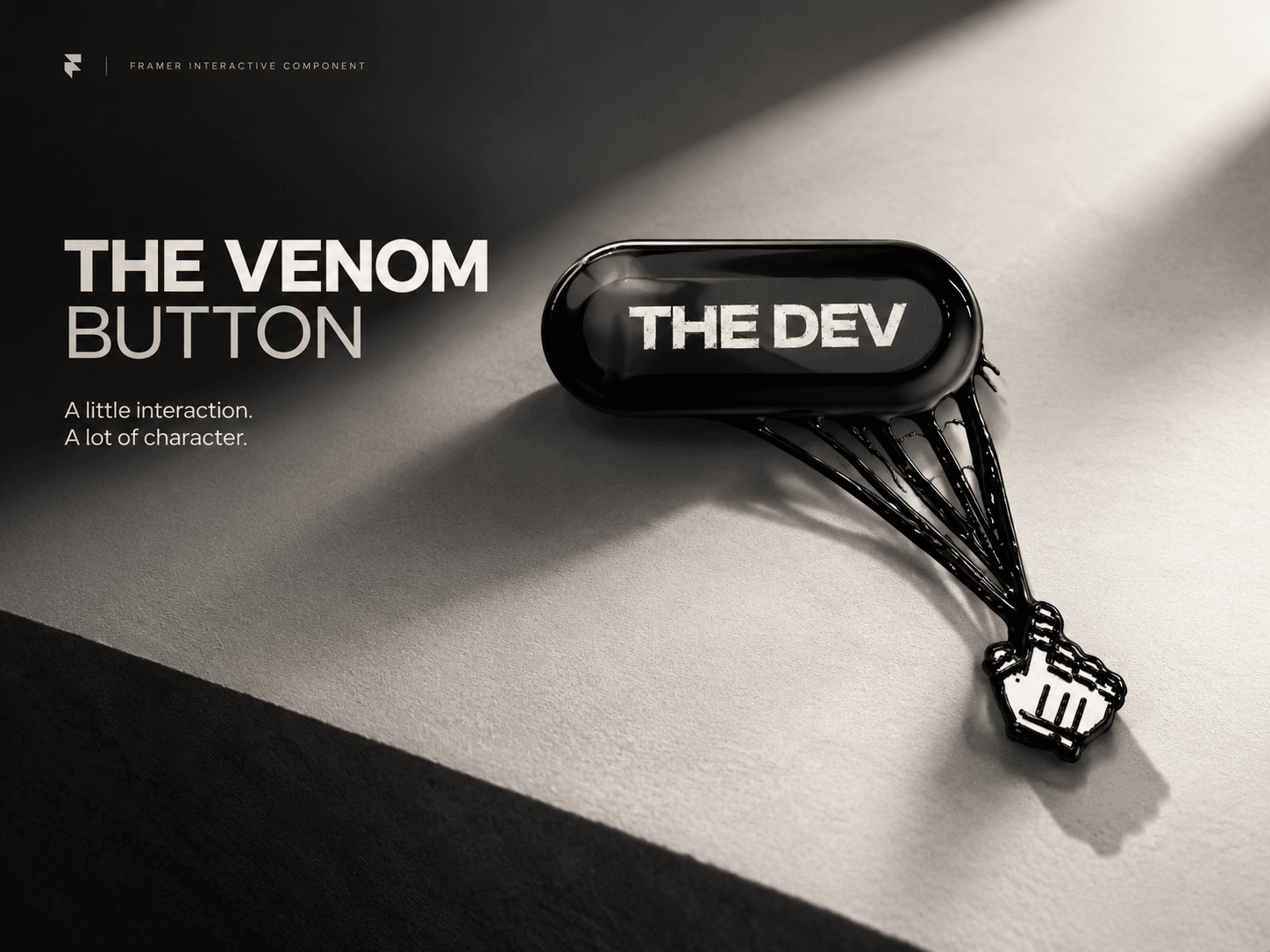
Give your website a little more attitude with Venom Button, a custom interactive button inspired by Venom’s iconic symbiotic tendrils.
Featuring a glossy, dimensional button, dynamic hover interactions, and fluid tendril animations that react to cursor movement, Venom Button transforms an ordinary button into an eye-catching interactive experience.
Features
Glossy, Venom-inspired button design
Interactive liquid-like tendril effects
Responsive cursor interactions
Dynamic movement and depth
Customizable settings through Framer property controls
Designed for creative portfolios, landing pages, and experimental web experiences
Built with custom shaders and interactive motion, Venom Button brings a distinctive visual element to Framer websites.
How to Use:
Insert the Venom Button component into a Stack.
Select the component in the Layers panel and set both Width and Height to Fill.
To change the background color, select the parent Stack containing the component and adjust its Background color.