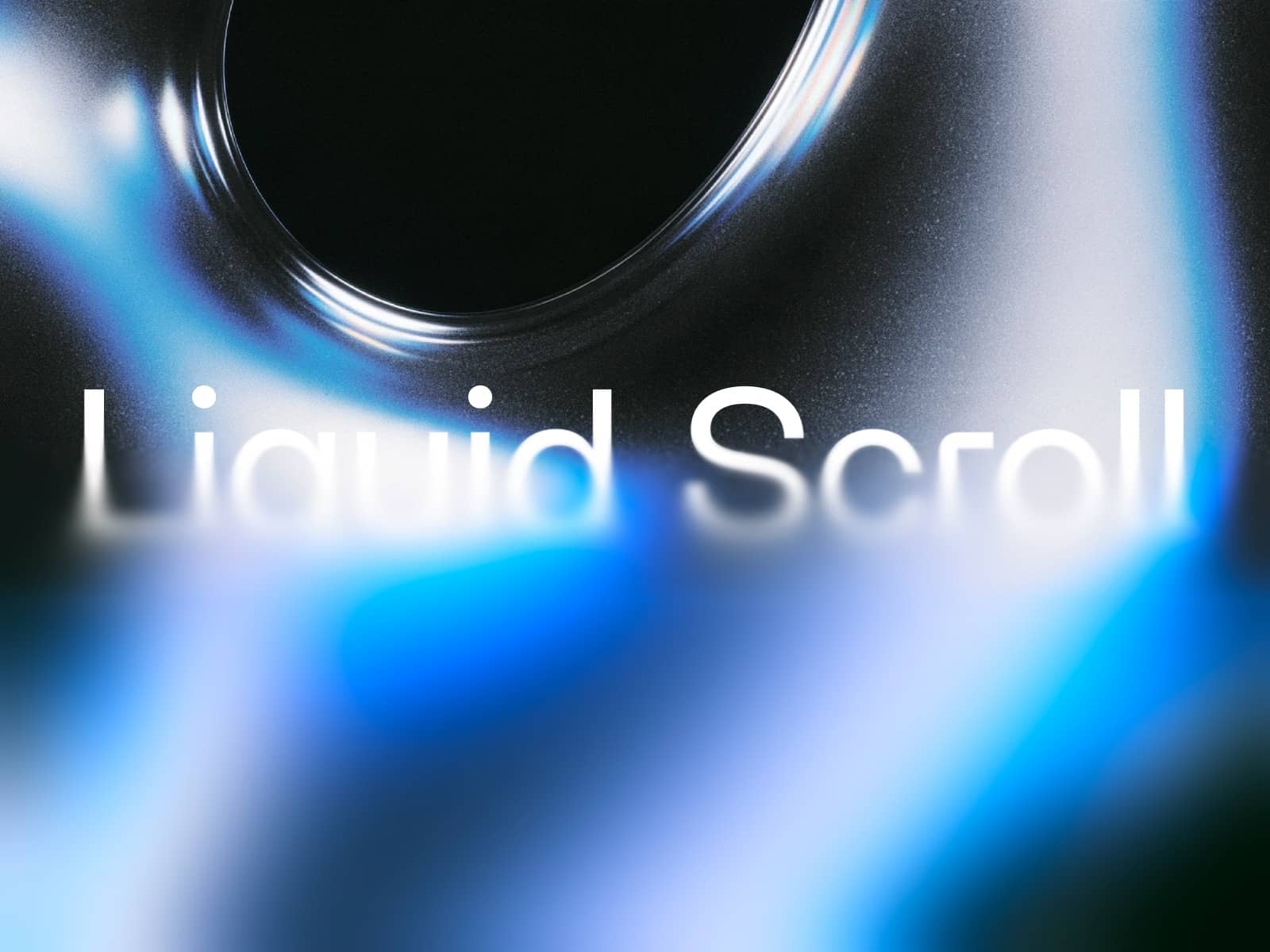
About Fluid Media
Fluid Media transforms any image or video into a living, interactive surface. Pointer motion generates velocity‑driven waves and subtle chromatic splits—cinematic depth with modern, responsive performance.
What You’ll Get
High‑impact, pointer‑reactive refraction and ripple effects
Setup in minutes—supports image or video with graceful fallback
GPU‑accelerated rendering designed for responsiveness
Customize in Minutes
Input: choose video or image, add poster for low‑power fallback
Fluid: tune dpr, dissipation, forceBias, and radius
Look: adjust distortionStrength and chromaticStrength
Controls
mediaType — video or image
loading — Element to display before media is loaded
video — Video URL (when using video input)
poster — Fallback image for low‑power mode
loop — Loop playback for videos
image — Image URL (when using image input)
dpr — Resolution scale for performance/quality balance
dissipation — Trail fade speed; higher = faster decay
forceBias — Input force multiplier (ripple strength)
radius — Interaction radius (ripple size)
distortionStrength — Refractive offset intensity
chromaticStrength — RGB split intensity
Perfect For
Hero media with expressive, living‑surface effects
Product imagery that reacts to cursor/touch
Event/fashion/creative tech landing pages
Portfolios seeking premium shader aesthetics
Why It Converts
Instantly grabs attention with motion that feels physical
Calibrated controls keep the message clear and on‑brand
Works across devices with considered performance and fallback
Built for Framer—no custom code required
Quick Start
Place the component and set mediaType (video or image)
Provide video or image and a poster if needed
Tune distortionStrength and chromaticStrength
Adjust dpr, dissipation, forceBias, and radius for feel
Preview and publish