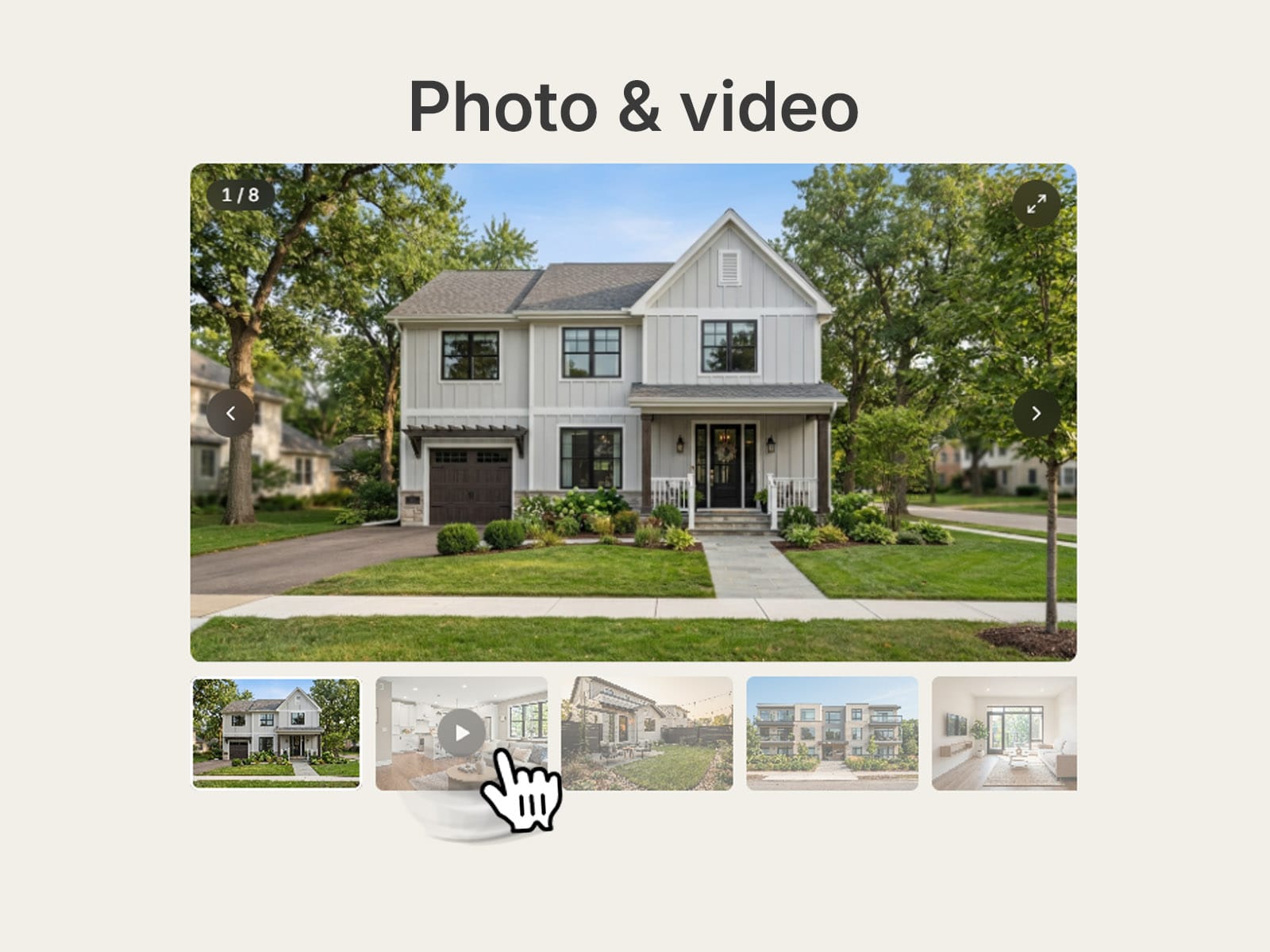
About Gallery Reel
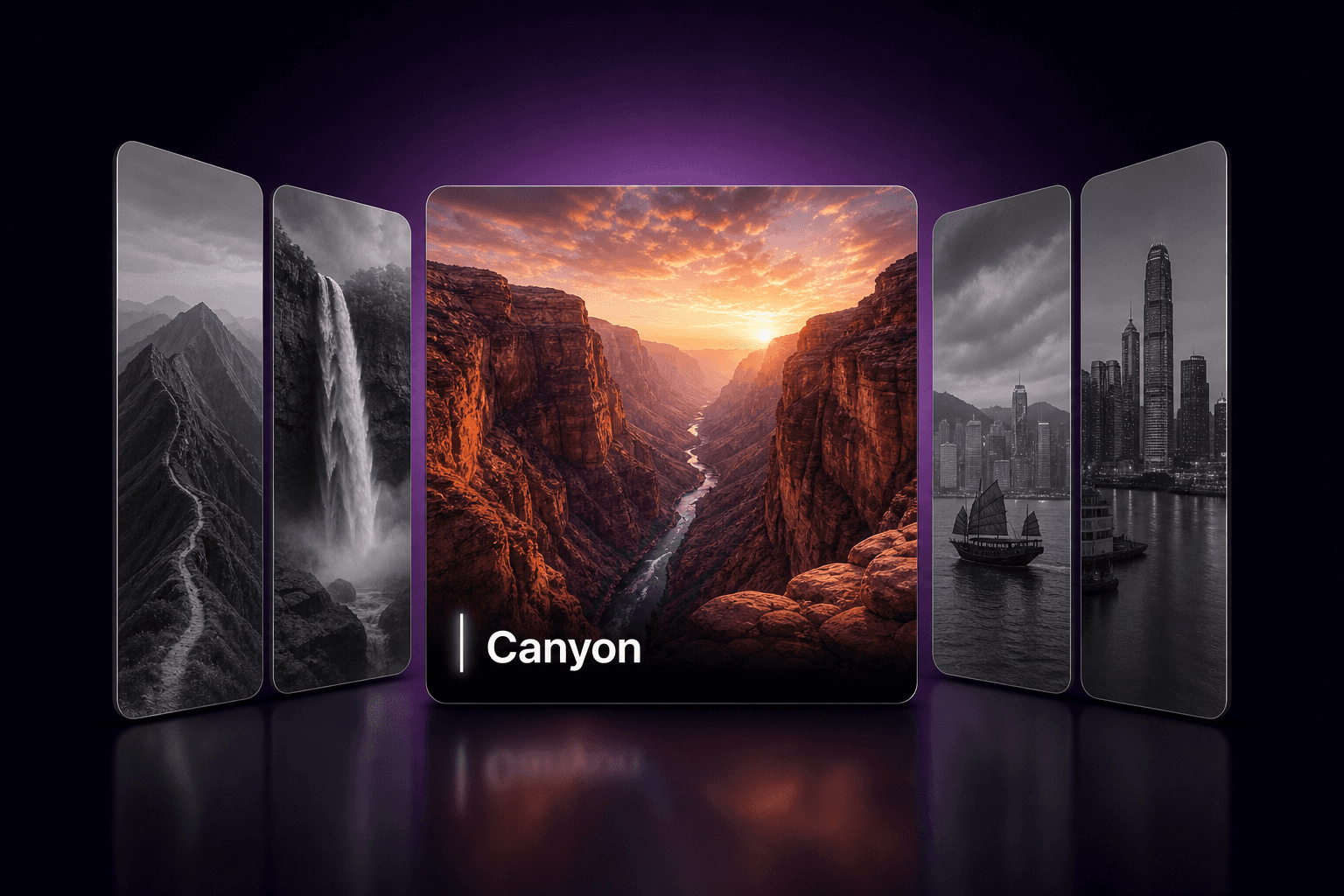
Gallery Reel is a photo and video gallery component for Framer. Show up to 8 items in a polished viewer with a custom video player, zoom and a fullscreen lightbox - perfect for portfolios, property listings, product pages and case studies.
PHOTOS + YOUTUBE VIDEO IN ONE COMPONENT
Each of the 8 slots has an Image field and an optional Video Link field. Paste a YouTube link and the image becomes the video cover. Empty slots are skipped automatically.
CMS READY
Every slot is its own field, so you can connect each image and video link to a CMS collection. Images keep Framer's built-in optimization.
CUSTOM VIDEO PLAYER
Play, pause, seek, mute, volume control, auto-hiding controls, autoplay, start muted and loop. YouTube videos play inside the same clean player, without YouTube's title, channel or extra buttons, plus optional "Watch on YouTube" and "Copy link" buttons.
TWO LAYOUTS
- Thumbnails: bottom, left or right, with 10 aspect ratios or the original ratio of your first image.
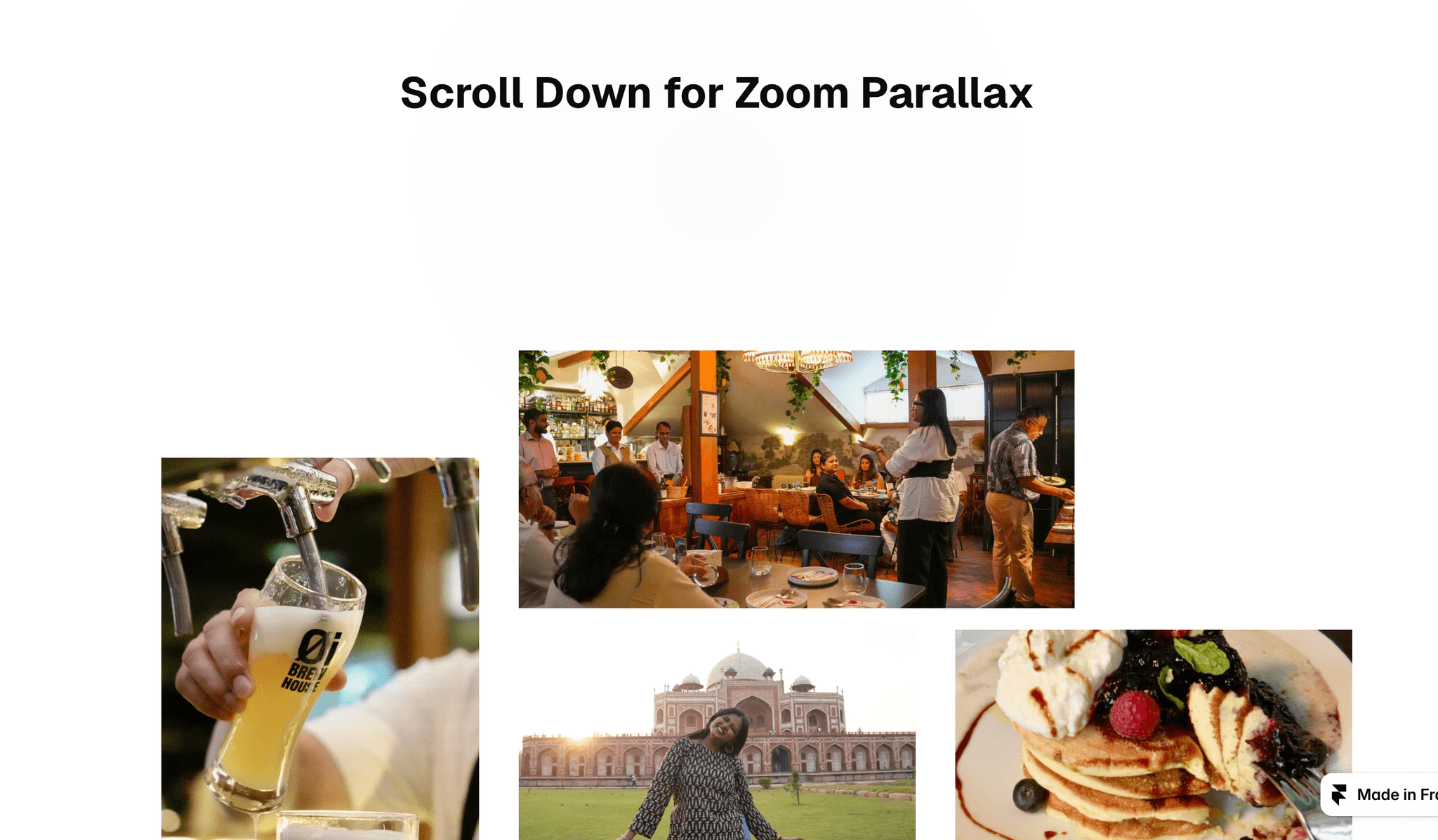
- Grid: 2 or 3 columns with an optional featured first tile.
ZOOM & LIGHTBOX
- Hover zoom that follows your cursor.
- Fullscreen lightbox with click, wheel and two-finger pinch zoom, drag to pan, swipe, arrow keys and a thumbnail strip.
- Keyboard, touch and reduced-motion support.
FULLY CUSTOMIZABLE
Gap, radius, media fit, background, overlay, button colors, fade timing, font and more.
HOW TO USE
1. Drop the component on your canvas.
2. Add images and optional video links, or bind them to CMS fields.
3. Choose a layout and style it in the properties panel.
Tip: for vertical YouTube videos use the youtube.com/shorts/ID link format.
Share your build
If you ship something cool with it, post it on X and tag me @danielgrafix_, or send it over. I'd love to see what you create.
Need help? Questions or feedback?
Reach me anytime: danielgrafix12@gmail.com or on X @danielgrafix_