About Halation Carousel
Explore the best Framer components ↗
About
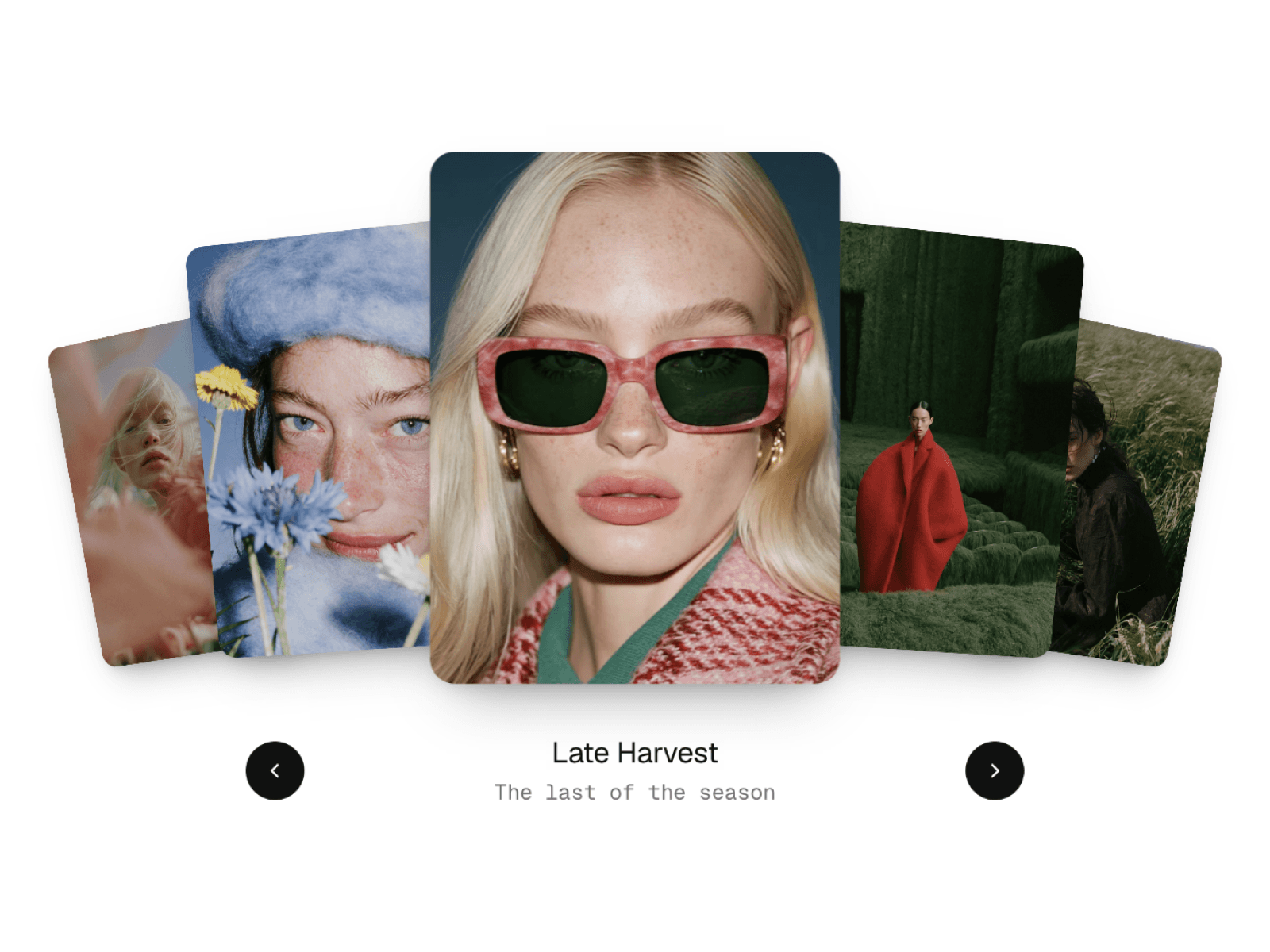
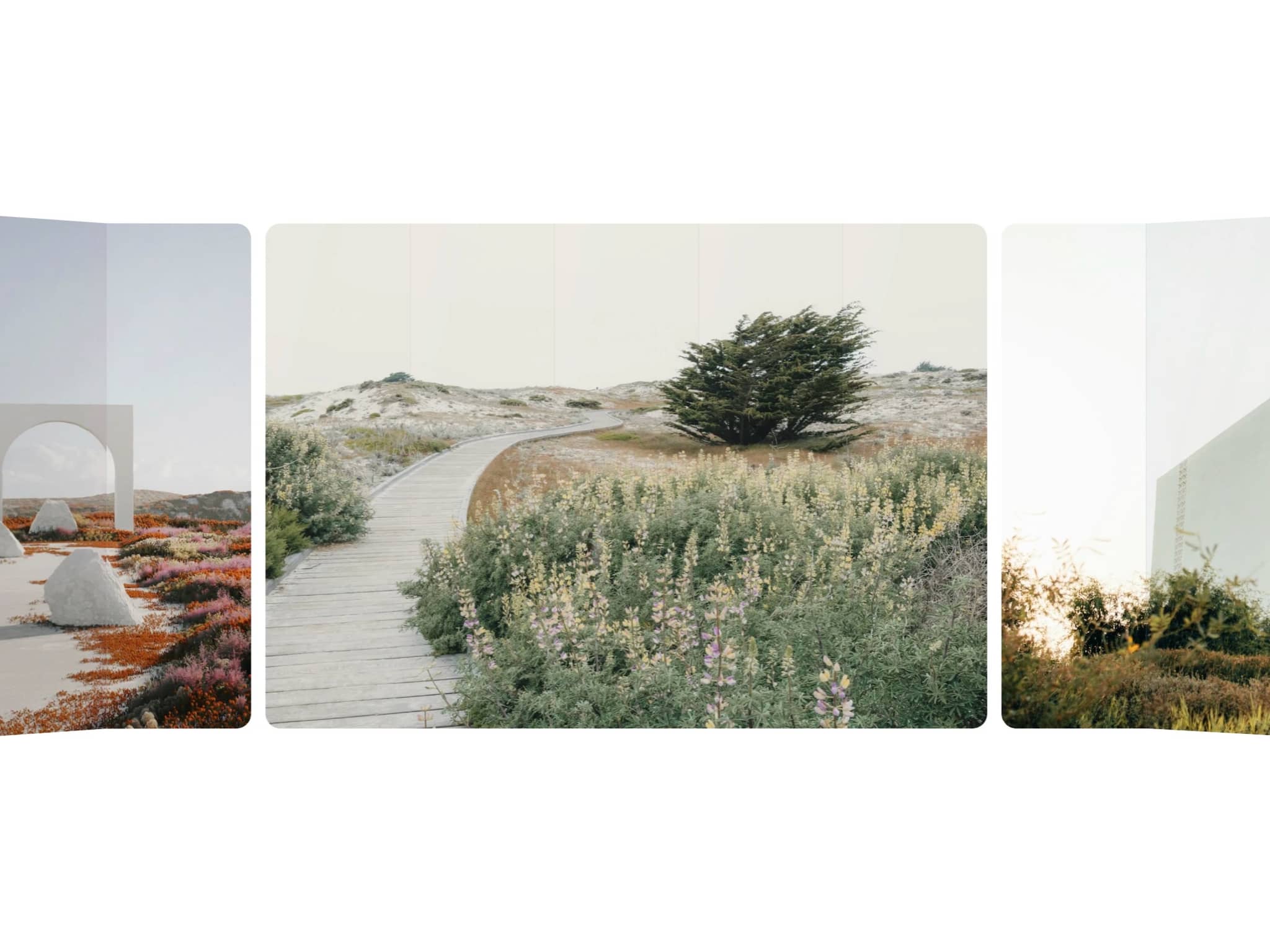
Halation Carousel is a cinematic image carousel for Framer. An optional spiral of clickable film frames gives visitors a way to jump between images, while the active frame takes center stage. Use Sweep for a curved wipe or Projection for a film-inspired reveal, then let the artwork carry the story.
What you can customize
Give the gallery your own art direction, from the way images are framed to how each reveal moves. Add your own photography or artwork, then set a title, alt text, backdrop color and text color per frame. Link individual images to a project, product or story, with the option to open each link in a new tab.
Set separate image focal points for desktop and phone so the subject stays in view. Adjust the title typography, corner radius, reveal timing and curve. Put the frame index below the image or overlay it on the stage. Keep the spiral for a visual index or turn it off for a more minimal layout.
Visitors can switch frames directly or use the arrow keys. Turn on autoplay and set the pace if you want the gallery to work as a hands-free slideshow.
Great for (examples)
Use it wherever a sequence of images tells the story:
Photography portfolios, portrait series and photo essays
Fashion lookbooks, campaign imagery and collection launches
Studio websites, creative direction and branding case studies
Product landing pages, editorial galleries and image-led showcases
Art portfolios, exhibition previews and installation photography
Event recaps, festival highlights and travel journals
Need help?
Questions or feedback? Reach me anytime: matthias@lmvision.de or on X @Matthias_Oel.
Need a matching component?
Pair the carousel with a way to present a project in more detail: