About InstallTabs
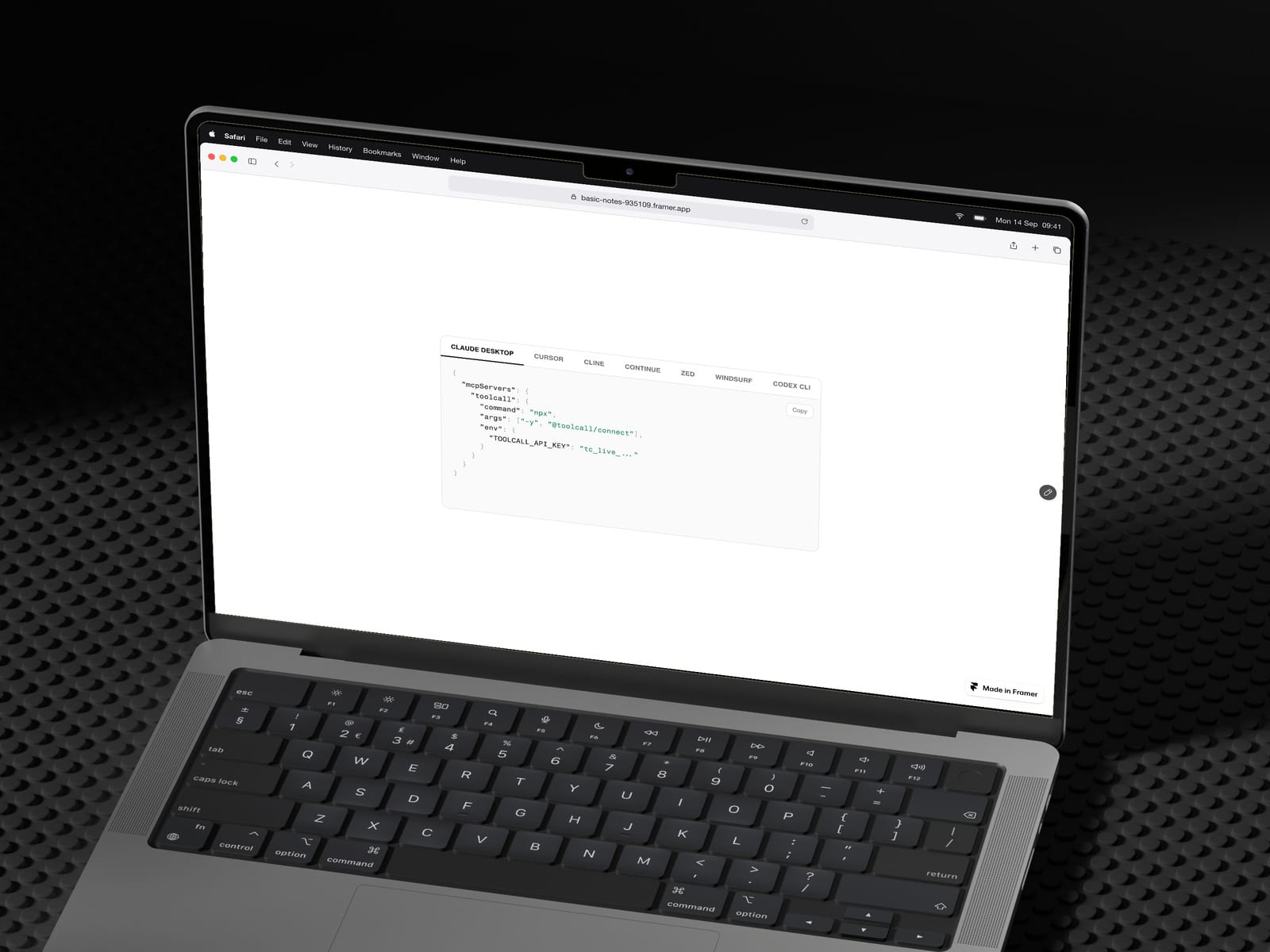
One component for showing install commands, MCP server configs, or SDK snippets across every client you support. The panel locks to the tallest tab's height, so switching between Claude Desktop and Cursor — or npm and yarn — never shifts the page below.
What's in it
Per-tab syntax mode: JSON, YAML, or plain text. Keys, strings, numbers, booleans, and comments each get their own colour.
Optional icon per tab. Drop in a client logo or package manager mark.
Copy button with a confirmation state. Its text colour auto-adjusts to your accent.
Equal-height measurement re-runs on font load and container resize. The lock holds after the page settles.
Full ARIA tab pattern. Arrow keys switch tabs, Home and End jump to ends.
Horizontal tab scroll for long client lists. Touch handling behaves correctly on iOS.
Seventeen colour controls, two font controls, every label editable.
No external dependencies, no CDN scripts. Self-contained.
Pre-filled with seven Toolcall MCP server configs (Claude Desktop, Cursor, Cline, Continue, Zed, Windsurf, Codex CLI) as a working example. Replace them with your own snippets in the property panel.