About Kinetic Grid
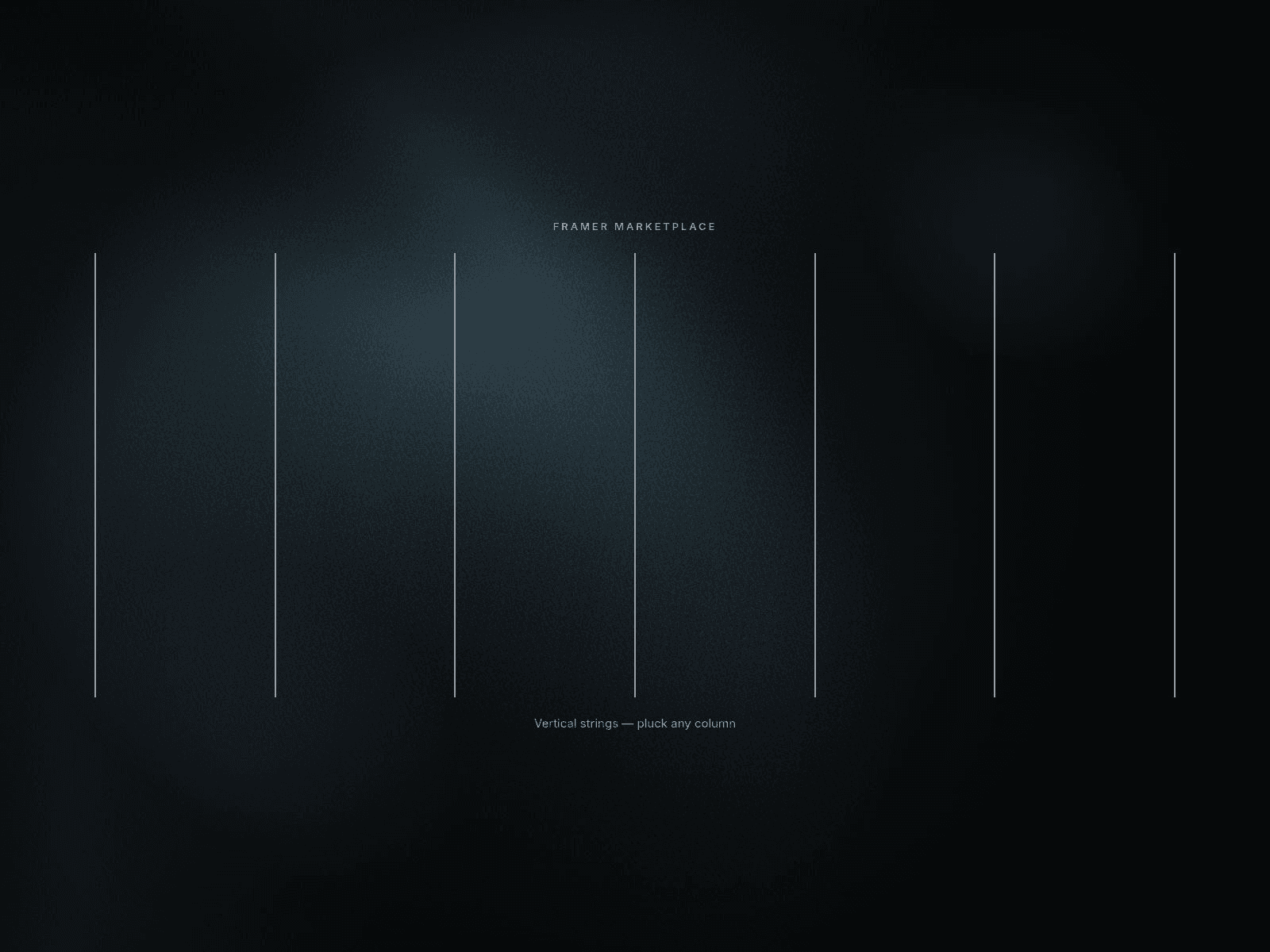
Most “kinetic grids” in Framer are media tiles with hover inertia. Kinetic Grid is different: a field of vertical strings you pluck like a guitar.
Move across the columns and each line bends under spring tension, then settles. Velocity-led impulses (not per-frame offset stacking) keep the feel fluid; soft bend limits avoid hard walls; paths are quadratic-smoothed. Neighbor bleed carries a soft echo to adjacent strings.
Tune Bend, Pluck, Tension, Damping, and Spread from Feel — advanced segment/reach knobs stay hardcoded so the panel stays buyer-clean. Layout covers desktop / tablet / mobile column counts, insets, min height, and clip. Stroke is color + width on a transparent stage.
Entrance stagger is optional; reduced motion skips entrance and freezes physics; Canvas and Export stay calm with static paths useIsStaticRenderer + thumbnail gate).
Built for editorial dividers, hero atmospheres, and quiet interactive chrome. Framer + Framer Motion only. Built brutally well by KERN.