Scrolling Blur

Scrolling Blur

About Scrolling Blur

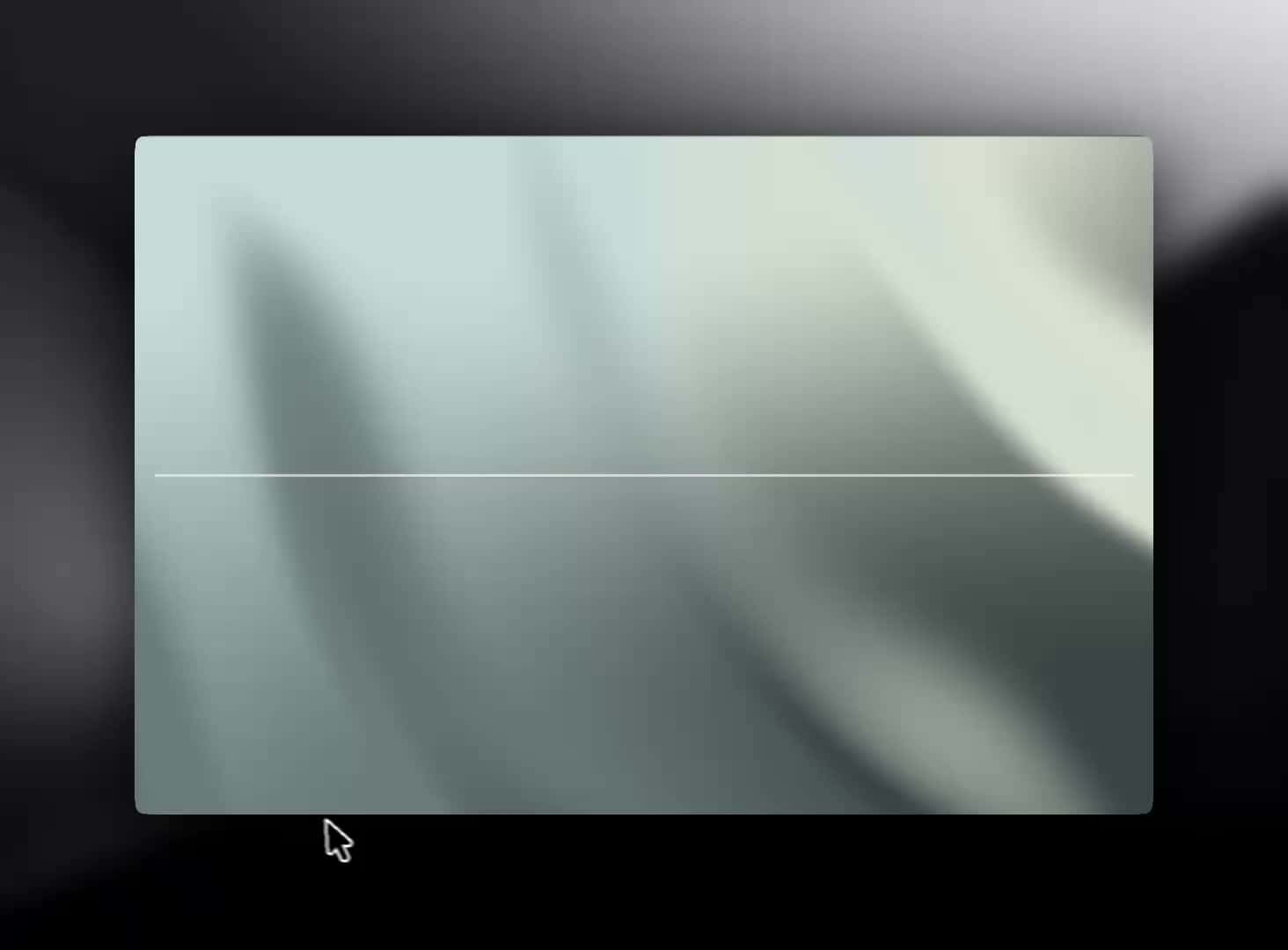
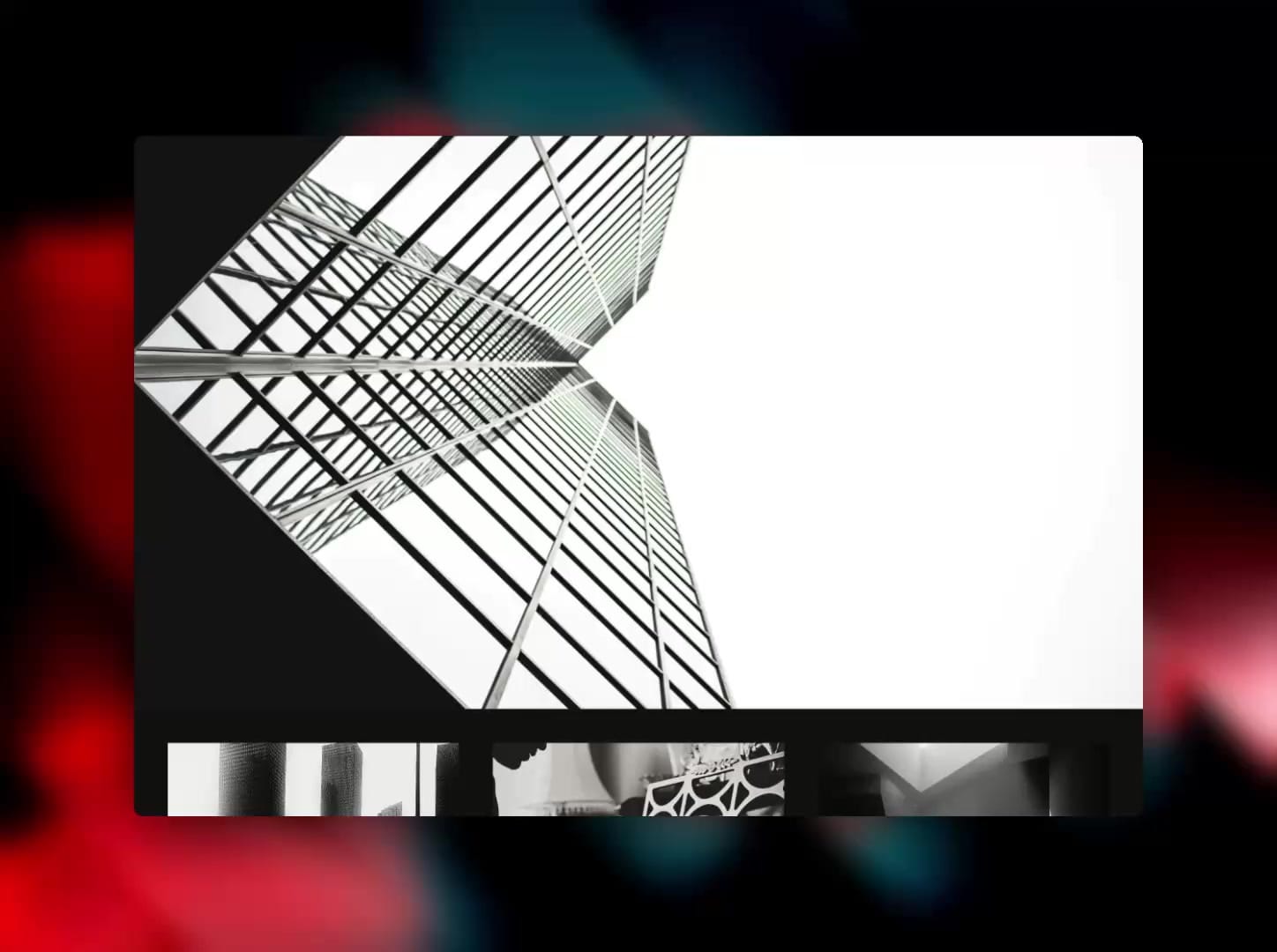
Kern_ScrollBlur stacks soft-masked backdrop-filter layers across the full frame. Peak blur sits at the pinned edge; the curve softens toward content so the transition reads as intentional motion design — not a CSS hack.

Controls (all from the panel):

Shape: Edge / U / ∩ (vertical segmented). Edge = vertical fade. U = cupped clear center. ∩ = hard center, soft sides.

Position: Bottom or Top. Where the blur is densest.

Strength: Peak blur in px (2–10). Defaults tuned for subtle editorial chrome.

Mode: Always On / Follow Scroll / Off. Follow Scroll uses visibility (Safari-safe), not opacity on filter layers.

Settle: Idle delay after the last scroll before hide (Follow Scroll only). Not a fade duration.

Production guardrails:

→ No opacity / isolation / clip-path on backdrop-filter parents

→ Peak blur capped for Safari stability

→ Adaptive layer count by Strength

→ useInView: pause scroll listeners + skip layers off-screen

→ Canvas-safe Follow Scroll preview (Always On while editing)

→ prefers-reduced-motion: weaker static blur, no Follow Scroll

→ pointer-events: none — never blocks clicks underneath

→ Zero external dependencies

How to place:

1. Add Scroll Blur to your page.

2. Pin it (fixed) over the breakpoint frame; size to the chrome band you want covered (full width, modest height or full frame — masks handle the falloff).

3. Set Position to Top for nav chrome or Bottom for footer/dock.

4. Tune Shape + Strength. Start around Strength 8.

5. For scroll-reactive chrome: Mode → Follow Scroll, open Preview, scroll. Adjust Settle if hide feels early/late.

Defaults are subtle — editorial out of the box.