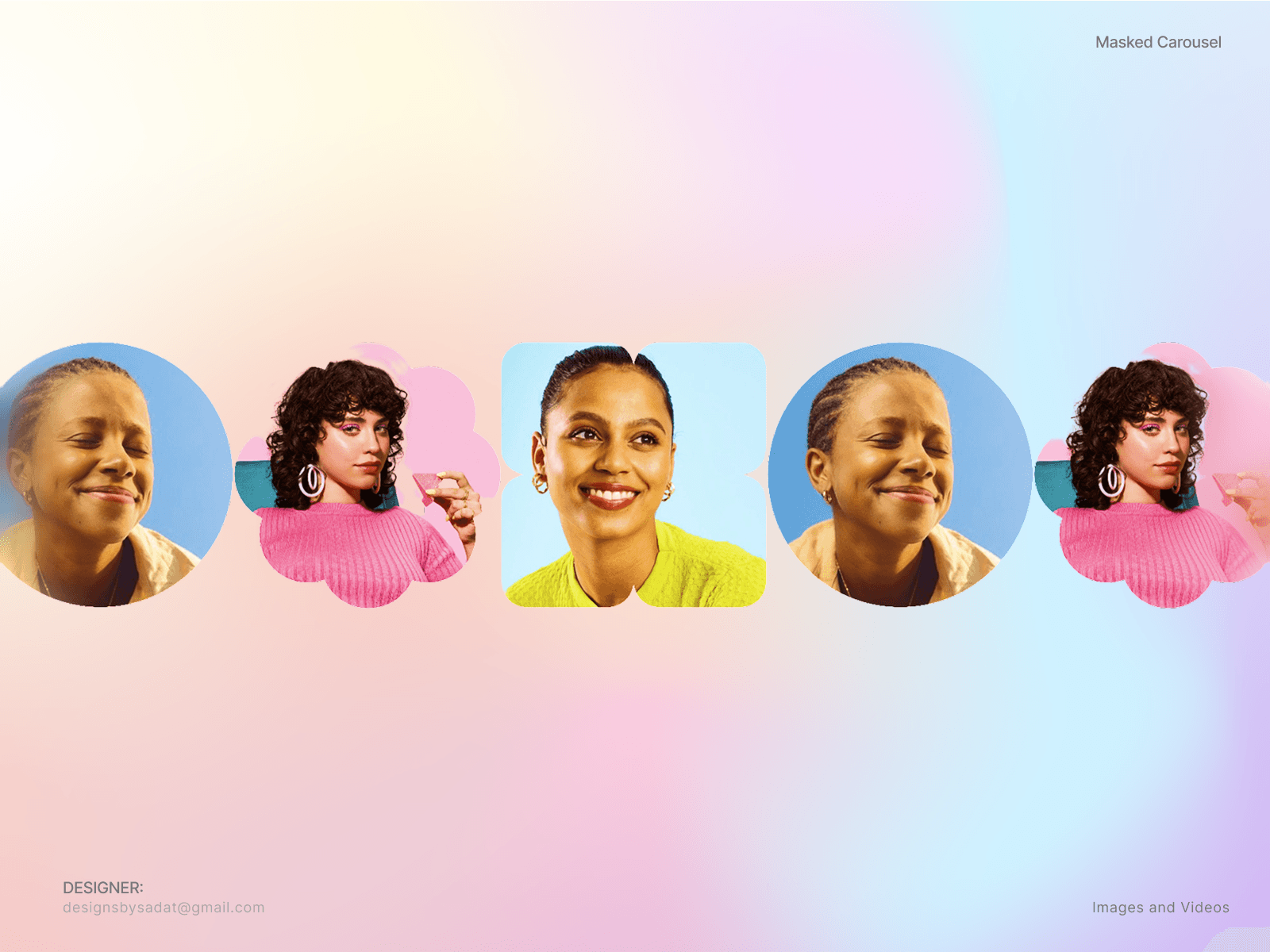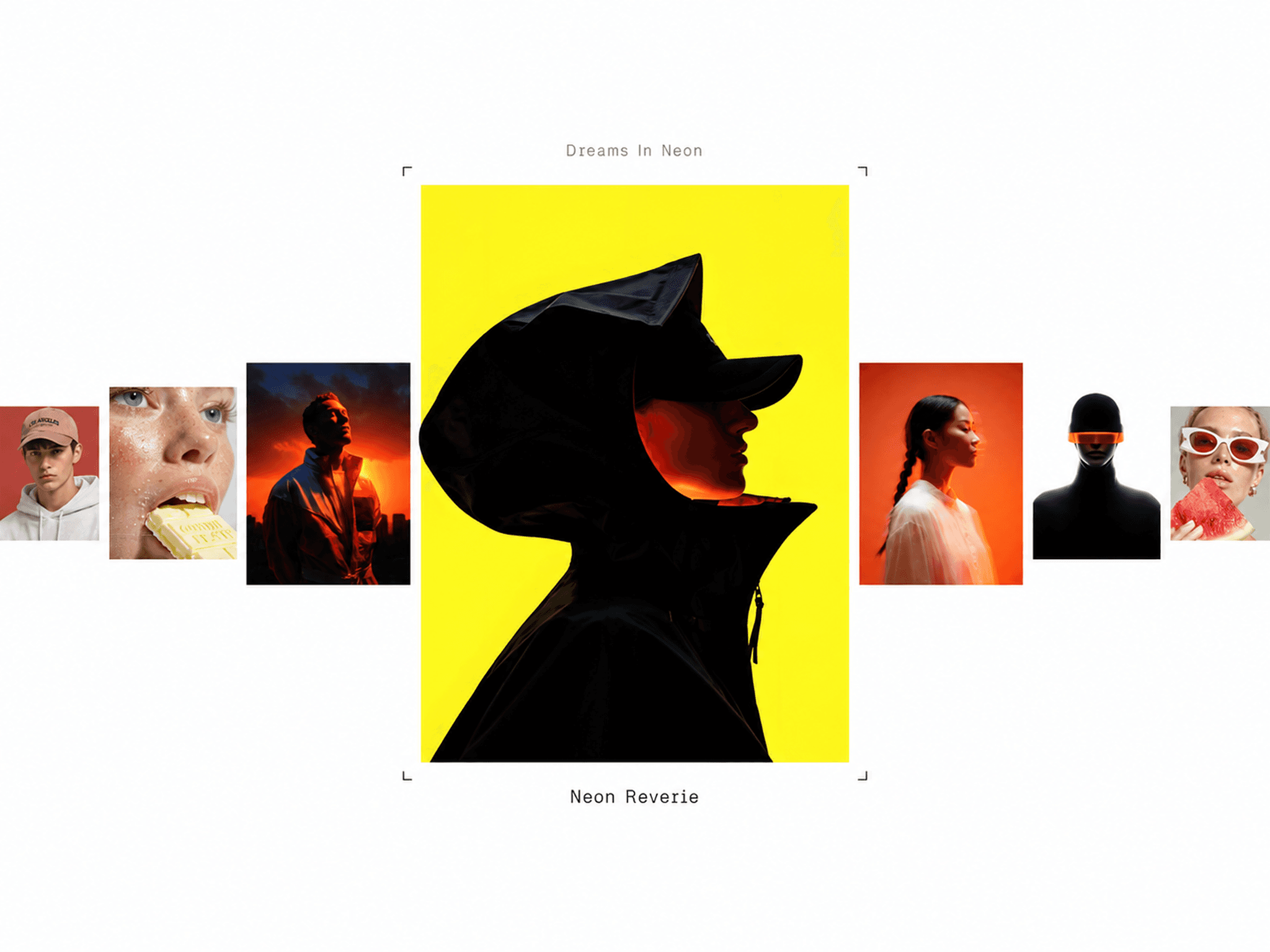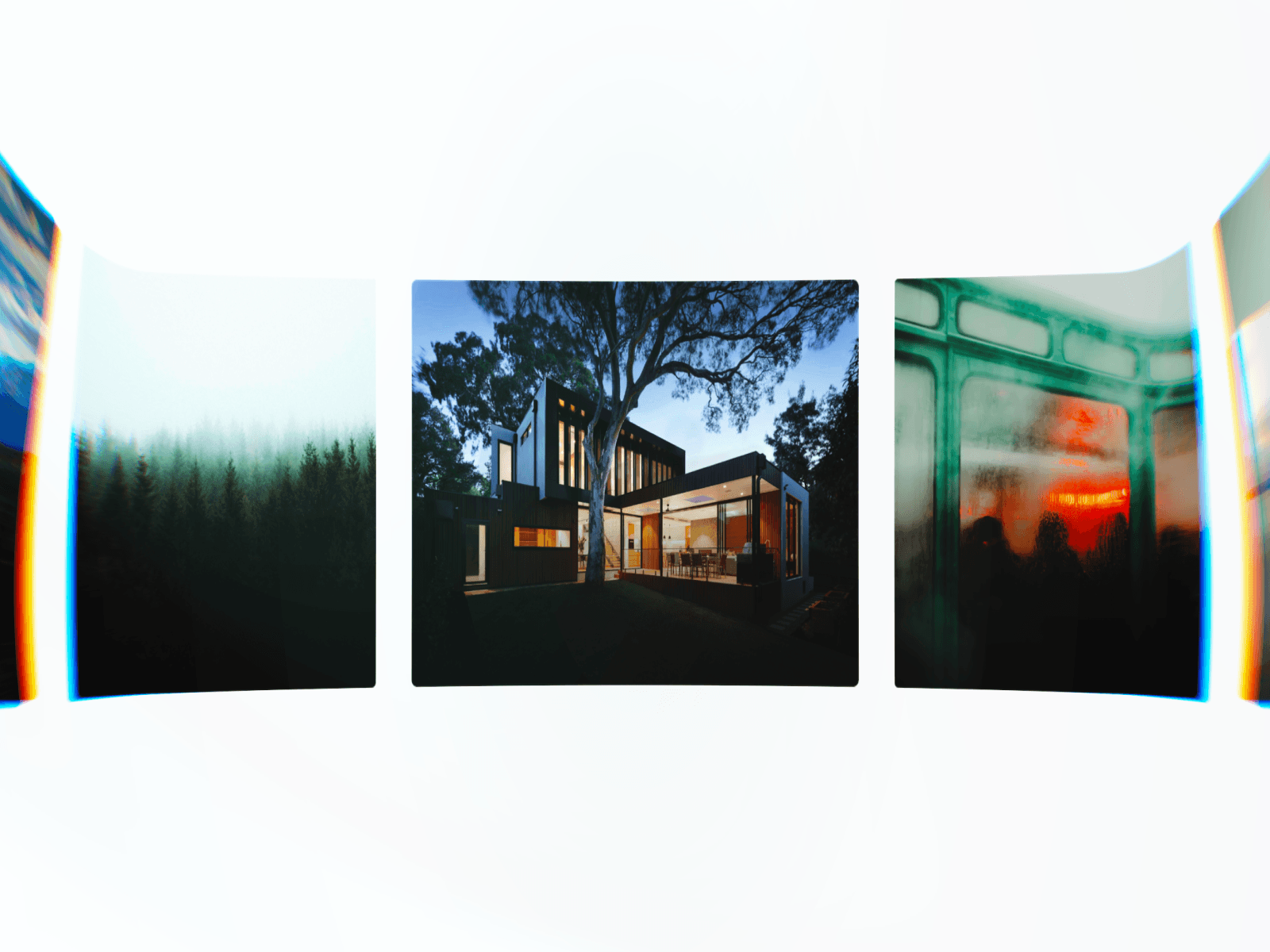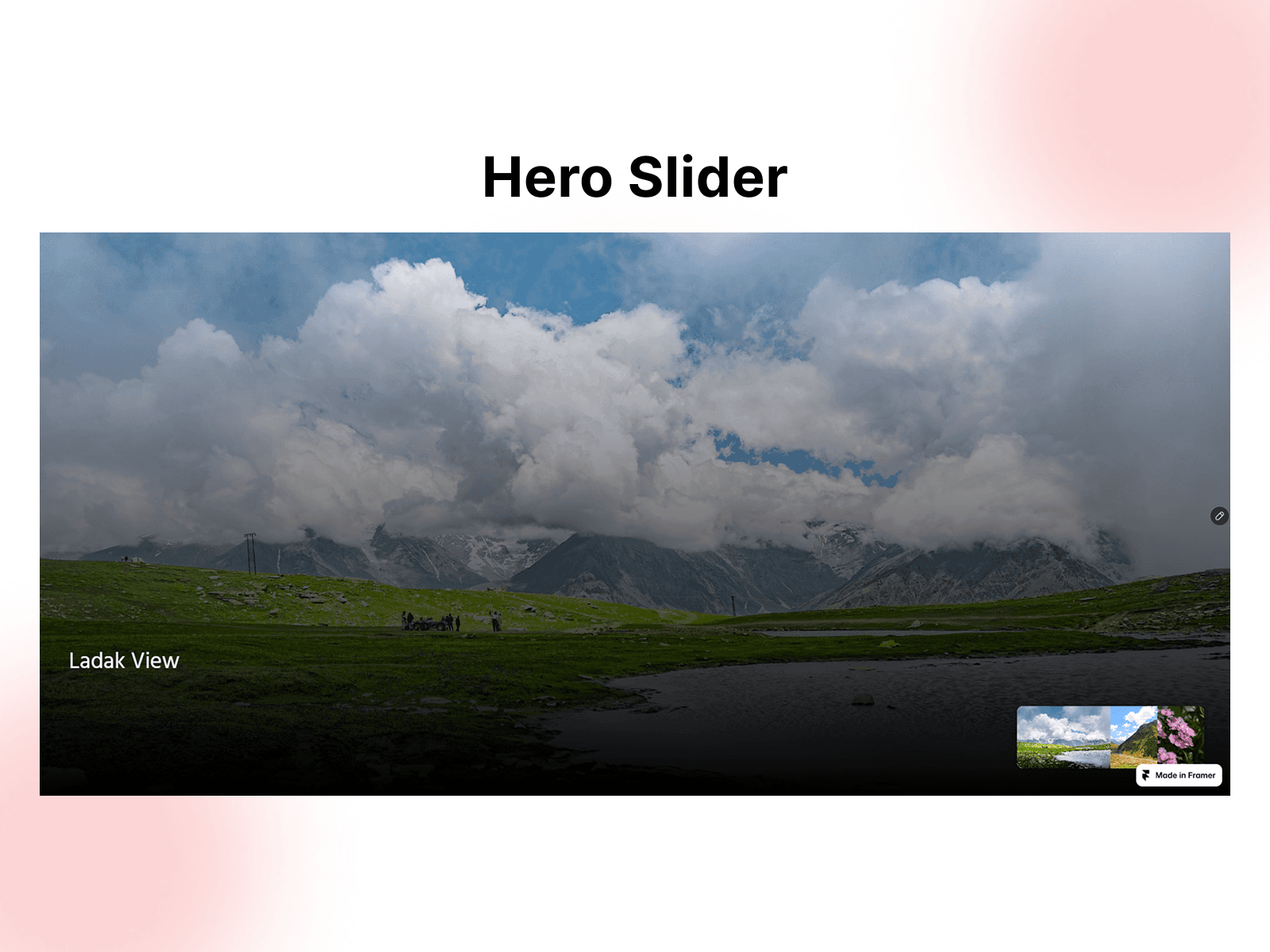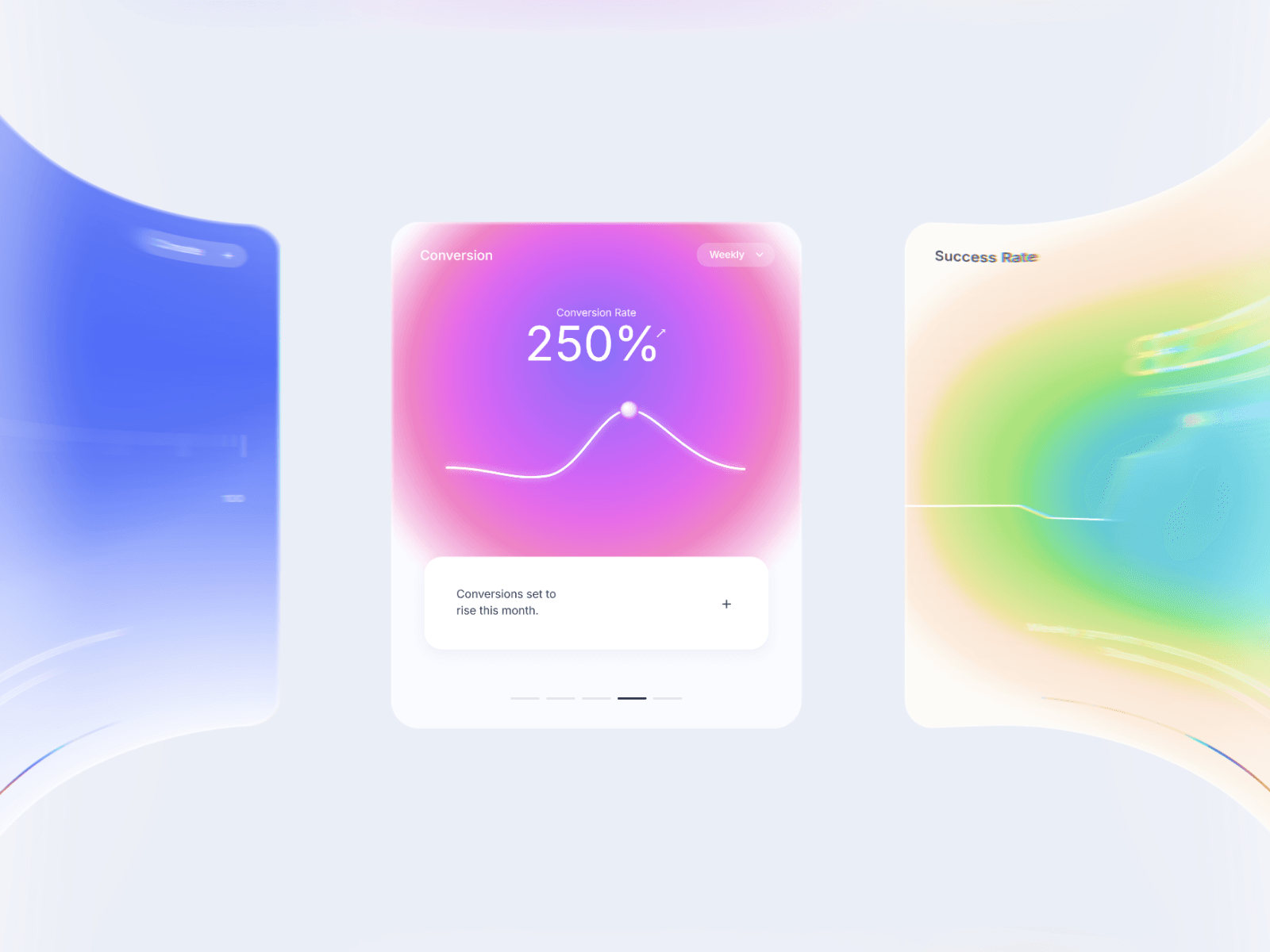
About Lens Wrap Carousel
Create an interactive 3D media carousel with a VisionOS-inspired liquid glass lens effect, smooth chromatic dispersion at the edges, and fluid drag physics that turns static galleries into tactile, high-converting showcases.
Real-time liquid-glass edge warp and refraction
Prismatic RGB chromatic dispersion at viewport borders
Smooth 3D perspective depth curve and infinite loop
Supports local images, videos, and 6 built-in studio UI cards
Fluid pointer drag, horizontal trackpad scroll, and momentum damping
Optional snap-to-card alignment when autoplay is paused
32-tap dithered optical blur for zero-banding glass trails
High-DPI WebGL shader rendering with viewport pause optimization
Responsive resize handling across desktop, tablet, and mobile
Zero external dependencies or code required
Customization Options
Media cards (Images, Videos, or 6 Default UI Presets)
Autoplay toggle, scroll speed, and left/right direction
Card scale, aspect ratio, spacing gap, and 3D depth curve
Master lens intensity and edge warp zone width
Vertical flare, liquid smear, prism RGB, glass ripple, and border glow
Background color or full transparency toggle
Card corner radius and soft drop shadow intensity
Drag toggle, sensitivity, momentum damping, and snap-to-card
Live preview toggle for static editing in the Framer canvas
How to Use
Drop Lens Carousel onto your Framer canvas
Add your own images, videos, or choose from 6 built-in UI card presets
Adjust card size, aspect ratio, spacing, and 3D depth curve
Fine-tune the edge lens warp, liquid smear, and prism RGB glow
Set your background color or enable transparency to match your layout
Publish for a smooth, interactive 3D media showcase
Use Cases
SaaS product and dashboard showcases
Creative portfolio and photography galleries
App UI and mobile screen previews
Interactive hero sections
E-commerce product lookbooks
Agency case study sliders
Video reel and motion design displays
Landing page social proof and feature highlights