About Lenticular Print
The ridged plastic print from your childhood, rebuilt in WebGL.
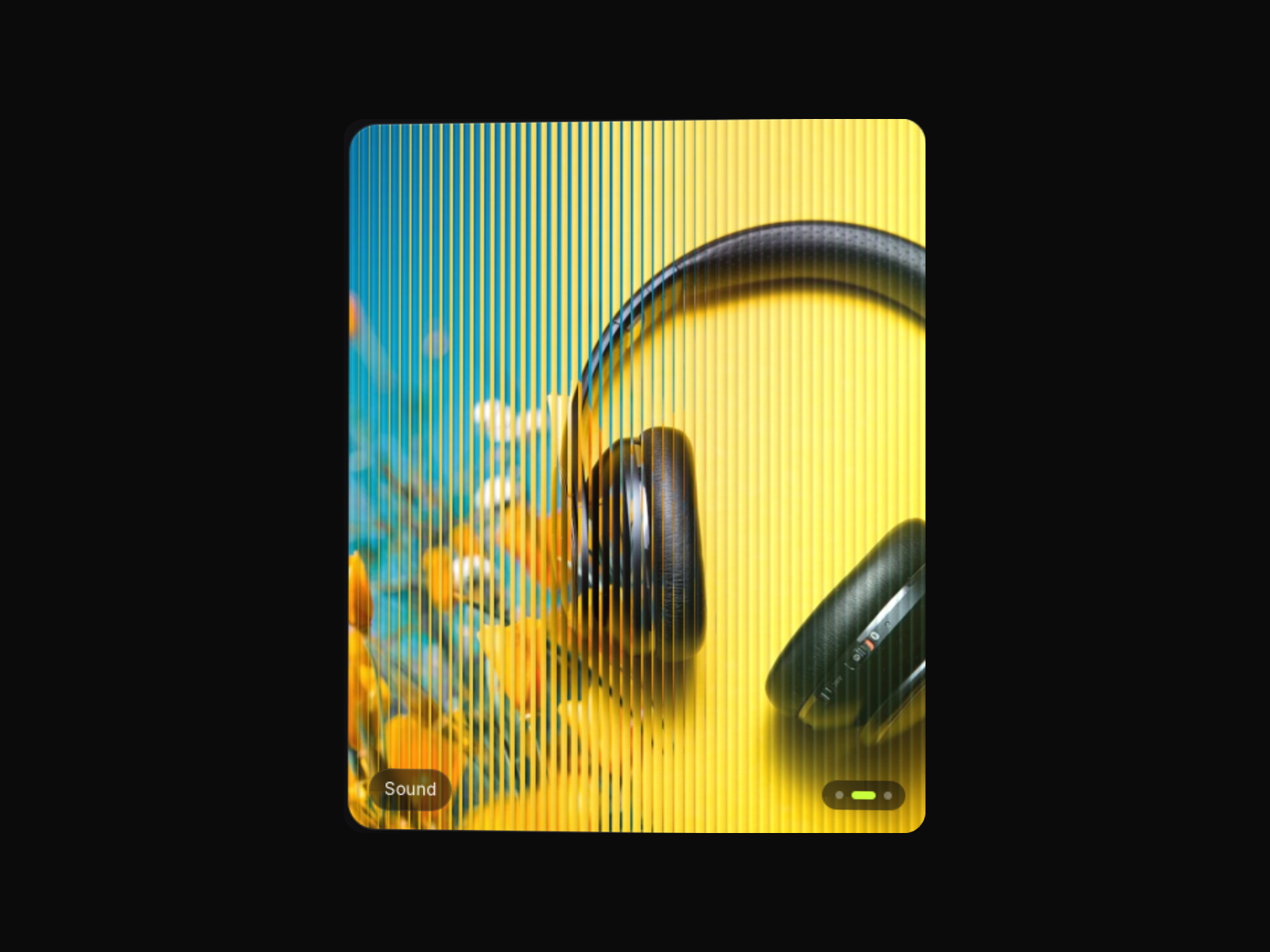
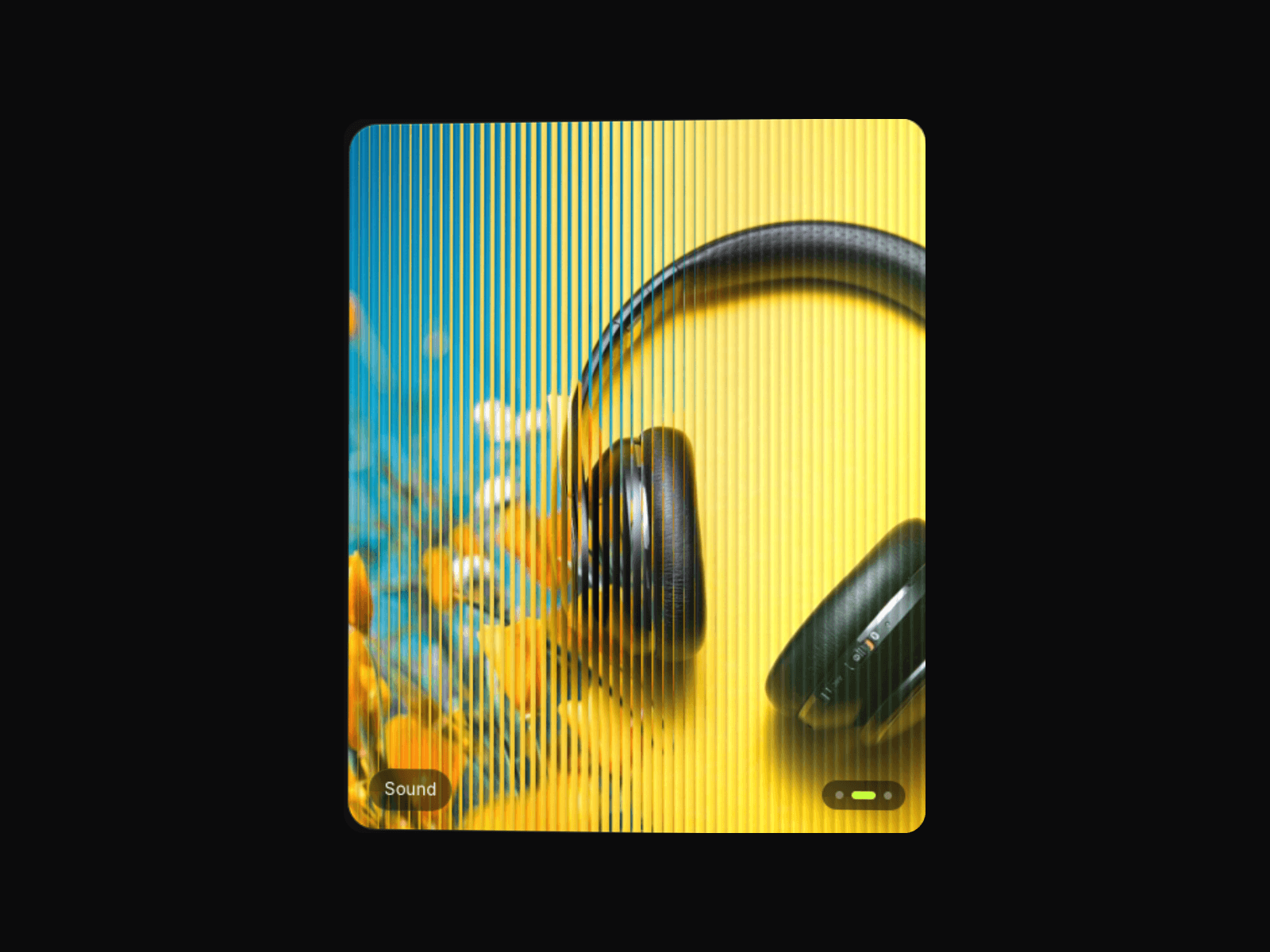
Lenticular Print recreates a physical lenticular card: the images are sliced into thin strips under a ridged lens, so tilting the card flips between frames or morphs one into another with the right amount of ghosting. A holographic sheen sweeps across the ridges, a soft 3D tilt and parallax sell the depth, and fine grain keeps it tactile. Drive it with the gyroscope on phones, the cursor or drag on desktop, page scroll or an autoplay loop. It is a WebGL shader with a CSS fallback, so it works everywhere.
Key features
Real lenticular interlacing of 2-4 images in a WebGL shader
Flip or Morph switching with ghosting and sweep control
Ridge shading, holographic sheen and film grain
5 drivers: device tilt, cursor, scroll, drag, autoplay
Soft 3D tilt and parallax, rest frame on leave
Captions and frame dots, full frame styling
CSS fallback, static canvas preview, pause offscreen
Keyboard control and reduced motion support
Use cases
Product launches and colourway reveals
Before and after comparisons
Collectible cards, tickets and invitations
Portfolio covers and album art
Playful hero sections
How to use
Insert Lenticular Print - Drag it onto the page and give it a size, for example 420 × 560 px or Fill.
Add images - Upload 2-4 images of the same size and framing. Add a caption to each if you want.
Pick a driver - Device tilt (falls back to cursor on desktop), Cursor, Scroll, Drag or Autoplay.
Shape the lens - Flip or Morph, strip width, ghosting, sweep, ridges, holo and grain.
Tune motion - 3D tilt, parallax, smoothing, autoplay hold time, invert and what happens on leave.
Frame it - Radius, background, border, shadow, caption, dots, accent, text and the tilt button label.