About Tour Pro
Walk-through 360 tours that feel like being there.
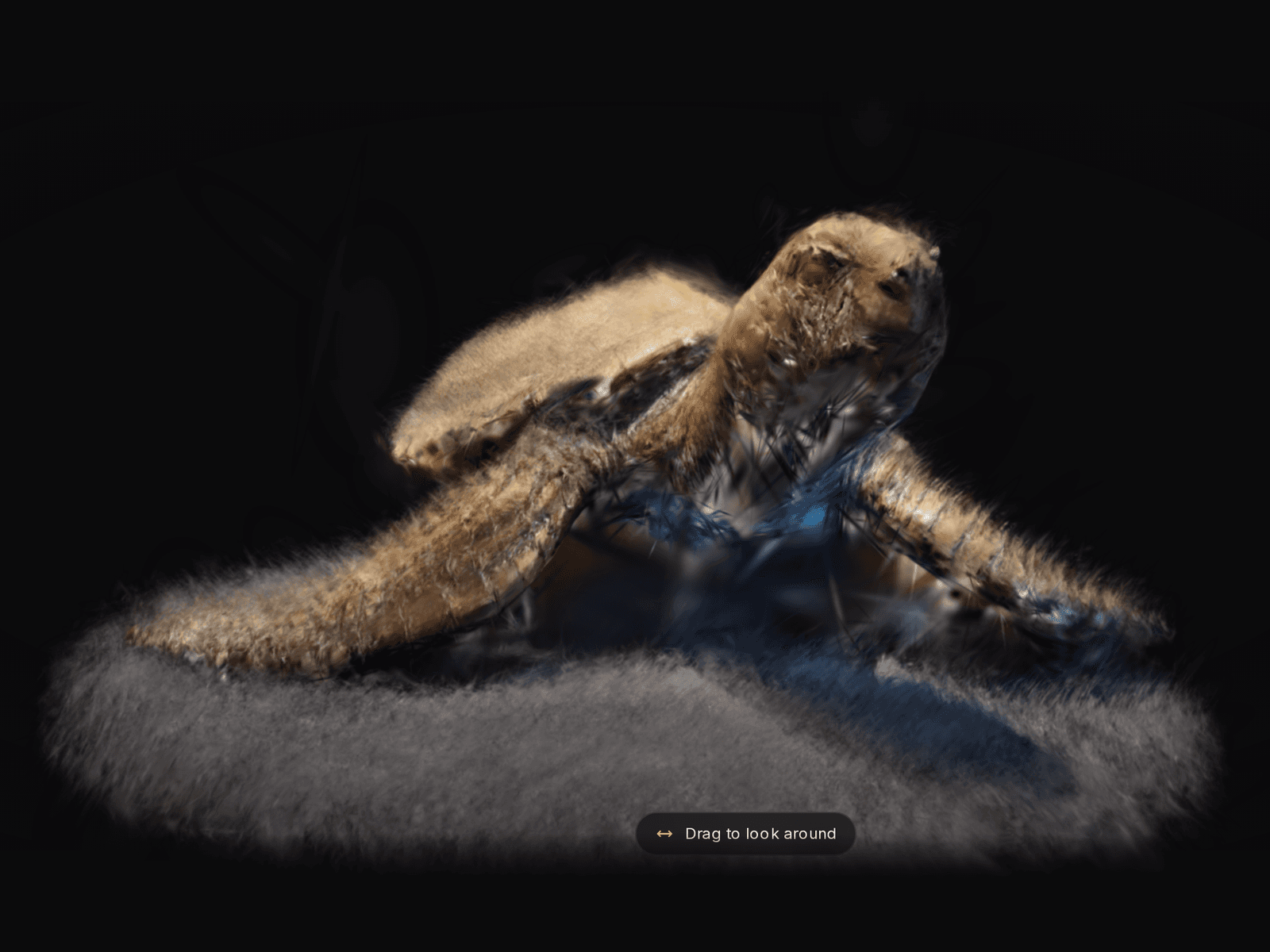
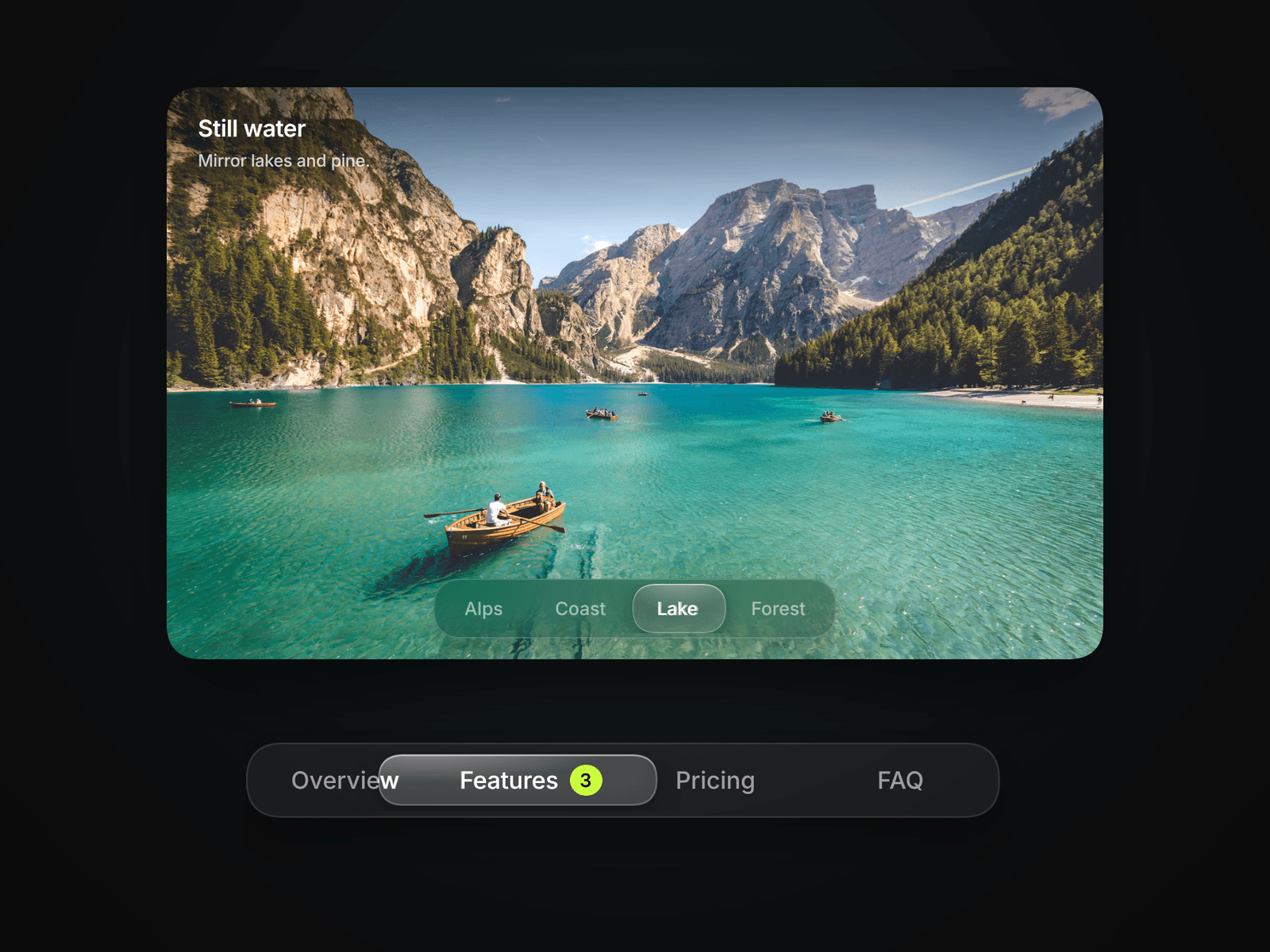
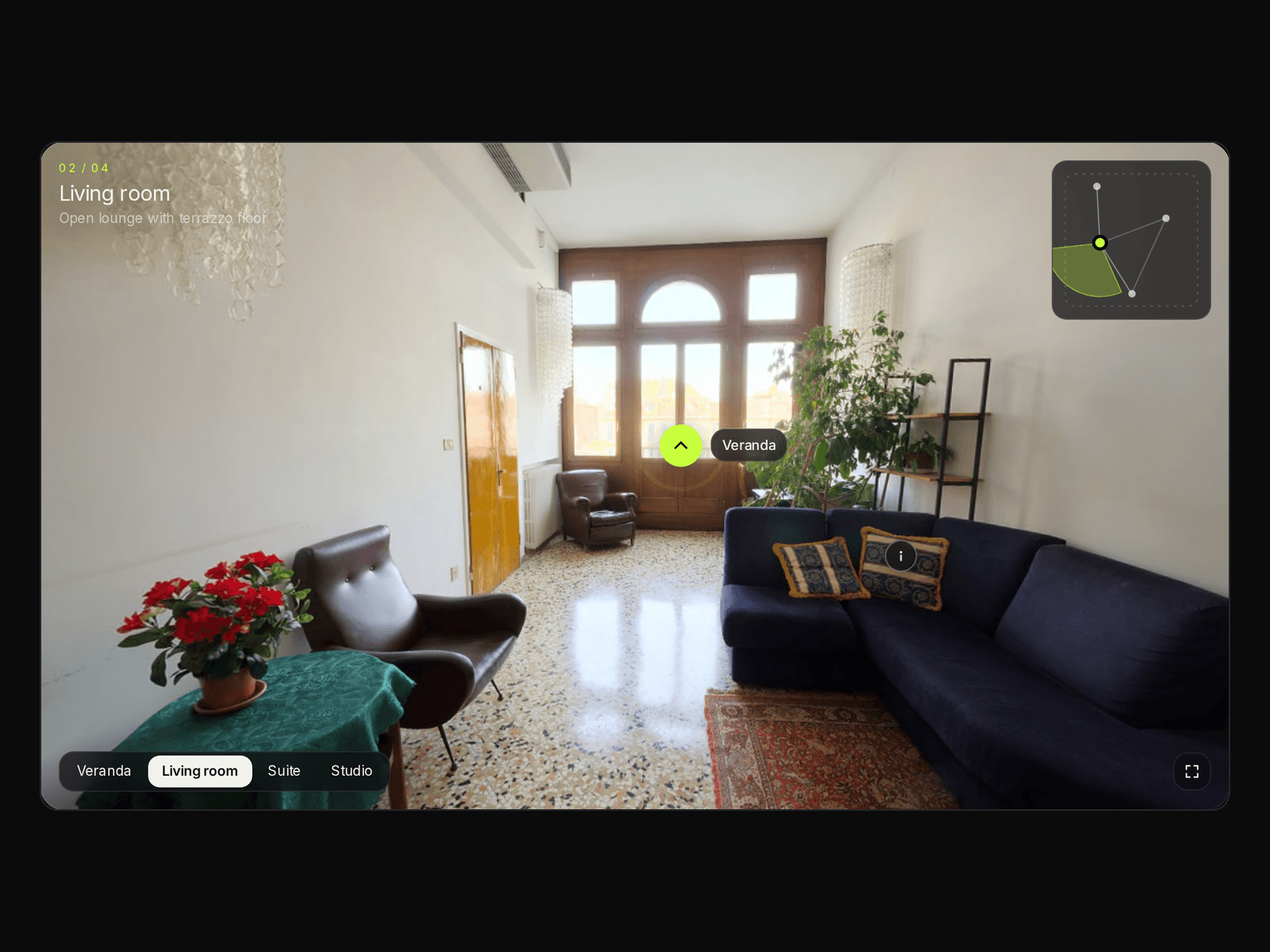
Tour Pro is a complete 360 virtual tour engine for Framer. Add your 2:1 panoramas as scenes, place go-to and info hotspots by yaw and pitch, and visitors can walk from room to room with a forward motion transition instead of a jump cut. A floor plan mini-map shows where they stand and which way they look, a room bar lets them jump anywhere, phones can use the gyroscope and every tour can go fullscreen. Inertia, zoom limits, auto rotate, texture size caps and a 4K phone cap keep it smooth everywhere.
Key features
Equirectangular 2:1 panoramas linked into a tour
Walk-through transitions toward the hotspot you clicked, or fade and cut
Go-to and info hotspots in 3 styles: pulse, ring, label
Mini-map with your floor plan, paths and a live view cone
Room bar, scene title, gyroscope on phones and fullscreen
CMS scenes via a Collection List
Inertia, zoom limits, auto rotate after idle
Texture caps, 4K phone cap, render on demand, pause offscreen
Use cases
Real estate listings and rentals
Hotels, venues and restaurants
Showrooms, galleries and museums
Campus, office and coworking tours
Event spaces and wedding venues
How to use
Insert Tour Pro - Drag it onto a section, set width to Fill and a height of 560 px or more.
Add scenes - Upload 2:1 equirectangular panoramas, give each a title and caption, a start view and a position on the mini-map.
Place hotspots - Go-to hotspots walk to another scene, info hotspots open a card. Set the scene, target, yaw and pitch.
Or connect the CMS - Put a Collection List into CMS scenes; each item becomes a scene with its image and title.
Set the view - Field of view, zoom limits, look up and down range, inertia, wheel zoom and auto rotate.
Style and ship - Transition style, mini-map, interface parts, colours, fonts and texture caps. Then publish.