About Material Reveals
Reveals that feel physical.
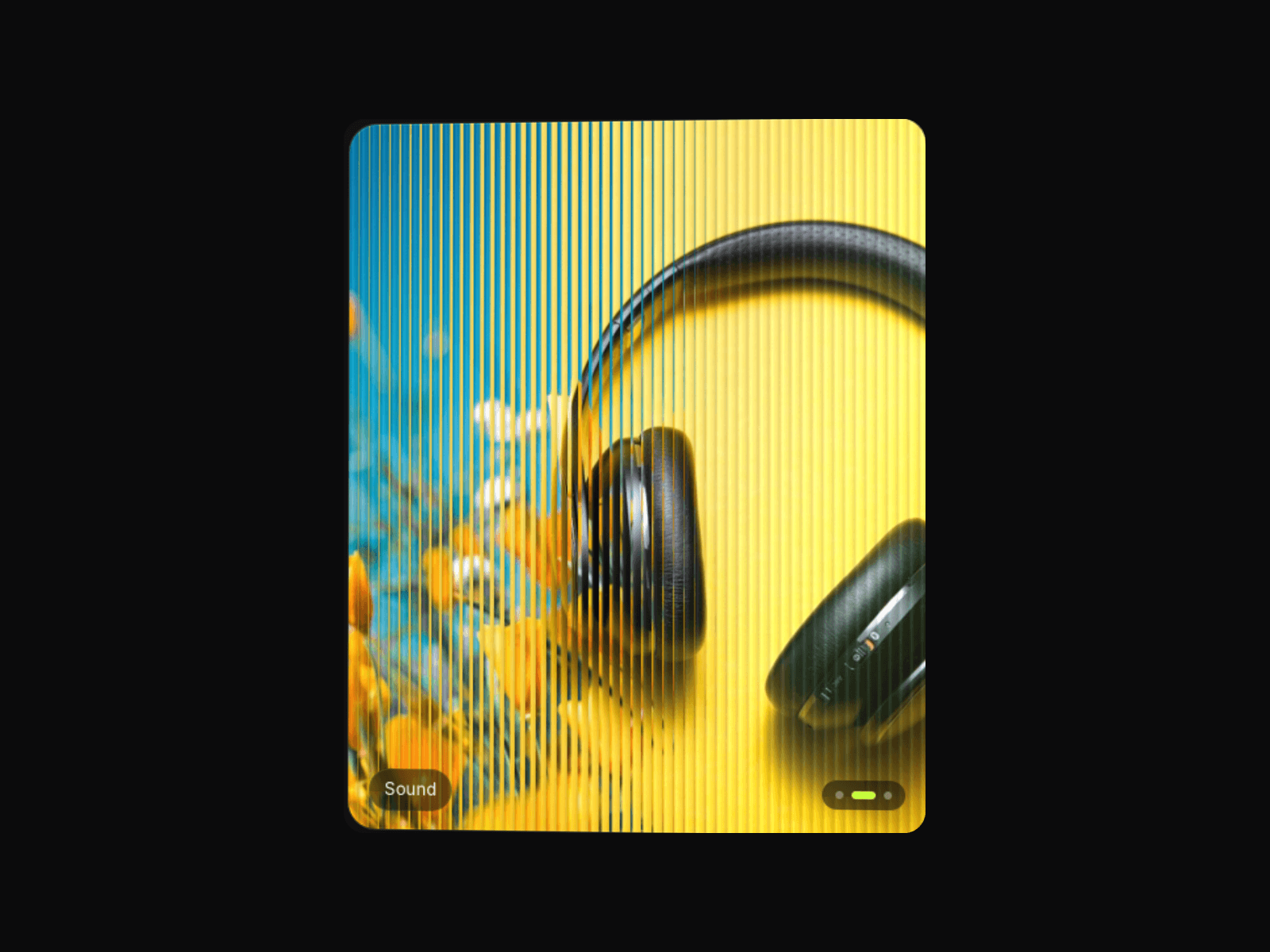
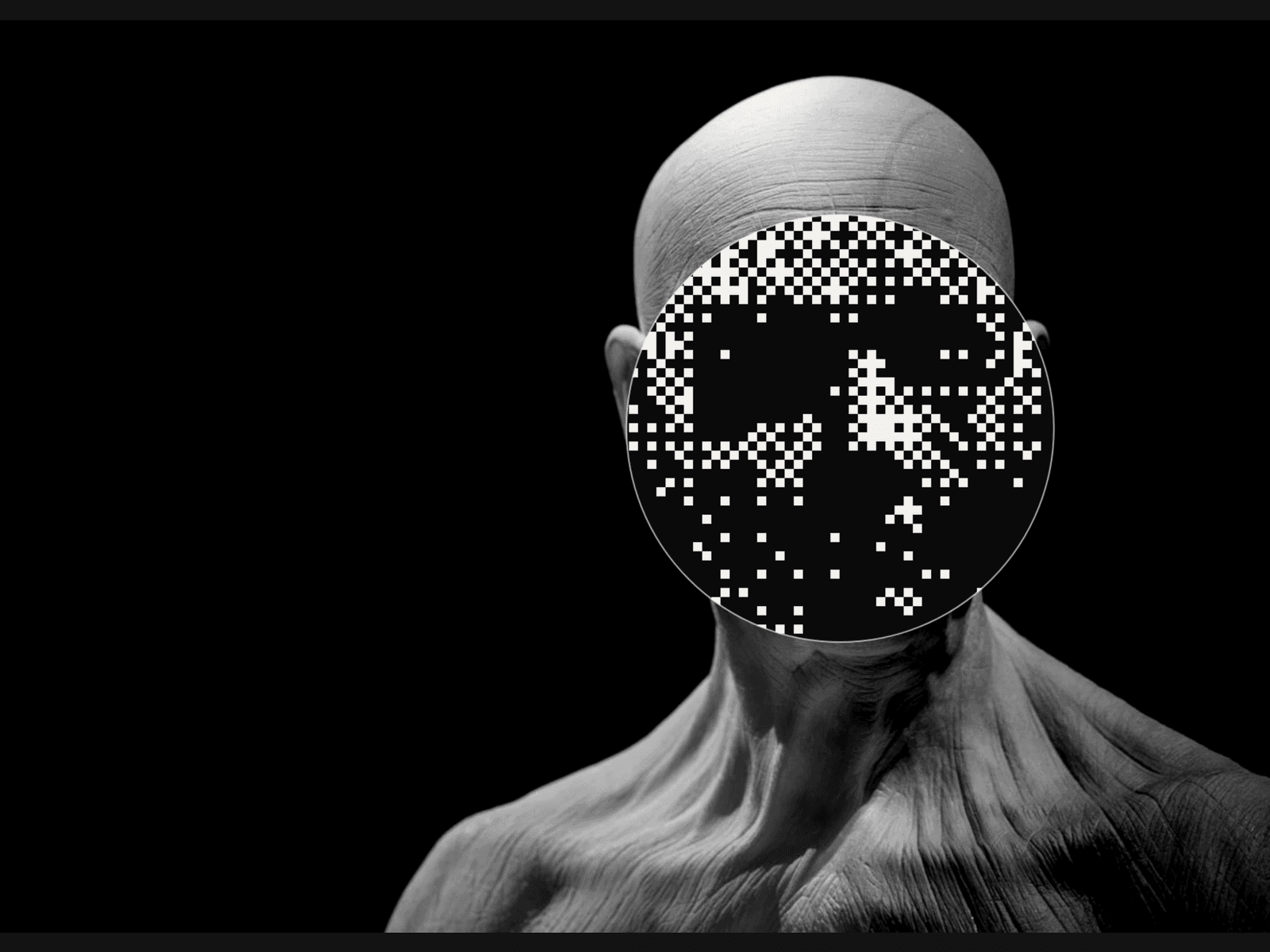
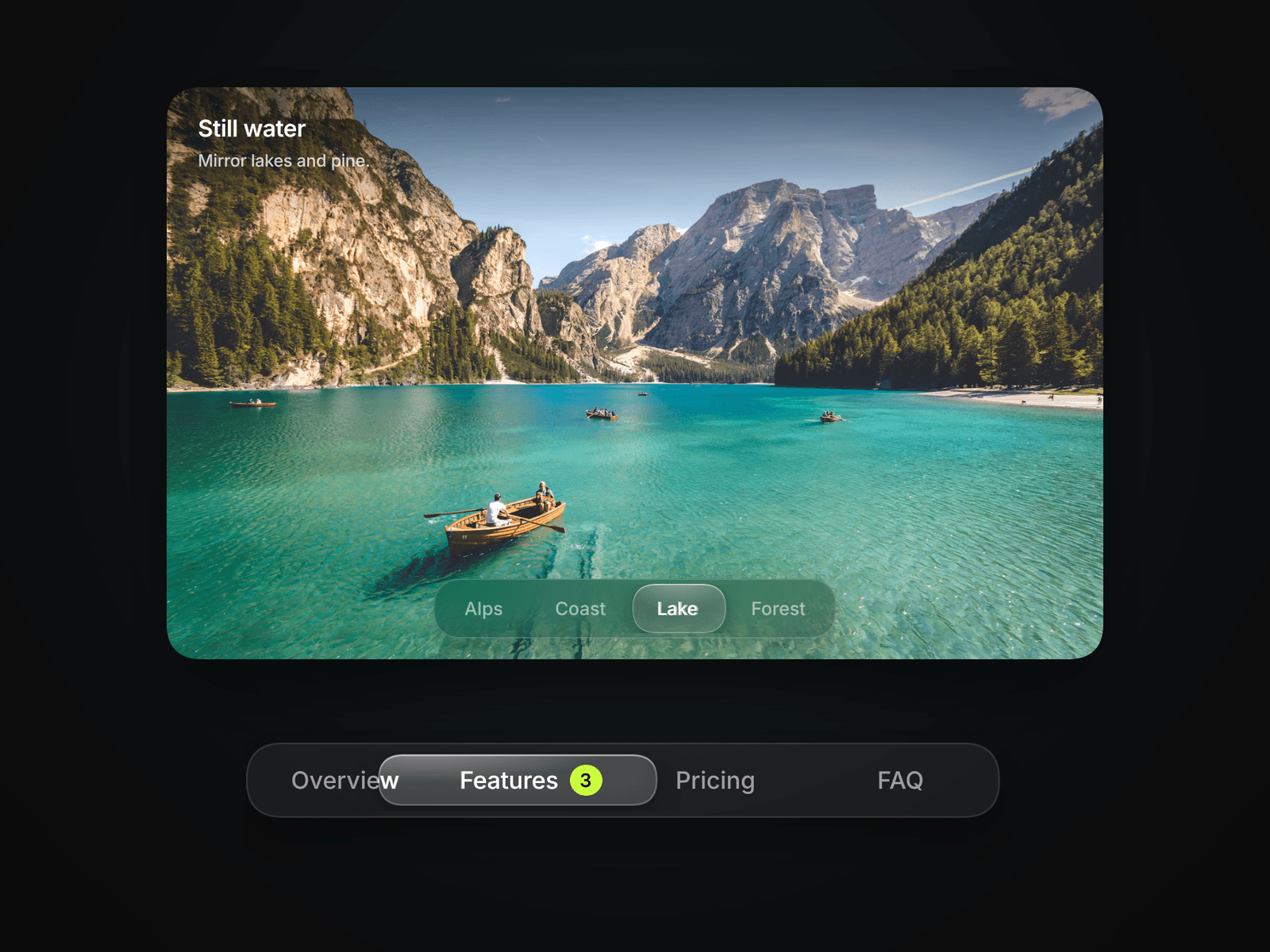
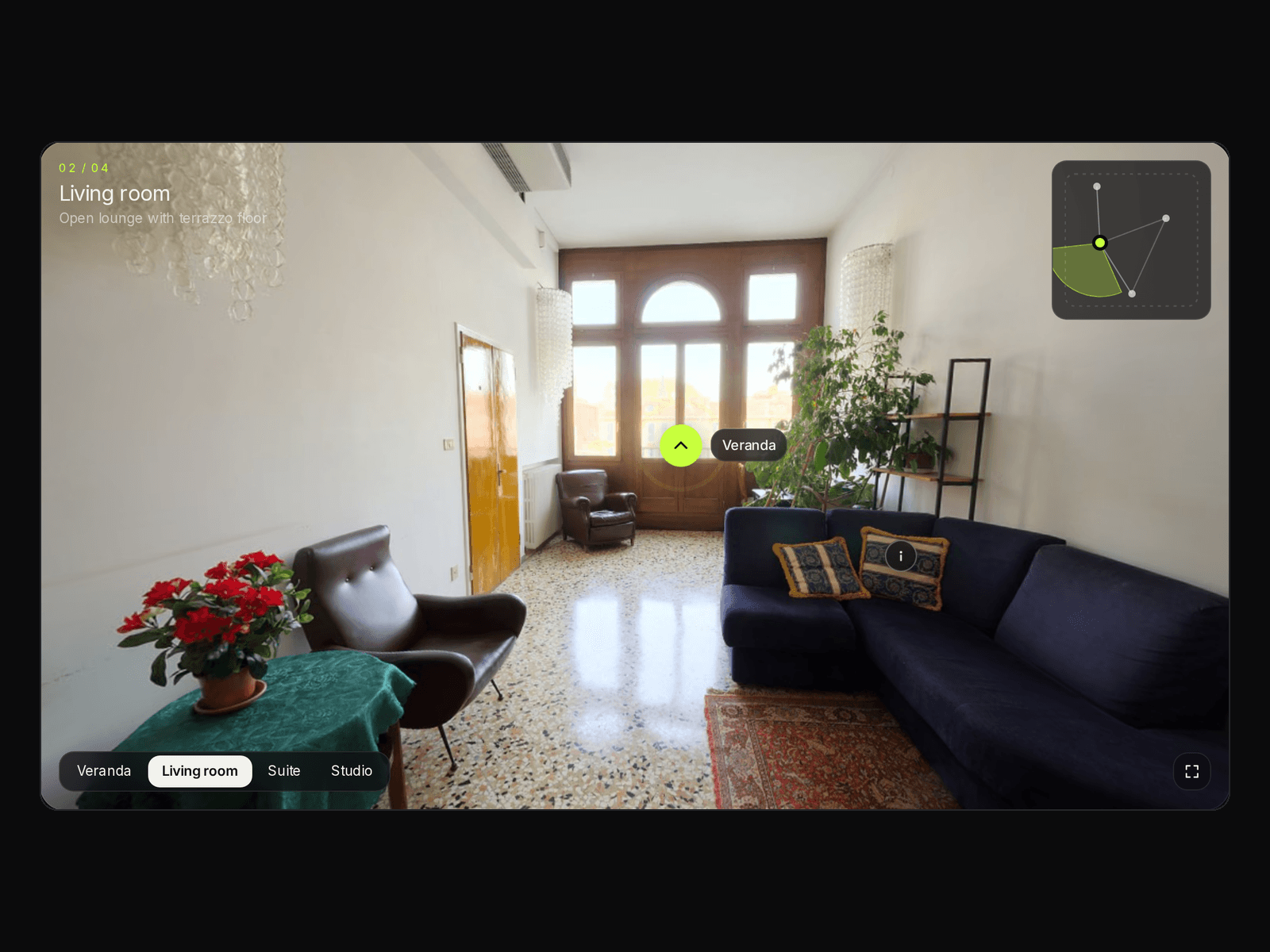
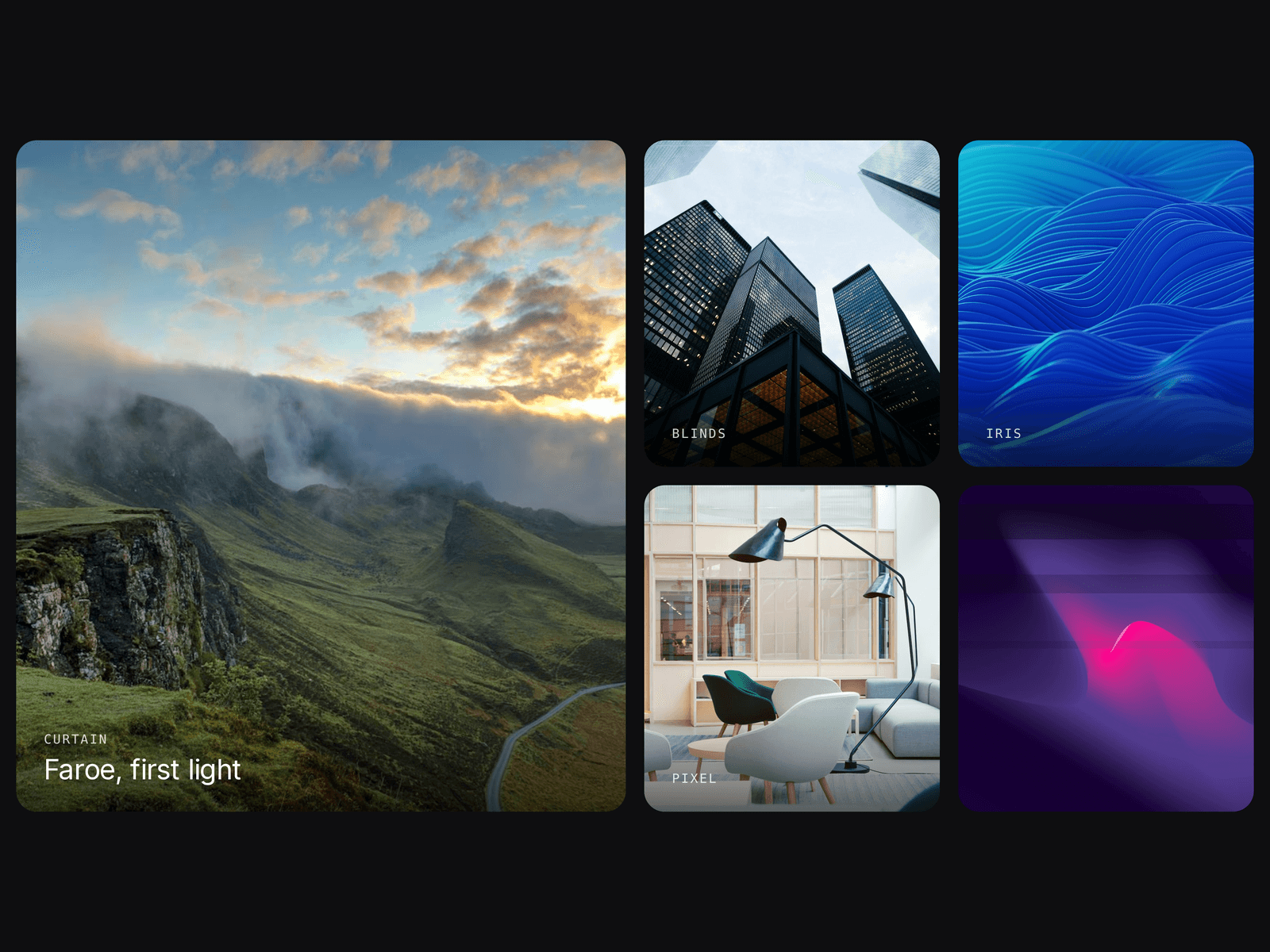
Material Reveals gives images, videos and any component eight tactile reveal effects: blinds, curtain, iris, frost glass, pixel, paper fold, split and wipe. Trigger them on scroll, on hover, on load or in an endless loop. Shape every reveal with direction, slices, stagger, easing and an accent layer, then add a caption that slides in once the media is uncovered. Pure CSS, reduced-motion aware.
Watch demo: https://youtu.be/kLpFMRRRFHU
Key features
8 effects: Blinds, Curtain, Iris, Frost Glass, Pixel, Paper Fold, Split, Wipe
4 triggers: In View (optional replay), Hover (also keyboard focus), On Load, Loop
Direction, slices (1-24), duration, stagger, delay and 4 easings
Zoom Settle: media eases from 1.18× to 1× while revealing
Cover colour plus an optional accent layer for a two-colour pass
Custom Media slot: reveal a video, a component or any layer
Animated caption (kicker + title) on top or bottom, with optional shade
Link support: the whole tile becomes an anchor
Ratio-based or fill height
Use cases
Portfolio grids and case-study covers
Hero images and editorial features
Product shots on e-commerce landing pages
Bento grids with staggered reveals
Looping showreels and "work" sections
How to use
Insert: drag Material Reveals from Assets and set width to Fill. Height follows Layout → Ratio (H÷W). Set Ratio to 0 to fill a fixed or fill height you set.
Add media: pick an Image, or connect a layer, video or component to Custom Media (the slot overrides the image).
Choose an effect: Effect. Then shape it with Reveal → Direction, Slices, Duration, Stagger, Delay, Easing, Zoom Settle.
Set the trigger: Trigger: In View, Hover, Loop or On Load. For In View use Playback → In-View Amount and Replay. For Loop use Loop Hold.